lineage 2M
Updated
Current Version
1.2.6
Offered By

With your passion for lineage 2M, you shouldn’t have to limit yourself to the small screen of a phone. Play like a pro and take full control of the game using a keyboard and mouse. MEmu gives you everything you’re looking for. Download and play lineage 2M on PC. Play as long as you want — no more worries about battery life, mobile data, or unexpected calls. The all-new MEmu 9 is the best way to play lineage 2M on PC. With our expertly designed keymapping system, lineage 2M feels just like a real PC game. The MEmu multi-instance manager lets you run two or more accounts on the same device at the same time. Most importantly, our exclusive emulation engine unlocks your PC’s full potential, delivering smooth and seamless performance.
Show more
Download lineage 2M on PC with MEmu Android Emulator. Enjoy playing on big screen. 5th ANNIVERSARY.
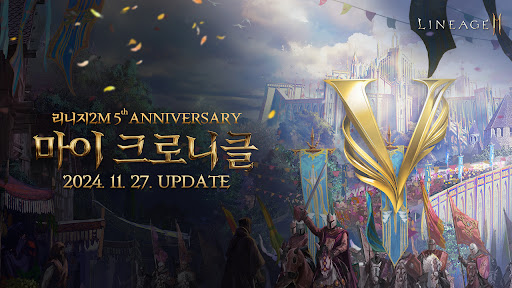
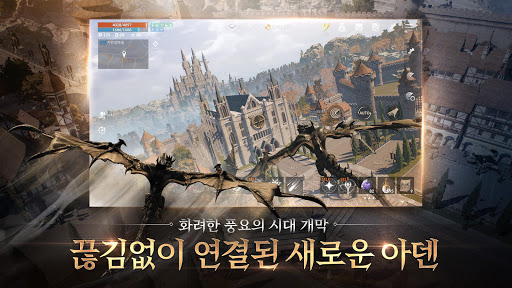

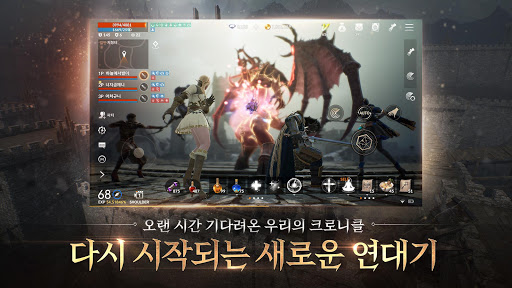
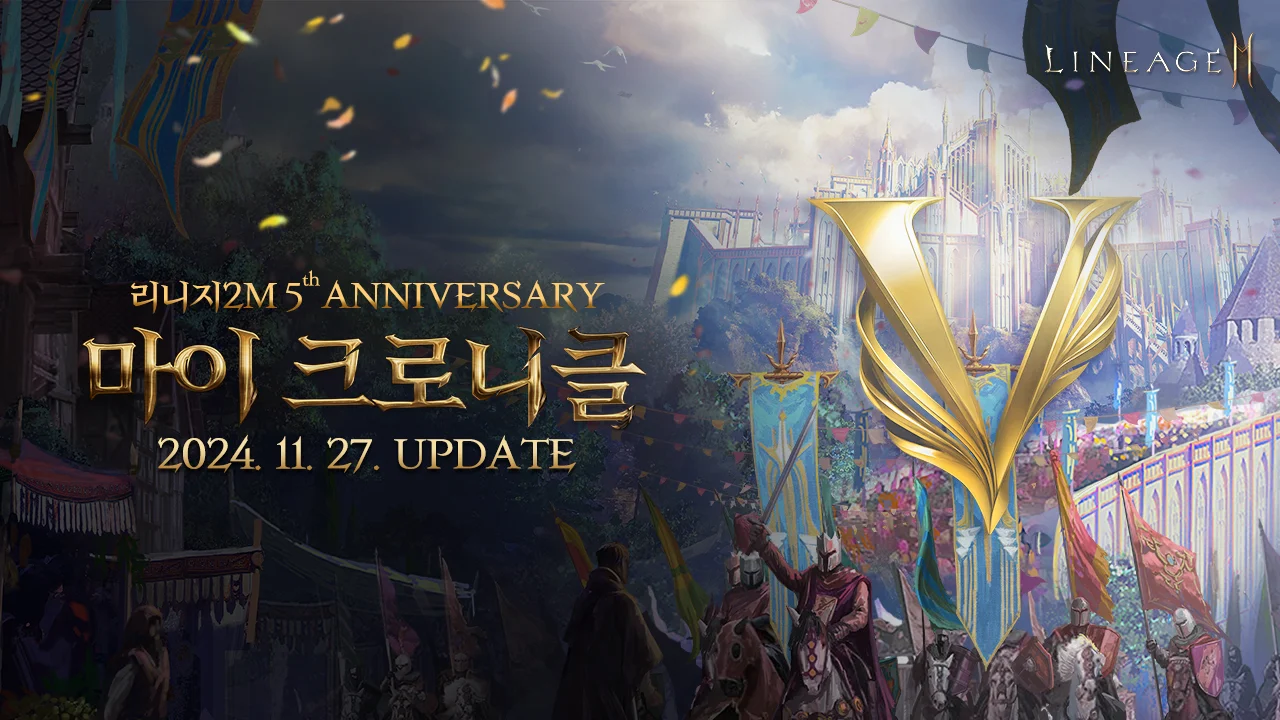
5th ANNIVERSARY
Our chronicle that was brilliant at every moment
「My Chronicle」 update
▣ Game introduction ▣
ALL TIME NO.1 GRAPHIC
“The best visuals that transcend the boundaries of era and platform”
With the highest specifications available, full 3D graphics
The most beautiful visual in mobile history
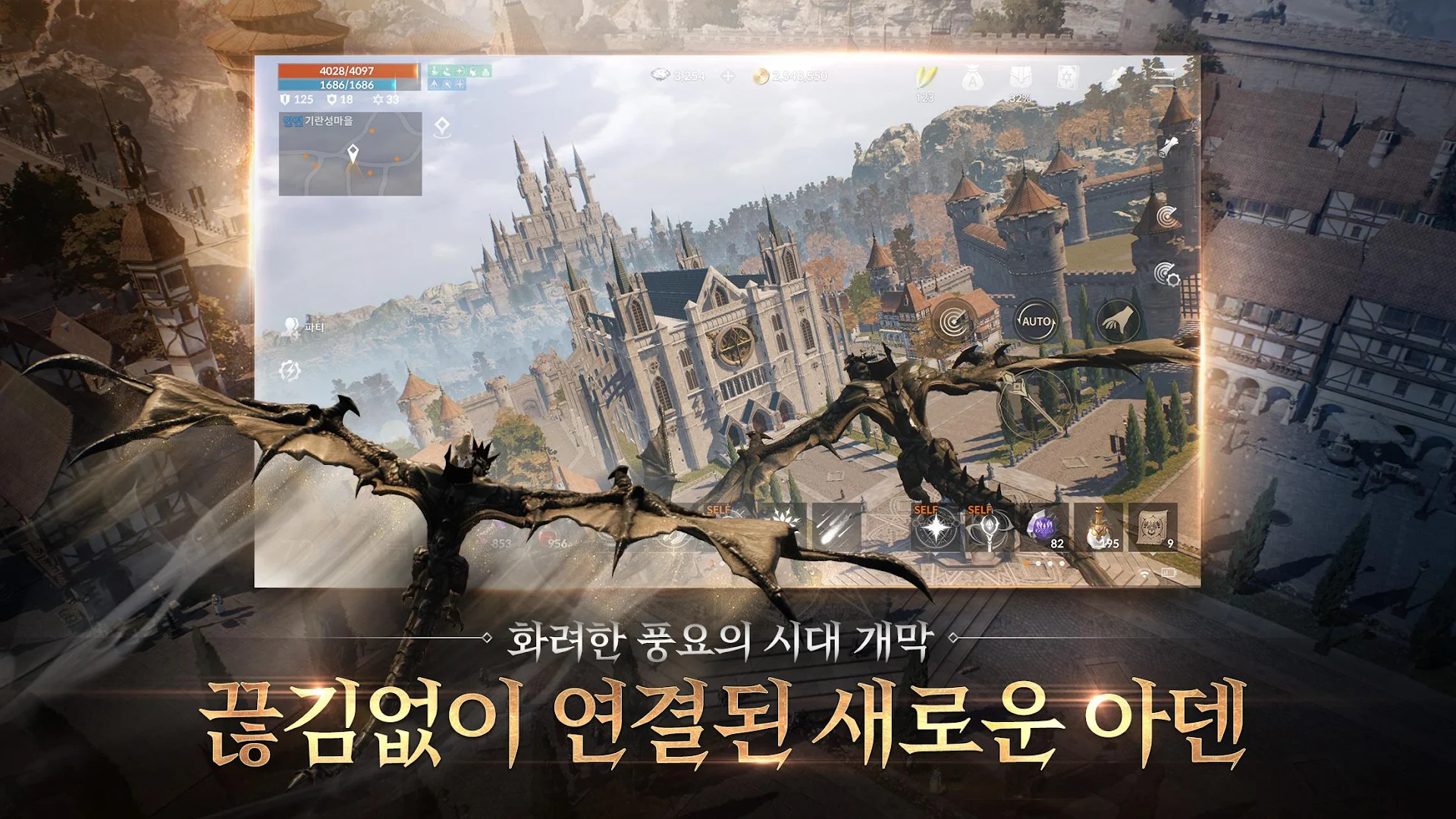
One-Channel Seamless Open World
“The biggest seamless open world”
In a world just like the real world
A realistic world where all play takes place without interruption in experience.
Complete The MMORPG
“Standards for rewriting MMORPGs”
[World] Reorganized more beautifully while maintaining the unique characteristics of each village/hunting ground
[Class] In addition to the original 31 classes, new classes that did not exist before appear.
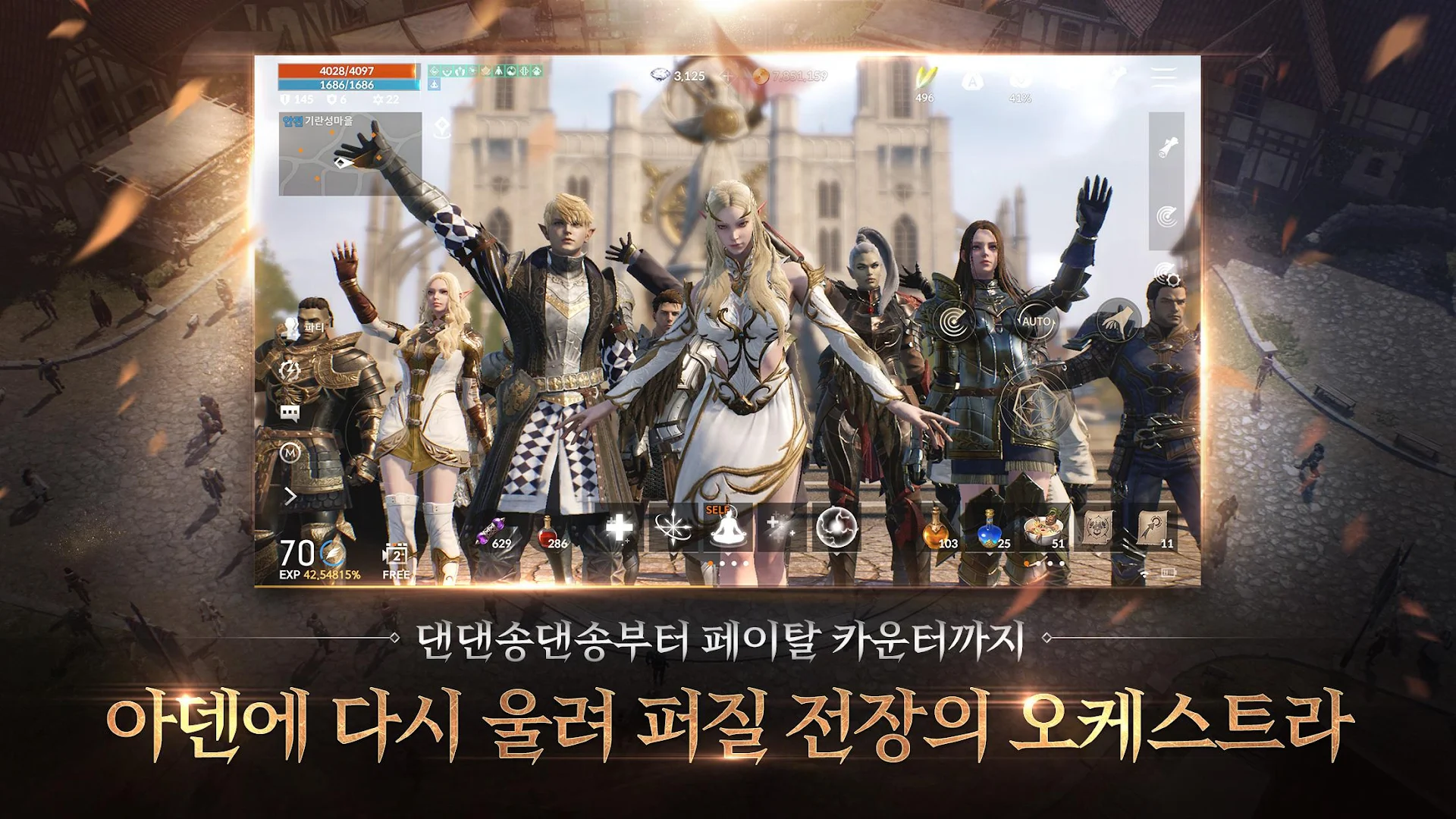
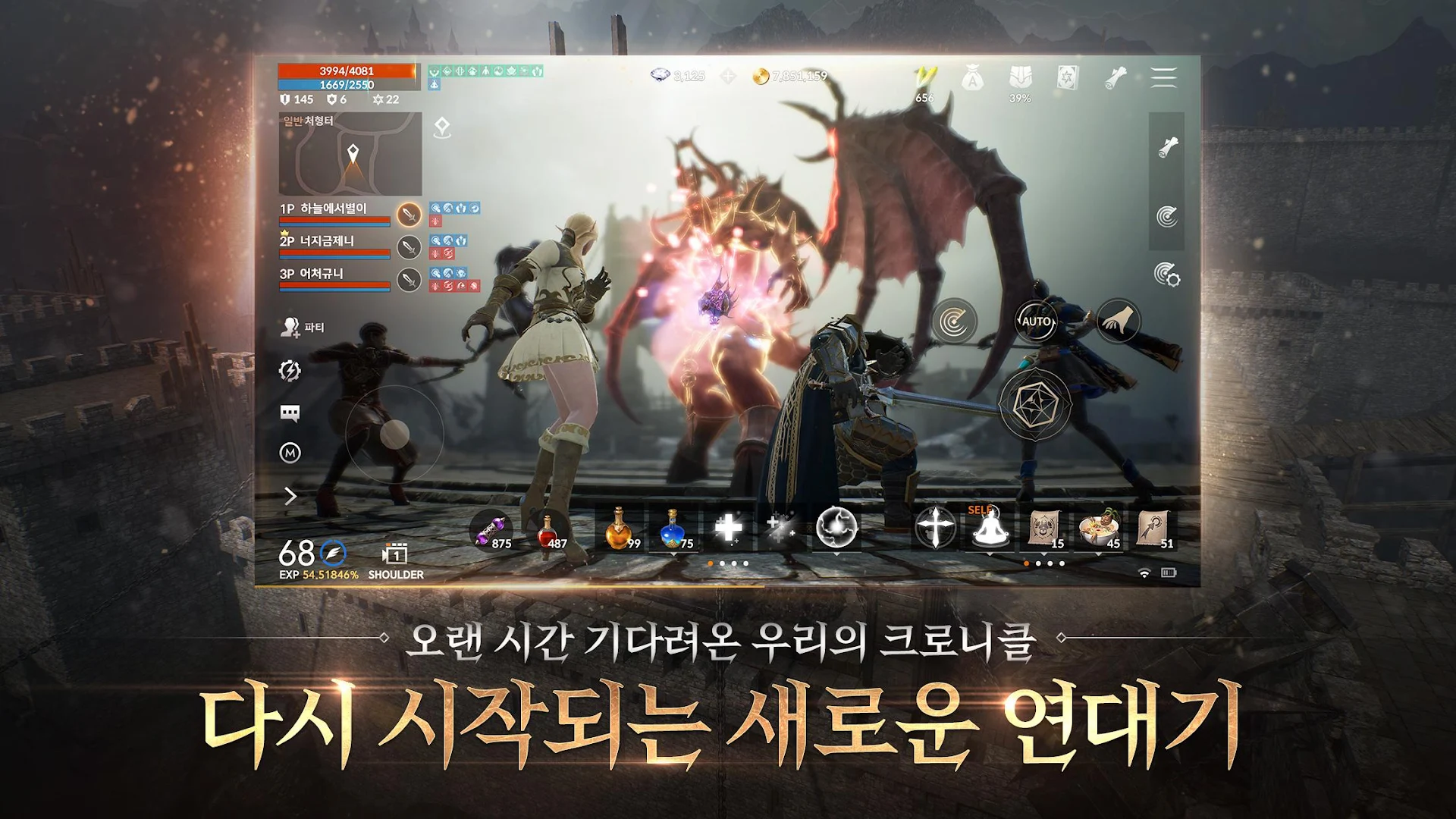
[Battle] The completion of a Lineage battle where the strong stand out and the weak can resist
▣ Lineage 2M Official Community ▣
1. Lineage 2M Community, the fastest way to access Lineage 2M’s latest information and event news
https://lineage2m.plaync.com/board/all/list
2. PURPLE allows you to communicate in real time with clan members anytime, anywhere
https://play.google.com/store/apps/details?id=com.ncsoft.community
3. Purple PC client that provides a unique playing environment with the highest specifications and full 3D graphics.
https://ncpurple.com/
※ If you are curious about more news, check the homepage!
※ Website: https://lineage2m.plaync.com/
▣ Lineage 2M with PURPLE ▣
When connecting from a PC, PURPLE and Lineage 2M can be installed together.
▣ Lineage 2M requires the following permissions for smooth game play.
You can use the game even if you do not agree to optional permissions.
* Optional permissions
[Optional] Storage space: Permission to save on bulletin boards, register/change profile photos, screen capture, and video recording
[Optional] Nearby device: Permission to indicate whether a Bluetooth keyboard or mouse is connected within the game.
[Optional] Microphone: Permission to record audio when using the voice chat function and recording video
[Optional] Notification: Permission to receive informational notifications and advertising push notifications sent from the game app
* How to revoke access permission
- After agreeing to access permission, you can reset or revoke access permission as follows.
- Android 6.0 or higher: Settings > Application Management > Lineage 2M > Select permissions > Agree or withdraw access permissions
* Minimum specifications: RAM 3GB
----
Lineage 2M Customer Service: 1566-7004
Lineage 2M Fax: 02-2186-3499
Email: MobileCS@ncsoft.com
Show more

1. Download MEmu installer and finish the setup

2. Start MEmu then open Google Play on the desktop

3. Search lineage 2M in Google Play
Install
4. Download and Install lineage 2M
5. On install completion click the icon to start

6. Enjoy playing lineage 2M on PC with MEmu
MEmu Play is the best Android emulator and 100 million people already enjoy its superb Android gaming experience. The MEmu virtualization technology empowers you to play thousands of Android games smoothly on your PC, even the most graphic-intensive ones.
Bigger screen with better graphics; Long duration, without limitation of battery or mobile data.
Full Keymapping support for precise control of keyboard and mouse or gamepad.
Multiple game accounts or tasks on single PC at one time with Multi-Instance manager.
Play lineage 2M on PC by following steps: