My Little Universe
Updated
Current Version
2.16.3
Offered By

With your passion for My Little Universe, you shouldn’t have to limit yourself to the small screen of a phone. Play like a pro and take full control of the game using a keyboard and mouse. MEmu gives you everything you’re looking for. Download and play My Little Universe on PC. Play as long as you want — no more worries about battery life, mobile data, or unexpected calls. The all-new MEmu 9 is the best way to play My Little Universe on PC. With our expertly designed keymapping system, My Little Universe feels just like a real PC game. The MEmu multi-instance manager lets you run two or more accounts on the same device at the same time. Most importantly, our exclusive emulation engine unlocks your PC’s full potential, delivering smooth and seamless performance.
Show more
Download My Little Universe on PC with MEmu Android Emulator. Enjoy playing on big screen. MY LITTLE UNIVERSE – WANT TO PLAY GOD?
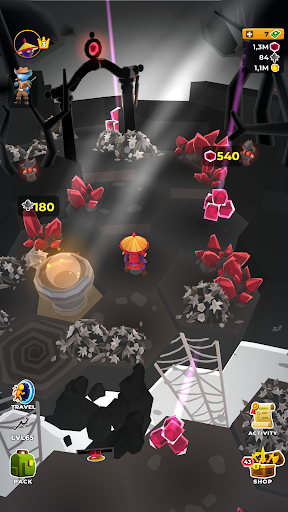
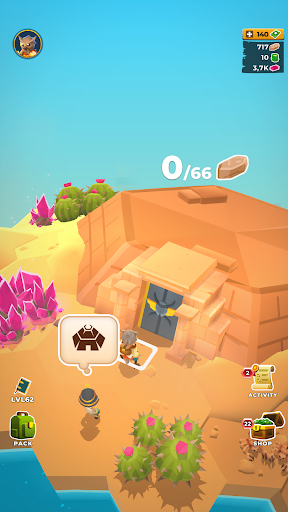
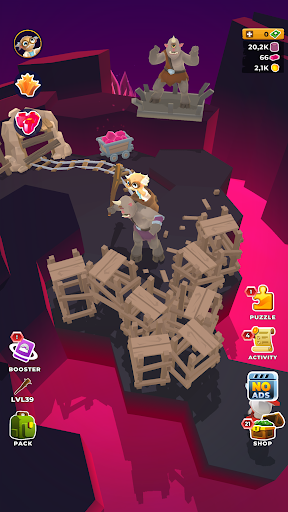
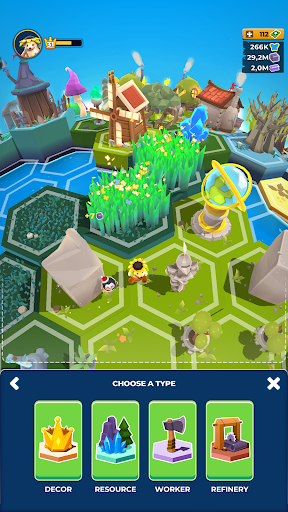
MY LITTLE UNIVERSE – WANT TO PLAY GOD?
Get lost in your own little universe
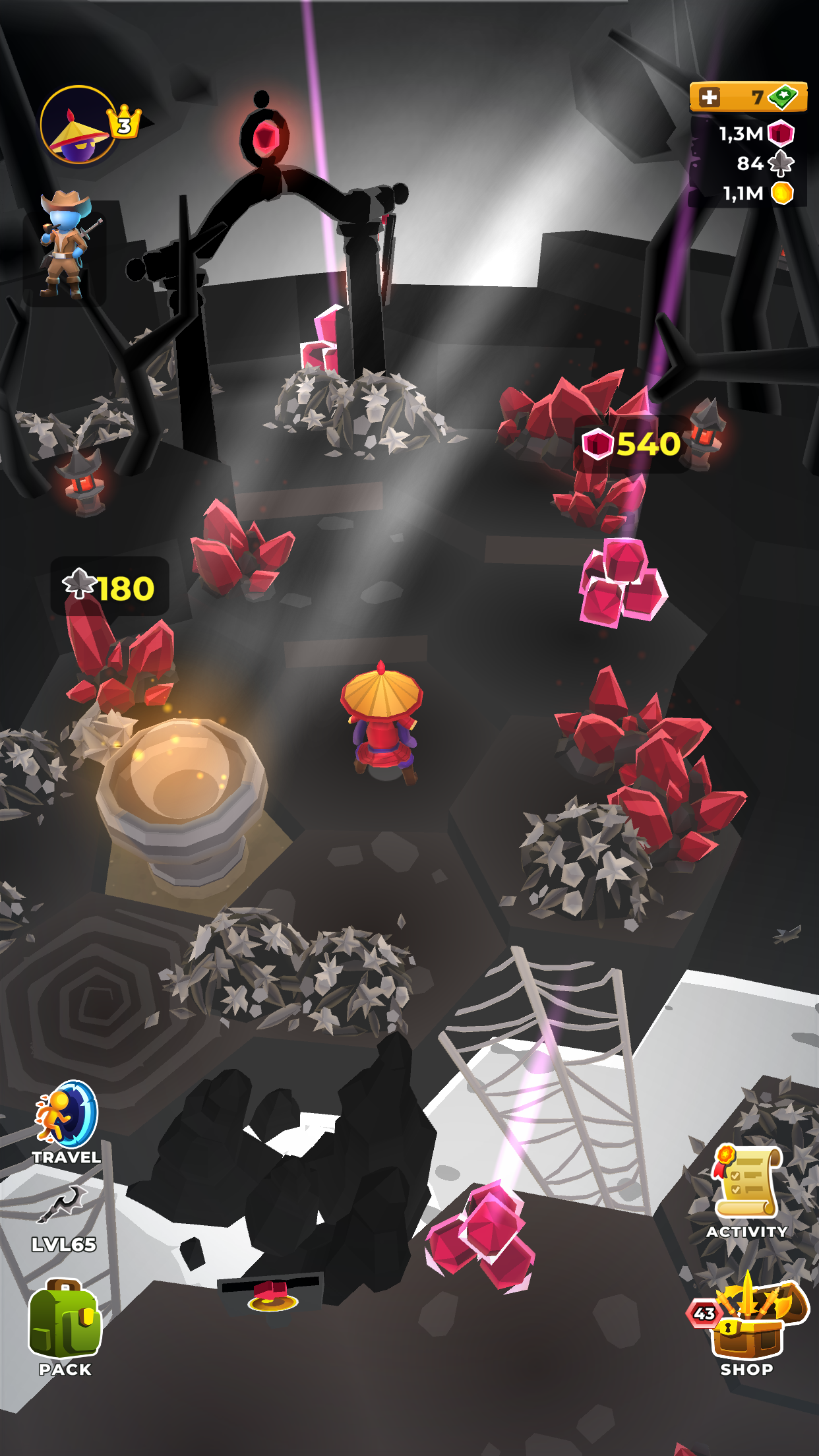
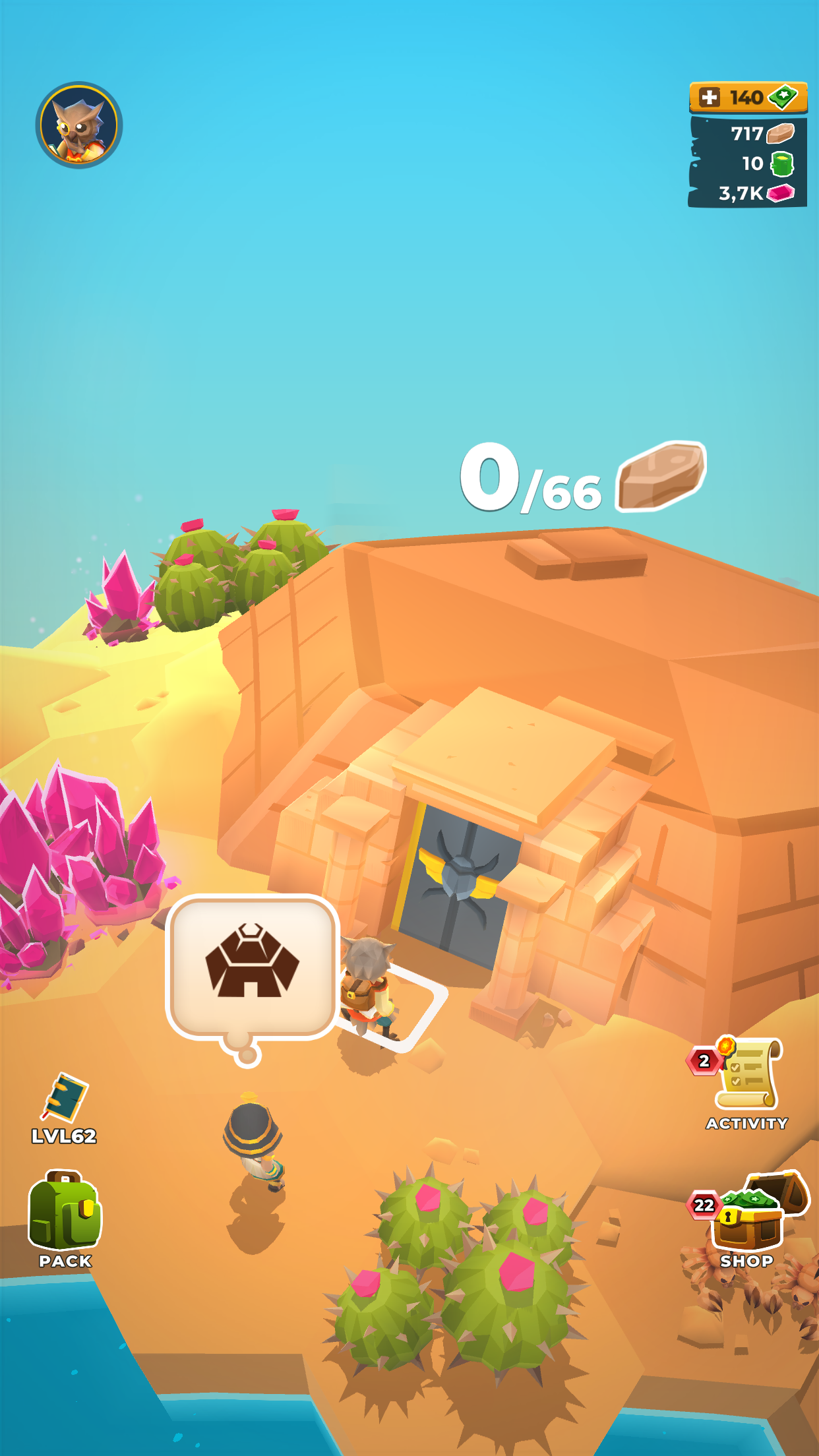
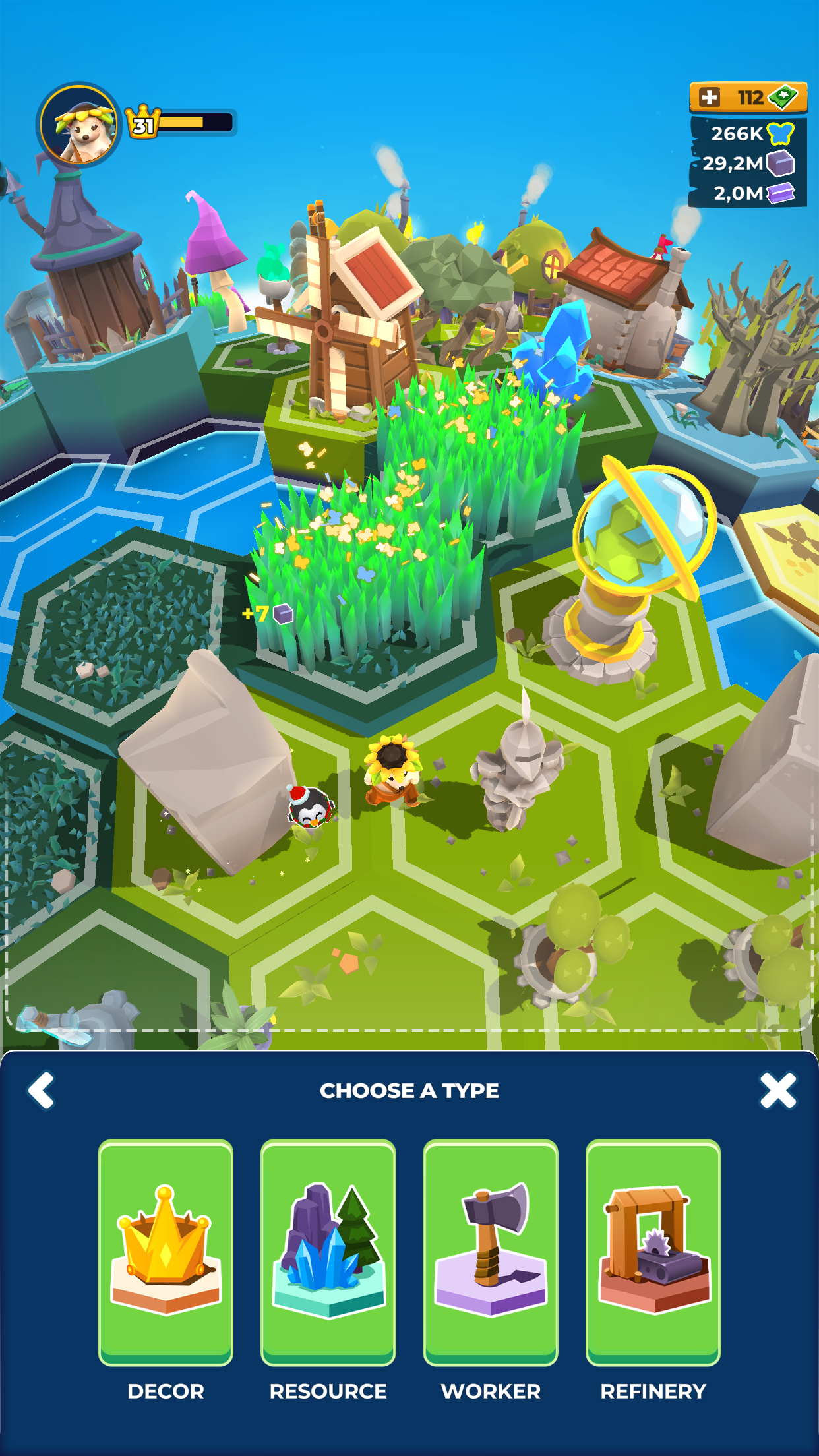
Creating a world isn’t easy, but it’s certainly a whole load of fun, as you’ll find out in this exciting casual worldbuilding adventure game. It takes mining, crafting, logging, digging, smelting, construction and a little gardening to make the perfect planet, and you’ll have to do all that while fighting off primeval monsters intent on bringing an end to your divine plan.
Armed with just a pickaxe and the almighty strength of your arms, get down to doing a god’s work and build a world of wonder in this addictive, original action game that will keep you creating for way more than seven days.
YOU’VE GOT THE WHOLE WORLD IN YOUR HANDS!
In the beginning there was a little orange man in a rocket ship, and in the end there’ll be a whole glorious planet built with just those tiny orange hands. Get mining, amass 15 different types of resources and spend them with infinite wisdom to create a beautiful planetary paradise that can bask in your divine benevolence.
Thor has his hammer, Neptune has his trident, and in this game you have a mighty pickaxe that’s just as adept at fighting off monsters as it is at breaking rocks, digging for minerals and mining for gold. Upgrade it through eight different levels to improve your divine productivity, and harvest even more resources to keep on building.
As civilization develops under your watchful eye, you’ll have the chance to set up industrial facilities to smelt metal, process minerals and make a further eight types of weapon that will help you in your divine crafts, including an ax with eight different levels of improvement and the unique Excalibur sword to strike the fear of god into your monstrous opponents.
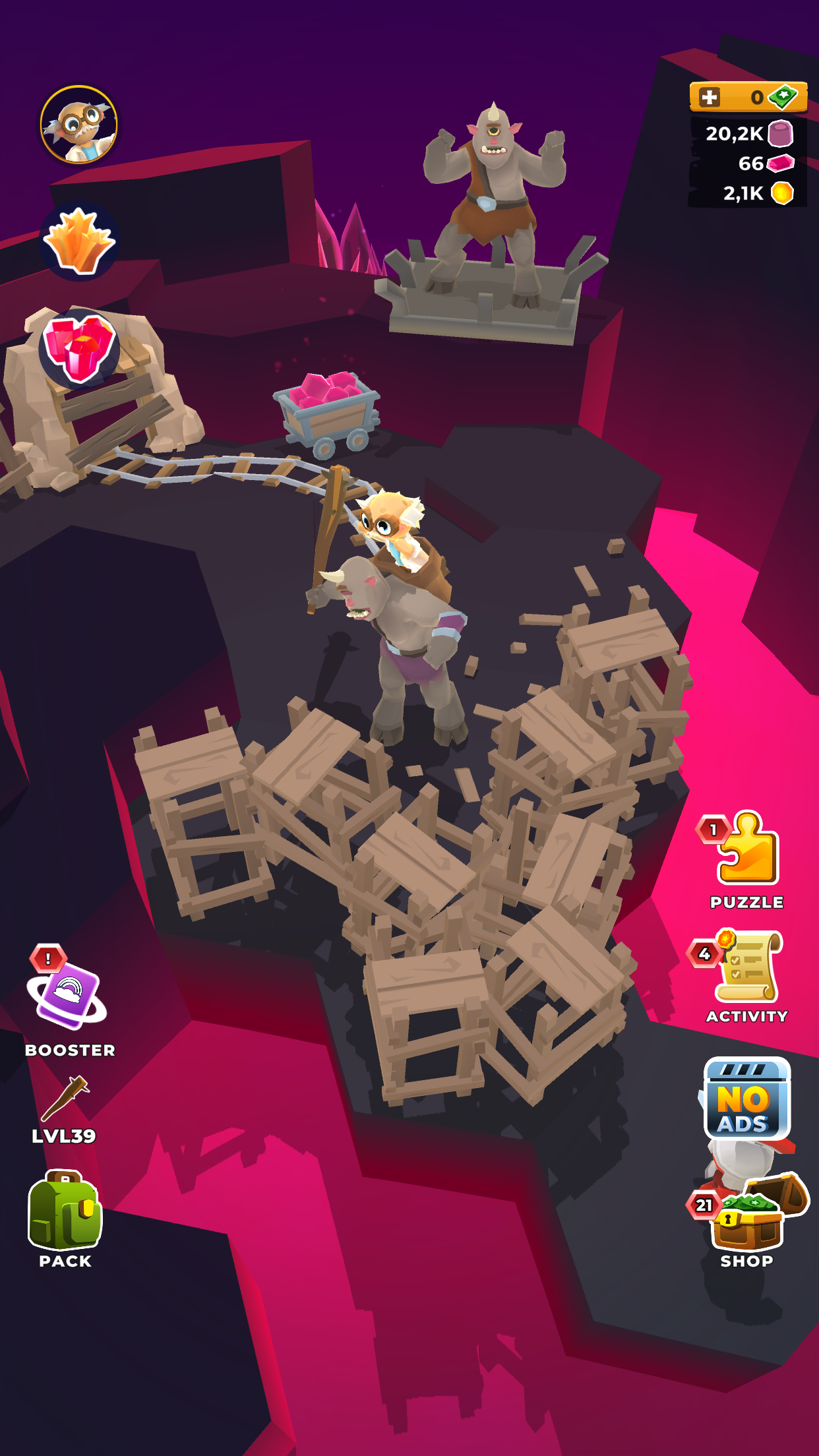
Expand and diversify with 10 different types of in-game environment to build, explore and exploit as you move in mysterious ways to create your true planetary paradise. But watch out for monsters – 8 kinds of enemy including abominable snowmen, unfriendly ents, and alien fungal foes are all out to stop your godly intentions.
Simple but attractive graphics and a rich soundscape add to the appeal of this simple but absorbing genre-crossing mining game where you write your own creation myth.
IN ACTION HOW LIKE AN ANGEL, IN APPREHENSION HOW LIKE A GOD!
Have you of late lost all your mirth? Well, you’ll find mirth aplenty, along with hours of action and adventure, in My Little Universe. Take a sterile promontory and turn it into a beautiful, blooming planet that would make any god proud to be its master. Dig, chop, craft, smash, mine and fight your way to divine grace and a little universe all of your own.
Download My Little Universe now and get down to a god’s work!
Privacy Policy: https://say.games/privacy-policy
Terms of Use: https://say.games/terms-of-use
Show more

1. Download MEmu installer and finish the setup

2. Start MEmu then open Google Play on the desktop

3. Search My Little Universe in Google Play
Install
4. Download and Install My Little Universe
5. On install completion click the icon to start

6. Enjoy playing My Little Universe on PC with MEmu
MEmu Play is the best Android emulator and 100 million people already enjoy its superb Android gaming experience. The MEmu virtualization technology empowers you to play thousands of Android games smoothly on your PC, even the most graphic-intensive ones.
Bigger screen with better graphics; Long duration, without limitation of battery or mobile data.
Full Keymapping support for precise control of keyboard and mouse or gamepad.
Multiple game accounts or tasks on single PC at one time with Multi-Instance manager.
Play My Little Universe on PC by following steps: