三國志幻想大陸
Updated
Current Version
1.1.3
Offered By

With your passion for 三國志幻想大陸, you shouldn’t have to limit yourself to the small screen of a phone. Play like a pro and take full control of the game using a keyboard and mouse. MEmu gives you everything you’re looking for. Download and play 三國志幻想大陸 on PC. Play as long as you want — no more worries about battery life, mobile data, or unexpected calls. The all-new MEmu 9 is the best way to play 三國志幻想大陸 on PC. With our expertly designed keymapping system, 三國志幻想大陸 feels just like a real PC game. The MEmu multi-instance manager lets you run two or more accounts on the same device at the same time. Most importantly, our exclusive emulation engine unlocks your PC’s full potential, delivering smooth and seamless performance.
Show more
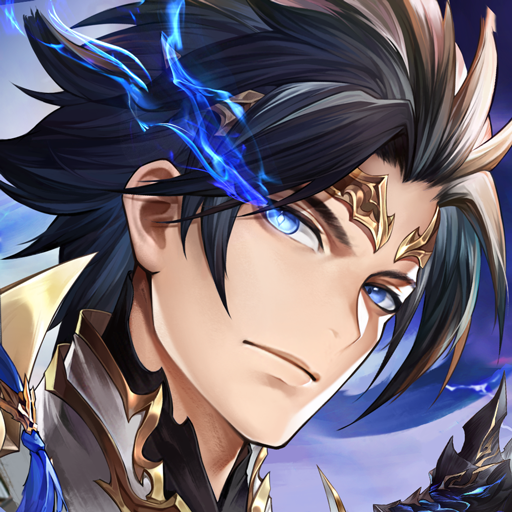
Download 三國志幻想大陸 on PC with MEmu Android Emulator. Enjoy playing on big screen. ==遊戲特色==.
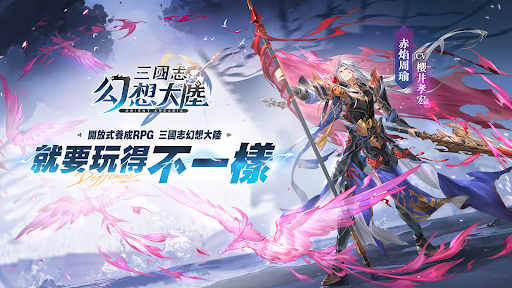
==遊戲特色==
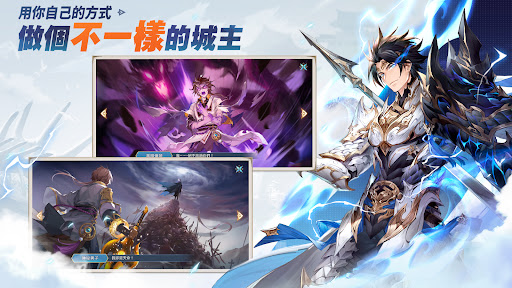
▼用你自己的方式,做個不一樣的城主!
上古雙龍隕落造就了這片大陸,新的三國故事徐徐展開。
你將作為一方城主橫空出世,聚集眾將,對抗黑暗!
在這裡,成為最強城主不止一種方式。你可以殺伐征戰,也可以賺錢享樂,無需遵循既定道路,這個三國新篇章,全由你來書寫。
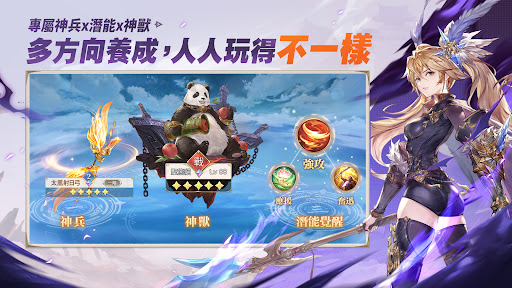
▼專屬神兵x潛能x神獸,多方向養成,人人玩得不一樣!
40把神兵幻武、283種潛能組合,數10隻各懷絕技的上古神獸,全都歸你統御。
超出想象的多樣化養成體系,你可以自由決定角色的屬性和定位,玩出你的不一樣。
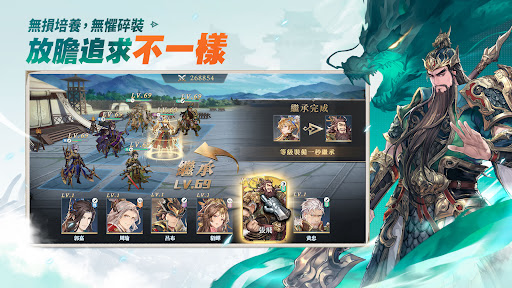
▼無損培養,無懼碎裝,放膽追求不一樣!
首創無損培養機制,等級裝備均可無痛轉移。
角色共用養成資源和套裝,零成本轉換一秒上陣。
裝備強化沒有失敗,資源不用重打,零損失變強用到畢業。
盡情享受升級的爽快,放膽追求不一樣的陣容和搭配。
▼組上你的小夥伴,用不一樣的套路爆殺BOSS!
三國歷史上的相生關係,成為遊戲裡的強大羈絆,為百變陣容疊加300+超強BUFF。
黑龍幻境、虎虎挑戰⋯⋯豐富的PVP/PVE/GVG玩法,無論是單槍匹馬還是群策群力,都能用不一樣的套路爆殺BOSS,享受策略制勝的爽感!
▼洗澡也能漲戰力,用不一樣的姿勢打開每一天!
用你自己喜歡的方式,盡情探索屬於你的三國世界吧,在家園和美女泡澡、去清河與高手博弈、赴層層地宮探險,休閒的日常也能增長戰力。
多樣化的趣味挑戰,用不一樣的姿勢打開每一天!
==联系我们==
遊戲官網:https://orientarcadia.sialiagames.com.tw/webfront/#/?access=2
官方粉絲團:https://www.facebook.com/OrientArcadia/
官方Discord:https://discord.com/invite/SZSR5Et84Z
Show more

1. Download MEmu installer and finish the setup

2. Start MEmu then open Google Play on the desktop

3. Search 三國志幻想大陸 in Google Play
Install
4. Download and Install 三國志幻想大陸
5. On install completion click the icon to start

6. Enjoy playing 三國志幻想大陸 on PC with MEmu
MEmu Play is the best Android emulator and 100 million people already enjoy its superb Android gaming experience. The MEmu virtualization technology empowers you to play thousands of Android games smoothly on your PC, even the most graphic-intensive ones.
Bigger screen with better graphics; Long duration, without limitation of battery or mobile data.
Full Keymapping support for precise control of keyboard and mouse or gamepad.
Multiple game accounts or tasks on single PC at one time with Multi-Instance manager.
Play 三國志幻想大陸 on PC by following steps: