Star Wars™: Card Trader
Updated
Current Version
20.6.3
Offered By

With your passion for Star Wars™: Card Trader, you shouldn’t have to limit yourself to the small screen of a phone. Play like a pro and take full control of the game using a keyboard and mouse. MEmu gives you everything you’re looking for. Download and play Star Wars™: Card Trader on PC. Play as long as you want — no more worries about battery life, mobile data, or unexpected calls. The all-new MEmu 9 is the best way to play Star Wars™: Card Trader on PC. With our expertly designed keymapping system, Star Wars™: Card Trader feels just like a real PC game. The MEmu multi-instance manager lets you run two or more accounts on the same device at the same time. Most importantly, our exclusive emulation engine unlocks your PC’s full potential, delivering smooth and seamless performance.
Show more
Download Star Wars™: Card Trader on PC with MEmu Android Emulator. Enjoy playing on big screen. Collect & trade your favorite Star Wars™ characters, weapons, spacecraft, moments, and more with fans across the galaxy in the Star Wars™: Card Trader by Topps digital collectibles app!
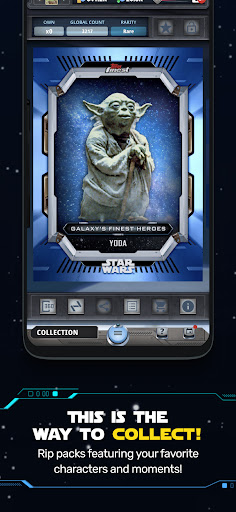
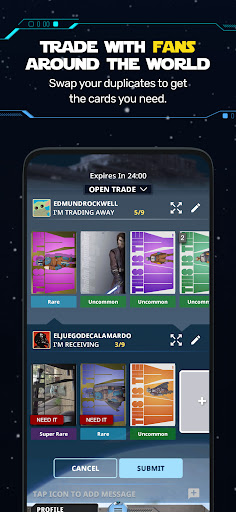
Collect & trade your favorite Star Wars™ characters, weapons, spacecraft, moments, and more with fans across the galaxy in the Star Wars™: Card Trader by Topps digital collectibles app! Collectible content spanning the original Star Wars™ Saga movies to new Star Wars releases on Disney+! Star Wars™: Card Trader by Topps brings to life the entertaining and delightful collector experience to rip digital collectible packs every day, trade with Star Wars fans around the world, complete sets to earn rewards and much more. Explore a new world of collecting with Star Wars™: Card Trader by Topps.
A new world of Topps collecting!
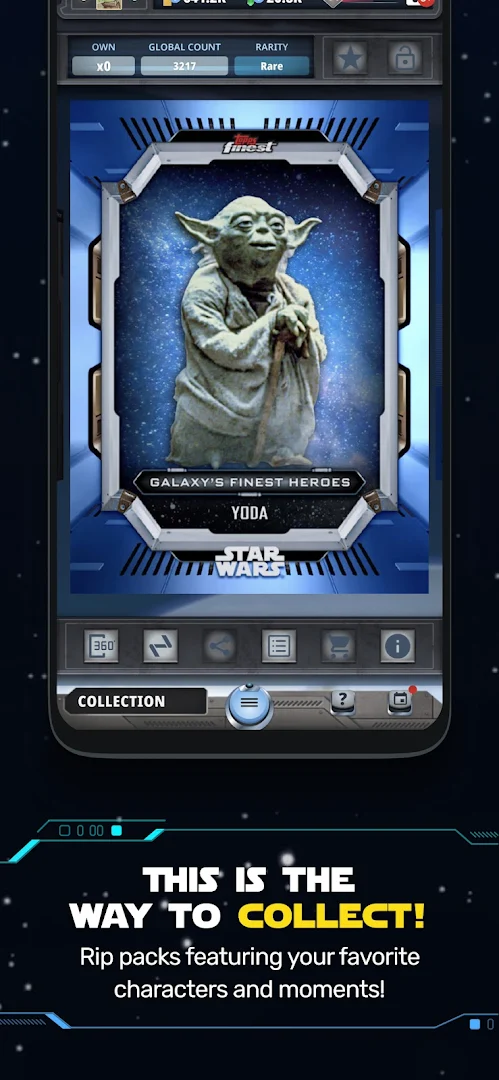
• Rip packs of new Star Wars digital collectibles every day!
• Claim FREE Topps digital collectibles every day
• Claim daily coins to boost pack-opening power!
• Complete sets to earn unique Card Trader collectible awards!
• Connect with fellow Topps Star Wars collectors!
• Complete in-app Seasons to earn XP & grow your collection
Bring your collection to life!
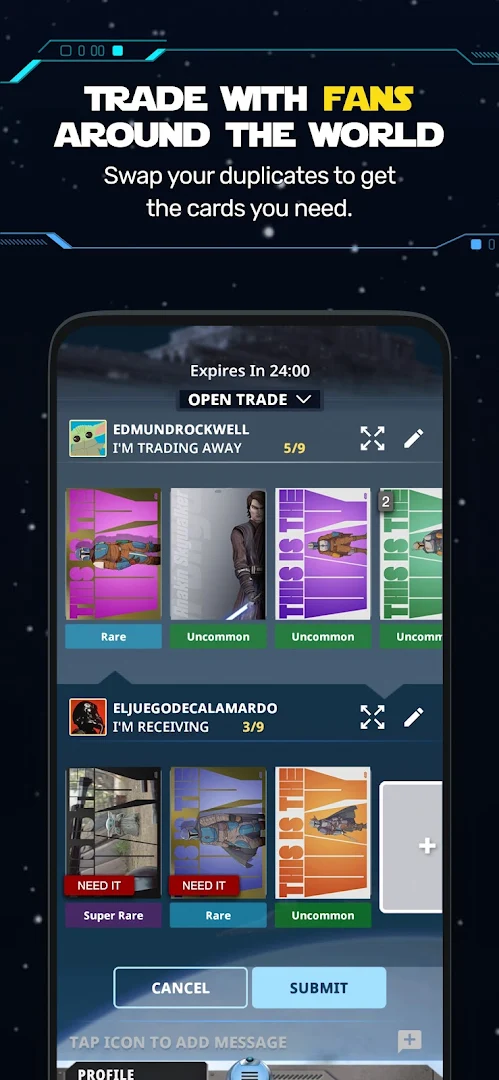
• Trade with Star Wars fans around the world!
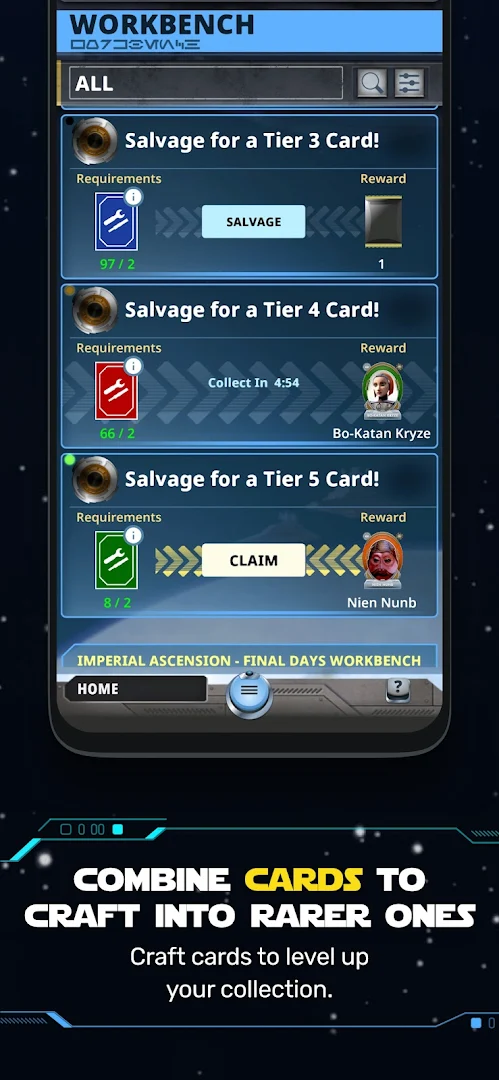
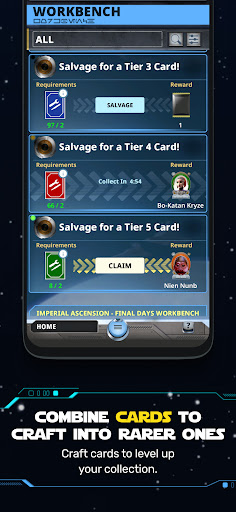
• Salvage cards to craft into rarer Topps collectibles
• Complete missions to unlock special Star Wars rewards!
• "Lock On" to put new Topps collectibles in your sights!
• Create Topps trade lists and wish lists
Customize your Profile!
• Showcase your favorite Star Wars collectibles!
• Unlock & choose Star Wars character avatars!
*For the best experience, we recommend devices updated to Android 9.0 (Pie) or later.*
-----
MORE INFO
For the latest Star Wars™: Card Trader and Star Wars News:
- Twitter: @ToppsSWCT
- Instagram: @toppsswct
- Facebook: @ToppsSWCT
- YouTube: @ToppsDigitalApps
- Newsletter: play.toppsapps.com/app/swct
Collect & trade characters from popular Star Wars™ properties like:
Episode I: The Phantom Menace
Episode II: Attack of the Clones
Episode III: Revenge of the Sith
Episode IV: A New Hope
Episode V: The Empire Strikes Back
Episode VI: Return of the Jedi
Episode VII: The Force Awakens
Episode VIII: The Last Jedi
Episode IX: The Rise of Skywalker
Rogue One
Solo
Clone Wars
Rebels
Resistance
The Mandalorian
Mando
Book of Boba Fett
Obi-Wan Kenobi
Cassian Andor
The Bad Batch
Visions
Droids
Ewoks: The Animated Series
Star Wars: Battlefront
Jedi: Fallen Order
The High Republic
Tales of the Jedi
Ahsoka
Show more

1. Download MEmu installer and finish the setup

2. Start MEmu then open Google Play on the desktop

3. Search Star Wars™: Card Trader in Google Play
Install
4. Download and Install Star Wars™: Card Trader
5. On install completion click the icon to start

6. Enjoy playing Star Wars™: Card Trader on PC with MEmu
MEmu Play is the best Android emulator and 100 million people already enjoy its superb Android gaming experience. The MEmu virtualization technology empowers you to play thousands of Android games smoothly on your PC, even the most graphic-intensive ones.
Bigger screen with better graphics; Long duration, without limitation of battery or mobile data.
Full Keymapping support for precise control of keyboard and mouse or gamepad.
Multiple game accounts or tasks on single PC at one time with Multi-Instance manager.
Play Star Wars™: Card Trader on PC by following steps: