Magic Tiles 3
Updated
Current Version
13.072.103
Offered By

With your passion for Magic Tiles 3, you shouldn’t have to limit yourself to the small screen of a phone. Play like a pro and take full control of the game using a keyboard and mouse. MEmu gives you everything you’re looking for. Download and play Magic Tiles 3 on PC. Play as long as you want — no more worries about battery life, mobile data, or unexpected calls. The all-new MEmu 9 is the best way to play Magic Tiles 3 on PC. With our expertly designed keymapping system, Magic Tiles 3 feels just like a real PC game. The MEmu multi-instance manager lets you run two or more accounts on the same device at the same time. Most importantly, our exclusive emulation engine unlocks your PC’s full potential, delivering smooth and seamless performance.
Show more
Download Magic Tiles 3 on PC with MEmu Android Emulator. Enjoy playing on big screen. Magic Tiles 3 – The Ultimate Piano Game & Music Game Experience!
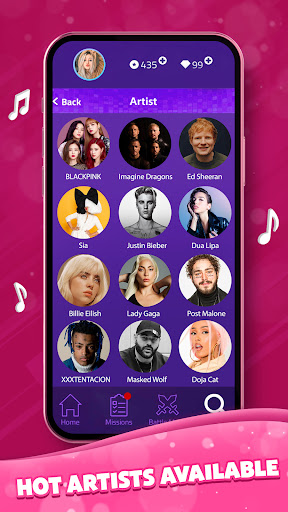

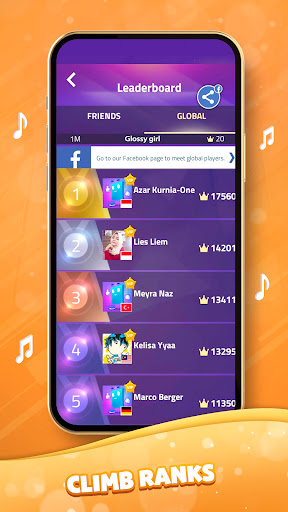
Magic Tiles 3 – The Ultimate Piano Game & Music Game Experience!
Dive into Magic Tiles 3, the definitive piano game loved by millions, best music game all the time. Magic Tiles 3 blends rhythmic gameplay, vibrant visuals, and a massive library of official and licensed music. Prepare to unleash your inner pianist in this addictive song game!
Tap Piano Tiles, Feel the Music!
Magic Tiles 3 is an intuitive yet challenging piano game. Tap the black piano tiles as they cascade down, matching the beat of the game songs. Miss a tile, and the music stops. Hit every note perfectly to create beautiful melodies, experiencing the magic of piano playing. This engaging mechanic makes Magic Tiles 3 one of the most rewarding music games. It’s about feeling the rhythm in this top-tier song game.
Unbeatable Library of Official and Licensed Music!
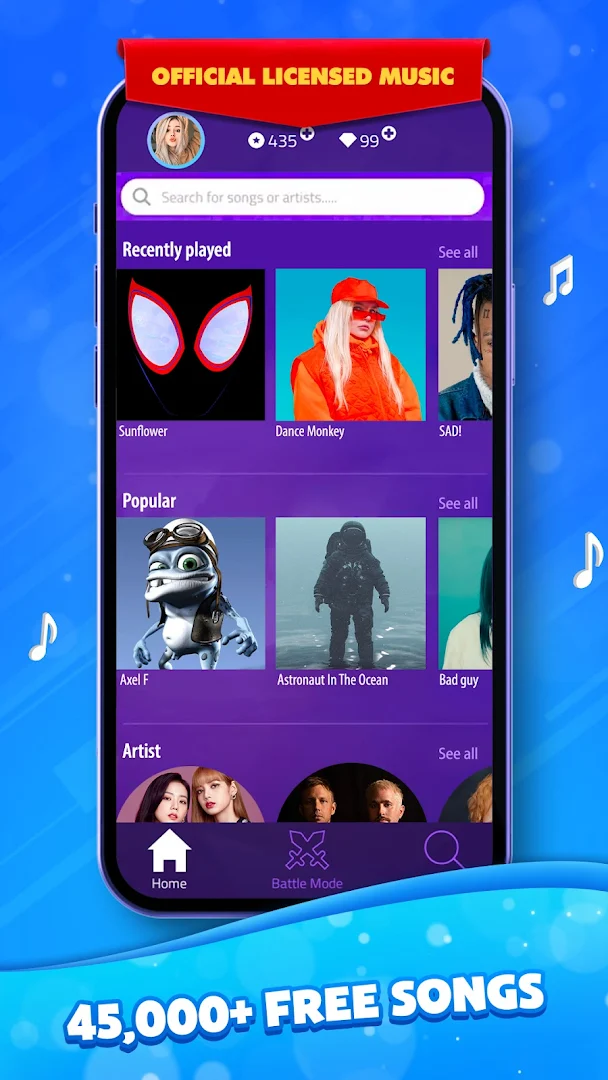
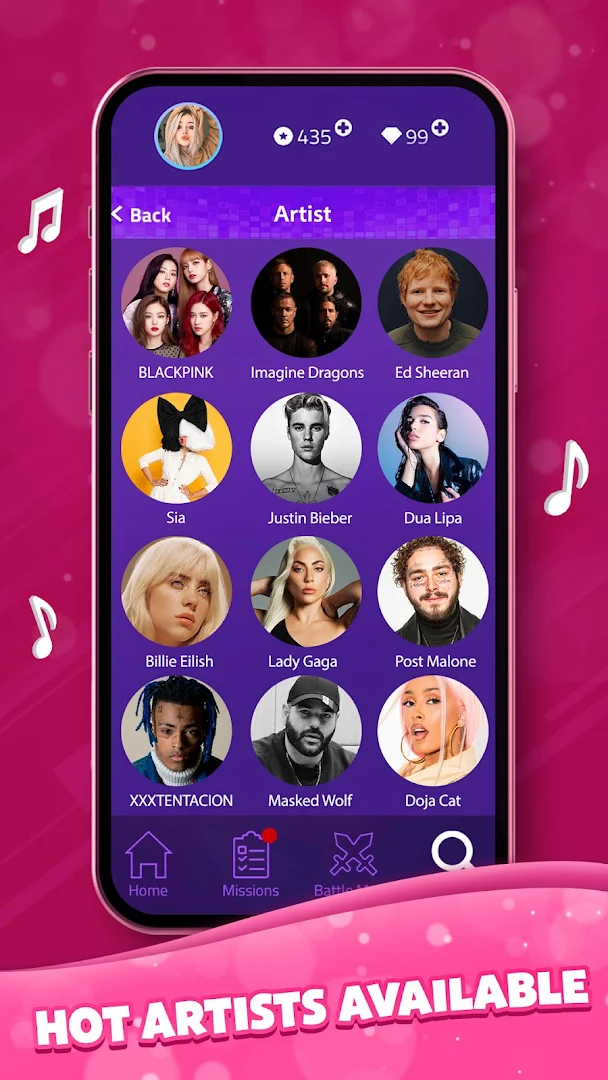
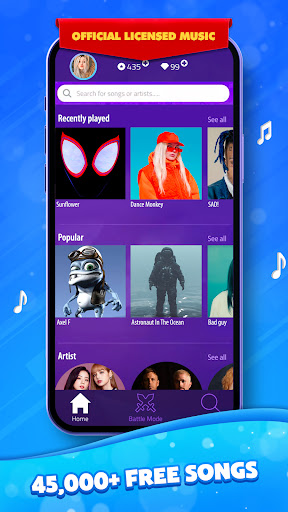
Magic Tiles 3 stands out with its huge, growing library of 45,000+ game songs. We feature official and licensed music from chart-toppers across Pop, EDM, Disco, Violin, and Hip-Hop. There's a song game experience for every taste. New hits and classics are added frequently, ensuring this premier piano game stays fresh. You won't find such a diverse, quality collection of official and licensed music in many other music games.
Why Magic Tiles 3 is the Piano Game You Need:
- Massive Song Catalogue: Enjoy 45,000+ game songs! Featuring official and licensed music, Magic Tiles 3 offers endless musical fun.
- Authentic Piano Game Feel: Designed for piano lovers and rhythm gamers, the piano tiles gameplay provides a uniquely satisfying piano game experience. Feel the music under your fingertips.
- Multiple Difficulty Levels: From casual play to hardcore challenges, Magic Tiles 3 adapts. Master easy tunes or conquer the fastest piano tiles tracks. Push your skills in this dynamic music game.
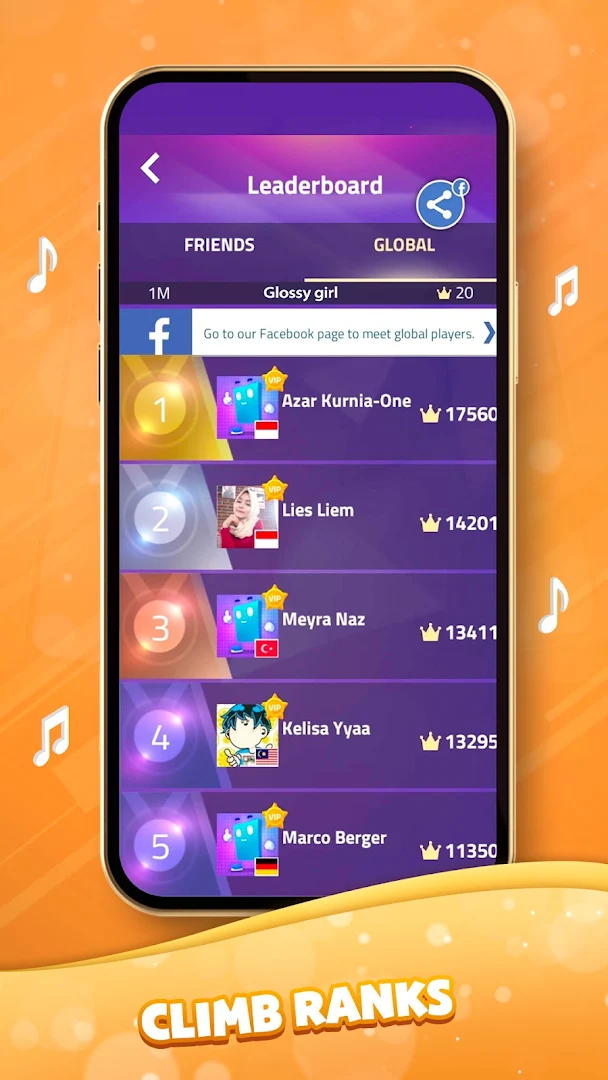
- Thrilling Multiple Player Battle Mode: Don't just play alone! Engage in real-time multiple-player competitions. Challenge friends or global players in the intense battle mode. Prove your rhythm skills in this exciting multiple-player arena, a key feature differentiating this piano game.
- Play Anywhere - Game Offline Mode: No internet? No problem! Magic Tiles 3 includes a fantastic Game Offline mode. Enjoy your favorite game songs and practice piano tiles anywhere. This reliable Game Offline feature means the music never has to stop, perfect for commutes or travel.
- Game Free Access: Start playing now! Magic Tiles 3 is a Game Free to download and play. Access a vast selection of game songs and core piano game features without initial cost. Enjoy hours of entertainment in this superb Game Free music game. (Optional purchases available).
- Fun for All Ages - Great Game for Kids: With intuitive controls and diverse music, Magic Tiles 3 is a fantastic Game for kids and adults. It’s a family-friendly music game promoting rhythm and fun. If you need a safe, engaging Game for kid, this is an excellent choice.
- Rewards & Customization: Keep playing this engaging song game to unlock gifts, new game songs, and challenges. Personalize your piano game journey.
- Stunning Visuals & Smooth Play: Immerse yourself in a beautiful music game with vibrant graphics and flawless performance, enhancing your connection to the official and licensed music. It truly feels like the best music game all the time.
Join the Global Magic Tiles 3 Community!
Be part of the massive Magic Tiles 3 player base. Share scores, challenge friends in multiple player battle mode, and celebrate music. See why it's ranked among the top music games.
Need Help?
Email: magictiles3.support@amanotes.com
Or use Settings > FAQ & Support in the piano game.
Legal:
Terms of Use: amanotes.com/terms-and-conditions/
Privacy Policy: amanotes.com/privacy-policy/
Download Magic Tiles 3 Now - It's Game Free!
Tap the piano tiles, master incredible game songs using official and licensed music, compete in battle mode, enjoy Game Offline.
Show more

1. Download MEmu installer and finish the setup

2. Start MEmu then open Google Play on the desktop

3. Search Magic Tiles 3 in Google Play
Install
4. Download and Install Magic Tiles 3
5. On install completion click the icon to start

6. Enjoy playing Magic Tiles 3 on PC with MEmu
MEmu Play is the best Android emulator and 100 million people already enjoy its superb Android gaming experience. The MEmu virtualization technology empowers you to play thousands of Android games smoothly on your PC, even the most graphic-intensive ones.
Bigger screen with better graphics; Long duration, without limitation of battery or mobile data.
Full Keymapping support for precise control of keyboard and mouse or gamepad.
Multiple game accounts or tasks on single PC at one time with Multi-Instance manager.
Play Magic Tiles 3 on PC by following steps: