Crab Life: RPG Survival
Updated
Current Version
12.1.0
Offered By

With your passion for Crab Life: RPG Survival, you shouldn’t have to limit yourself to the small screen of a phone. Play like a pro and take full control of the game using a keyboard and mouse. MEmu gives you everything you’re looking for. Download and play Crab Life: RPG Survival on PC. Play as long as you want — no more worries about battery life, mobile data, or unexpected calls. The all-new MEmu 9 is the best way to play Crab Life: RPG Survival on PC. With our expertly designed keymapping system, Crab Life: RPG Survival feels just like a real PC game. The MEmu multi-instance manager lets you run two or more accounts on the same device at the same time. Most importantly, our exclusive emulation engine unlocks your PC’s full potential, delivering smooth and seamless performance.
Show more
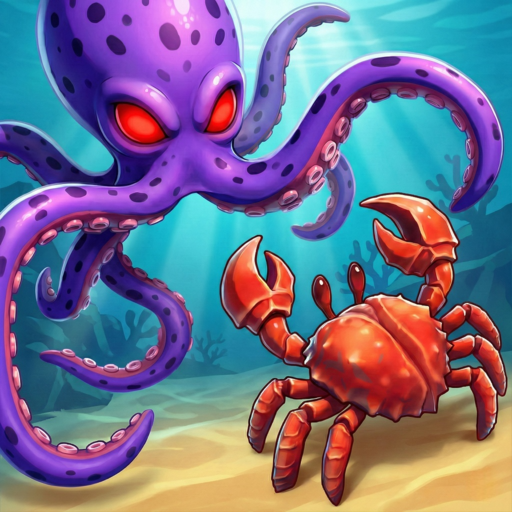
Download Crab Life: RPG Survival on PC with MEmu Android Emulator. Enjoy playing on big screen. Dive into the challenging world of Crab Life: RPG Survival, where you control a mighty crab fighting for survival on a treacherous beach.
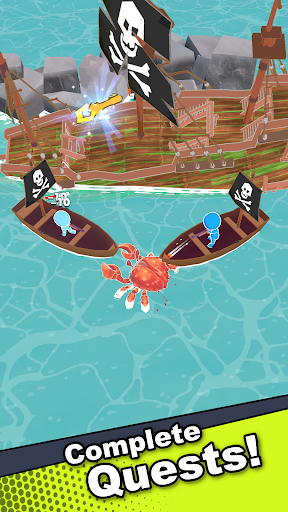
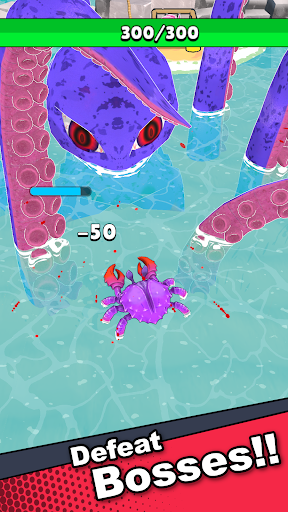
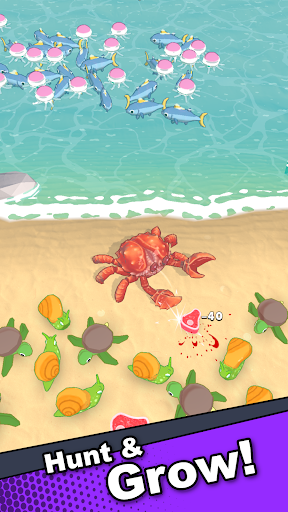
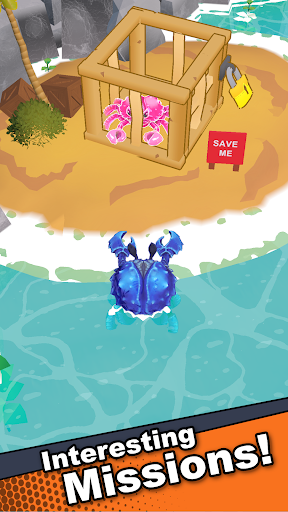
Dive into the challenging world of Crab Life: RPG Survival, where you control a mighty crab fighting for survival on a treacherous beach. Armed with powerful pincers and unmatched determination, your crab must fend off human invaders and other dangerous creatures as you carve out your place on the shore.
Survive, Evolve, Conquer
Every battle brings you closer to becoming the ultimate survivor. Collect meat from your defeated foes to upgrade your crab’s stats, unlocking new abilities and evolving into a more formidable force. Explore vibrant beachscapes and the deep ocean, each filled with unique challenges and powerful bosses waiting to test your skills.
Build Your Crab Empire
But survival isn’t just about fighting, it's about growing stronger together. Create and nurture a thriving crab colony that will aid you in your quest. Your fellow crabs will gather resources, defend your territory, and help you conquer new areas, even when you’re not playing.
Battle for Dominance
Face increasingly tough enemies, from armed humans to fierce sea creatures, each more dangerous than the last. Use strategy, skill, and raw power to dominate the beach and claim your rightful place at the top of the food chain.
Crab Life: RPG Survival is more than just a game, it’s a fight for survival. Will you rise to the challenge and become the ultimate crab ruler? Download now and embark on your epic journey of survival and conquest in Crab Life: RPG Survival!
Show more

1. Download MEmu installer and finish the setup

2. Start MEmu then open Google Play on the desktop

3. Search Crab Life: RPG Survival in Google Play
Install
4. Download and Install Crab Life: RPG Survival
5. On install completion click the icon to start

6. Enjoy playing Crab Life: RPG Survival on PC with MEmu
MEmu Play is the best Android emulator and 100 million people already enjoy its superb Android gaming experience. The MEmu virtualization technology empowers you to play thousands of Android games smoothly on your PC, even the most graphic-intensive ones.
Bigger screen with better graphics; Long duration, without limitation of battery or mobile data.
Full Keymapping support for precise control of keyboard and mouse or gamepad.
Multiple game accounts or tasks on single PC at one time with Multi-Instance manager.
Play Crab Life: RPG Survival on PC by following steps: