Darkness Rises
Updated
Current Version
1.52.1
Offered By

With your passion for Darkness Rises, you shouldn’t have to limit yourself to the small screen of a phone. Play like a pro and take full control of the game using a keyboard and mouse. MEmu gives you everything you’re looking for. Download and play Darkness Rises on PC. Play as long as you want — no more worries about battery life, mobile data, or unexpected calls. The all-new MEmu 9 is the best way to play Darkness Rises on PC. With our expertly designed keymapping system, Darkness Rises feels just like a real PC game. The MEmu multi-instance manager lets you run two or more accounts on the same device at the same time. Most importantly, our exclusive emulation engine unlocks your PC’s full potential, delivering smooth and seamless performance.
Show more
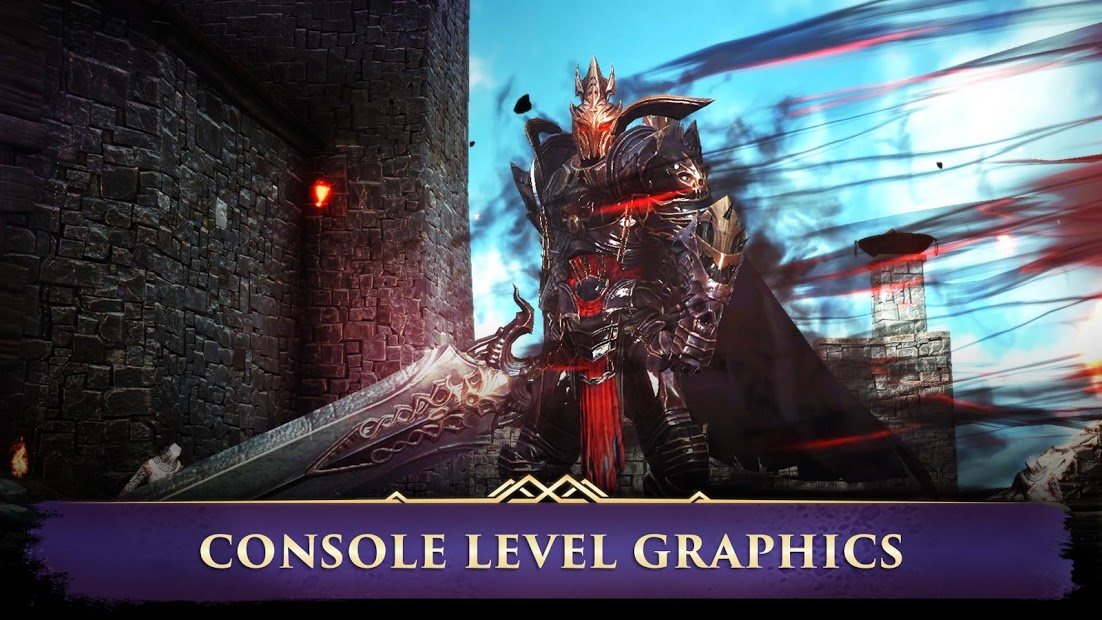
Download Darkness Rises on PC with MEmu Android Emulator. Enjoy playing on big screen. Darkness Rises is a revolutionary Action RPG that blends gorgeous graphics, innovative gameplay, and intense boss battles, all within the palm of your hands.
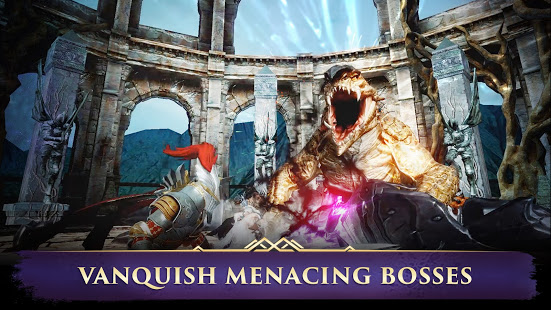
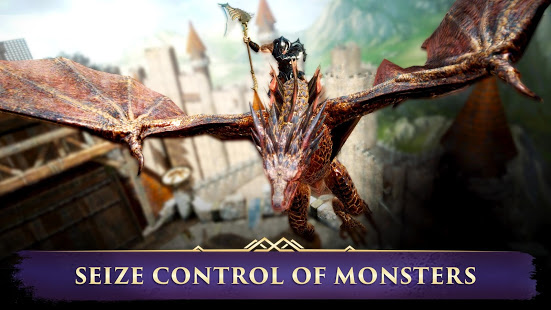
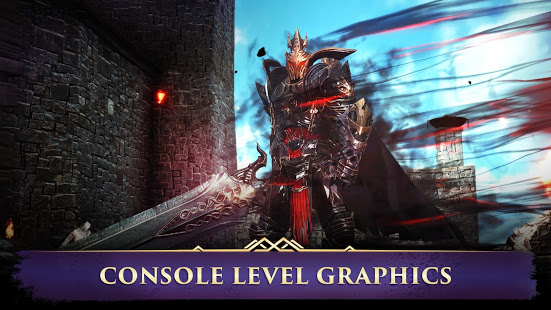
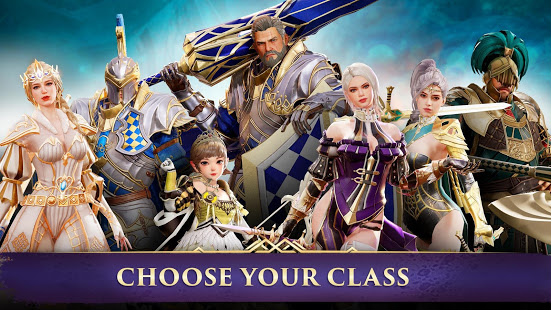
Darkness Rises is a revolutionary Action RPG that blends gorgeous graphics, innovative gameplay, and intense boss battles, all within the palm of your hands.
Darkness spreads across the land, bringing with it a horde of ferocious demons ready to breach our gates. An epic fantasy RPG awaits - the path will be grueling, but you must persevere and descend into hell itself to destroy this evil before it ravages our world.
Legendary heroes are at your beck and call, from the earth-shattering Berserker to the magic-wielding Wizard. Character customization lets you choose from a number of classes that fits your playstyle and design your character as you see fit.
Hack and slash through fearsome monsters with a flurry of powerful skills. Enter the PvP arena and unleash your might against other players. This Epic roleplaying games pits you against demons and worse– can you rise to the challenge?
Conquer the darkness before it conquers you. Download now.
Key Features:
ADVENTURE RPG
• Hack and slash your way through demons and hordes of monsters
• Single player RPG mode lets you face the demonic horde on your own
• Explore the various levels of dark dungeons
EPIC BOSS FIGHTS
• This Roleplaying games with challenging boss battles that will put your skills to the test
• PvE battles grow more intense as you venture deeper into the abyss
BEST RPG EXPERIENCE
• Enjoy epic visuals that will truly immerse you into the world of Darkness Rises
• Fantasy RPG gameplay mechanics - use the Soul Link ability to seize control of monsters and turn your enemies against themselves
• Take legendary heroes on dungeon raids - gather your allies to explore menacing dungeons and discover rare loot
• Join a guild and form a party of warriors
CHARACTER CUSTOMIZATION
• The Character creator lets you build your character from the ground up
• Warrior, Wizard, Assassin or Berserker – choose your class and descend into darkness
Level up in this adventure RPG and face the forces of darkness with your party. Download Darkness Rises today for a free RPG experience like no other!
Follow us on official communities to get latest news and updates!
Facebook: www.facebook.com/NexonDarknessRises
PLUG: www.plug.game/darknessrises/
Terms of Service: http://m.nexon.com/terms/304
Privacy Policy: http://m.nexon.com/terms/305
Recommended Specifications: Android 6.0 or higher / Galaxy S6 or higher
Minimum Specifications: Android 4.0 / Galaxy S4 LTE
■ App Permission Information
In order to provide services below, we are requesting certain permissions.
[Optional Permission]
Save photo / media / files: To save and upload photos / videos
Phone: To collect phone numbers to send promotional text messages
※ Granting or denying Optional Permissions does not affect gameplay.
※ This permission is only effective in certain countries, so numbers may not be collected from all players.
[Permission Management]
▶ Android 6.0 or higher - Go to Settings > Applications, select the app and toggle permissions
▶ Under Android 6.0 - Update OS version to revoke permissions, or uninstall the app
※ The app may not ask for individual permissions, in which case you can allow or block them manually following the steps explained above.
※ This app offers in-app purchases. You can disable this feature by adjusting your device settings.
Show more

1. Download MEmu installer and finish the setup

2. Start MEmu then open Google Play on the desktop

3. Search Darkness Rises in Google Play
Install
4. Download and Install Darkness Rises
5. On install completion click the icon to start

6. Enjoy playing Darkness Rises on PC with MEmu
MEmu Play is the best Android emulator and 100 million people already enjoy its superb Android gaming experience. The MEmu virtualization technology empowers you to play thousands of Android games smoothly on your PC, even the most graphic-intensive ones.
Bigger screen with better graphics; Long duration, without limitation of battery or mobile data.
Full Keymapping support for precise control of keyboard and mouse or gamepad.
Multiple game accounts or tasks on single PC at one time with Multi-Instance manager.
Play Darkness Rises on PC by following steps: