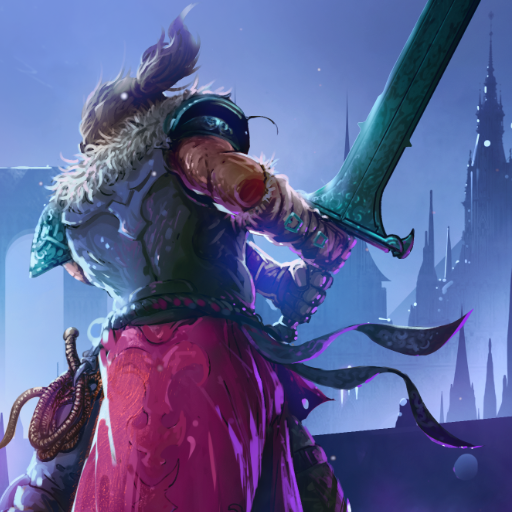
Elderand
Updated
Current Version
1.3.22
Offered By

With your passion for Elderand, you shouldn’t have to limit yourself to the small screen of a phone. Play like a pro and take full control of the game using a keyboard and mouse. MEmu gives you everything you’re looking for. Download and play Elderand on PC. Play as long as you want — no more worries about battery life, mobile data, or unexpected calls. The all-new MEmu 9 is the best way to play Elderand on PC. With our expertly designed keymapping system, Elderand feels just like a real PC game. The MEmu multi-instance manager lets you run two or more accounts on the same device at the same time. Most importantly, our exclusive emulation engine unlocks your PC’s full potential, delivering smooth and seamless performance.
Show more
Download Elderand on PC with MEmu Android Emulator. Enjoy playing on big screen. Become the hero of an epic quest in Elderand, a metroidvania that will test your will and skill.
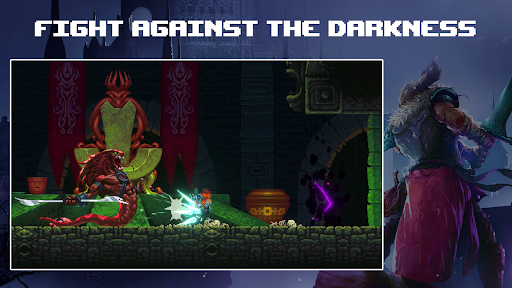
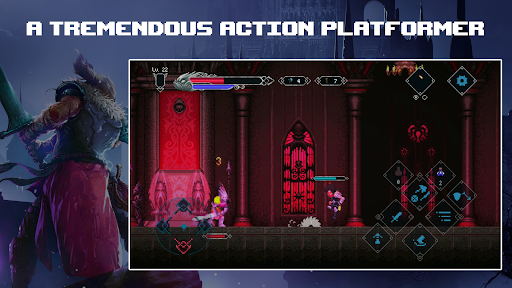
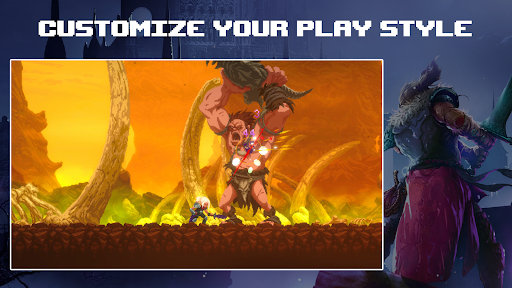
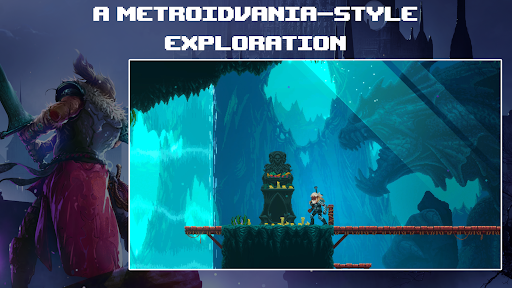
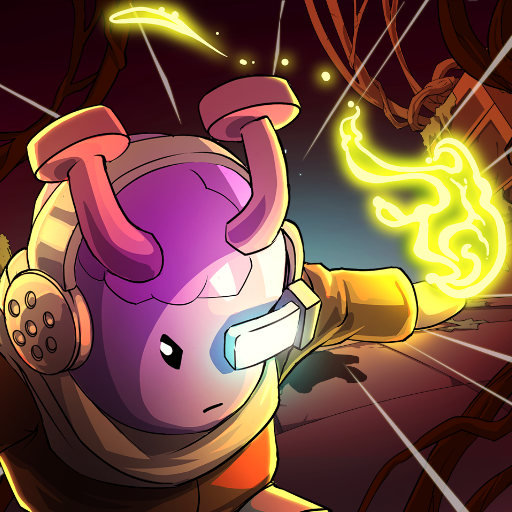
Become the hero of an epic quest in Elderand, a metroidvania that will test your will and skill. Heads will literally roll in this gruesome, retro-inspired action platformer, where only the strong will survive in brutal, skill-based combat against terrifying creatures.
Through the darkness and madness, promised glory awaits.
Wield a variety of killing instruments and abilities to test your metal against towering, bone-chilling bosses. Explore a twisted Lovecraftian world shrouded in darkness and madness. RPG elements allow you to customize your battle experience to your liking, from your character’s appearance to skills, stats, and weapons. Slay or be slain as you collect glory and treasure in this nightmarish 2D world.
Glory and riches await those who can spill the required blood and guts to collect it.
KEY FEATURES:
•Wield an arsenal of killing devices, including whips, swords, daggers, axes, bows, and more. From a magical staff that shoots bursts of energy to a giant sword, different weapons have different stats and capabilities, so find the ones that you enjoy battling beasts with the most!
•Satisfying Metroidvania-style exploration meets terrifying Lovecraftian creatures in this detailed hand-drawn pixel world with glorious gothic aesthetics and handcrafted level design.
•RPG elements let you customize your experience to best suit your play style, from your character’s appearance to their skills, stats, and weapons.
Collect loot from exploration and fallen enemies and then use it to upgrade your weapons via crafting.
•Travel to the many corners of this perilous land, such as an inviting village with merchants, a forest, a temple prison, floating islands, a cursed Cathedral, and the hellscape that is Elderand itself.
•More than 60 different enemy types and around a dozen bosses for your slaying pleasure.
•Collect lost letters and other correspondence from the poor souls who came before you to learn more about the darkness taking hold of this grim land.
Show more

1. Download MEmu installer and finish the setup

2. Start MEmu then open Google Play on the desktop

3. Search Elderand in Google Play
Install
4. Download and Install Elderand
5. On install completion click the icon to start

6. Enjoy playing Elderand on PC with MEmu
MEmu Play is the best Android emulator and 100 million people already enjoy its superb Android gaming experience. The MEmu virtualization technology empowers you to play thousands of Android games smoothly on your PC, even the most graphic-intensive ones.
Bigger screen with better graphics; Long duration, without limitation of battery or mobile data.
Full Keymapping support for precise control of keyboard and mouse or gamepad.
Multiple game accounts or tasks on single PC at one time with Multi-Instance manager.
Play Elderand on PC by following steps: