Fidget Dumpling: Trade Master
Updated
Current Version
0.0.118
Offered By

With your passion for Fidget Dumpling: Trade Master, you shouldn’t have to limit yourself to the small screen of a phone. Play like a pro and take full control of the game using a keyboard and mouse. MEmu gives you everything you’re looking for. Download and play Fidget Dumpling: Trade Master on PC. Play as long as you want — no more worries about battery life, mobile data, or unexpected calls. The all-new MEmu 9 is the best way to play Fidget Dumpling: Trade Master on PC. With our expertly designed keymapping system, Fidget Dumpling: Trade Master feels just like a real PC game. The MEmu multi-instance manager lets you run two or more accounts on the same device at the same time. Most importantly, our exclusive emulation engine unlocks your PC’s full potential, delivering smooth and seamless performance.
Show more
Download Fidget Dumpling: Trade Master on PC with MEmu Android Emulator. Enjoy playing on big screen. READY TO UNBOX CUTE SQUISHY SURPRISES & SOOTHE YOUR MIND?
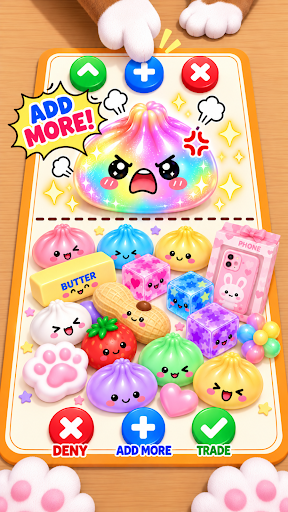
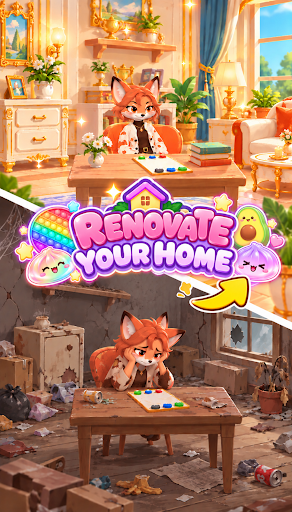
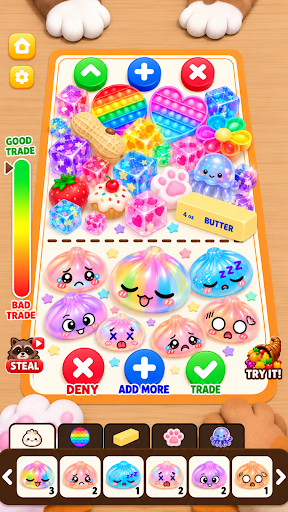
READY TO UNBOX CUTE SQUISHY SURPRISES & SOOTHE YOUR MIND?
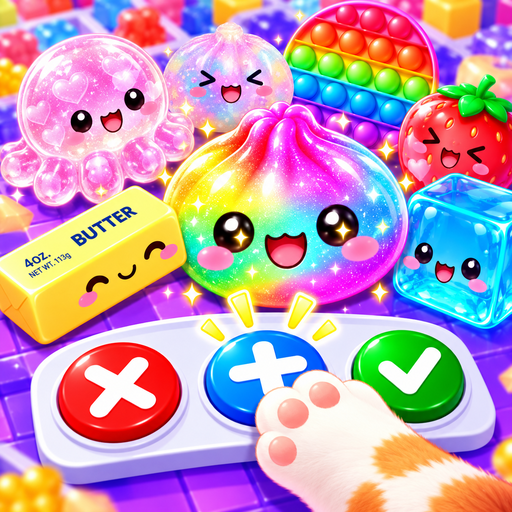
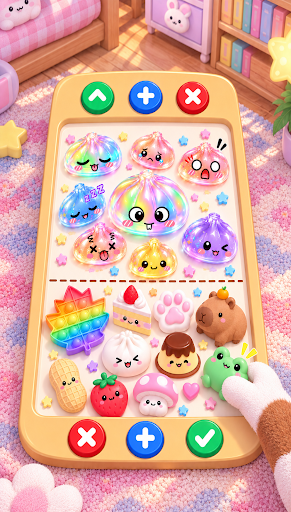
Welcome to Fidget Dumpling: Trade Master, the ultimate relaxing blind box unboxing and squishy toy collection game! Tear wrappers, pop open mystery boxes, and discover adorable dumpling characters with satisfying squish physics and gentle ASMR audio.
Say goodbye to stress—collect cute dumplings and build their cozy treehouse village!
KEY FEATURES
Realistic Blind Box Unboxing: Tear foil packs, pop open lids, and reveal hidden surprise dumplings.
Oddly Satisfying ASMR Sounds: Enjoy crunchy tears, soft pops, gentle squishes, and calming lo-fi music.
Interactive Squishy Physics: Poke, stretch, and squish your toys with lifelike bounce and funny expressions.
Collect Rare Sets: Complete themed series like Chef Dumplings, Sweet Treats, and ultra-rare Rainbow editions.
Build a Treehouse Village: Decorate cozy rooms and watch your dumpling friends live and play.
Stress-Free & Antistress: No timers, no pressure—just pure relaxation at your own pace.
Play Offline: Enjoy unboxing fun anytime, anywhere without Wi-Fi.
HOW TO PLAY
Pick a Box: Choose your favorite mystery series.
Unbox & Reveal: Tear the pack and see which cute dumpling is inside.
Squish & Relax: Tap to squish, enjoy ASMR sounds, and grow your collection!
Can you collect every secret dumpling?
Download Fidget Dumpling: Trade Master now and start unboxing peace!
Show more

1. Download MEmu installer and finish the setup

2. Start MEmu then open Google Play on the desktop

3. Search Fidget Dumpling: Trade Master in Google Play
Install
4. Download and Install Fidget Dumpling: Trade Master
5. On install completion click the icon to start

6. Enjoy playing Fidget Dumpling: Trade Master on PC with MEmu
MEmu Play is the best Android emulator and 100 million people already enjoy its superb Android gaming experience. The MEmu virtualization technology empowers you to play thousands of Android games smoothly on your PC, even the most graphic-intensive ones.
Bigger screen with better graphics; Long duration, without limitation of battery or mobile data.
Full Keymapping support for precise control of keyboard and mouse or gamepad.
Multiple game accounts or tasks on single PC at one time with Multi-Instance manager.
Play Fidget Dumpling: Trade Master on PC by following steps: