FORTBLOX: Mobile Fortress GO!
Updated
Current Version
Offered By

With your passion for FORTBLOX: Mobile Fortress GO!, you shouldn’t have to limit yourself to the small screen of a phone. Play like a pro and take full control of the game using a keyboard and mouse. MEmu gives you everything you’re looking for. Download and play FORTBLOX: Mobile Fortress GO! on PC. Play as long as you want — no more worries about battery life, mobile data, or unexpected calls. The all-new MEmu 9 is the best way to play FORTBLOX: Mobile Fortress GO! on PC. With our expertly designed keymapping system, FORTBLOX: Mobile Fortress GO! feels just like a real PC game. The MEmu multi-instance manager lets you run two or more accounts on the same device at the same time. Most importantly, our exclusive emulation engine unlocks your PC’s full potential, delivering smooth and seamless performance.
Show more
Download FORTBLOX: Mobile Fortress GO! on PC with MEmu Android Emulator. Enjoy playing on big screen. ■ The World Has Ended.
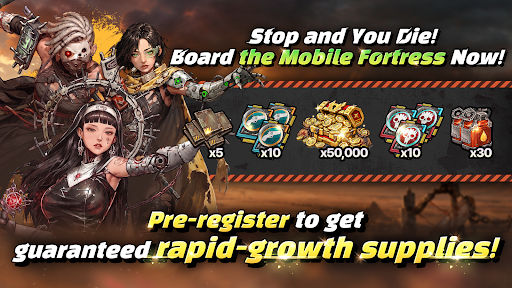
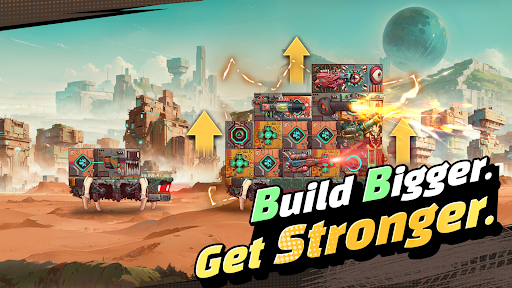
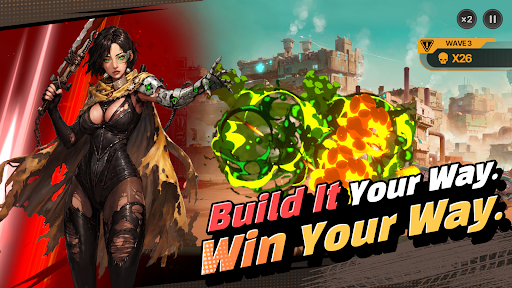
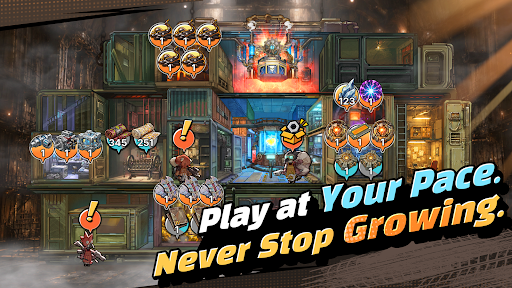
■ The World Has Ended. Your Mobile Fortress Rolls On.
Civilization has fallen, leaving nothing but an endless wasteland. Now, your very own mobile fortress begins its journey across the ruins.
■ Your Fortress, Built to Move
Forget static bases. Build your mobile fortress from the ground up and watch it evolve with every step of your journey. Experience the thrill of transforming a pile of scrap into a massive steel fortress.
■ Deckbuilding and Docking Synergy. Deeper Strategy.
Connect blocks with different attributes to activate powerful Docking Synergies! Even with the same blocks, how you stack and connect them can completely change the way each run plays out.
■ Get Stronger at Your Own Pace
Gather resources, manage what you have, and plan your next move. It's not about progressing faster than everyone else; it's about pushing farther than you did yesterday. Even while you're away, your fortress keeps growing. Come back stronger and take another shot at the enemies that stopped you before.
■ FORTBLOX Is for You If You…
· Love wastelands and post-apocalyptic worlds
· Enjoy deckbuilding and strategic defense games
· Are tired of the constant competition in large-scale strategy games
· Want something different from the same repetitive idle RPG grind
Your Wasteland Awaits. FORTBLOX
[FORTBLOX: Mobile Fortress GO! Official Channel]
· Discord: https://discord.gg/vMUx8EbGS8
[Permission Management]
· Android 6.0 or higher - Go to Settings > Applications, select the app and toggle permissions
※ The app may not ask for individual permissions, in which case you can allow or block them manually following the steps explained above.
Show more

1. Download MEmu installer and finish the setup

2. Start MEmu then open Google Play on the desktop

3. Search FORTBLOX: Mobile Fortress GO! in Google Play
Install
4. Download and Install FORTBLOX: Mobile Fortress GO!
5. On install completion click the icon to start

6. Enjoy playing FORTBLOX: Mobile Fortress GO! on PC with MEmu
MEmu Play is the best Android emulator and 100 million people already enjoy its superb Android gaming experience. The MEmu virtualization technology empowers you to play thousands of Android games smoothly on your PC, even the most graphic-intensive ones.
Bigger screen with better graphics; Long duration, without limitation of battery or mobile data.
Full Keymapping support for precise control of keyboard and mouse or gamepad.
Multiple game accounts or tasks on single PC at one time with Multi-Instance manager.
Play FORTBLOX: Mobile Fortress GO! on PC by following steps:

















































