Illusion Connect: Re
Updated
Current Version
Offered By

With your passion for Illusion Connect: Re, you shouldn’t have to limit yourself to the small screen of a phone. Play like a pro and take full control of the game using a keyboard and mouse. MEmu gives you everything you’re looking for. Download and play Illusion Connect: Re on PC. Play as long as you want — no more worries about battery life, mobile data, or unexpected calls. The all-new MEmu 9 is the best way to play Illusion Connect: Re on PC. With our expertly designed keymapping system, Illusion Connect: Re feels just like a real PC game. The MEmu multi-instance manager lets you run two or more accounts on the same device at the same time. Most importantly, our exclusive emulation engine unlocks your PC’s full potential, delivering smooth and seamless performance.
Show more
Download Illusion Connect: Re on PC with MEmu Android Emulator. Enjoy playing on big screen. Step back into a world where your adventure once began.
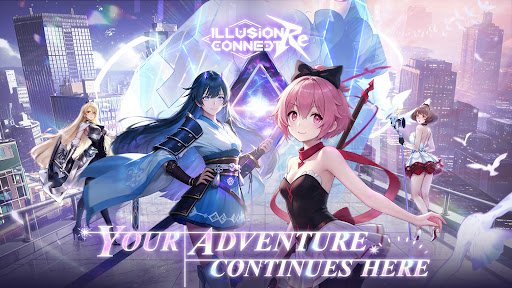
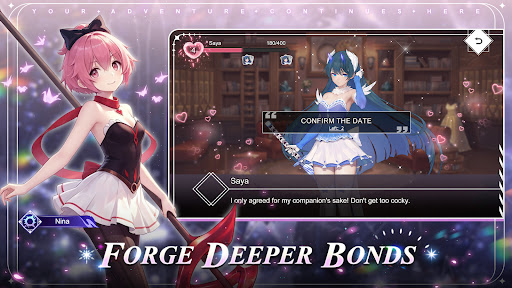
Step back into a world where your adventure once began. Reconnect with the Radiants who fought beside you and relive the excitement of past battles. New encounters, new memories, and new challenges await as your story moves forward.
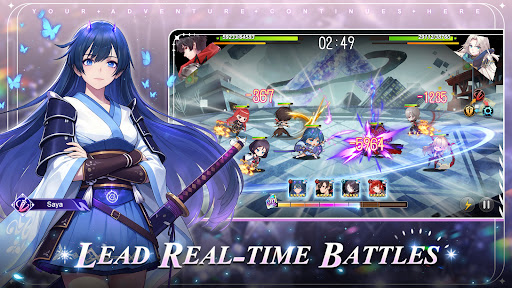
● Lead Real-time Battles
Take command in dynamic real-time combat where strategy and timing matter. Direct your heroes, shift formations during battle, and combine their strengths to overcome powerful Nightmares.
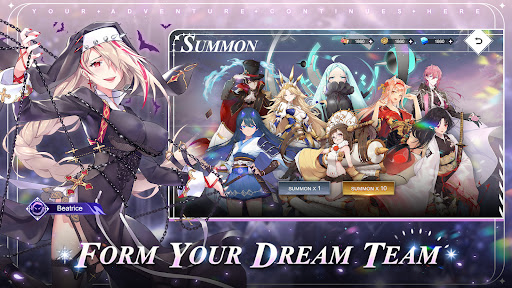
● Form Your Dream Team
Build your team from a roster of over 130 beautifully illustrated characters, each brought to life with expressive Live2D animation. Every hero offers unique abilities, personalities, and battle roles to discover.
● Forge Deeper Bonds
Your adventure grows stronger through the relationships you build. Spend time with your companions and unlock new abilities as your bonds deepen.
● Decorate Your Dream Home
Create a personal retreat for your team by decorating your home with furniture and wallpapers. A peaceful space where your companions can rest before the next adventure begins.
● Voices of Legendary Talent
A celebrated lineup of Japanese voice actors brings the world to life, including Ai Kayano, Hisako Kanemoto, Yui Ishikawa, Risa Taneda, Ami Koshimizu, Maaya Uchida, Ayane Sakura, Yumi Hara, Haruka Tomatsu, Aoi Yuki, Hitomi Nabatame, Takehito Koyasu, Kae Oki, Saori Hayami, and Natsuki Hanae.
[More information about Illusion Connect: Re]
Official Facebook: https://www.facebook.com/IllusionConnectRe
Show more

1. Download MEmu installer and finish the setup

2. Start MEmu then open Google Play on the desktop

3. Search Illusion Connect: Re in Google Play
Install
4. Download and Install Illusion Connect: Re
5. On install completion click the icon to start

6. Enjoy playing Illusion Connect: Re on PC with MEmu
MEmu Play is the best Android emulator and 100 million people already enjoy its superb Android gaming experience. The MEmu virtualization technology empowers you to play thousands of Android games smoothly on your PC, even the most graphic-intensive ones.
Bigger screen with better graphics; Long duration, without limitation of battery or mobile data.
Full Keymapping support for precise control of keyboard and mouse or gamepad.
Multiple game accounts or tasks on single PC at one time with Multi-Instance manager.
Play Illusion Connect: Re on PC by following steps: