Doodle God™
Updated
Current Version
3.3.16
Offered By

With your passion for Doodle God™, you shouldn’t have to limit yourself to the small screen of a phone. Play like a pro and take full control of the game using a keyboard and mouse. MEmu gives you everything you’re looking for. Download and play Doodle God™ on PC. Play as long as you want — no more worries about battery life, mobile data, or unexpected calls. The all-new MEmu 9 is the best way to play Doodle God™ on PC. With our expertly designed keymapping system, Doodle God™ feels just like a real PC game. The MEmu multi-instance manager lets you run two or more accounts on the same device at the same time. Most importantly, our exclusive emulation engine unlocks your PC’s full potential, delivering smooth and seamless performance.
Show more
Download Doodle God™ on PC with MEmu Android Emulator. Enjoy playing on big screen. Over 185 Million Players Worldwide!
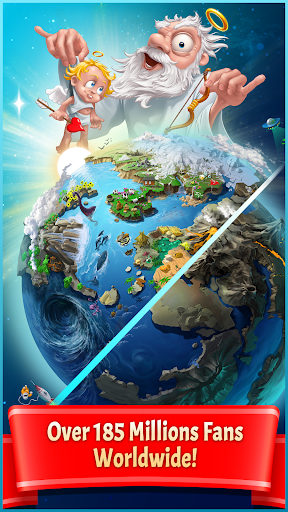
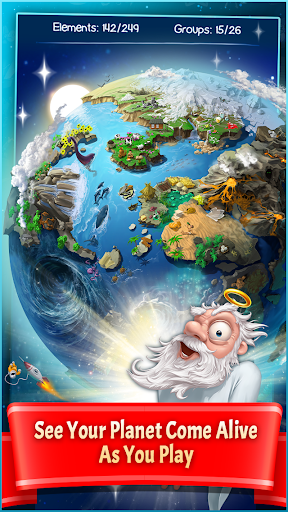
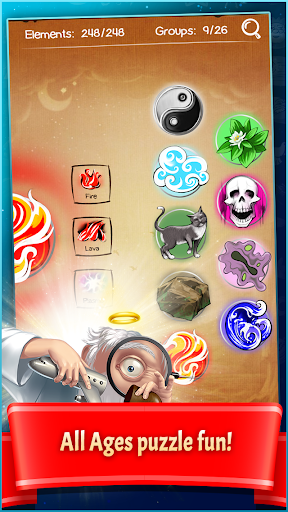
Over 185 Million Players Worldwide!
UNLEASH YOUR INNER GOD AND CREATE A UNIVERSE
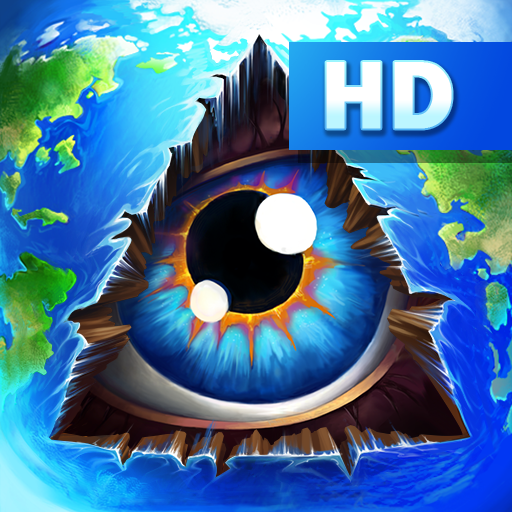
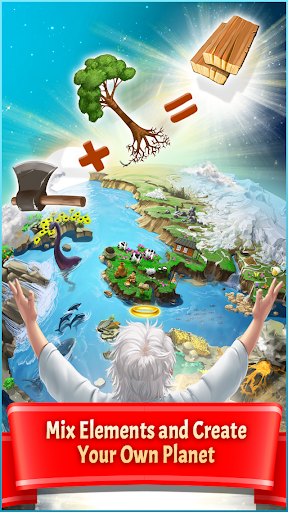
In this addictive, ALL ages, puzzle game mix and match different combinations of fire, earth, wind and air to create an entire universe! As you create each element watch your world come alive as each element animates on your planet. The new “Planet” mode offers a new challenging way to create a universe of your dreams.
Of course the universe was not created in a day. You’ll have to work your up from a simple microorganism to create animals, tools, storms and even build armies before you have what it takes to build the universe! But beware, the power of creation may have unintended consequences, inventing the wheel might just trigger a zombie plague… Don’t worry, you are not alone on this cosmic journey! Every time you successfully create a new item you’ll be rewarded with the wit and wisdom of some of the greatest philosophers and comedians of all time. Unleash your inner god with Doodle God™!
NEW GAMEPLAY FEATURES
Now available in 13 languages: English, Dutch, French, Spain, Italian, Russian, Japanese, Chinese, Korean, Portuguese, Swedish, Polish & German.
NEW Visual “Planet” Mode allows players to see their planet come alive as you play.
NEW “Mission” Mode offers new challenging puzzles
New Artifacts Mode: Collect ancient artifacts like Stonehenge created by amazing triple reactions.
Mold fire, wind, earth and air to create the Universe.
Create 300+ advanced items and concepts.
Intuitive one-click game play encourages thoughtful, creative play
Hundreds of interesting, funny and thought-provoking quotes and sayings.
New “Puzzle” mode.
Create locomotives, sky scrappers and more
New “Quests” mode. Can you save the Princess or escape a Desert Island?
New reactions with existing elements and episodes.
New achievements.
New Elements encyclopedia with wikipedia links.
Improved mini-games for arcade fans.
CRITICS LOVE IT!
Follow us to get early access to exclusive content, price drops and updates:
LIKE: www.facebook.com/doodlegod
FOLLOW: www.twitter.com/joybitsmobile
Show more

1. Download MEmu installer and finish the setup

2. Start MEmu then open Google Play on the desktop

3. Search Doodle God™ in Google Play
Install
4. Download and Install Doodle God™
5. On install completion click the icon to start

6. Enjoy playing Doodle God™ on PC with MEmu
MEmu Play is the best Android emulator and 100 million people already enjoy its superb Android gaming experience. The MEmu virtualization technology empowers you to play thousands of Android games smoothly on your PC, even the most graphic-intensive ones.
Bigger screen with better graphics; Long duration, without limitation of battery or mobile data.
Full Keymapping support for precise control of keyboard and mouse or gamepad.
Multiple game accounts or tasks on single PC at one time with Multi-Instance manager.
Play Doodle God™ on PC by following steps: