Kharos Unbound
Updated
Current Version
1.0.1
Offered By

With your passion for Kharos Unbound, you shouldn’t have to limit yourself to the small screen of a phone. Play like a pro and take full control of the game using a keyboard and mouse. MEmu gives you everything you’re looking for. Download and play Kharos Unbound on PC. Play as long as you want — no more worries about battery life, mobile data, or unexpected calls. The all-new MEmu 9 is the best way to play Kharos Unbound on PC. With our expertly designed keymapping system, Kharos Unbound feels just like a real PC game. The MEmu multi-instance manager lets you run two or more accounts on the same device at the same time. Most importantly, our exclusive emulation engine unlocks your PC’s full potential, delivering smooth and seamless performance.
Show more
Download Kharos Unbound on PC with MEmu Android Emulator. Enjoy playing on big screen. The forest is dying from its edges inward.
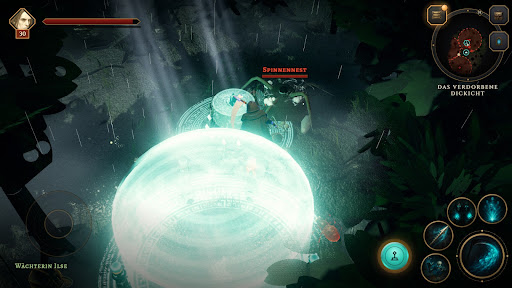
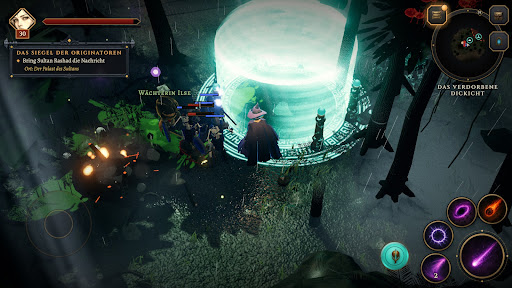
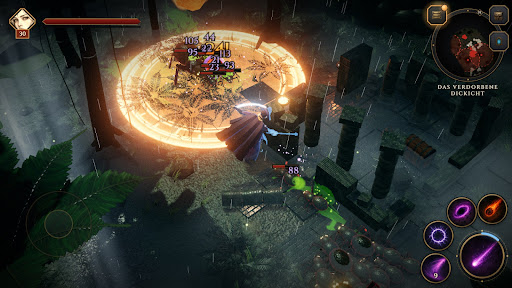
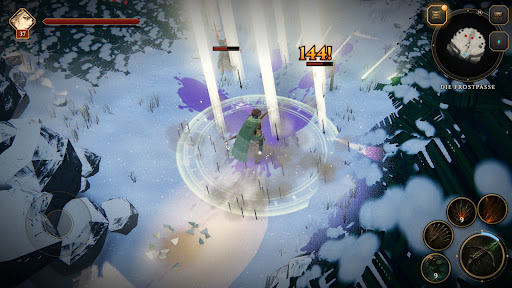
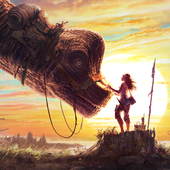
The forest is dying from its edges inward. Scouts return with dust in their boots, and somewhere beyond the steppe something older than any map is waking. Kharos Unbound is a dark action RPG made for playing with your thumbs – fast, heavy-hitting and full of secrets.
FOUR CLASSES, FOUR WAYS TO FIGHT
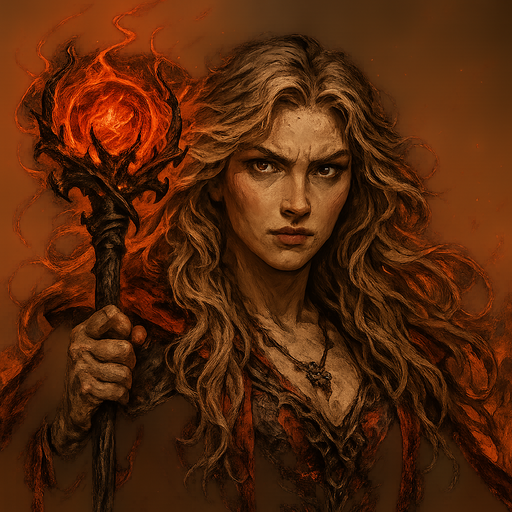
• Sorceress – lightning, fire and arcane missiles from a distance
• Warrior – sword, shield and raw force in the thick of it
• Ranger – nimble, with crossbow, traps and somersaults
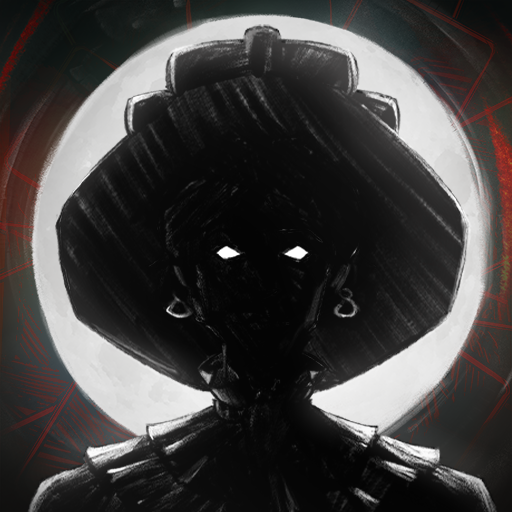
• Necromancer – scythe, soul-fire and an army of the risen dead
Every class has its own skills and an Ultimate you charge in battle and unleash at the right moment.
A WORLD THAT WON'T LET GO
Travel from the dying wood across the steppe into the Great Waste, through the Red Storm to the desert city of Ashkarra, down to the floor of a vanished sea, into the meadows of the East and up into the frozen North. Every land has its own creatures, its own people and its own story.
DUNGEONS AND BOSSES
Descend into caves, canyons and ancient halls. Solve puzzles the world shows you instead of explaining, and face bosses like the Brood Mother, the Sand Wyrm or the giant crab Karkinos.
LOOT AND GEAR
Magic, rare and legendary items with powers of their own. Upgrade your gear at the smith, gather materials and find an animal companion that fights at your side and picks up loot.
THE ORIGINATORS' DUNGEONS
After the story the hunt truly begins: sealed dungeons of the Originators open with sigils, every run is rolled anew, and at the end wait wardens and legendaries found nowhere else.
MADE FOR YOUR PHONE
Landscape, touch controls with stick and skill buttons, clear guidance as you start – and the same world on desktop.
Show more

1. Download MEmu installer and finish the setup

2. Start MEmu then open Google Play on the desktop

3. Search Kharos Unbound in Google Play
Install
4. Download and Install Kharos Unbound
5. On install completion click the icon to start

6. Enjoy playing Kharos Unbound on PC with MEmu
MEmu Play is the best Android emulator and 100 million people already enjoy its superb Android gaming experience. The MEmu virtualization technology empowers you to play thousands of Android games smoothly on your PC, even the most graphic-intensive ones.
Bigger screen with better graphics; Long duration, without limitation of battery or mobile data.
Full Keymapping support for precise control of keyboard and mouse or gamepad.
Multiple game accounts or tasks on single PC at one time with Multi-Instance manager.
Play Kharos Unbound on PC by following steps: