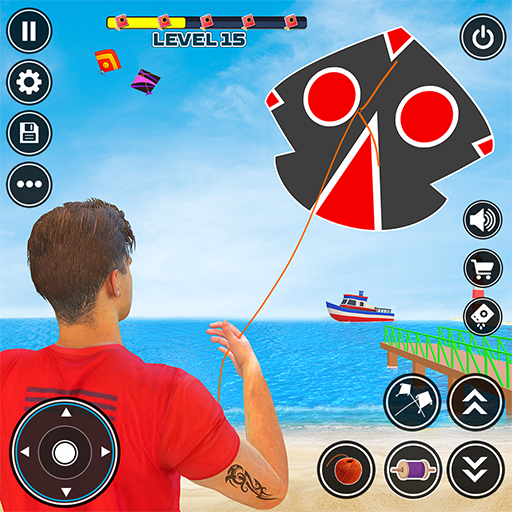
Kite Flying Sim: Kite Games
Updated
Current Version
4.3
Offered By

With your passion for Kite Flying Sim: Kite Games, you shouldn’t have to limit yourself to the small screen of a phone. Play like a pro and take full control of the game using a keyboard and mouse. MEmu gives you everything you’re looking for. Download and play Kite Flying Sim: Kite Games on PC. Play as long as you want — no more worries about battery life, mobile data, or unexpected calls. The all-new MEmu 9 is the best way to play Kite Flying Sim: Kite Games on PC. With our expertly designed keymapping system, Kite Flying Sim: Kite Games feels just like a real PC game. The MEmu multi-instance manager lets you run two or more accounts on the same device at the same time. Most importantly, our exclusive emulation engine unlocks your PC’s full potential, delivering smooth and seamless performance.
Show more
Download Kite Flying Sim: Kite Games on PC with MEmu Android Emulator. Enjoy playing on big screen. Kite Game offers variety of kites.
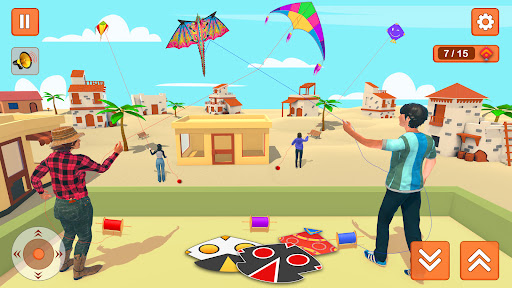
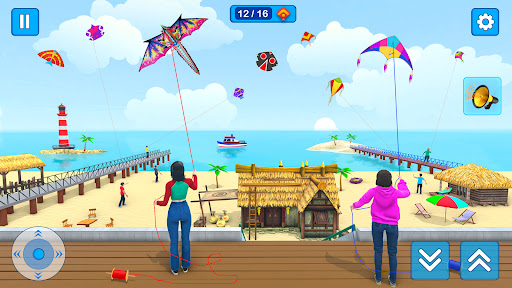
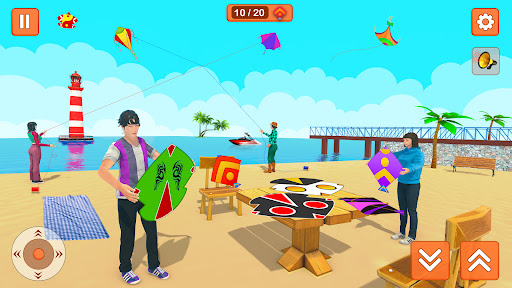
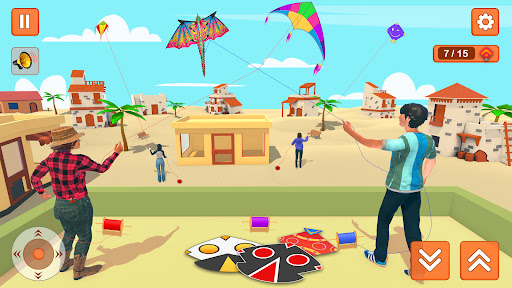
Kite Game offers variety of kites. Choose from makar sankranti kite, haryana, mumbai india kites. Fight pecha with 141, 115, 167, crazy arcade clouds kite against kite flyer while flying high. A kite is a rhombus with fave tapasya uttaran adventure.
Happy makar sankranti challenge is to control the heavy wind. The extreme weather conditions of patang wala game can make it worse. The participants of the competition in patang wali game must follow the instructions and learn to read the wind speed in kite loot and direction and adjust the angle of flying kite accordingly. This kite simulator pipa challenge offers a wide variety of customization like players to allow changing the kites colors, patters, sizes and designs. Some games even allow players to create their own kites from scratch, choosing the shape, size, and materials used.
Fly your favorite kite with expert opponents in the sky. The pipa and basant festival is live so be ready to showcase your best skills against the opponent. The blue sky is filled with basant festival and kite colors. Kite Game - Kite flying offers you to fly your kite in different environments where you can fight with other kites. Kite fighting is an interesting part where actually the battle starts between the kites of different shapes; you need to give a dheel "Move away" when the pecha "kite fighting" takes place between the kites of different countries.
Cut the kite of opponent, you need to tap to cut the opponent kite as fast as you can. Finally you would be a winner of the kite game. Kite festival is celebrated internationally for kite lovers. You could also learn how to fly kites in real life. You could become a Superhero.
Kite flying is a popular game that has been enjoyed by people of all ages for generations. The game involves flying a kite and using various techniques to control its flight.
Features of Kite games: Flying Kite Simulator
Different location for basant festival
Customized kite of colors, designs and patterns
Multiple shaped kites like diamond, square and futuristic kites.
Stunning Graphic and advance sound effects
Variety of mode selections for competition
Download this amazing kite simulator. Get the most adventurous pipa challenge and basant festival of all times like the real times.
Show more

1. Download MEmu installer and finish the setup

2. Start MEmu then open Google Play on the desktop

3. Search Kite Flying Sim: Kite Games in Google Play
Install
4. Download and Install Kite Flying Sim: Kite Games
5. On install completion click the icon to start

6. Enjoy playing Kite Flying Sim: Kite Games on PC with MEmu
MEmu Play is the best Android emulator and 100 million people already enjoy its superb Android gaming experience. The MEmu virtualization technology empowers you to play thousands of Android games smoothly on your PC, even the most graphic-intensive ones.
Bigger screen with better graphics; Long duration, without limitation of battery or mobile data.
Full Keymapping support for precise control of keyboard and mouse or gamepad.
Multiple game accounts or tasks on single PC at one time with Multi-Instance manager.
Play Kite Flying Sim: Kite Games on PC by following steps:















































