
Last Isle: Survival
Updated
Current Version
1.0.5
Offered By

With your passion for Last Isle: Survival, you shouldn’t have to limit yourself to the small screen of a phone. Play like a pro and take full control of the game using a keyboard and mouse. MEmu gives you everything you’re looking for. Download and play Last Isle: Survival on PC. Play as long as you want — no more worries about battery life, mobile data, or unexpected calls. The all-new MEmu 9 is the best way to play Last Isle: Survival on PC. With our expertly designed keymapping system, Last Isle: Survival feels just like a real PC game. The MEmu multi-instance manager lets you run two or more accounts on the same device at the same time. Most importantly, our exclusive emulation engine unlocks your PC’s full potential, delivering smooth and seamless performance.
Show more
Download Last Isle: Survival on PC with MEmu Android Emulator. Enjoy playing on big screen. Last Isle: Survival is a multiplayer online survival game combining island building, FPS combat, and extraction gameplay.
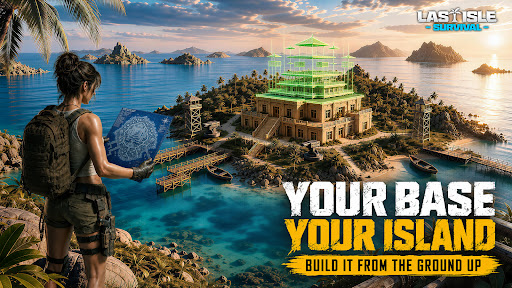
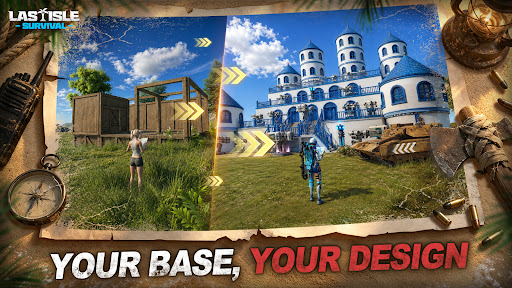
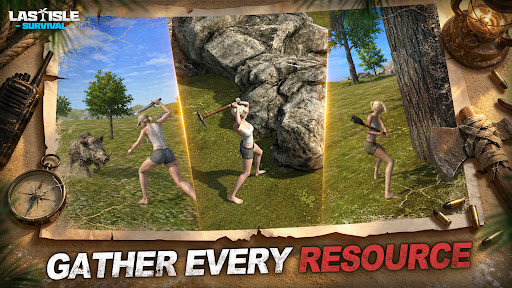
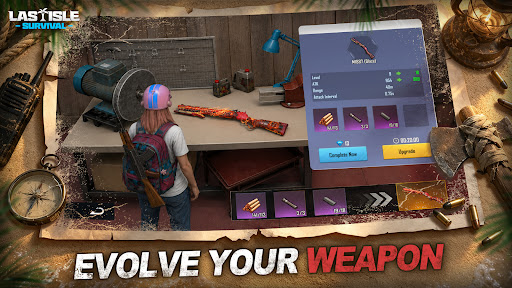
Last Isle: Survival is a multiplayer online survival game combining island building, FPS combat, and extraction gameplay. A global flood has submerged 99% of the land, leaving humanity scattered across isolated islands. In this dangerous ocean world, you must start from nothing, build your base, and grow stronger through exploration, combat, and looting.
[Build & Defend Your Base]
Gather resources, construct buildings, grow crops, and tame pets. Set up turrets, traps, and mines to defend against enemy raids and build your own ocean fortress.
[FPS Combat & Raid Gameplay]
Switch freely between first- and third-person shooting. Fight monsters and players, raid enemy islands, destroy structures, and seize resources.
[Loot & Extraction]
Explore dangerous zones to collect loot. Successfully extract to keep everything—fail, and lose it all.
[Multiplayer PvP & Guild Wars]
Join PvP battles, guild wars, and fight for island control with your team.
[Social & Alliances]
Add friends, form alliances, and interact in player bases.
[Player-Driven Economy]
Trade items freely and turn loot into profit.
Start from a lonely island and expand your power. Only the strong can rebuild order.
Show more

1. Download MEmu installer and finish the setup

2. Start MEmu then open Google Play on the desktop

3. Search Last Isle: Survival in Google Play
Install
4. Download and Install Last Isle: Survival
5. On install completion click the icon to start

6. Enjoy playing Last Isle: Survival on PC with MEmu
MEmu Play is the best Android emulator and 100 million people already enjoy its superb Android gaming experience. The MEmu virtualization technology empowers you to play thousands of Android games smoothly on your PC, even the most graphic-intensive ones.
Bigger screen with better graphics; Long duration, without limitation of battery or mobile data.
Full Keymapping support for precise control of keyboard and mouse or gamepad.
Multiple game accounts or tasks on single PC at one time with Multi-Instance manager.
Play Last Isle: Survival on PC by following steps: