
Love is Our Specialty!
Updated
Current Version
3.1.11
Offered By

With your passion for Love is Our Specialty!, you shouldn’t have to limit yourself to the small screen of a phone. Play like a pro and take full control of the game using a keyboard and mouse. MEmu gives you everything you’re looking for. Download and play Love is Our Specialty! on PC. Play as long as you want — no more worries about battery life, mobile data, or unexpected calls. The all-new MEmu 9 is the best way to play Love is Our Specialty! on PC. With our expertly designed keymapping system, Love is Our Specialty! feels just like a real PC game. The MEmu multi-instance manager lets you run two or more accounts on the same device at the same time. Most importantly, our exclusive emulation engine unlocks your PC’s full potential, delivering smooth and seamless performance.
Show more
Download Love is Our Specialty! on PC with MEmu Android Emulator. Enjoy playing on big screen. Find your perfect anime girlfriend in this unique bishoujo game from Genius Studio Japan!
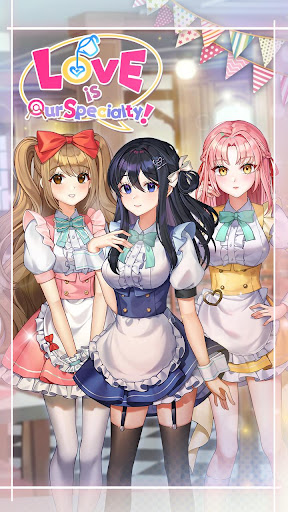
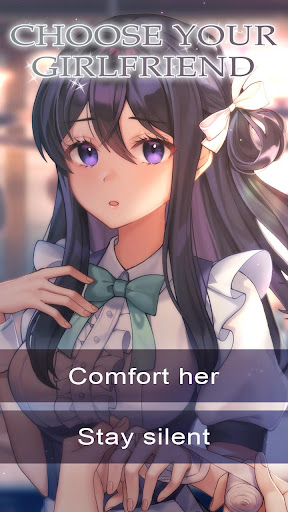
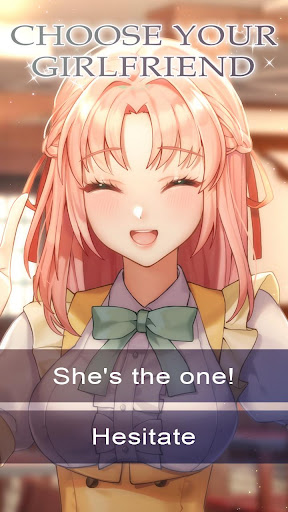
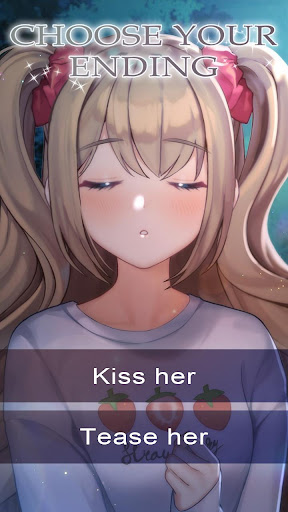
Find your perfect anime girlfriend in this unique bishoujo game from Genius Studio Japan!
☆Synopsis☆
You’ve been working hard at a restaurant to put yourself through high school, but work’s not all bad when you’ve got cute coworkers and a good boss! One day though, on your way home from work, you come across a girl that’s being bothered by a group of delinquents. You jump in to help, but it looks like she’s an expert fighter and barely needs your assistance!
You’re definitely surprised by the whole event, but life goes on… Until your boss tells you that a new staff member will be joining your team. It just so happens to be the girl from before! Will you be able to train her? How will it affect your relationship with your childhood friend and coworker? And let’s not forget that guy that wants to take over your restaurant…
Who thought working at a restaurant would lead to all these crazy events! But you might just get a nice reward for all your hard work in “Love is Our Specialty!”
☆Characters☆
◇Karen◇
Karen is a tough fighter that many consider to be a delinquent. Now she’s your newest trainee! She’s terse, but she’s got a strong sense of justice and is a no-nonsense kind of a girl. But what could be hiding underneath that harsh exterior of hers…?
◇Reika◇
You’ve been good friends with her forever and she’s been very supportive of you. She can be a little tsundere at times, but her intentions are good. Though she doesn’t work at the restaurant with you, that might change soon...
◇Ayaka◇
Modest and a little shy, Ayaka is one of your coworkers at the restaurant. It looks like she might have a crush on you, but she’s not quite ready to admit her feelings. But one of your male coworkers seems to be giving her trouble...
Show more

1. Download MEmu installer and finish the setup

2. Start MEmu then open Google Play on the desktop

3. Search Love is Our Specialty! in Google Play
Install
4. Download and Install Love is Our Specialty!
5. On install completion click the icon to start

6. Enjoy playing Love is Our Specialty! on PC with MEmu
MEmu Play is the best Android emulator and 100 million people already enjoy its superb Android gaming experience. The MEmu virtualization technology empowers you to play thousands of Android games smoothly on your PC, even the most graphic-intensive ones.
Bigger screen with better graphics; Long duration, without limitation of battery or mobile data.
Full Keymapping support for precise control of keyboard and mouse or gamepad.
Multiple game accounts or tasks on single PC at one time with Multi-Instance manager.
Play Love is Our Specialty! on PC by following steps: