Math Kids: Math Games For Kids
Updated
Current Version
1735193245
Offered By

With your passion for Math Kids: Math Games For Kids, you shouldn’t have to limit yourself to the small screen of a phone. Play like a pro and take full control of the game using a keyboard and mouse. MEmu gives you everything you’re looking for. Download and play Math Kids: Math Games For Kids on PC. Play as long as you want — no more worries about battery life, mobile data, or unexpected calls. The all-new MEmu 9 is the best way to play Math Kids: Math Games For Kids on PC. With our expertly designed keymapping system, Math Kids: Math Games For Kids feels just like a real PC game. The MEmu multi-instance manager lets you run two or more accounts on the same device at the same time. Most importantly, our exclusive emulation engine unlocks your PC’s full potential, delivering smooth and seamless performance.
Show more
Download Math Kids: Math Games For Kids on PC with MEmu Android Emulator. Enjoy playing on big screen. It's never too early to start your child's education.
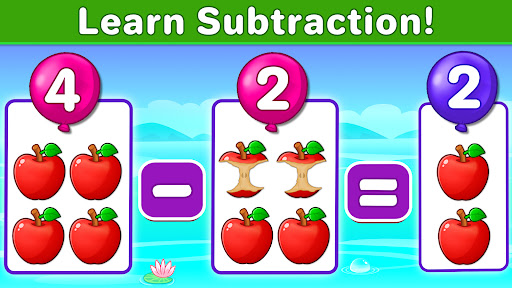
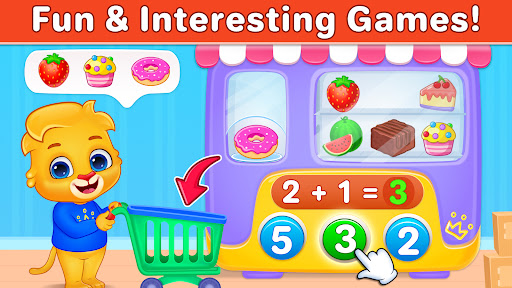
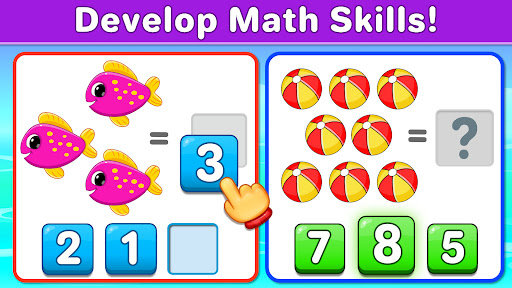
It's never too early to start your child's education. Preschoolers, kindergarteners, toddlers, and older kids are eager to learn their ABCs, counting, addition, subtraction, and more! The best way to encourage that is to share smart, well-made educational apps and games with them on a daily basis.
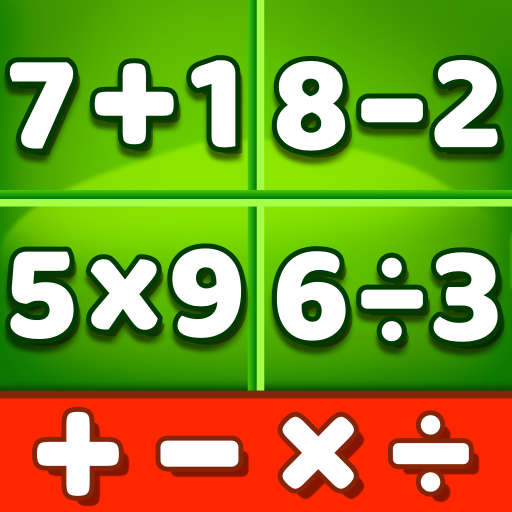
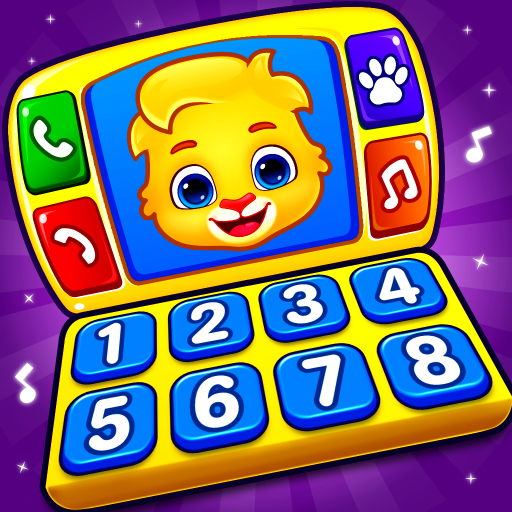
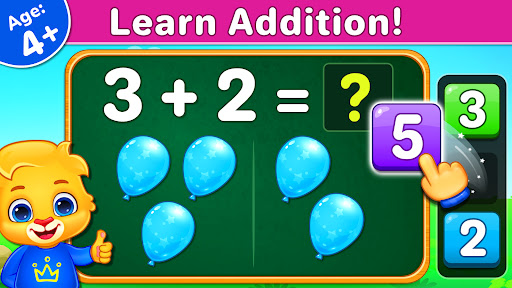
Math Kids is a free learning game designed to teach young children numbers and mathematics. It features several mini-games that toddlers and pre-K kids will love to play, and the more they do the better their math skills will become! Math Kids will help preschoolers, kindergarteners, 1st graders to learn to identify numbers and start training with addition and subtraction puzzles. They'll have a great time completing games and earning stickers, and you‘ll have a great time watching them grow and learn.
Math Kids features a number of puzzles that teach while your child plays, including:
• Counting - Learn to count objects in this simple game of addition.
• Compare - Children can build their counting and comparing skills to see which group of items is bigger or smaller.
• Adding Puzzle - A fun mini-game where kids create math problems by dragging numbers on the screen.
• Adding Fun - Count the objects and tap on the missing number.
• Adding Quiz - Put your child's math and addition skills to the test.
• Subtracting Puzzle - Fill in the missing symbols in the math problem.
• Subtracting Fun - Count the items to solve the puzzle!
• Subtracting Quiz - See how much your child has improved in their mathematics skills for subtraction.
When kids can play while they're learning, they're much more likely to recall information. It also makes them want to learn more frequently, which will give them a huge boost when they start kindergarten.
Math Kids also comes with a number of features that help adults monitor and manage their child's progress. Customize game modes to increase or decrease the difficulty, or check report cards to see scores for previous rounds.
Math Kids is the perfect introduction to the basics of counting, addition, and subtraction. It will teach your toddler, kindergartener, 1st grader sorting, and logical skills along with early mathematics, giving them the perfect foundation for a lifetime of learning.
Note to Parents:
When creating Math Kids, we focused on building the best possible learning experience for children of all ages. We're parents ourselves, so we know exactly what makes a good educational game, as well as what doesn't. We released Kids Math as a completely free game with no in-app purchases or third party ads. Math Kids is full featured, frustration free, and ready to go. It’s exactly the kind of educational app we want for our children, and we think your family will enjoy it, too!
- Best wishes from the parents at RV AppStudios
Show more

1. Download MEmu installer and finish the setup

2. Start MEmu then open Google Play on the desktop

3. Search Math Kids: Math Games For Kids in Google Play
Install
4. Download and Install Math Kids: Math Games For Kids
5. On install completion click the icon to start

6. Enjoy playing Math Kids: Math Games For Kids on PC with MEmu
MEmu Play is the best Android emulator and 100 million people already enjoy its superb Android gaming experience. The MEmu virtualization technology empowers you to play thousands of Android games smoothly on your PC, even the most graphic-intensive ones.
Bigger screen with better graphics; Long duration, without limitation of battery or mobile data.
Full Keymapping support for precise control of keyboard and mouse or gamepad.
Multiple game accounts or tasks on single PC at one time with Multi-Instance manager.
Play Math Kids: Math Games For Kids on PC by following steps: