Mini Restaurant Premium
Updated
Current Version
1.21.0
Offered By

With your passion for Mini Restaurant Premium, you shouldn’t have to limit yourself to the small screen of a phone. Play like a pro and take full control of the game using a keyboard and mouse. MEmu gives you everything you’re looking for. Download and play Mini Restaurant Premium on PC. Play as long as you want — no more worries about battery life, mobile data, or unexpected calls. The all-new MEmu 9 is the best way to play Mini Restaurant Premium on PC. With our expertly designed keymapping system, Mini Restaurant Premium feels just like a real PC game. The MEmu multi-instance manager lets you run two or more accounts on the same device at the same time. Most importantly, our exclusive emulation engine unlocks your PC’s full potential, delivering smooth and seamless performance.
Show more
Download Mini Restaurant Premium on PC with MEmu Android Emulator. Enjoy playing on big screen. Offer of Premium: 500 gems!
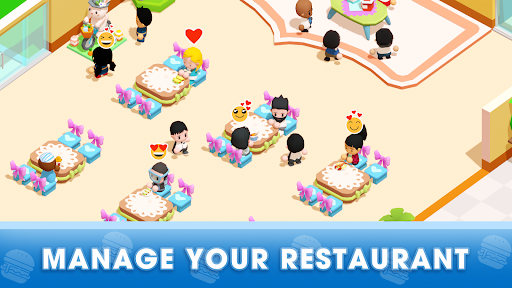
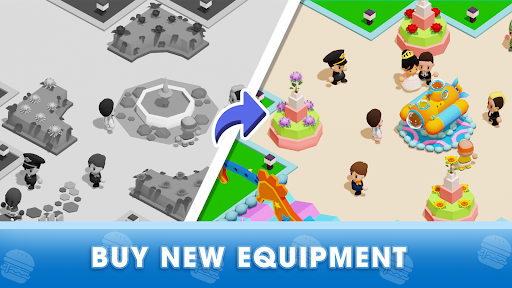
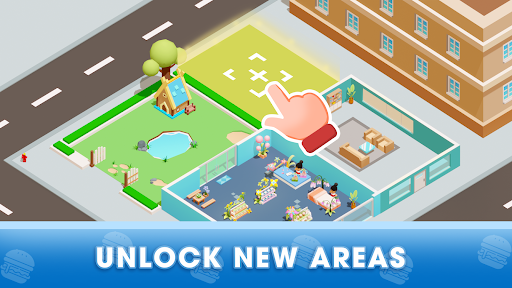
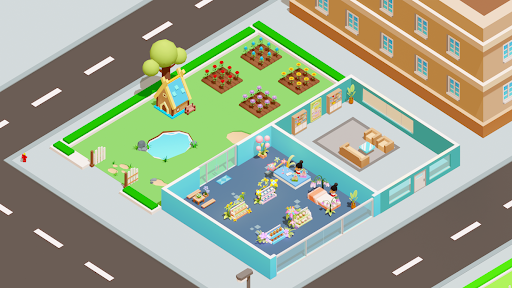
Offer of Premium: 500 gems!
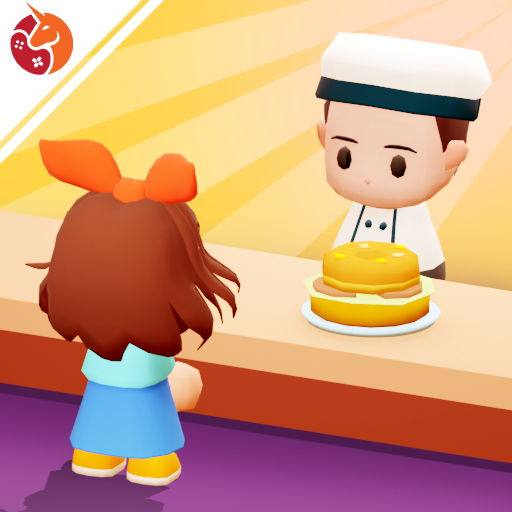
Welcome to Mini Restaurant: Food Tycoon, an engaging restaurant business and management simulation game!
As the owner of a restaurant, you're about to embark on a journey to become a skilled manager and build a thriving culinary establishment. Join us now and immerse yourself in this exciting and delightful adventure in Mini Restaurant: Food Tycoon!
Take customer orders.
Your staff will handle orders, cook, and serve food to your guests. Sit back and relax, as this game is perfect for idle gaming enthusiasts like you!
Prepare delectable dishes.
Your restaurant can whip up a wide variety of dishes, from soups, coffees, and lemonades to hot dogs, burgers, pizzas, and more! Don't forget to hire special characters to expedite your business operations.
Earn revenue from food sales.
Satisfy all your customers with your outstanding cuisine, and they'll happily pay for their meals, often leaving an extra tip!
Upgrade and decorate your restaurant.
Use the money earned from food sales to purchase equipment and furnishings, ranging from basic to modern. Personalize your dream restaurant according to your preferences.
Expand your restaurant.
Begin with a small establishment and gradually expand it into a spacious restaurant equipped with all the amenities to serve your customers better.
Demonstrate your exceptional management skills!
As long as you put in the effort, customers will flock to your restaurant. With your creativity and managerial acumen, there are no limits to what you can achieve in Mini Restaurant: Food Tycoon.
This game is a perfect fit for the following individuals:
- Enthusiasts of cute games, food market tycoon game!
- Food lovers who crave dishes like pizza, burgers, hot dogs, gimbap, sushi, pasta, and more...
- Fans of relaxing games, idle games, and simulation games!
- Players who prefer offline and idle gaming experiences!
- Those who enjoy single-player and free games!
Play Mini Restaurant: Food Tycoon and become the most successful restaurant boss! Showcase your talent in restaurant management, craft delightful dishes, and provide an exceptional dining experience for every customer. The culinary world eagerly awaits your expertise!
By downloading this food market tycoon game, you agree to receive future updates through your app store or social network. You can choose to update the game, but opting out may affect your game experience and functionality.
Need assistance? Reach out to us via email: support@unimobgame.com
Visit our Facebook fanpage:
https://www.facebook.com/mini.restaurant.unimob
Discord: https://discord.gg/32HGnPq5hb
Show more

1. Download MEmu installer and finish the setup

2. Start MEmu then open Google Play on the desktop

3. Search Mini Restaurant Premium in Google Play
Install
4. Download and Install Mini Restaurant Premium
5. On install completion click the icon to start

6. Enjoy playing Mini Restaurant Premium on PC with MEmu
MEmu Play is the best Android emulator and 100 million people already enjoy its superb Android gaming experience. The MEmu virtualization technology empowers you to play thousands of Android games smoothly on your PC, even the most graphic-intensive ones.
Bigger screen with better graphics; Long duration, without limitation of battery or mobile data.
Full Keymapping support for precise control of keyboard and mouse or gamepad.
Multiple game accounts or tasks on single PC at one time with Multi-Instance manager.
Play Mini Restaurant Premium on PC by following steps: