Mirren: Star Legends
Updated
Current Version
1.0.3
Offered By

With your passion for Mirren: Star Legends, you shouldn’t have to limit yourself to the small screen of a phone. Play like a pro and take full control of the game using a keyboard and mouse. MEmu gives you everything you’re looking for. Download and play Mirren: Star Legends on PC. Play as long as you want — no more worries about battery life, mobile data, or unexpected calls. The all-new MEmu 9 is the best way to play Mirren: Star Legends on PC. With our expertly designed keymapping system, Mirren: Star Legends feels just like a real PC game. The MEmu multi-instance manager lets you run two or more accounts on the same device at the same time. Most importantly, our exclusive emulation engine unlocks your PC’s full potential, delivering smooth and seamless performance.
Show more
Download Mirren: Star Legends on PC with MEmu Android Emulator. Enjoy playing on big screen. Throughout the 120,000 years of Mirren's history, angels, humans, elves, demons, orcs, and dragons—all races and species—have had their moments in the spotlight.
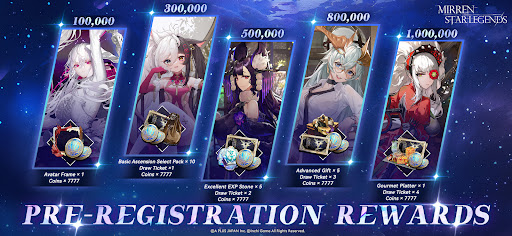
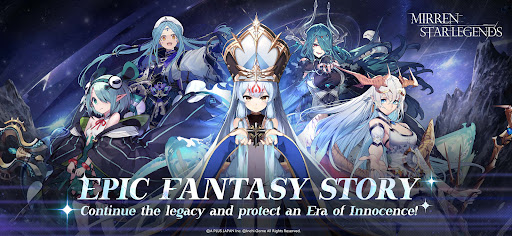
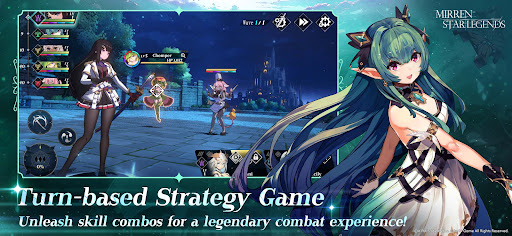
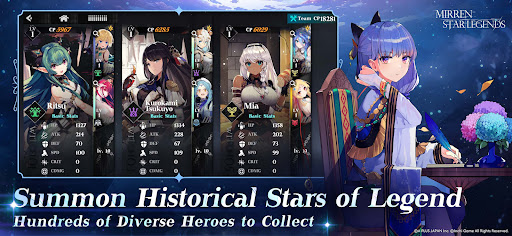
Throughout the 120,000 years of Mirren's history, angels, humans, elves, demons, orcs, and dragons—all races and species—have had their moments in the spotlight. Their attempts to coexist created periods of prosperity and periods of disaster as chaos challenged order time and time again.
That was until the witch Lilia offered the final note for this chaotic overture. She selflessly absorbed all the world's darkness and welcomed chaos upon herself, marking the start of Mirren's "Era of Innocence."
After this act of sacrifice, Lilia suddenly disappeared... As the Lord Oracle, you will continue her legacy alongside the Novas and Asters. Together, we must sustain this song of innocence!
✦Epic Fantasy✦
Welcome to the land of Mirren! Embark on a journey through 120,000 years of unbroken history, witnessing the creation of this mystical world up to the present day. Countless characters from history now stand beside you, ready to take on any challenge. Prepare for an immersive experience like no other!
✦Novas and Asters✦
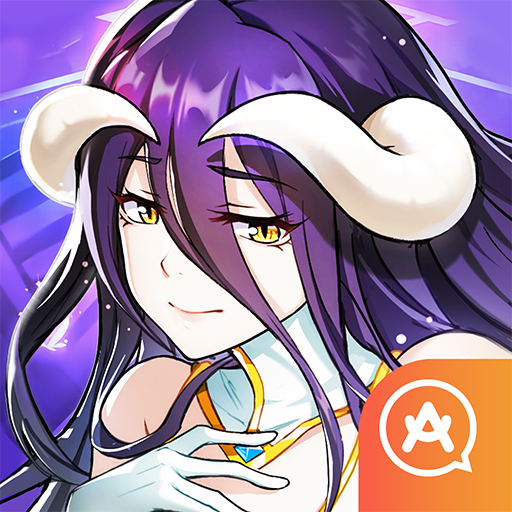
As Lord Oracle, you will command the Novas and Asters, each with their own unique personalities. Get to know their stories while you write your own.
✦Turn-based Strategy Gameplay✦
Choose wisely when you creating your team of Novas and Asters to unleash their true potential. Try different combinations and find the right build that leads you to victory.
✦Casual Gameplay✦
If you need a break from all the adventuring, try out the mini-game in the Guild and hang out with the girls! Enjoy everyday life with the Novas and Asters with awesome character art and side stories!
Follow Us for More:
Official Website: https://mirren.aplus-games.com/
X (Twitter): https://x.com/MirrenSL
Term of Use: https://mirren.aplus-games.com/terms
Privacy Policy: https://mirren.aplus-games.com/privacy
Show more

1. Download MEmu installer and finish the setup

2. Start MEmu then open Google Play on the desktop

3. Search Mirren: Star Legends in Google Play
Install
4. Download and Install Mirren: Star Legends
5. On install completion click the icon to start

6. Enjoy playing Mirren: Star Legends on PC with MEmu
MEmu Play is the best Android emulator and 100 million people already enjoy its superb Android gaming experience. The MEmu virtualization technology empowers you to play thousands of Android games smoothly on your PC, even the most graphic-intensive ones.
Bigger screen with better graphics; Long duration, without limitation of battery or mobile data.
Full Keymapping support for precise control of keyboard and mouse or gamepad.
Multiple game accounts or tasks on single PC at one time with Multi-Instance manager.
Play Mirren: Star Legends on PC by following steps: