Nekopara Sekai Connect
Updated
Current Version
1.2.1
Offered By

With your passion for Nekopara Sekai Connect, you shouldn’t have to limit yourself to the small screen of a phone. Play like a pro and take full control of the game using a keyboard and mouse. MEmu gives you everything you’re looking for. Download and play Nekopara Sekai Connect on PC. Play as long as you want — no more worries about battery life, mobile data, or unexpected calls. The all-new MEmu 9 is the best way to play Nekopara Sekai Connect on PC. With our expertly designed keymapping system, Nekopara Sekai Connect feels just like a real PC game. The MEmu multi-instance manager lets you run two or more accounts on the same device at the same time. Most importantly, our exclusive emulation engine unlocks your PC’s full potential, delivering smooth and seamless performance.
Show more
Download Nekopara Sekai Connect on PC with MEmu Android Emulator. Enjoy playing on big screen. Release date scheduled for April 14th!
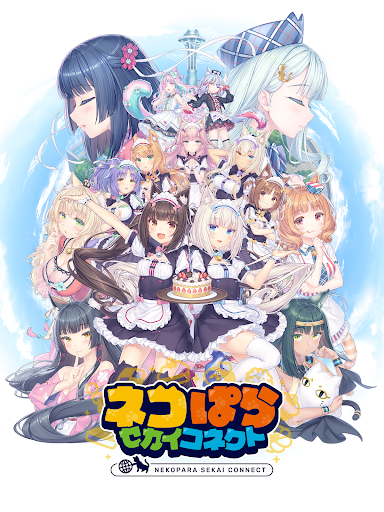
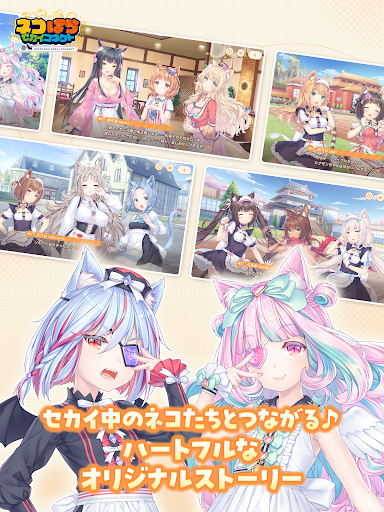
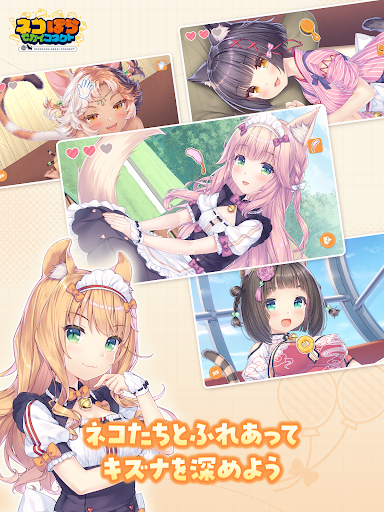
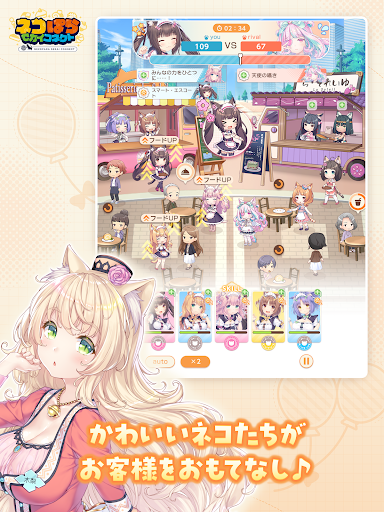
Release date scheduled for April 14th!
A heartwarming Neko comedy that connects these felines from all across the globe!
With over 7 million copies sold worldwide, the latest entry
in the popular adventure game series NEKOPARA is here!
◆About NEKOPARA Sekai Connect (Neko Connect)
- Character illustrations by NEKOPARA creator Sayori!
- Featuring Nekos from all around the world!
- High-quality 2D animation style that brings these unique Nekos to life!
- Brand-new, fully voiced main story and character episodes!
- Easy-to-use semi-auto battles!
- Create your own shop with sandbox-style gameplay!
- Enjoy a rhythm game featuring exclusive songs and music videos!
◆Introduction
It's the near future where people live alongside AI-created Nekos—beings that look human, but are just a little different...
One day, while running the patisserie La Soleil with your adorable Nekos, you receive an invitation to the Neko Festival, a global competition where Nekos and their owners vie for popularity!
Rumor has it the winner will be granted any wish by the Neko-creating AI...
Laugh, cry and grow closer to the Nekos as you uncover the mysteries of the world.
◆Cast
Fraise:Nozomi Yamamoto
Chocola:Yuki Yagi
Vanilla:Iori Saeki
Azuki:Shiori Izawa
Coconut:Marin Mizutani
Maple:Miku Ito
Cinnamon:Yuri Noguchi
Shigure:MAO
◆Latest Information
<Official Website>
https://nekoconne.com/
<Official X (formerly Twitter) Account>
https://x.com/nekoconne_en/
◆Other
This application supports only Japanese and English.
Please note that the following devices are not recommended, as their performance may be unstable:
Google Pixel 10 Pro, Google Pixel 10 Pro XL
※Rated 13+ by the Indonesia Game Rating System (IGRS).
Show more

1. Download MEmu installer and finish the setup

2. Start MEmu then open Google Play on the desktop

3. Search Nekopara Sekai Connect in Google Play
Install
4. Download and Install Nekopara Sekai Connect
5. On install completion click the icon to start

6. Enjoy playing Nekopara Sekai Connect on PC with MEmu
MEmu Play is the best Android emulator and 100 million people already enjoy its superb Android gaming experience. The MEmu virtualization technology empowers you to play thousands of Android games smoothly on your PC, even the most graphic-intensive ones.
Bigger screen with better graphics; Long duration, without limitation of battery or mobile data.
Full Keymapping support for precise control of keyboard and mouse or gamepad.
Multiple game accounts or tasks on single PC at one time with Multi-Instance manager.
Play Nekopara Sekai Connect on PC by following steps: