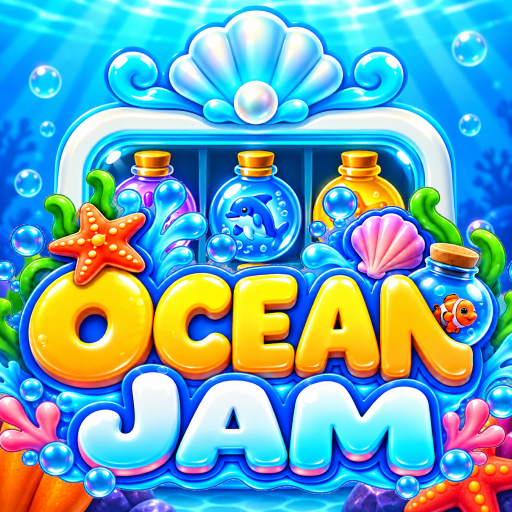
Ocean Jam
Updated
Current Version
1.0.4
Offered By

With your passion for Ocean Jam, you shouldn’t have to limit yourself to the small screen of a phone. Play like a pro and take full control of the game using a keyboard and mouse. MEmu gives you everything you’re looking for. Download and play Ocean Jam on PC. Play as long as you want — no more worries about battery life, mobile data, or unexpected calls. The all-new MEmu 9 is the best way to play Ocean Jam on PC. With our expertly designed keymapping system, Ocean Jam feels just like a real PC game. The MEmu multi-instance manager lets you run two or more accounts on the same device at the same time. Most importantly, our exclusive emulation engine unlocks your PC’s full potential, delivering smooth and seamless performance.
Show more
Download Ocean Jam on PC with MEmu Android Emulator. Enjoy playing on big screen. Make room, match colors, and pack every bottle in Color Jam, a colorful sorting puzzle set in a bright underwater world.
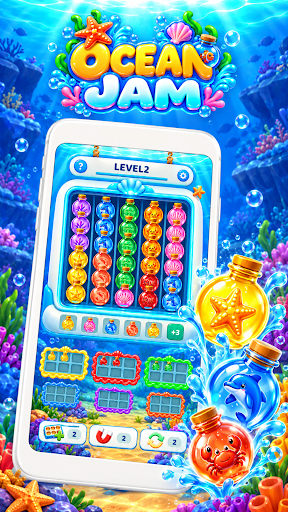
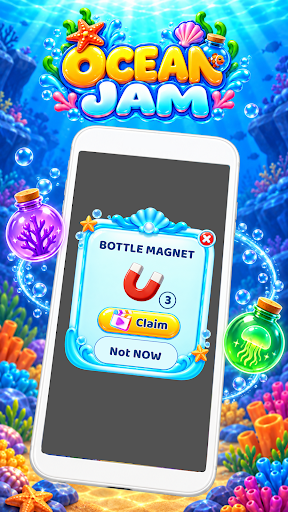
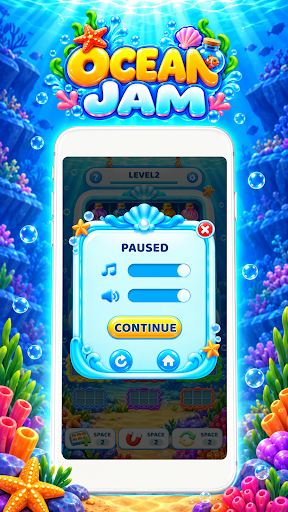
Make room, match colors, and pack every bottle in Color Jam, a colorful sorting puzzle set in a bright underwater world.
Tap a column to release bottles from the bottom and send them into matching collection boxes. Each box holds six bottles of the same color. Fill it up to send it away and reveal the next box.
Sounds simple? Bottles without a matching box go into the waiting area, where space is limited. Watch the upcoming colors and choose your moves carefully to keep the board moving.
How to play
- Tap a column to release the bottom bottle and consecutive bottles of the same color.
- Match bottles with boxes of the same color.
- Collect six bottles to complete each box.
- Manage your waiting spaces before they fill up.
- Collect every bottle to complete the level.
Plan your next move
Look beyond the available boxes. An upcoming color could be the key to clearing your waiting area and making room for more bottles.
Get help when you need it
Expand the waiting area for extra room, use a magnet to complete an active box, or shuffle the bottles to change the arrangement.
Explore colorful challenges
Progress through levels with more colors and larger bottle arrangements. Simple tap controls make it easy to get started, while limited space gives every choice a purpose.
Enjoy the sorting
Discover rounded, colorful bottles, a cheerful ocean backdrop, and smooth packing animations. Watch a crowded board become neat and clear, one box at a time.
Show more

1. Download MEmu installer and finish the setup

2. Start MEmu then open Google Play on the desktop

3. Search Ocean Jam in Google Play
Install
4. Download and Install Ocean Jam
5. On install completion click the icon to start

6. Enjoy playing Ocean Jam on PC with MEmu
MEmu Play is the best Android emulator and 100 million people already enjoy its superb Android gaming experience. The MEmu virtualization technology empowers you to play thousands of Android games smoothly on your PC, even the most graphic-intensive ones.
Bigger screen with better graphics; Long duration, without limitation of battery or mobile data.
Full Keymapping support for precise control of keyboard and mouse or gamepad.
Multiple game accounts or tasks on single PC at one time with Multi-Instance manager.
Play Ocean Jam on PC by following steps: