
Roundguard
Updated
Current Version
2.0.6
Offered By

With your passion for Roundguard, you shouldn’t have to limit yourself to the small screen of a phone. Play like a pro and take full control of the game using a keyboard and mouse. MEmu gives you everything you’re looking for. Download and play Roundguard on PC. Play as long as you want — no more worries about battery life, mobile data, or unexpected calls. The all-new MEmu 9 is the best way to play Roundguard on PC. With our expertly designed keymapping system, Roundguard feels just like a real PC game. The MEmu multi-instance manager lets you run two or more accounts on the same device at the same time. Most importantly, our exclusive emulation engine unlocks your PC’s full potential, delivering smooth and seamless performance.
Show more
Download Roundguard on PC with MEmu Android Emulator. Enjoy playing on big screen. Mobile Game of the Year nominations from Golden Joystick, Destructoid, and Pocket Gamer!
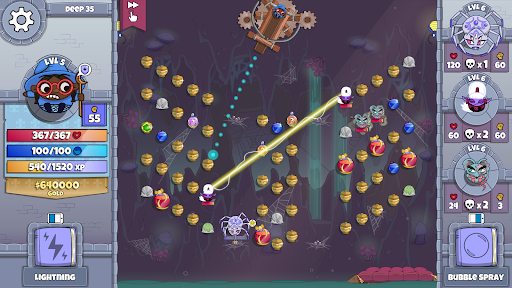
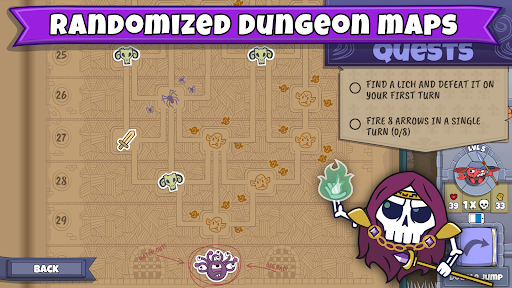
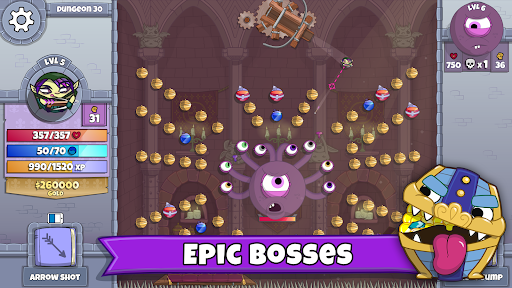
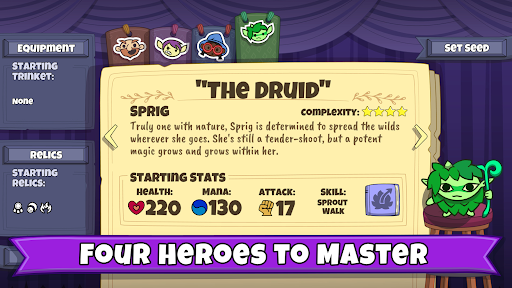
Mobile Game of the Year nominations from Golden Joystick, Destructoid, and Pocket Gamer!
Roundguard is a bouncy dungeon crawler with pinball physics, lots of loot, and a randomized castle full of oddballs. Press your luck against hordes of dangerously cute monsters and challenging roguelike elements in this all-round bouncy adventure!
Bouncy Fun: Intuitive pinball physics-based gameplay like no other dungeon crawler.
Multiple Classes: Play as the Warrior, the Rogue, the Wizard, or the Druid, each with their own unique skills, items, and cheeky sense of humor.
Show Off Your Skills: Compete on the leaderboards and try to master all the challenging, rule-bending relics. Earn all the Encore roses in an escalating series of difficulty ranks for each hero.
Daily Puzzles: A new short puzzle every day to test your skills.
Weekly Runs: New special rules each week. Compete against the world on dedicated weekly leaderboards.
Randomized Dungeon: Each time you play, levels are procedurally generated, and quest events and elite monsters are randomly placed.
Permadeath with Benefits: When you die, you’ll have a chance to bring a special trinket with you on your next run. The more gold you grab, the better your chances to collect one of the most powerful trinkets.
A Cast of Oddballs: Chat with the castle’s colorful cast to pick up quests and learn why some rats want their king dead, what’s irritating the local teenage skeleton today, or what the Warrior will do if you can’t get to a bathroom quickly enough.
Lots of Loot: Over 200 items and trinkets, each with effects that present strategic choices and combo possibilities.
Show more

1. Download MEmu installer and finish the setup

2. Start MEmu then open Google Play on the desktop

3. Search Roundguard in Google Play
Install
4. Download and Install Roundguard
5. On install completion click the icon to start

6. Enjoy playing Roundguard on PC with MEmu
MEmu Play is the best Android emulator and 100 million people already enjoy its superb Android gaming experience. The MEmu virtualization technology empowers you to play thousands of Android games smoothly on your PC, even the most graphic-intensive ones.
Bigger screen with better graphics; Long duration, without limitation of battery or mobile data.
Full Keymapping support for precise control of keyboard and mouse or gamepad.
Multiple game accounts or tasks on single PC at one time with Multi-Instance manager.
Play Roundguard on PC by following steps:














































