RPG Asdivine Hearts
Updated
Current Version
1.1.5g
Offered By

With your passion for RPG Asdivine Hearts, you shouldn’t have to limit yourself to the small screen of a phone. Play like a pro and take full control of the game using a keyboard and mouse. MEmu gives you everything you’re looking for. Download and play RPG Asdivine Hearts on PC. Play as long as you want — no more worries about battery life, mobile data, or unexpected calls. The all-new MEmu 9 is the best way to play RPG Asdivine Hearts on PC. With our expertly designed keymapping system, RPG Asdivine Hearts feels just like a real PC game. The MEmu multi-instance manager lets you run two or more accounts on the same device at the same time. Most importantly, our exclusive emulation engine unlocks your PC’s full potential, delivering smooth and seamless performance.
Show more
Download RPG Asdivine Hearts on PC with MEmu Android Emulator. Enjoy playing on big screen. Beautiful hand-drawn visuals and a story of epic proportions bring Asdivine Hearts to the forefront of smartphone gaming!
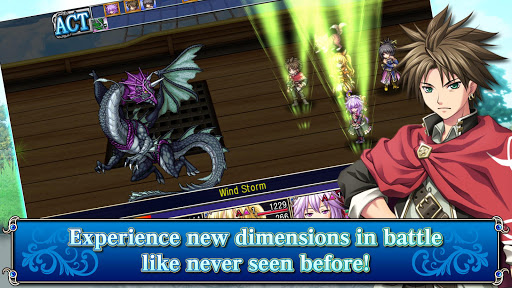
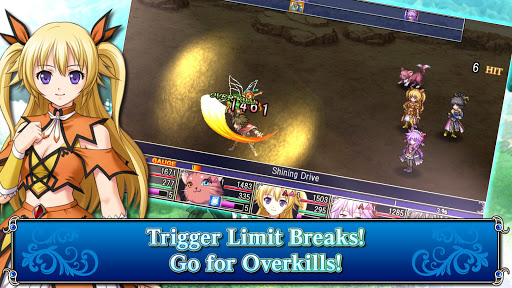
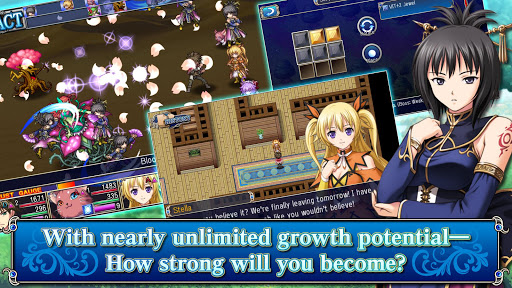
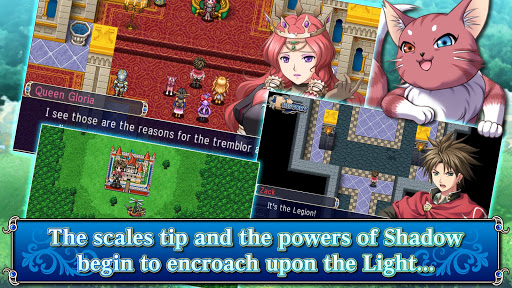
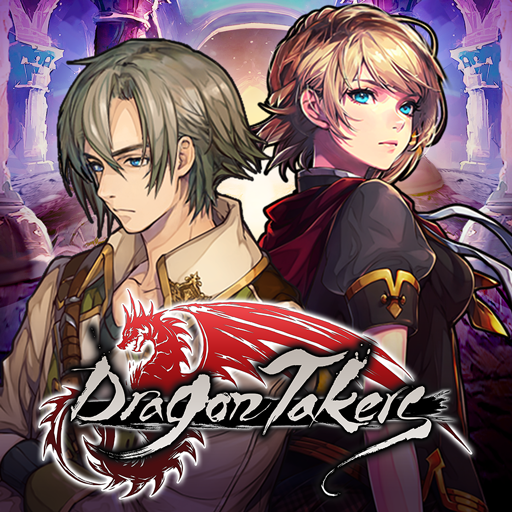
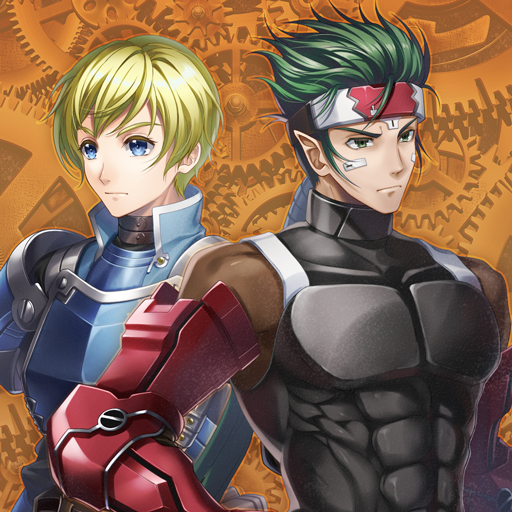
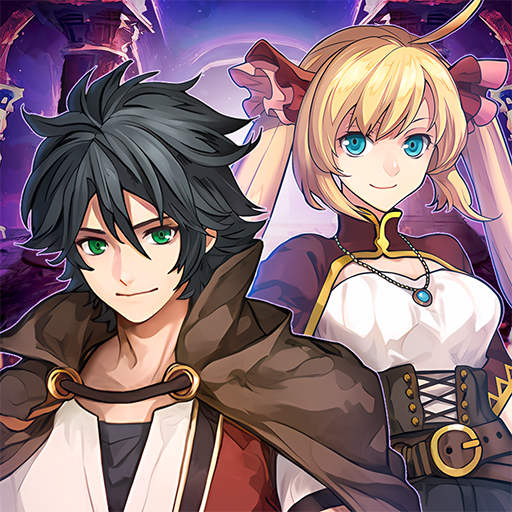
Beautiful hand-drawn visuals and a story of epic proportions bring Asdivine Hearts to the forefront of smartphone gaming! Travel alongside four companions and a cat in the adventure of a lifetime and one that transcends even the world in this latest fantasy RPG!
Story
One year prior, the world of Asdivine was enveloped by a brilliant flash of light. Since that time, the influence of shadow has only continued to grow ever more powerful across the face of the land. And though the event itself was undoubtedly connected with the heavens, few people seem to have realized the far-reaching implications of what transpired.
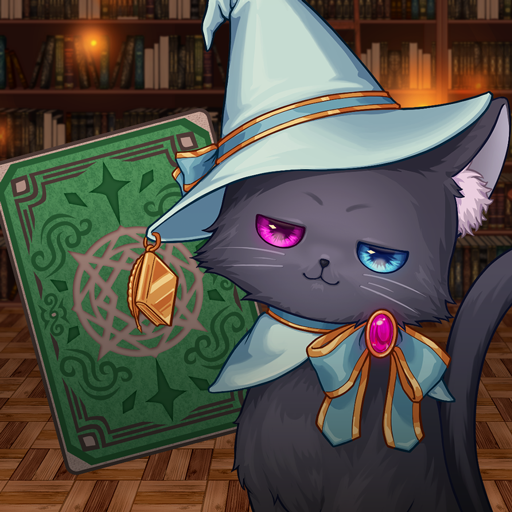
Now turning to the present, a surprising revelation awaits a young man by the name of Zack and his childhood friend, Stella, in the capital from a chubby cat claiming to be none other than the Light Deity and declaring the world to be on the verge of a great collapse.
Although skeptical at first, this band of unlikely adventurers soon finds this chance encounter to be only the beginning of an adventure set to not only change their lives, but their fates, as well.
Groundbreaking Visual Quality
Using the latest in visual expression capabilities for smartphones, the world of Asdivine has been rendered with stunning detail.
From meandering clouds to lapping waves, sparkling magic to slithering creatures, and even dynamic skill effects, Asdivine Hearts breaks new ground in 2D turn-based RPGs!
Limitless Play and Loads of Content
By taking puzzle piece-like jewels and setting them in a box known as a "rubix," players are able to customize characters in ways like never before! From having lighting-fast reflexes to berserker status, it is all possible with the power of a rubix!
Moreover, with plenty of subquests and rare items to go around, there is never a reason to find yourself without something to do! And with a battle arena, treasure to dig for, and an enemy guide to collect information for, there is always something to do for even the most casual and hardcore gamers. So how far can you level and how many millions of damage can you dish out?
All these challenges await you and more!
*This game features some in-app-purchase content. While in-app-purchase content requires additional fees, it is not necessary for finishing the game.
*The actual price might differ depending on the region.
[Supported OS]
- 8.0 and up
[SD Card Storage]
- Enabled
[Languages]
- English, Japanese
[Non-Supported Devices]
This app has generally been tested to work on any mobile device released in Japan. We cannot guarantee support on other devices.
[IMPORTANT NOTICE]
Your use of the application requires your agreement to the following EULA and 'Privacy Policy and Notice'. If you do not agree, please do not download our application.
End User License Agreement: http://kemco.jp/eula/index.html
Privacy Policy and Notice: http://www.kemco.jp/app_pp/privacy.html
Get the latest information!
[Newsletter]
http://kemcogame.com/c8QM
[Facebook page]
http://www.facebook.com/kemco.global
(C)2014 KEMCO/EXE-CREATE
Show more

1. Download MEmu installer and finish the setup

2. Start MEmu then open Google Play on the desktop

3. Search RPG Asdivine Hearts in Google Play
Install
4. Download and Install RPG Asdivine Hearts
5. On install completion click the icon to start

6. Enjoy playing RPG Asdivine Hearts on PC with MEmu
MEmu Play is the best Android emulator and 100 million people already enjoy its superb Android gaming experience. The MEmu virtualization technology empowers you to play thousands of Android games smoothly on your PC, even the most graphic-intensive ones.
Bigger screen with better graphics; Long duration, without limitation of battery or mobile data.
Full Keymapping support for precise control of keyboard and mouse or gamepad.
Multiple game accounts or tasks on single PC at one time with Multi-Instance manager.
Play RPG Asdivine Hearts on PC by following steps: