Sort Dash: Color Match!
Updated
Current Version
2.0.3
Offered By

With your passion for Sort Dash: Color Match!, you shouldn’t have to limit yourself to the small screen of a phone. Play like a pro and take full control of the game using a keyboard and mouse. MEmu gives you everything you’re looking for. Download and play Sort Dash: Color Match! on PC. Play as long as you want — no more worries about battery life, mobile data, or unexpected calls. The all-new MEmu 9 is the best way to play Sort Dash: Color Match! on PC. With our expertly designed keymapping system, Sort Dash: Color Match! feels just like a real PC game. The MEmu multi-instance manager lets you run two or more accounts on the same device at the same time. Most importantly, our exclusive emulation engine unlocks your PC’s full potential, delivering smooth and seamless performance.
Show more
Download Sort Dash: Color Match! on PC with MEmu Android Emulator. Enjoy playing on big screen. Dive into Sort Dash: Color Match, the ultimate puzzle game where strategy meets color-matching in an exciting adventure.
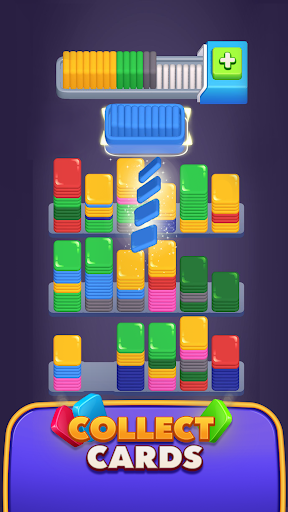

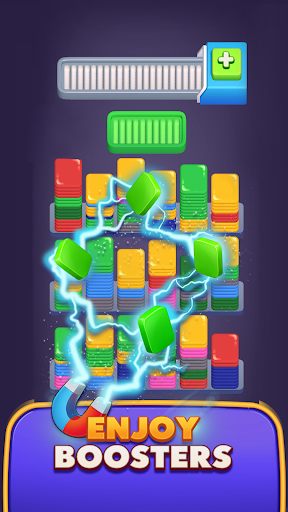
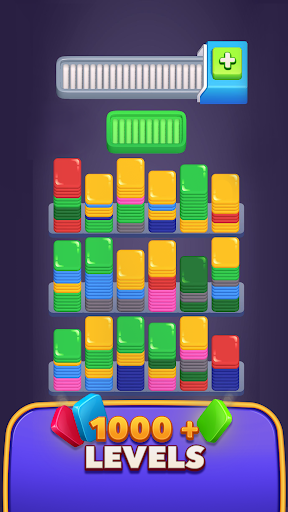
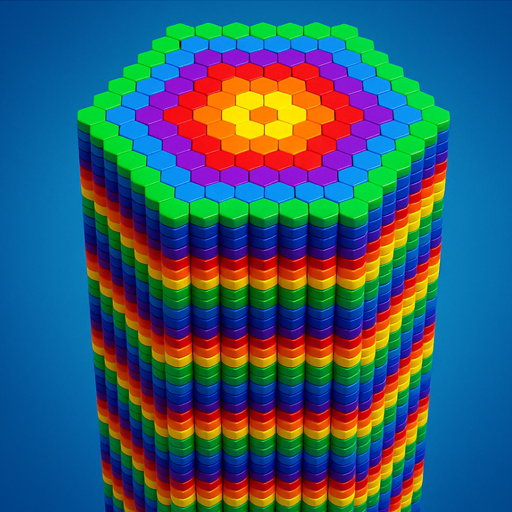
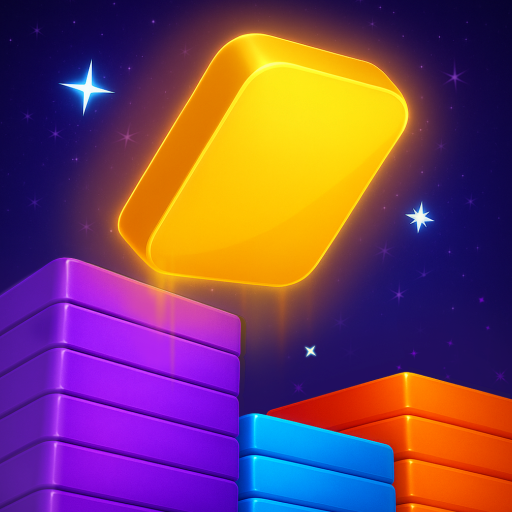
Dive into Sort Dash: Color Match, the ultimate puzzle game where strategy meets color-matching in an exciting adventure. Master the art of the match in this captivating puzzle game with unique gameplay and vibrant visuals.
Why Play Sort Dash: Color Match?
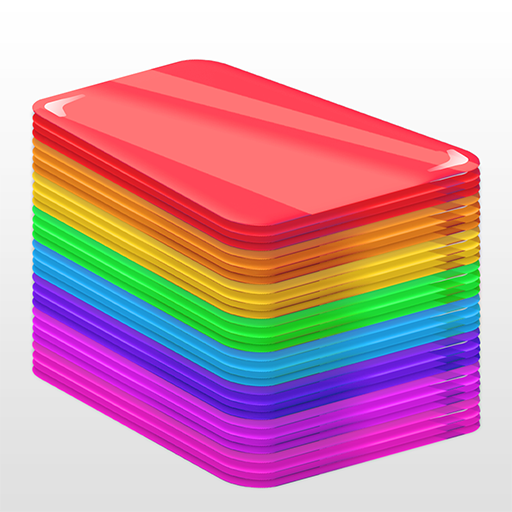
Masterful Color Matching: Strategically align 10 cards of the target color in the target tray to progress! This innovative approach to color matching enhances your puzzle-solving experience.
Avoid the Overflow: Prevent the storage tray from filling up. Overfilling leads to a challenging puzzle fail, where no space left means the end of the game.
Increasing Puzzle Challenges: Encounter higher stakes with more colors and quicker fills as you progress. Perfect for fans of both casual games and intense puzzle challenges.
Celebrate Every Victory: Unlock rewards, progress through levels, and collect achievements as you excel in this engaging color match game.
Game Features:
Simple Yet Deep Gameplay: Easy to pick up but challenging to master, our game offers a deep strategic layer to engage puzzle game lovers.
Dynamic Power-Ups: Enhance your gameplay with powerful boosts that help you clear challenging levels and achieve high scores.
Fresh Content and Regular Updates: Enjoy new levels and features continuously added, keeping the game exciting and fresh.
How to Play:
• Each level presents a target color shown in a target tray with 10 card slots.
• Fill the target tray with 10 cards of the same color to clear it and reveal a new target. The full tray leaves the screen from the right side, and a new one comes from the left side.
• Use the storage tray to hold other colored cards, but avoid overfilling it as it has a capacity of 21 cards.
• Cards move automatically to either the storage tray or target tray based on their color with each tap.
• Cards in the storage tray automatically move to the target tray when the target color matches.
• Collect all cards in the scene to achieve a win.
Embark on Your Puzzle Adventure!
Ready to challenge your color matching skills in an addictive puzzle game? Download Sort Dash: Color Match now and join players in a quest to conquer the colorful puzzles! Transform your skills, tackle dynamic challenges, and become a puzzle game master!
Tap ‘Download’ and start your color match adventure in Sort Dash today!
Show more

1. Download MEmu installer and finish the setup

2. Start MEmu then open Google Play on the desktop

3. Search Sort Dash: Color Match! in Google Play
Install
4. Download and Install Sort Dash: Color Match!
5. On install completion click the icon to start

6. Enjoy playing Sort Dash: Color Match! on PC with MEmu
MEmu Play is the best Android emulator and 100 million people already enjoy its superb Android gaming experience. The MEmu virtualization technology empowers you to play thousands of Android games smoothly on your PC, even the most graphic-intensive ones.
Bigger screen with better graphics; Long duration, without limitation of battery or mobile data.
Full Keymapping support for precise control of keyboard and mouse or gamepad.
Multiple game accounts or tasks on single PC at one time with Multi-Instance manager.
Play Sort Dash: Color Match! on PC by following steps: