Stickman GO
Updated
Current Version
1.4.8
Offered By

With your passion for Stickman GO, you shouldn’t have to limit yourself to the small screen of a phone. Play like a pro and take full control of the game using a keyboard and mouse. MEmu gives you everything you’re looking for. Download and play Stickman GO on PC. Play as long as you want — no more worries about battery life, mobile data, or unexpected calls. The all-new MEmu 9 is the best way to play Stickman GO on PC. With our expertly designed keymapping system, Stickman GO feels just like a real PC game. The MEmu multi-instance manager lets you run two or more accounts on the same device at the same time. Most importantly, our exclusive emulation engine unlocks your PC’s full potential, delivering smooth and seamless performance.
Show more
Download Stickman GO on PC with MEmu Android Emulator. Enjoy playing on big screen. - The globally beloved classic IP Stickman bursts back with ultra vitality!
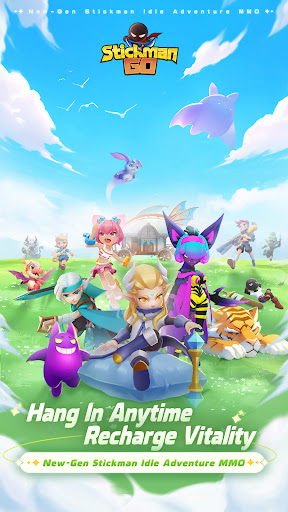
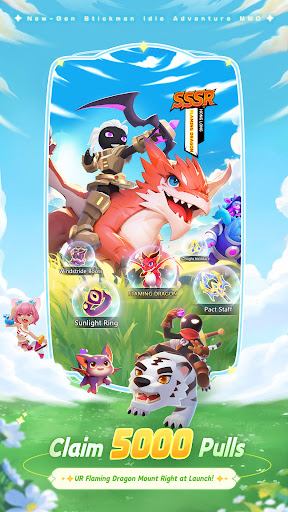
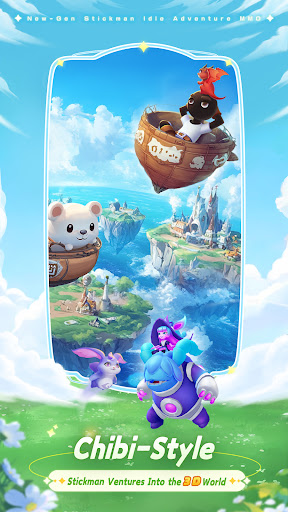
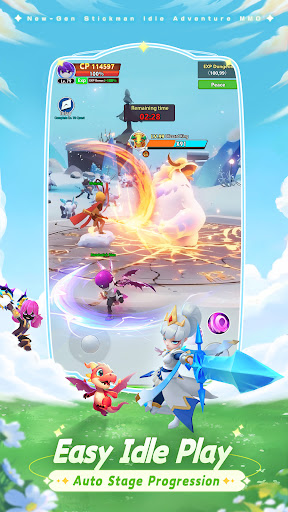
- The globally beloved classic IP Stickman bursts back with ultra vitality!
- Log in to claim 5000 draws, SSSR Red Dragon mount, exclusive title, and stickman appearance set!
- Transform into Swordsman, Mage, Ranger, or Dancer to venture into a vast 3D fantasy otherverse!
- Dive into casual fun anytime, anywhere! Embark on an ultra-vigorous adventure with adorable phantom beasts and heartwarming companions! ٩(๑^o^๑)۶
【Easy Idle, Speedy Level-Up】
AFK to claim offline rewards, complete training in a quick click , and enjoy double EXP potions for massive resource gains!
Portrait mode for simple controls—power up anytime, anywhere with one tap! Relish the stress-relieving joy of idle gameplay!
【Superpowered Companions, Strategic Team-ups】
Recruit Nezha, Sun Wukong, Mermaid, and more heroes with different attributes. Use strategic team-ups to clear maps and farm dungeons.
Whether you’re a chill AFK player or prefer hands-on combat, victory comes to you!
【Daily Gold Rush, Trade Divine Gear】
Dungeon drop rates are so high even the luckiest players would envy!
Trade gold gear and rare materials freely—turn your wealth dreams into reality!
【Awesome Phantom Beasts, Grow Together】
Encounter and forge bonds with phantom beasts and elves from all over the world to adventure together.
Witness ultra evolution transformations into countless forms—your ever-loyal companions!
【Joyful Socializing, Team up for Raids】
Your adventure never gets lonely! Team up with friends anytime for World Boss challenges and Guild Wars!
Join a warm and friendly guild, find your like-minded soulmates, and write your own adventure saga together!
Show more

1. Download MEmu installer and finish the setup

2. Start MEmu then open Google Play on the desktop

3. Search Stickman GO in Google Play
Install
4. Download and Install Stickman GO
5. On install completion click the icon to start

6. Enjoy playing Stickman GO on PC with MEmu
MEmu Play is the best Android emulator and 100 million people already enjoy its superb Android gaming experience. The MEmu virtualization technology empowers you to play thousands of Android games smoothly on your PC, even the most graphic-intensive ones.
Bigger screen with better graphics; Long duration, without limitation of battery or mobile data.
Full Keymapping support for precise control of keyboard and mouse or gamepad.
Multiple game accounts or tasks on single PC at one time with Multi-Instance manager.
Play Stickman GO on PC by following steps: