Where Winds Meet
Updated
Current Version
3.9
Offered By

With your passion for Where Winds Meet, you shouldn’t have to limit yourself to the small screen of a phone. Play like a pro and take full control of the game using a keyboard and mouse. MEmu gives you everything you’re looking for. Download and play Where Winds Meet on PC. Play as long as you want — no more worries about battery life, mobile data, or unexpected calls. The all-new MEmu 9 is the best way to play Where Winds Meet on PC. With our expertly designed keymapping system, Where Winds Meet feels just like a real PC game. The MEmu multi-instance manager lets you run two or more accounts on the same device at the same time. Most importantly, our exclusive emulation engine unlocks your PC’s full potential, delivering smooth and seamless performance.
Show more
Download Where Winds Meet on PC with MEmu Android Emulator. Enjoy playing on big screen. Step into an open-world action-adventure RPG set in ancient China.
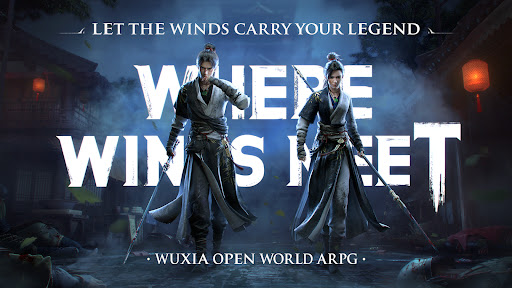
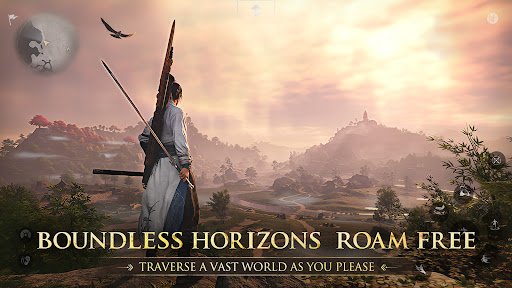
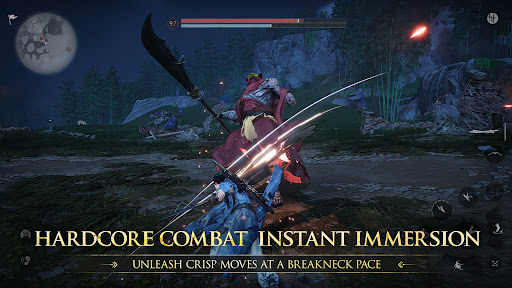
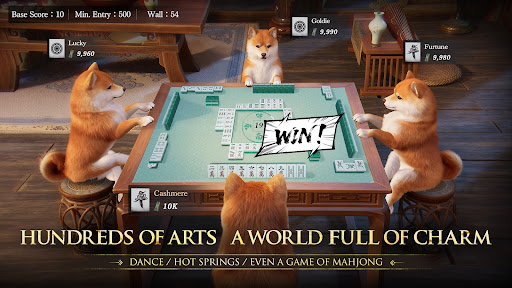
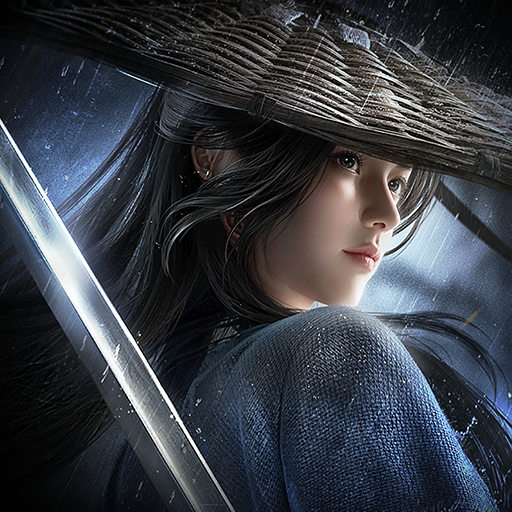
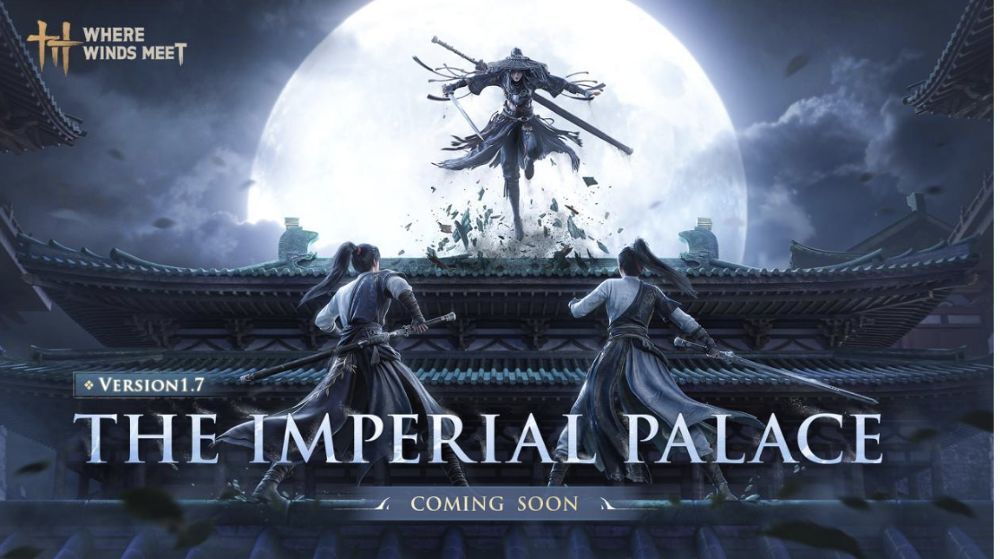
Step into an open-world action-adventure RPG set in ancient China. Uncover the secrets of your own identity as you rise from a humble village wanderer to the sword master of the imperial capital. Learn martial arts and build your reputation as a hero or a bringer of chaos in this free wuxia world.
Jianghu knows no bounds: Cross-play available on XBOX, PS5, PC, and Mobile. No pay-to-win.
Gameplay content is entirely free, with monetization limited to cosmetic items.
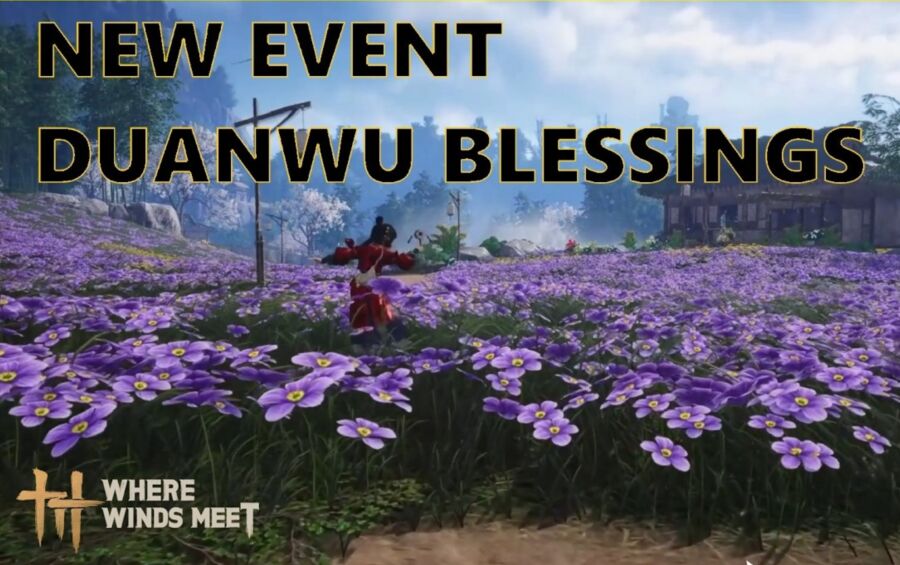
In Where Winds Meet, Chinese martial arts meet a seamless open world. Roam vast landscapes, uncover hidden ruins, and descend into layered underground catacombs. Steal techniques from martial sects, wield an arsenal of classic wuxia weaponry, and master over 30 mystic arts – from the flowing balance of Tai Chi to the force of Lion's Roar.
Craft, architecture, astronomy, folk games and performance, medicine and healing – 16 systems come together to form an immersive ancient society.
Adventure Alone or Forge Your Community
Embark on a narrative-driven adventure filled with rich solo gameplay, or team up with up to four friends for seamless co-op experiences.
Join or create a Guild to access group activities: intense guild wars, multiplayer dungeons, and epic raids. Show your skill in competitive duels, or enter a shared, evolving world with thousands of fellow wanderers.
Master Your Way of Wuxia Combat
Tailor your combat – melee, ranged, or stealth. Build a loadout that suits your playstyle. Engage in combat with classic wuxia weapons – sword, spear, dual blades, rope dart, bow, fan, and umbrella. Switch weapons and employ martial arts and mystic skills like Tai Chi to outmaneuver enemies.
Customize Your Jianghu Identity
Customize your character, choose your role, align with factions, and explore unique professions to shape your identity.
Here, freedom is yours, but every action has its weight. Cause chaos, defy the law, and face bounties, pursuit, even time behind bars. Or walk a nobler path: befriend villagers, forge alliances, and grow your reputation as a hero of the Wuxia world. In a world torn by chaos, become the spark that ignites change and forge your legacy!
Official Website:https://www.wherewindsmeetgame.com/
Youtube :https://www.youtube.com/@WhereWindsMeet
X:https://twitter.com/WhereWindsMeet_
Discord:https://discord.gg/eQc47PbWCK
Facebook:https://www.facebook.com/WhereWindsMeet
INS:https://www.instagram.com/where_winds_meet/
Tiktok:https://www.tiktok.com/@wherewindsmeet_
Show more

1. Download MEmu installer and finish the setup

2. Start MEmu then open Google Play on the desktop

3. Search Where Winds Meet in Google Play
Install
4. Download and Install Where Winds Meet
5. On install completion click the icon to start

6. Enjoy playing Where Winds Meet on PC with MEmu
MEmu Play is the best Android emulator and 100 million people already enjoy its superb Android gaming experience. The MEmu virtualization technology empowers you to play thousands of Android games smoothly on your PC, even the most graphic-intensive ones.
Bigger screen with better graphics; Long duration, without limitation of battery or mobile data.
Full Keymapping support for precise control of keyboard and mouse or gamepad.
Multiple game accounts or tasks on single PC at one time with Multi-Instance manager.
Play Where Winds Meet on PC by following steps: