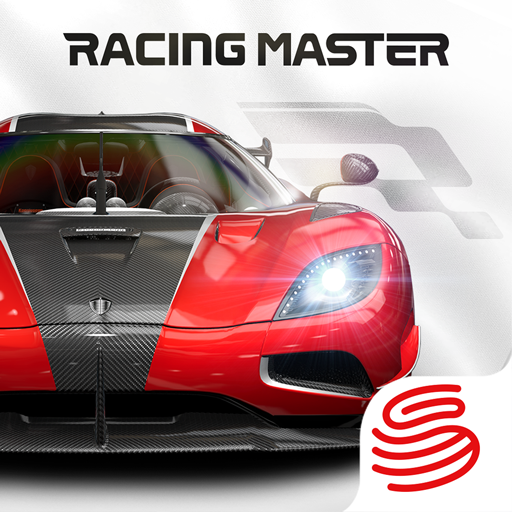
Racing Master PC

Download Racing Master on PC

Racing Master PC

Racing Master

  • Updated

  • Current Version

    0.29.5

  • Offered By

    Racing Master PC

Features of Racing Master on PC

With your passion for Racing Master, you shouldn’t have to limit yourself to the small screen of a phone. Play like a pro and take full control of the game using a keyboard and mouse. MEmu gives you everything you’re looking for. Download and play Racing Master on PC. Play as long as you want — no more worries about battery life, mobile data, or unexpected calls. The all-new MEmu 9 is the best way to play Racing Master on PC. With our expertly designed keymapping system, Racing Master feels just like a real PC game. The MEmu multi-instance manager lets you run two or more accounts on the same device at the same time. Most importantly, our exclusive emulation engine unlocks your PC’s full potential, delivering smooth and seamless performance.

Show more

Screenshots & Video of Racing Master PC

Download Racing Master on PC with MEmu Android Emulator. Enjoy playing on big screen. Racing Master’s New Season is Here!

Game Info

Racing Master’s New Season is Here! Ignite the Ultimate Racing Frenzy!
Witness the debut of dual Prime Legend machines! Unleash the track-focused beast, the Koenigsegg Jesko Attack '23 [Extreme Group], and experience the absolute pinnacle of downforce and aerodynamics. Or awaken the immortal JDM icon, the Toyota Supra RZ (A80) '98 [Standard Group], letting the legendary 2JZ twin-turbo engine roar on the asphalt. Both legends are hitting the track simultaneously!
Log in and score big with our unprecedented rewards! Join NOW to claim 95 FREE draws and unlock the ultimate privilege: pick 1 of 3 legendary Gold cars. You can directly drive the world-speed-record-breaking Koenigsegg Agera RS '15 straight into your personal garage. Don't miss out on this massive giveaway!
Legends return with exclusive offers! The ultra-rare Lamborghini Reventon '08, inspired by stealth fighters, makes a glorious comeback with a limited-time discount. Plus, we are introducing an all-new vehicle exchange system: simply stay active daily or unlock the great-value Weekly Pass for another chance to claim the Koenigsegg Agera RS '15. Low effort, incredibly high rewards!
Conquer new tracks and write your own myth! Push your handling limits in the awe-inspiring "Green Hell"—the Nürburgring Nordschleife—or burn rubber on the vibrant new Mexico circuit. Are you ready to dominate? Join Racing Master NOW!

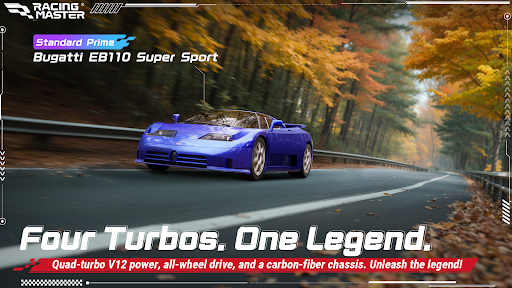
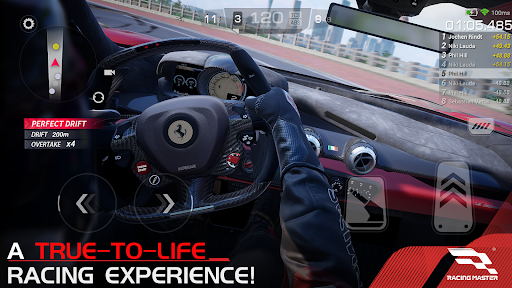
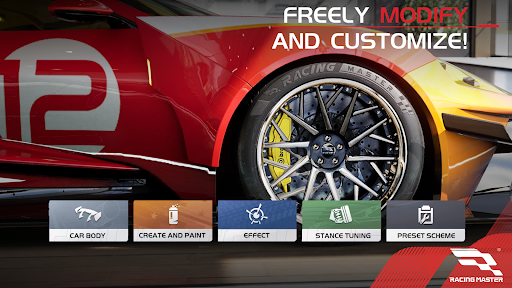
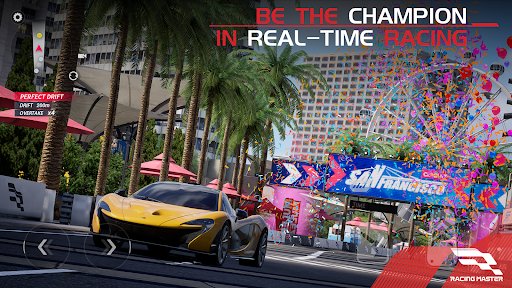
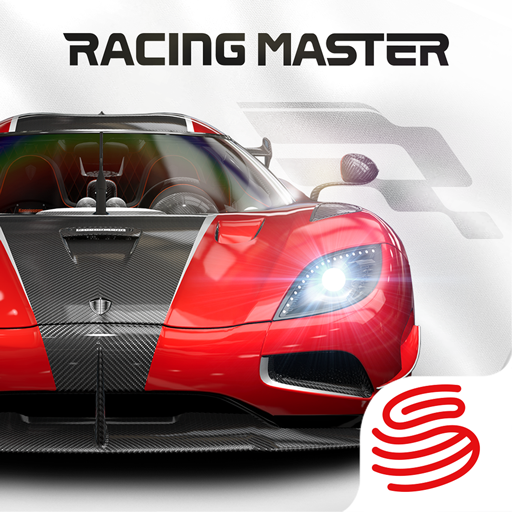
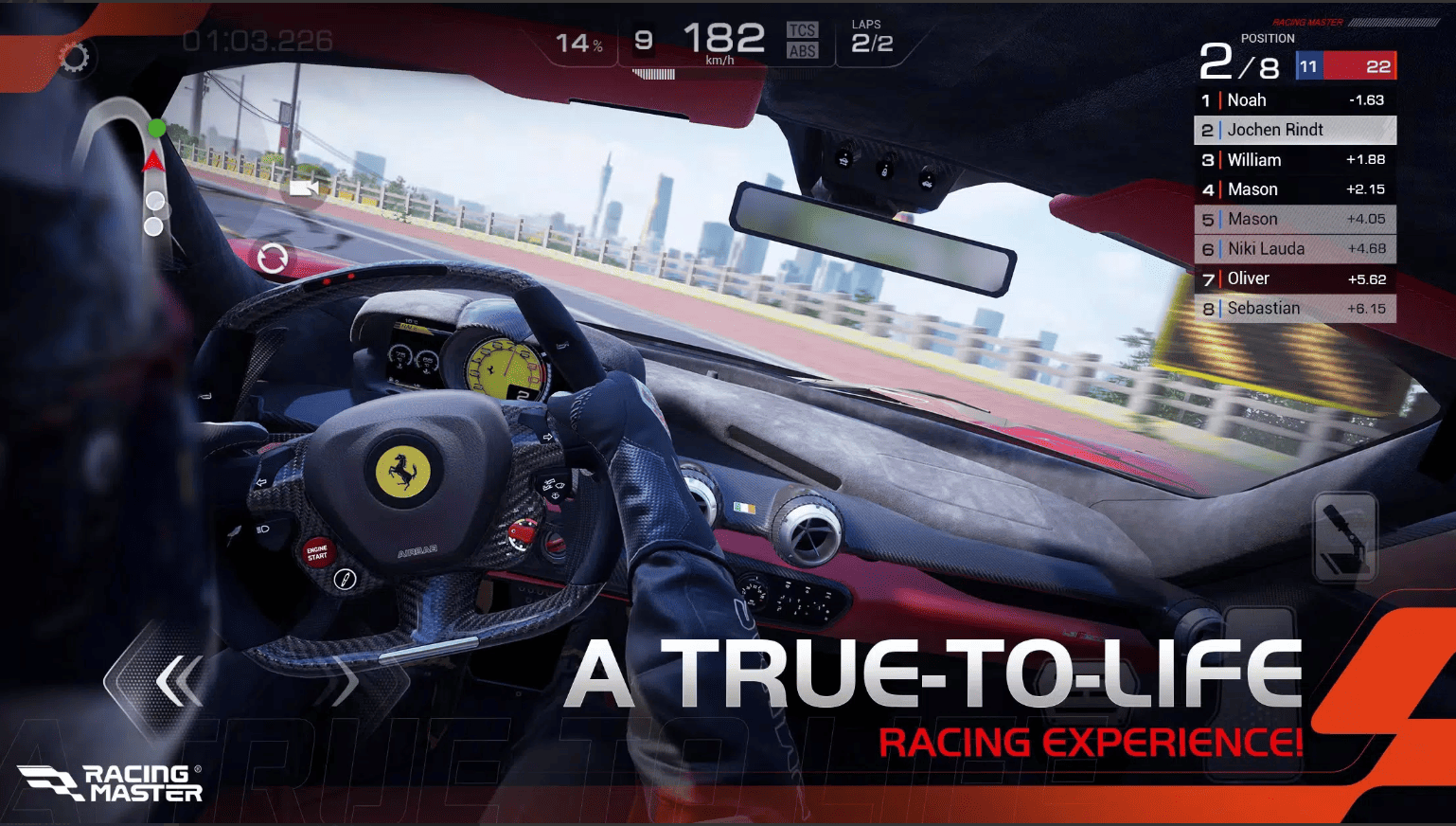
Racing Master is a high-quality racing game developed in collaboration with CODEMASTERS®. It features over 100 officially licensed iconic vehicles that players can customize, allowing you to compete in thrilling races set in cities and renowned circuits around the world. With realistic visuals and engine sounds, you can experience an immersive atmosphere that feels just like the real thing, while also enjoying fierce real-time competition with other players. Download Racing Master NOW, and let’s race to the top!

Racing Master is a high-quality racing game developed in collaboration with CODEMASTERS®. It features over 100 officially licensed iconic vehicles that players can customize, allowing you to compete in thrilling races set in cities and renowned circuits around the world. With realistic visuals and engine sounds, you can experience an immersive atmosphere that feels just like the real thing, while also enjoying fierce real-time competition with other players.
Download Racing Master NOW, and let’s race to the top!
Official Facebook: https://www.facebook.com/racingmastersea
Official Discord: https://discord.gg/QCF3zYTzxu

Show more

How to Download Racing Master on PC

  • Racing Master PC

    1. Download MEmu installer and finish the setup

  • Racing Master PC

    2. Start MEmu then open Google Play on the desktop

  • Racing Master PC

    3. Search Racing Master in Google Play

  • Racing Master PC Install

    4. Download and Install Racing Master

  • Racing Master PC

    5. On install completion click the icon to start

  • Racing Master PC
    Racing Master PC Racing Master PC

    6. Enjoy playing Racing Master on PC with MEmu

Why Use MEmu for Racing Master

MEmu Play is the best Android emulator and 100 million people already enjoy its superb Android gaming experience. The MEmu virtualization technology empowers you to play thousands of Android games smoothly on your PC, even the most graphic-intensive ones.

  • Bigger screen with better graphics; Long duration, without limitation of battery or mobile data.

  • Full Keymapping support for precise control of keyboard and mouse or gamepad.

  • Multiple game accounts or tasks on single PC at one time with Multi-Instance manager.

Ready to Play?

Racing Master - FAQs

  • How to play Racing Master on PC?

    Play Racing Master on PC by following steps:

    • Download MEmu, then install and launch it
    • Login to Google Play Store, install the game
    • Enjoy playing the game on PC with MEmu
  • What are the minimum system requirements to run Racing Master on PC?
    • Intel or AMD Processor
    • Microsoft Windows 7 and above
    • 2GB of memory
    • 5GB of free disk space
    • Hardware Virtualization Technology