
World of Water
Updated
Current Version
4.7.1
Offered By

With your passion for World of Water, you shouldn’t have to limit yourself to the small screen of a phone. Play like a pro and take full control of the game using a keyboard and mouse. MEmu gives you everything you’re looking for. Download and play World of Water on PC. Play as long as you want — no more worries about battery life, mobile data, or unexpected calls. The all-new MEmu 9 is the best way to play World of Water on PC. With our expertly designed keymapping system, World of Water feels just like a real PC game. The MEmu multi-instance manager lets you run two or more accounts on the same device at the same time. Most importantly, our exclusive emulation engine unlocks your PC’s full potential, delivering smooth and seamless performance.
Show more
Download World of Water on PC with MEmu Android Emulator. Enjoy playing on big screen. Friend or foe behind the seagrass?
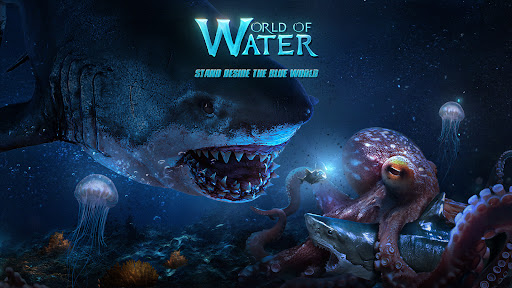
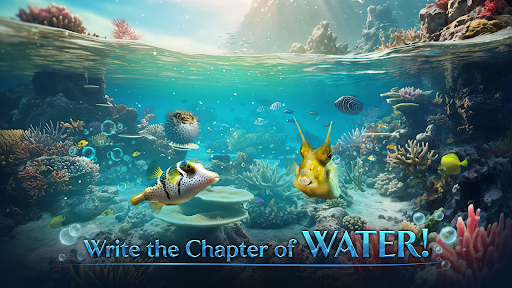
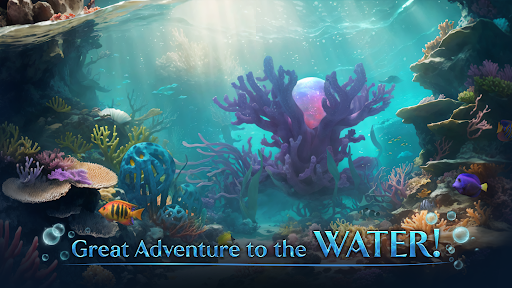
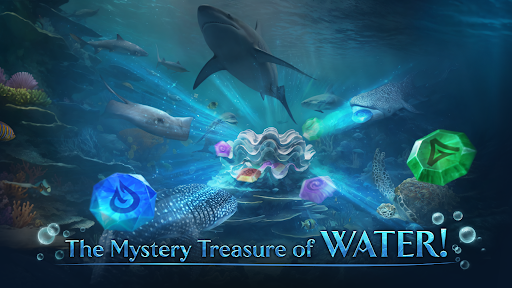
Friend or foe behind the seagrass? How many treasures lie hidden beneath the coral? What kind of stories are awaiting us? Join the World of Water to explore now! Starting from the Great Barrier Reef, you can break new ground, rebuild your home, assemble troops, challenge enemies lurking in the dark, and eventually become King of the Oceans! Your legend is yours to write!
Game Features
Unique Ocean Base
The Coral Reef is the habitat for deep-sea creatures. Therefore, planning and developing the Coral Reef is a crucial strategy for your Home to thrive! Here, you can also upgrade buildings, research evolutions, train troops, and build the marine habitat of your own. From the small Seaweed Bed to the giant Coral, you are free to enjoy the undersea world designed and developed on your own.
Match-3 Battles
Want to enjoy a relaxing yet fun elimination game? Come play our match-3 battles! You can defeat enemies while experiencing the joy of eliminating puzzle pieces.
Recruit Mysterious Heroes
In the depths of the ocean live a group of mysterious and powerful creatures known as Heroes. Recruiting them as your companions is definitely the best choice in the undersea world. Let these guardians of the ocean kingdom become your trusted partner: explore the mysteries of the ocean and forge your legendary story!
Strategy At Your Will
There are various types of troops and formations in the game. To adapt to rapid changes on the battlefield, you need to select the right combination of Heroes and troops according to different enemies. With proper formation and effective skill releases, you can easily defeat stronger enemies.
Global Cooperation
As the deep sea hides abundant creatures and resources, some may become your opponents. Join the strongest alliance and participate in battles with allies from all over the world. Under the alliance flag, you become invincible!
Help
If you encounter any problems, or have any question, we are here to help. Don’t hesitate to contact us through the in-game GM, or through the following channels:
Official Facebook: @World of Water
Official Discord: https://discord.gg/B5bfaWvcwV
Email: worldofwater@staruniongame.com
Show more

1. Download MEmu installer and finish the setup

2. Start MEmu then open Google Play on the desktop

3. Search World of Water in Google Play
Install
4. Download and Install World of Water
5. On install completion click the icon to start

6. Enjoy playing World of Water on PC with MEmu
MEmu Play is the best Android emulator and 100 million people already enjoy its superb Android gaming experience. The MEmu virtualization technology empowers you to play thousands of Android games smoothly on your PC, even the most graphic-intensive ones.
Bigger screen with better graphics; Long duration, without limitation of battery or mobile data.
Full Keymapping support for precise control of keyboard and mouse or gamepad.
Multiple game accounts or tasks on single PC at one time with Multi-Instance manager.
Play World of Water on PC by following steps: