
Christmas Photo Frames Editor
Updated
Current Version
1.0.44
Offered By

Stop worrying about high battery drain when using Christmas Photo Frames Editor on your phone. Free yourself from the tiny screen and enjoy the app on a much larger display. From now on, get a full-screen experience of your app with the convenience of a keyboard and mouse. MEmu offers you all the surprising features you’d expect: quick installation and easy setup, intuitive controls, and no more worries about battery life, mobile data, or unexpected calls. The all-new MEmu 9 is the choice for using Christmas Photo Frames Editor on your computer. With the MEmu multi-instance manager, you can run two or more accounts at the same time. Most importantly, our exclusive emulation engine unlocks your PC’s full potential, delivering smooth and enjoyable performance.
Show more
Enjoy superb experience of using Christmas Photo Frames Editor on PC with MEMU App Player. It's a powerful free Android emulator which provides you with thousands of android apps for their desktop version. Enjoy connecting with friends and polishing your work with higher efficiency! We all get holiday on this festival.


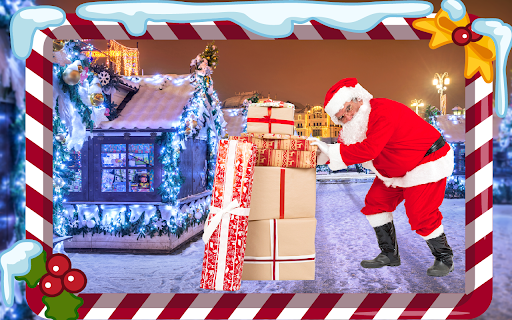
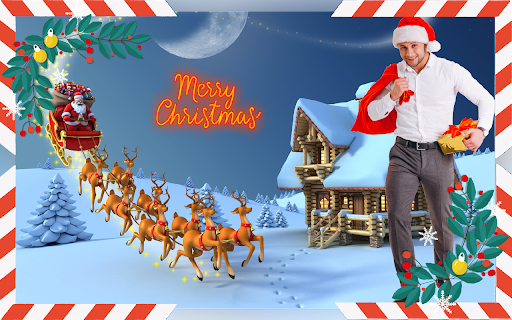
We all get holiday on this festival. It comes yearly once. This Christmas is celebrated very grandly all over the world. Everyone makes Christmas tree. That became a symbol of Christ, it’s a triangular in shape it represents the trinity and from there came the idea that the tree should be a symbol of Christ and new life. Its color is green.
This is celebrated on birth of Jesus Christ. Believes that son of god. Dress like Santa Claus. Clean house so everyone decorates houses with flowers and buy new cloths. With sparking lights.
Wishes to friends and family and relatives, invite friends and relatives for lunch and go they house for celebration. Pray god and sing songs for Jesus Christ. Go to church and get blessing from god cut cakes and this way Christmas is celebrated.
How to use this Christmas app?
Crop Option
Take a selfie, capture a picture or select pic from the gallery then crop it first with the help of crop feature to remove unwanted portion from it.
Erase Background
Remove your photo background with erase option. Eraser size can be adjusted, make its size big or small. Use Zoom in & zoom out to erase carefully without erasing the main picture. Undo, redo option will helps you to correct the mistakes while erasing the background perfectly. Repair option will helps you to retain erased mistakes part.
Magic Eraser
Magic background eraser. It will help you to remove particular single color on the background with single touch.
Change Background
Set any beautiful background from the collection of backgrounds or select any image from the device gallery and drag it to the right position, zoom in or zoom out and set it. Also convert it to blur background using blur option.
Add stickers
Select any sticker and drag it into the right position, zoom in or zoom out, rotate it, flip it and set it at the suitable position on the photo. You can reduce the opacity of stickers and photos also.
Add Text on Photo
Add a quotation or write a name as per your choice. This option helps you to convey your message with picture to others.
Flip option
Apply flip option to your main picture or sticker. Sometimes the real picture pose may not be attractive, by changing the pose to opposite direction the picture may be more attractive.
Save & Share option
Modified photos can be shared with your friends, family and loved once. Save and share your final pictures on any social media networks.
Show more

1. Download MEmu installer and finish the setup

2. Start MEmu then open Google Play on the desktop

3. Search Christmas Photo Frames Editor in Google Play
Install
4. Download and Install Christmas Photo Frames Editor
5. On install completion click the icon to start

6. Enjoy using Christmas Photo Frames Editor on PC with MEmu
MEmu Play is the best Android emulator, and 100 million users already enjoy its superb Android app experience. Powered by advanced virtualization technology, it lets you enjoy thousands of Android apps smoothly on your PC—including the most graphics-intensive ones.
Bigger screen with better graphics; Long duration, without limitation of battery or mobile data.
Full Keymapping support for precise control of keyboard and mouse or gamepad.
Multiple game accounts or tasks on single PC at one time with Multi-Instance manager.
Use Christmas Photo Frames Editor on PC by following steps:































