Atlas VPN - Secure Free & Unlimited VPN Proxy
Updated
Current Version
4.9.0
Offered By

Stop worrying about high battery drain when using Atlas VPN - Secure Free & Unlimited VPN Proxy on your phone. Free yourself from the tiny screen and enjoy the app on a much larger display. From now on, get a full-screen experience of your app with the convenience of a keyboard and mouse. MEmu offers you all the surprising features you’d expect: quick installation and easy setup, intuitive controls, and no more worries about battery life, mobile data, or unexpected calls. The all-new MEmu 9 is the choice for using Atlas VPN - Secure Free & Unlimited VPN Proxy on your computer. With the MEmu multi-instance manager, you can run two or more accounts at the same time. Most importantly, our exclusive emulation engine unlocks your PC’s full potential, delivering smooth and enjoyable performance.
Show more
Enjoy superb experience of using Atlas VPN - Secure Free & Unlimited VPN Proxy on PC with MEMU App Player. It's a powerful free Android emulator which provides you with thousands of android apps for their desktop version. Enjoy connecting with friends and polishing your work with higher efficiency! Atlas is a top VPN app for fast, secure, and private online browsing.
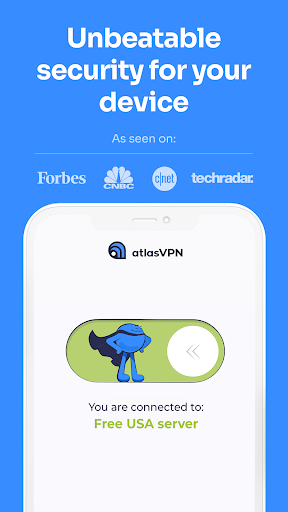
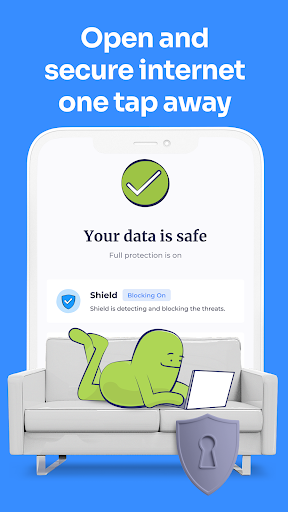
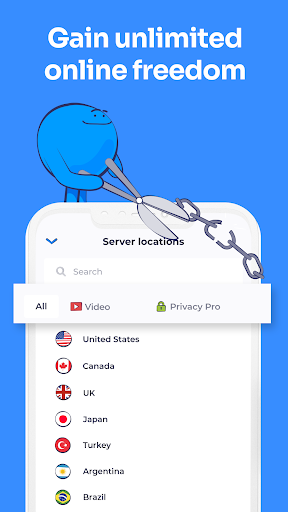

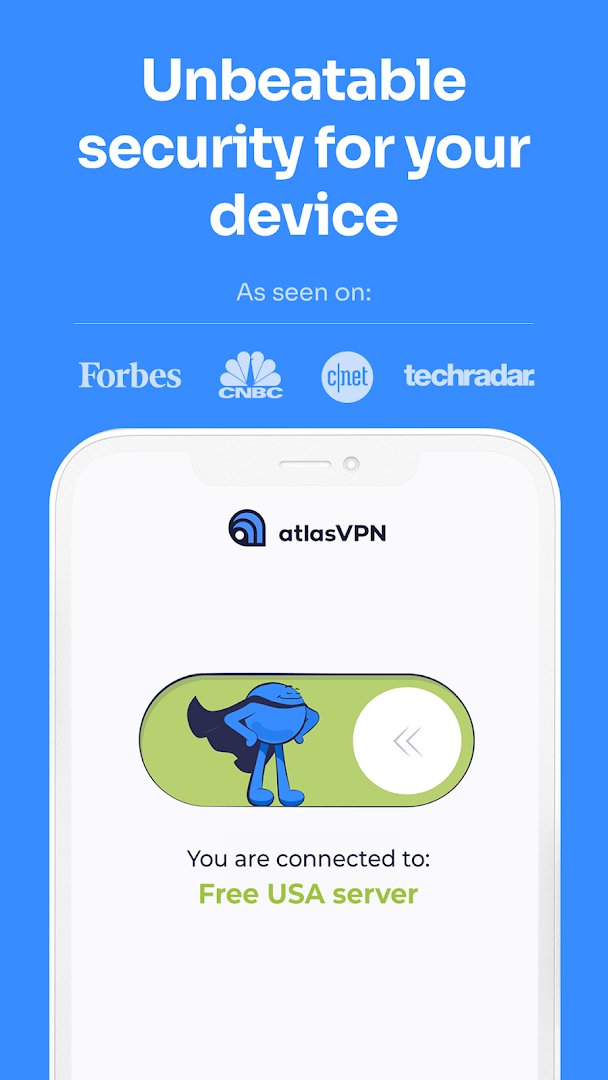
Atlas is a top VPN app for fast, secure, and private online browsing. It has proxy servers in 49+ locations worldwide and uses WireGuard protocol for a super safe digital experience with unlimited online freedom! It’s seriously one of the best free VPNs in the market.
Unlike other top virtual private networks, we think privacy shouldn’t be a luxury. Join Atlas for free from your local cafe Wi-Fi hotspot or home router and enjoy safe internet access.
WHAT DOES ATLAS VPN DO?
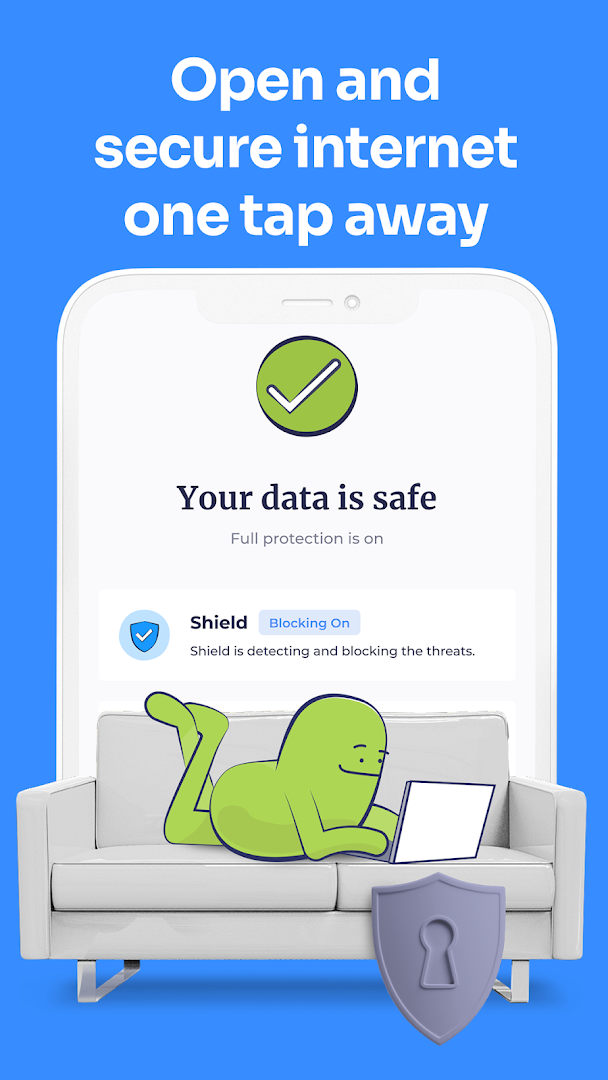
With a top VPN app like Atlas, you can change your IP location to anywhere in the world. As a location changer, Atlas hides your real IP address and gives you a security shield and freedom from snoopers online by making all your encrypted information go through a secured tunnel. That way, third parties or hackers can not interrupt your connection and steal your data. Powered by a industry-leading WireGuard protocol it leaves no room for mistakes, leaking data or buffering.
WHAT UNIQUE FEATURES DOES ATLAS VPN HAVE?
• Split Tunneling allows you to choose which apps or websites you want to use VPN exclusively.
• SafeSwap allows you to access the internet from the same server but several IP addresses at a time.
• With SafeBrowse, you can avoid malware, suspicious websites, and phishing links.
• Want to know whether your personal information has been exposed online? Data Breach Monitor helps with that.
• MultiHop+ is an additional safety tool allowing you to jump through various fast VPN locations and have several layers of encryption.
• Strong encryption for ultimate security
• IKEv2 and WireGuard protocols
• Free trial for seven days
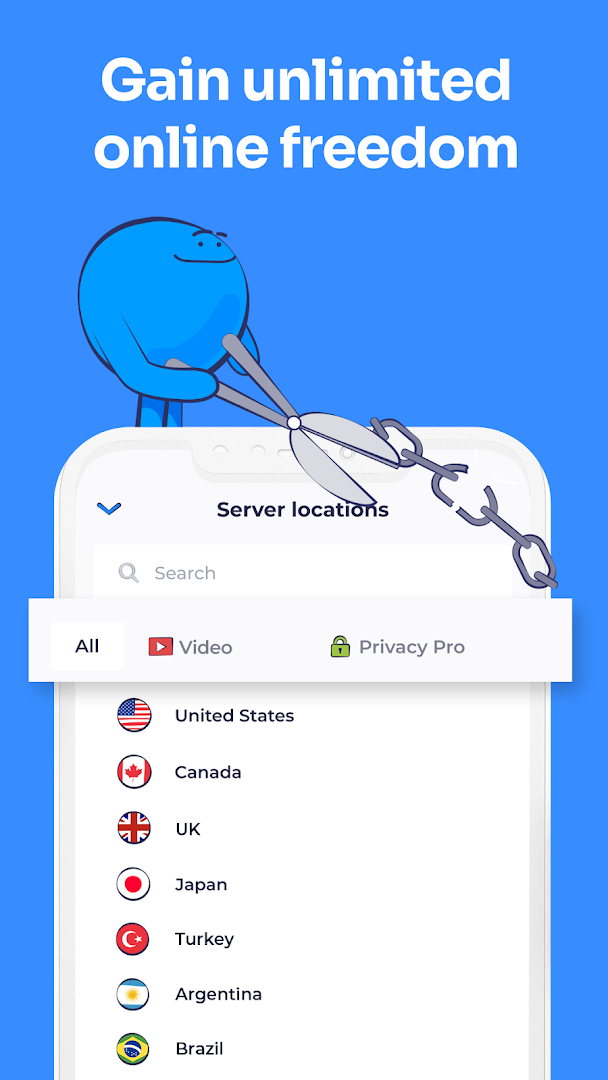
• 1000+ super fast VPN servers worldwide in the US, UK, Turkey, Brazil, Argentina, Mexico and many other popular locations!
• Unlimited number of devices with a single account.
HOW DOES ATLAS VPN WORK?
Atlas app for Android encrypts your web browsing data (making it unreadable) as it leaves your device and sends it through a tunnel connected to another network. The WireGuard protocol that we primarily use, ensures that your connection is properly protected. It makes public Wi-Fi safer, allows you to spoof location, gives hacker protection, and keeps your browsing private from third parties.
Atlas has servers in more than 49 locations, including the USA, Indonesia, Brazil, Turkey, the UK, Japan, Singapore, Mexico, Korea, Canada, UAE, and many others. Some users prefer to use Atlas as a simple location changer to gain a fake IP address, but it offers much more than that.
WHEN TO USE ATLAS VPN?
You should use Atlas VPN whenever you join Wi-Fi in public places like an airport, school, coffee shop, library, restaurant, or hotel (all public free Wi-Fi hotspots). Also, when traveling and using various platforms like Instagram, Telegram, streaming platforms in your home country, or simply gaming securely. It's not exactly meant for gaming, but you can be sure that the WireGuard protocol delivers the best speed and lowest latency a virtual private network can do.
Atlas is an extremely fast VPN app. Despite its speedy connections, it gives you 360 security on the internet and a unique browsing experience. Not ready to make commitments yet? No worries, we offer you a free trial of seven days!
Here you can find Atlas Terms of Service. The end-user license agreement is included, which governs the user’s rights to the Atlas VPN app and other Atlas VPN services: https://atlasvpn.com/terms-of-service
Drop us a message if you have questions at support@atlasvpn.com
If you’re interested in our Privacy Policy, you can find it here: https://atlasvpn.com/privacy-policy
Show more

1. Download MEmu installer and finish the setup

2. Start MEmu then open Google Play on the desktop

3. Search Atlas VPN - Secure Free & Unlimited VPN Proxy in Google Play
Install
4. Download and Install Atlas VPN - Secure Free & Unlimited VPN Proxy
5. On install completion click the icon to start

6. Enjoy using Atlas VPN - Secure Free & Unlimited VPN Proxy on PC with MEmu
MEmu Play is the best Android emulator, and 100 million users already enjoy its superb Android app experience. Powered by advanced virtualization technology, it lets you enjoy thousands of Android apps smoothly on your PC—including the most graphics-intensive ones.
Bigger screen with better graphics; Long duration, without limitation of battery or mobile data.
Full Keymapping support for precise control of keyboard and mouse or gamepad.
Multiple game accounts or tasks on single PC at one time with Multi-Instance manager.
Use Atlas VPN - Secure Free & Unlimited VPN Proxy on PC by following steps: