Decibel X - Pro Sound Meter
Updated
Current Version
9.3.1
Offered By

Stop worrying about high battery drain when using Decibel X - Pro Sound Meter on your phone. Free yourself from the tiny screen and enjoy the app on a much larger display. From now on, get a full-screen experience of your app with the convenience of a keyboard and mouse. MEmu offers you all the surprising features you’d expect: quick installation and easy setup, intuitive controls, and no more worries about battery life, mobile data, or unexpected calls. The all-new MEmu 9 is the choice for using Decibel X - Pro Sound Meter on your computer. With the MEmu multi-instance manager, you can run two or more accounts at the same time. Most importantly, our exclusive emulation engine unlocks your PC’s full potential, delivering smooth and enjoyable performance.
Show more
Enjoy superb experience of using Decibel X - Pro Sound Meter on PC with MEMU App Player. It's a powerful free Android emulator which provides you with thousands of android apps for their desktop version. Enjoy connecting with friends and polishing your work with higher efficiency! "Decibel X" is one of very few sound meter apps on the market that has highly reliable, pre-calibrated measurements and supports frequency weightings: ITU-R 468, A and C.
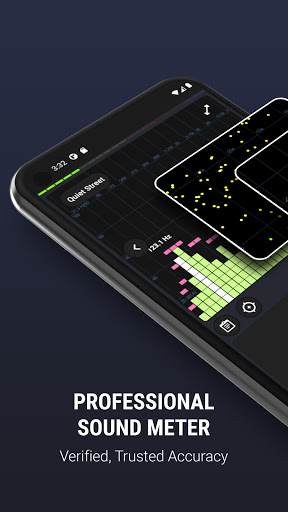
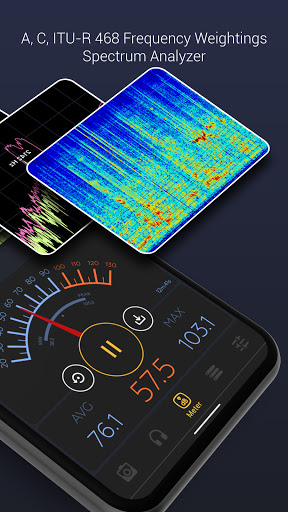
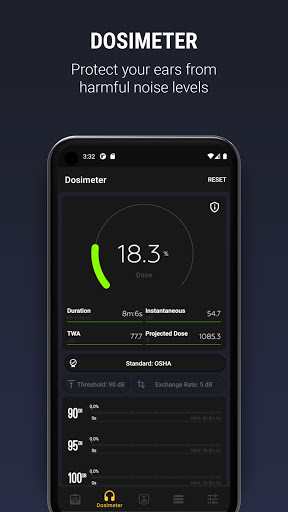
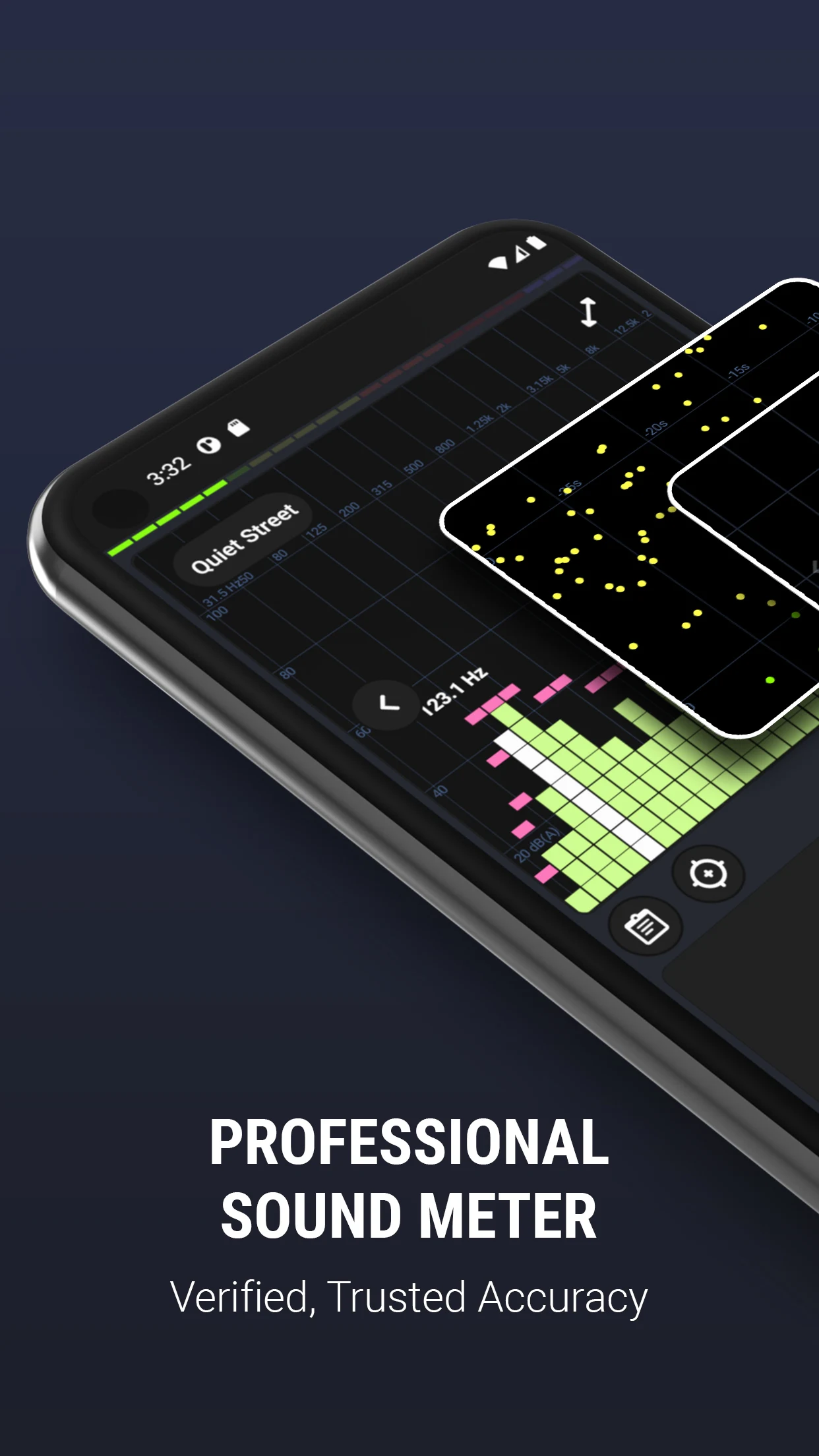
"Decibel X" is one of very few sound meter apps on the market that has highly reliable, pre-calibrated measurements and supports frequency weightings: ITU-R 468, A and C. It turns your phone device into a professional sound meter, precisely measures the sound pressure level (SPL) all around you. This extremely useful and beautiful sound meter tool will not only be an essential gadget for many uses but also bring you a lot of fun. Have you wondered how quiet is your room or how loud is a rock concert or sport event? "Decibel X" will help you answer all of those.
WHAT MAKES "DECIBEL X" SPECIAL:
- Trusted accuracy: the app is carefully tested and calibrated for most devices. The precision is matching with real SPL devices
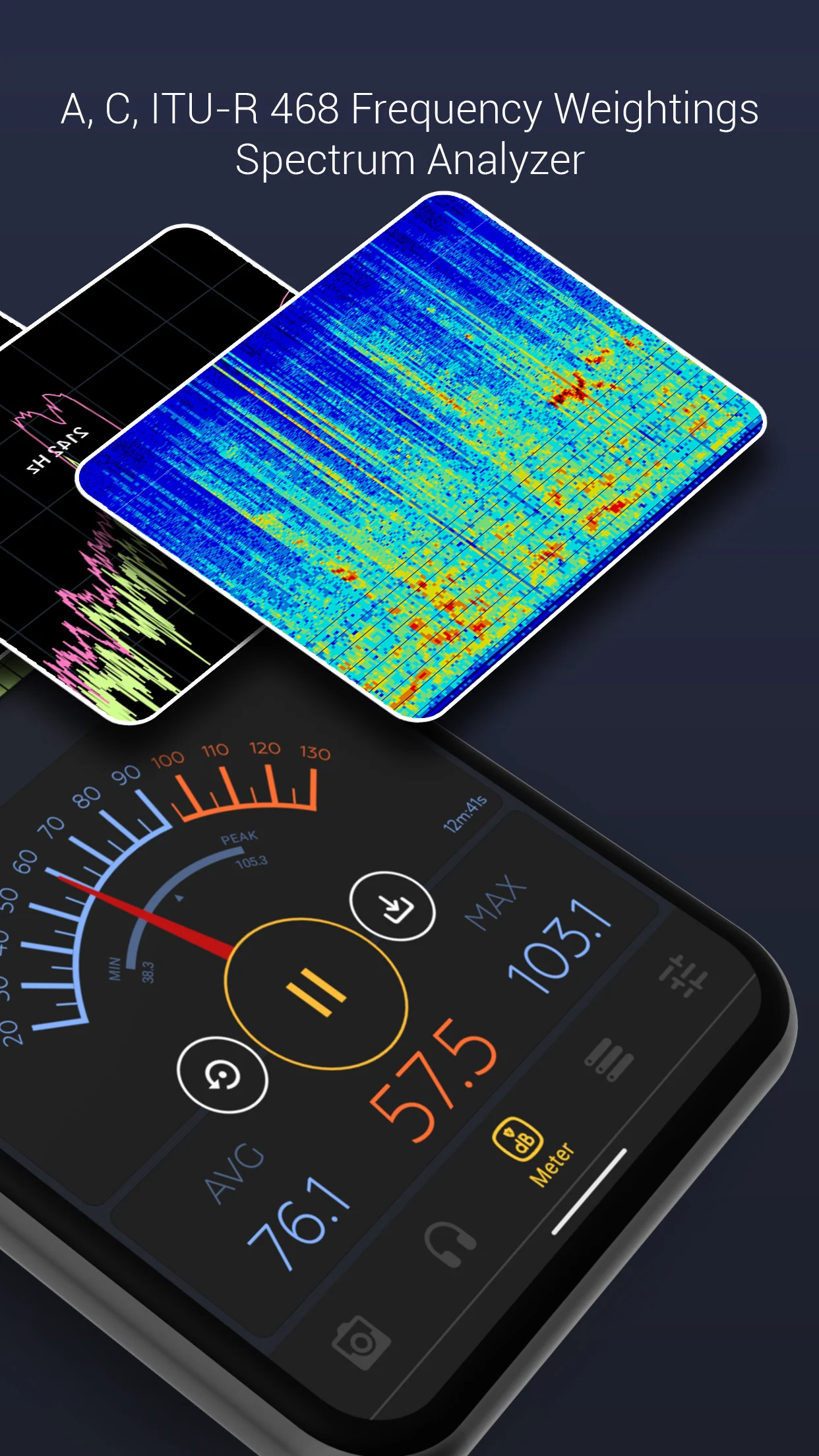
- Frequency weighting filters: ITU-R 468, A, B, C, Z
- Spectrum analyzer: FFT and BAR graphs to display real time FFT. Those are very useful for frequency analysis and musical tests. Real time predominant frequency is also displayed.
- Powerful, smart history data management:
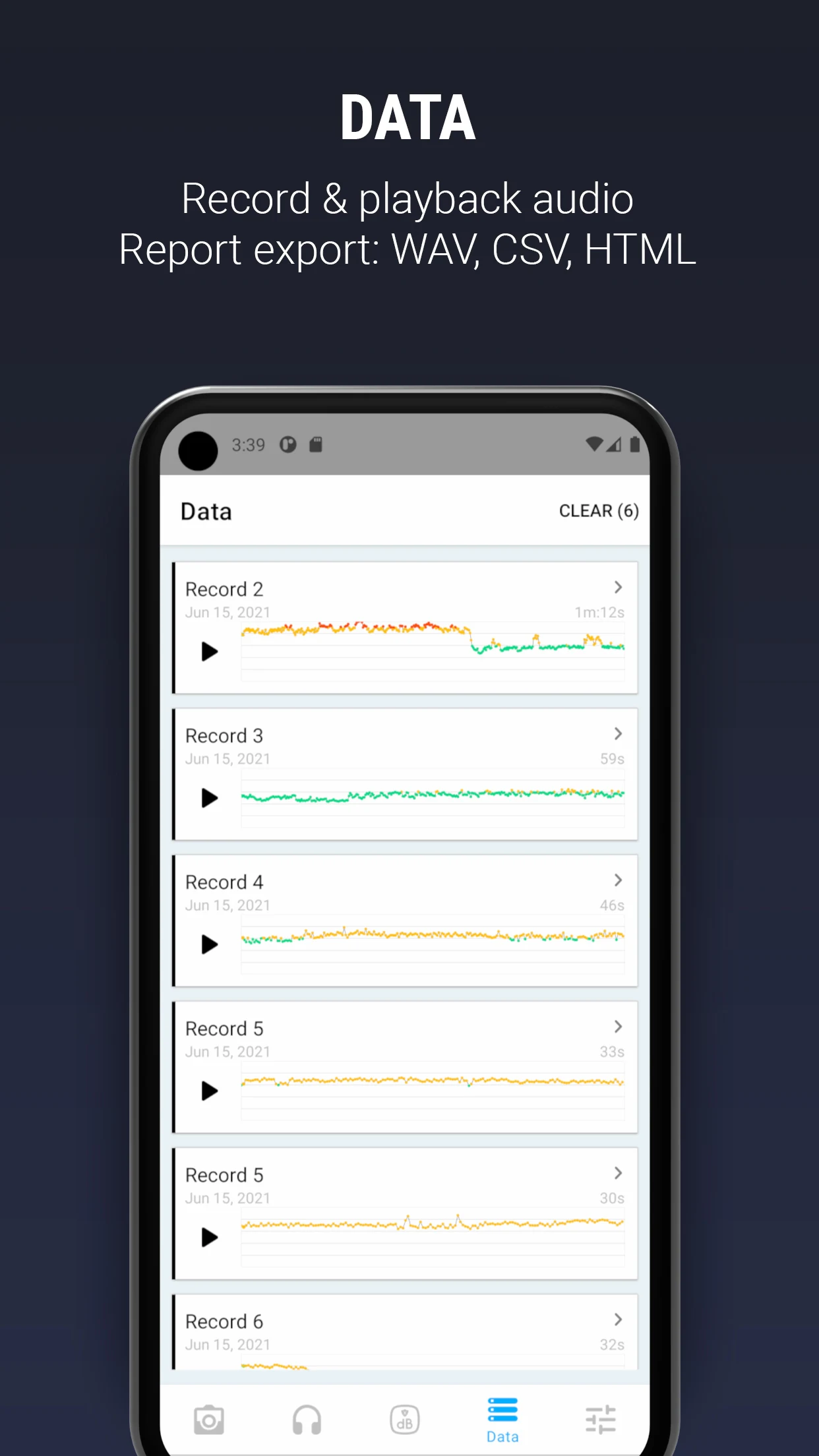
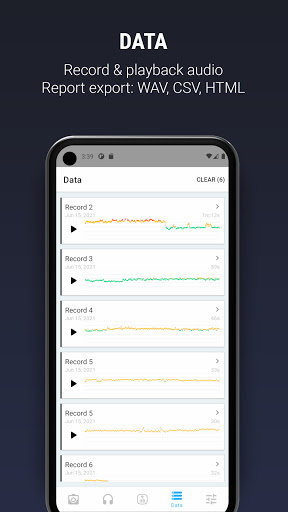
+ Recording data can be saved into a list of history records for future access and analysis
+ Each record can be exported as hi-res PNG graph or CSV text via sharing services
+ Fullscreen mode to give overview the whole history of an record
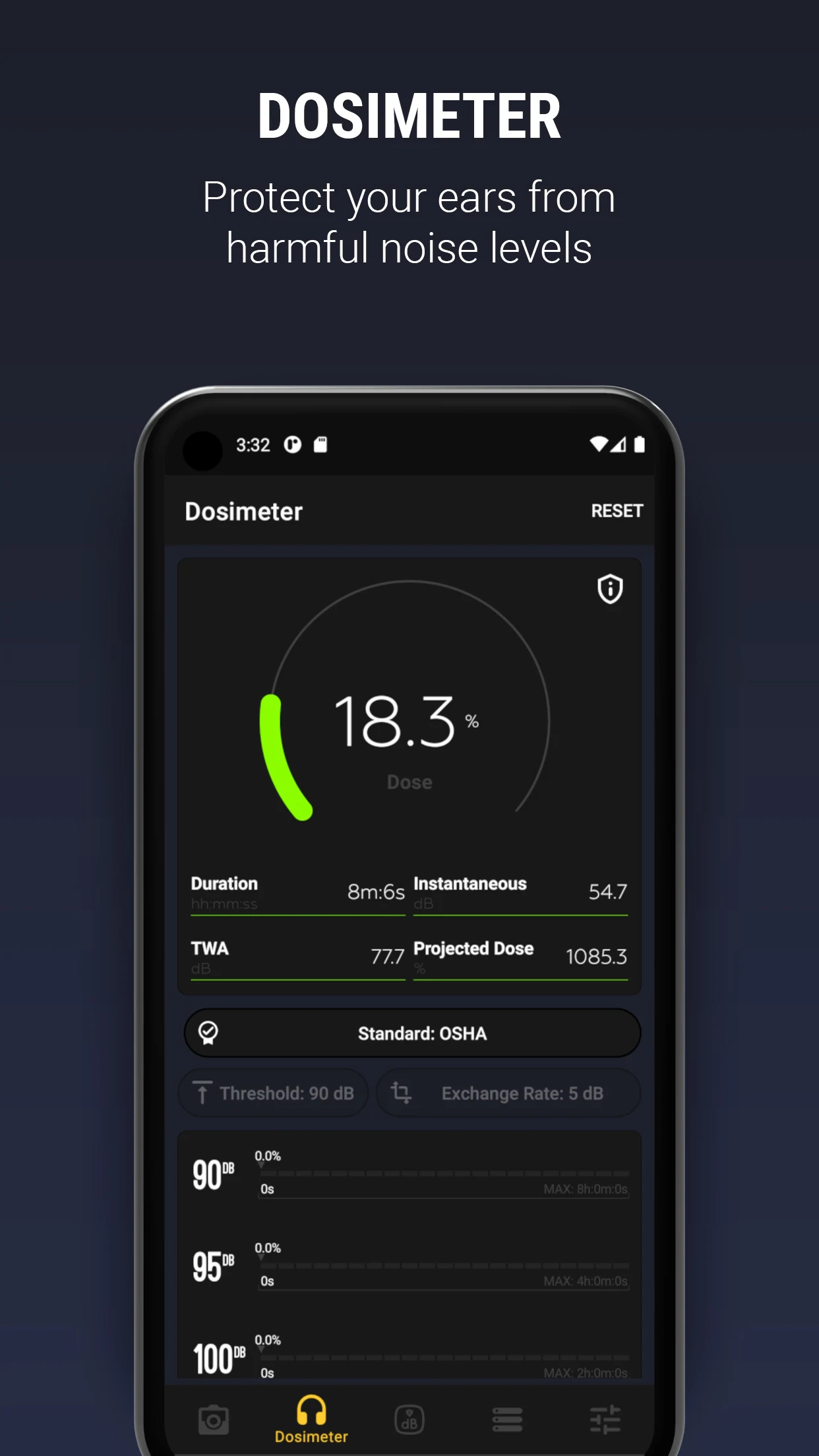
- Dosimeter: NIOSH, OSHA standards
- InstaDecibel to capture your dB report overlaid on photos and easily shared via popular social networks (Facebook, Instagram, etc.).
- Beautiful, intuitive and carefully crafted UI design
OTHER FEATURES:
- Standard time weightings (Response Time): SLOW (500 milliseconds), FAST (200 milliseconds) and IMPULSE (50 milliseconds)
- Trimming calibration from -50 dB to 50 dB
- Standard measurement range from 20 dBA up to 130 dBA
- Spectrogram
- HISTO graph for plotted history of the recorded values
- WAVE graph with 2 display modes: Rolling & Buffer
- Real time scale level chart
- Display Current, Average/Leq, and Max values with both nice and clear digital and analog layouts
- Quick reference text to help you compare with real-life examples
- "Keep Device Stay Awake" option for long duration recording
- Reset and clear current recording at any time
- Pause/Resume at any time
NOTES:
- Please do not expect a quiet room reading will be 0 dBA. The range 30 dBA - 130 dBA is the standard usable range and an average quiet room will be about 30 dBA.
- Although most devices are pre-calibrated, custom calibration is suggested for serious purposes requiring higher precision and accuracy. To calibrate, you will need a real external device or calibrated sound meter as a reference, then adjust the trimming value until the reading matches with the reference.
If you like it or have suggestions, please support us by rating and giving us comments and feedback.
Show more

1. Download MEmu installer and finish the setup

2. Start MEmu then open Google Play on the desktop

3. Search Decibel X - Pro Sound Meter in Google Play
Install
4. Download and Install Decibel X - Pro Sound Meter
5. On install completion click the icon to start

6. Enjoy using Decibel X - Pro Sound Meter on PC with MEmu
MEmu Play is the best Android emulator, and 100 million users already enjoy its superb Android app experience. Powered by advanced virtualization technology, it lets you enjoy thousands of Android apps smoothly on your PC—including the most graphics-intensive ones.
Bigger screen with better graphics; Long duration, without limitation of battery or mobile data.
Full Keymapping support for precise control of keyboard and mouse or gamepad.
Multiple game accounts or tasks on single PC at one time with Multi-Instance manager.
Use Decibel X - Pro Sound Meter on PC by following steps: