League of Grimm: Idle RPG
Aggiornata
Versione corrente
Offerta da

Vista tutta la passione dimostrata nel giocare a League of Grimm: Idle RPG, le tue mani non dovrebbero essere limitate al minuscolo schermo di un telefono. Gioca come un professionista e ottieni il pieno controllo del gioco con tastiera e mouse. MEmu ti offre tutto ciò che ti aspetti. Scarica e gioca a League of Grimm: Idle RPG su PC. Gioca quanto vuoi, niente più limitazioni di batteria, dati mobili e chiamate inquietanti. Il nuovissimo MEmu 9 è la scelta migliore per giocare a League of Grimm: Idle RPG su PC. Realizzato sulla base della nostra esperienza, lo squisito sistema di mappatura dei tasti preimpostati rende League of Grimm: Idle RPG un vero e proprio gioco per PC. MEmu è un gestore multi-instanza che permette di giocare con 2 o più account sullo stesso dispositivo. E la cosa più importante, il nostro esclusivo motore di emulazione può liberare tutto il potenziale del tuo PC, rendendo tutto fluido.
Mostra altro
Scarica League of Grimm: Idle RPG su PC con MEmu Android Emulator. Divertiti giocando sul grande schermo. The mirror has shattered.
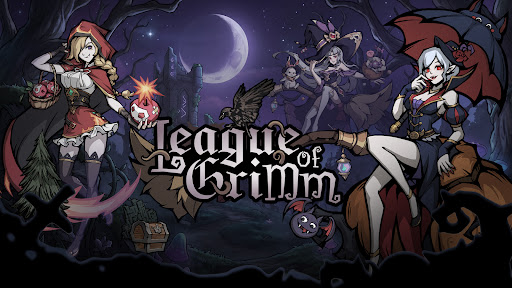
The mirror has shattered.
The fairytales you once knew are no longer innocent.
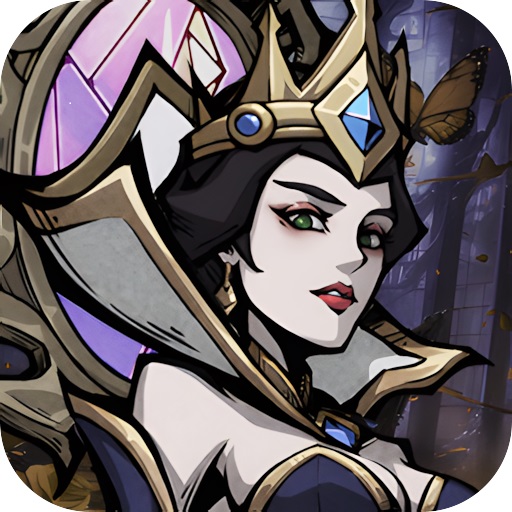
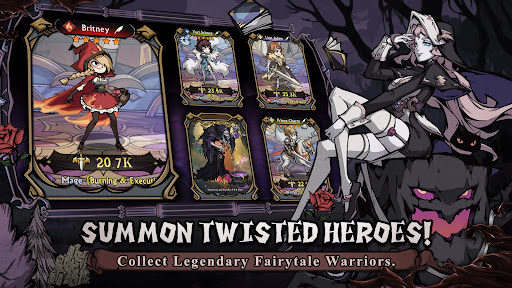
Step into a twisted dreamworld as a Mirrorbreaker and summon legendary heroes from corrupted tales. Snow White, Red Riding Hood, Aladdin, the Genie, and many more familiar characters return in darker, stronger, and more rebellious forms.
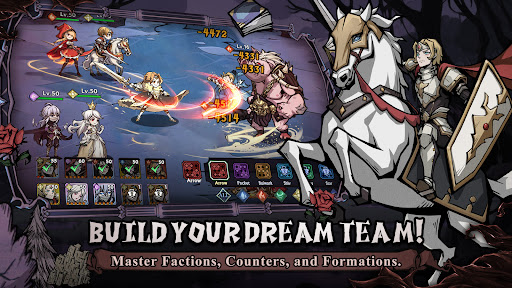
Build your dream team, master elemental counters, collect powerful spirits, and challenge endless adventures in a beautifully illustrated dark fantasy world.
Launch Rewards Are Waiting!
① Summon powerful fairytale heroes and build your ultimate team!
② Log in to claim rare heroes, upgrade materials, and exclusive rewards!
③ Enjoy idle rewards even while offline!
④ Challenge dungeons, arenas, guild wars, and limited-time events!
Game Features
----Twisted Fairytale Heroes----
Collect dark versions of classic fairytale characters and unlock their hidden powers. Each hero has unique skills, roles, and battle styles.
----Strategic Idle Battles----
Form your lineup and let your heroes fight automatically. Choose the right heroes, positions, and factions to defeat stronger enemies.
----Five Element Factions----
Water, Fire, Wind, Light, and Dark factions create deep strategic counters. Use faction advantages to gain bonus damage and higher hit rates in battle.
----Build Your Dream Team----
Activate powerful team bonuses through same-faction lineups, mixed-element teams, and advanced formations. Every choice can change the result of battle.
----Hero Growth System----
Upgrade, advance, awaken, and equip your heroes. Strengthen them with gear, runes, talents, and spirits to unlock their full potential.
----Spirit Companion System----
Equip up to four magical spirits to support your heroes in battle. Spirits can unleash active or passive abilities and turn the tide at key moments.
----Endless Idle Rewards----
Collect resources even when you are offline. Return anytime to claim rewards and keep growing stronger.
----Multiple Game Modes----
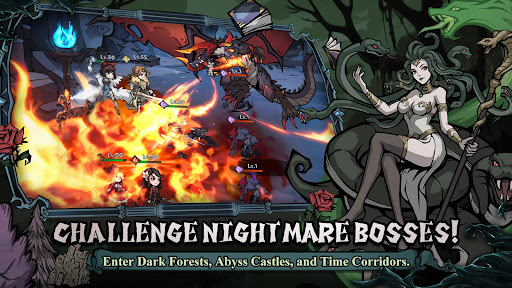
Explore story chapters, adventure stages, arena battles, guild wars, alliance battles, time-limited missions, and mysterious dungeons such as enchanted forests, abyss castles, moonlit springs, and time corridors.
The mirror is broken.
The nightmare has begun.
Will you rewrite the ending?
Short Description
Collect dark fairytale heroes in a strategic idle RPG.
Mostra altro

1. Scarica il programma di installazione di MEmu e completa l'installazione

2. Avvia il Memu e apri il Google Play sulla homepage

3. Cerca League of Grimm: Idle RPG in Google Play
Install
4. Scarica e installa League of Grimm: Idle RPG
5. Al termine dell'installazione, fai clic sull'icona per avviar

6. Divertiti giocando a League of Grimm: Idle RPG su PC con MEmu
MEmu App Player è il miglior emulatore Android gratuito, utilizzato da 50 milioni di persone per ottenere un'esperienza di gioco Android superba. La tecnilogia di virtualizzazione MEmu ti permette di giocare a migliaia di giochi Android con semplicità sul tuo computer, anche i giochi con la grafica più esigente.
Schermo più grande con una grafica migliore; Lunga durata, senza limitazione di batteria o dati mobili.
Supporto completo per mappa di tastiera per un controllo preciso di tastiera e mouse o gamepad.
Multipli account di gioco o attività su un singolo PC contemporaneamente con il gestore di multi istanza.
Play League of Grimm: Idle RPG on PC by following steps: