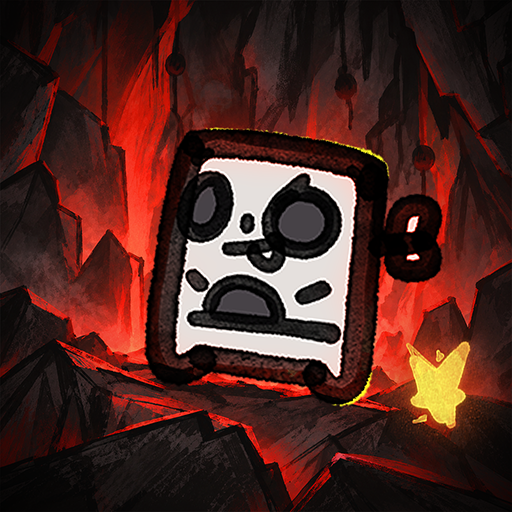
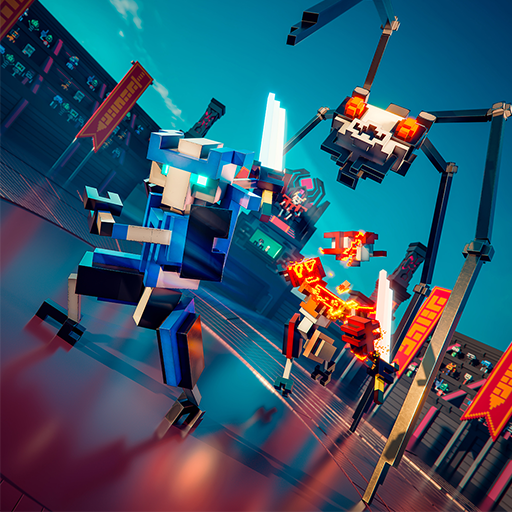
Clogwork
更新日
現在のバージョン
提供元

スマホ不要!プロ選手のようにキーボードとマウスで操作しよう。MEmuエミュはあなたにすべての期待を与える。電池が切れてしまうとか画面が小さいとかの問題を心配する必要がなくて、存分Clogworkを楽しんでください。新しいMEmuエミュ7はPCでClogworkをプレイするのに最適!完璧なキーマッピングシステムにより、まるでパソコンゲームみたい。マルチインスタンスで複数のゲームやアプリを同時に実行!唯一無二な仮想化エンジンがパソコンの可能性を最大限になる。遊べるだけでなく、より楽しめる!
もっと見る
ClogworkをPCでダウンロード!大画面でより楽しむ。電源が落ちてしまうとか通信料が足りないとかの問題を心配する必要がなく、PCの大画面でより快適にゲームを楽しましょう! Everything on the belt is a real object with an actual size.


Everything on the belt is a real object with an actual size. If a slab is three cells wide, it needs three lanes to move. Sometimes you'll rotate a piece just to squeeze it through a tight spot. Sometimes you won't, and it'll sit there clogging everything behind it.Make your factory run like CLOCKWORK without CLOGGING the lanes. Clog-work. Get it? Glue, cut, rotate and transport pieces to the hub. Optimise your designs, push your score higher, and see how you compare with other players on the in-game leaderboards.Filter by colour, size, or number of cells. Decide what gets cut, what gets pushed, and what gets left alone. You can hook almost anything into the logic layer and control when it acts. There's no single way to solve a problem. How you build it is up to you. And yes, there is dark mode.The demo gives you three figures to build, ending with a more complex house where you'll need to get both the shape and colours right. There's no time limit, so take as long as you need to work it out. The full game has many more tiers, eventually working your way up to pieces as large as 32x32.More content: Many more figures to build, with shapes that get harder to crack.In-game leaderboards: The first 100 seeds each have their own leaderboard. Pick a figure and see how far you can push your throughput.Achievements: Just achievements. To show that you know what you're doing.Screenshot mode: Take one huge screenshot of your entire factory. Really large maps may need to be split into several images or exported at a lower resolution.CLOGWORK is being made by one developer and is still in active development. Some graphics, sounds and music are placeholders for now, and I'll replace and improve them as development continues.
もっと見る

1. MEmuインストーラーをダウンロードしてセットアップを完了する

2. MEmuを起動し、デスクトップでのPlayストアを開く

3. PlayストアでClogworkを検索する
Install
4. Clogworkをダウンロードしてインストールする
5. インストールが完了したら、アイコンをクリックしてスタート

6. MEmuを使用してPCでClogworkを楽しむ
MEmu App Playerは最高の無料で提供されるAndroidエミュレータで、5,000万人がすでに優れたAndroidゲーム体験を楽しんでいます。 MEmuの仮想化技術は、あなたのPCで何千ものAndroidゲームを快適にプレイすることを可能にします。
大画面でより精細;無限の待機、電池とドラフィックの極限を超え
キーボード・マウス・コントローラーを全力でサポート、より快適
マルチインスタンスで複数のゲームを同時に実行
Play Clogwork on PC by following steps: