
Fetch: America’s Rewards App
更新日
現在のバージョン
2
提供元

スマートフォンは不要!パソコンと同じようにキーボードとマウスで操作できます。MEmu Playは、あなたが待ち望んでいたすべての楽しみをお届けします。バッテリー残量や小さな画面を気にすることなく、Fetch: America’s Rewards Appをご利用ください。最新のMEmu 9は、Fetch: America’s Rewards AppをPCで体験するのに最適です!完璧なキーマッピングシステムにより、PCのようなスムーズな操作性を実現します。マルチインスタンス機能により、複数のアプリケーションを同時に実行できます。独自の仮想化エンジンがPCのパフォーマンスを最大限に引き出します。アプリを使用するだけでなく、高品質な体験を得ることができます。
もっと見る
Fetch: America’s Rewards AppをPCでダウンロード!大画面でより楽しむ。電源が落ちてしまうとか通信料が足りないとかの問題を心配する必要がなく、PCの大画面でより快適にゲームを楽しましょう! YOU DESERVE A REWARD.
YOU DESERVE A REWARD
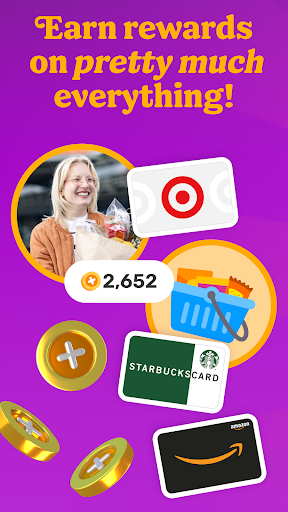
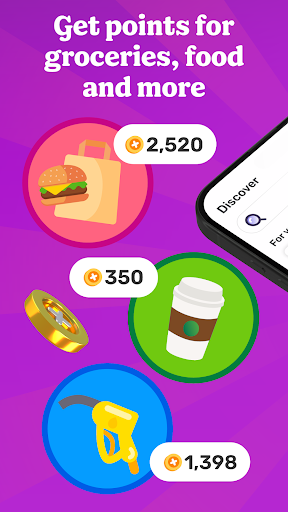
Fetch rewards you for pretty much everything you do. Join millions of people living their most rewarded life on America’s Rewards App!
HOW FETCH WORKS
1. Submit receipts or shop online for points
2. Earn extra on hundreds of brands in the app
3. Redeem points for your favorite gift cards
RECEIPTS TO REWARDS IN A SNAP
Turn every receipt into rewards. You’ll earn Fetch Points for snapping receipts from any store, supermarket, gas station and restaurant in America. Turn those points into your favorite rewards in the app.
MORE FAVORITES AT YOUR FINGERTIPS
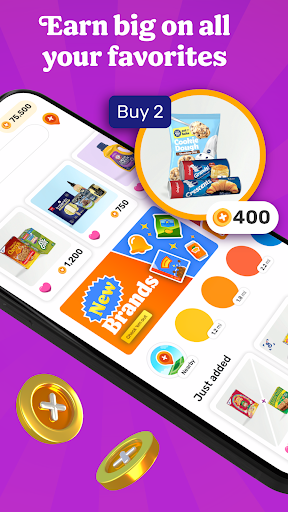
No more clipping coupons or searching the internet for deals. Just hop into Fetch and find hundreds of point-earning offers and brands in the app. New offers are added every day.
ENJOY THE REWARDS
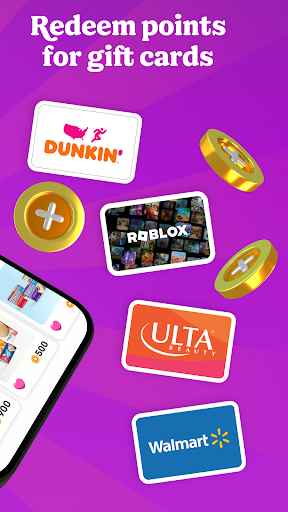
Fetch Points unlock a world of rewards. Redeem them for your favorite gift cards from Amazon, Apple, Walmart, Target and more. Prefer cash rewards? Use your points for Visa Cash Cards.
AN ONLINE SHOPPING SUPERPOWER
With Fetch Shop, you can shop your favorite brands online directly in the app and earn points on every dollar spent. It’s the most rewarding way to shop online.
ADD FETCH TO YOUR BROWSER
Prefer shopping from your phone or laptop’s browser? Install the Fetch Extension for Safari and Chrome and discover the most rewarding deals online.
YOUR NEW SHOPPING SIDEKICK
Build points-packed shopping lists, get notified of big offers in your neighborhood and find the internet’s most rewarding deals. Your world is more rewarding with Fetch in your pocket.
REWARDS WITHOUT THE CATCH
Fetch is totally free and easy to use. We’ll never ask for credit card or banking information. Just sign up and start earning today.
YOUR FIRST BONUS IS ON US
Join Fetch and submit any receipt for a first-snap bonus!
Ready to put America’s favorite rewards app in your pocket? Download Fetch and start earning free gift cards today!
-------
* America’s Favorite Rewards App - data.ai
** #1 Best Cash Back App for 2022 - Motley Fool
*** Must-Have Shopping App - Apple App Store Editorial
**** Top 5 Cash Back App for Earning Money When You Shop - Experian
もっと見る

1. MEmuインストーラーをダウンロードしてセットアップを完了する

2. MEmuを起動し、デスクトップでのPlayストアを開く

3. PlayストアでFetch: America’s Rewards Appを検索する
Install
4. Fetch: America’s Rewards Appをダウンロードしてインストールする
5. インストールが完了したら、アイコンをクリックしてスタート

6. MEmuを使ってパソコンでFetch: America’s Rewards Appを体験する
MEmu Playは現在、最高の無料Androidエミュレーターであり、5,000万人のユーザーが優れたAndroidアプリ体験を楽しんでいます。MEmuの仮想化テクノロジーにより、数千ものAndroidアプリをコンピューターでスムーズに実行できます。
大画面でより精細;無限の待機、電池とドラフィックの極限を超え
キーボード・マウス・コントローラーを全力でサポート、より快適
マルチインスタンスで複数のゲームを同時に実行
Use Fetch: America’s Rewards App on PC by following steps: