Category Quiz (Trivia)
อัปเดตเมื่อ
เวอร์ชันปัจจุบัน
3.7.2
ให้บริการโดย

เวลาคุณเล่น Category Quiz (Trivia), คุณอาจรู้สึกว่ามือคุณอาจบังจอแล้วทำให้ไม่ได้เล่นแบบเต็มที่. เล่นแบบไร้ขีดจำกัดด้วยเม้าส์และคีย์บอร์ด. MEmu มีตัวเลือกหลายอย่างให้คุณใช้งานเกมที่คุณเล่นแบบที่คุณต้องการ. ดาวน์โหลดและเล่น Category Quiz (Trivia) บน PC. เล่นนานแค่ไหนก็ได้, ไม่ต้องชาร์จแบตเตอรี่, หรือเจอคนโทรเข้ามาระหว่างเล่น. MEmu 9 เป็นตัวเลือกสำหรับการเล่น Category Quiz (Trivia) บน PC. ทางทีมงานเราได้ปรับแต่งเกม, ปรับให้เล่นเกมบางเกมได้เหมือนเล่น Category Quiz (Trivia) เป็นเกม PC เช่นเล็งด้วยเม้าส์หรือใช้คีย์บอร์ด. ระบบของเรายังทำให้คุณสามารถเปิดเล่นได้มากกว่า 2 เกมพร้อมๆกันในคอมของคุณ. และที่สำคัญที่สุด, ระบบโปรแกรมของเราสามารถทำให้คุณใช้ระบบของ PC ทำให้เกมลื่นเหมือนกับใช้โทรศัพท์รุ่นล่าสุด. เราไม่ได้ดูแลเรื่องการเล่นเกม, แต่เราดูแลถึงความสนุกสนานที่คุณได้จากการเล่นด้วย.
แสดงเพิ่มเติม
ดาวน์โหลด Category Quiz (Trivia) บน PC ด้วย MEmu Android Emulator สนุกกับการเล่นบนหน้าจอขนาดใหญ่ "Category Quiz" is a quiz where the questions must be answered by category.
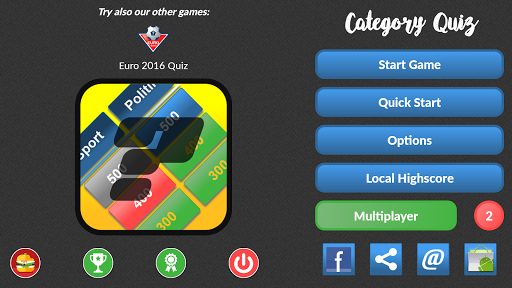
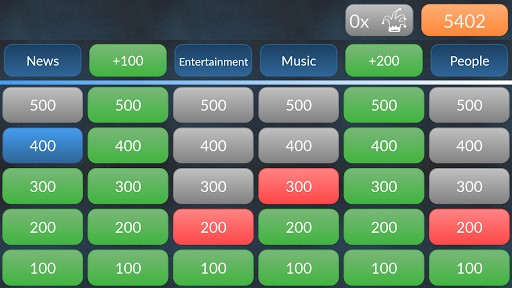
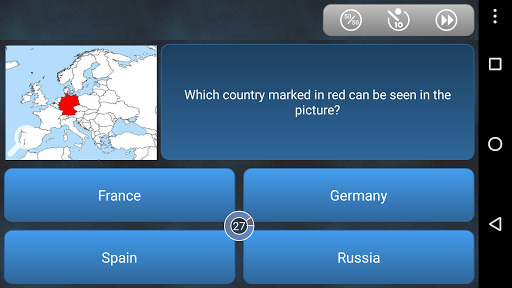
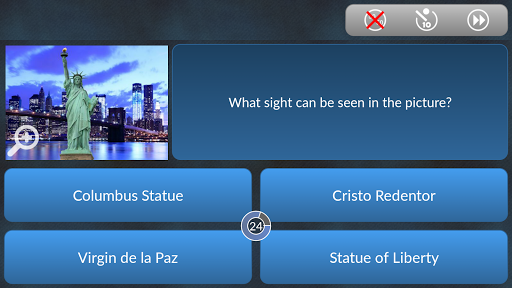
"Category Quiz" is a quiz where the questions must be answered by category. Currently there are over 10,000 questions available! (English and German)
Since Version 2.0 of Category Quiz Google Play Games is integrated which allows you to compete with players all around the world by means of a global highscore list. Another big deal is the possibility to unlock achievements and earn experience points. You need to login with your Google account to enable this new features.
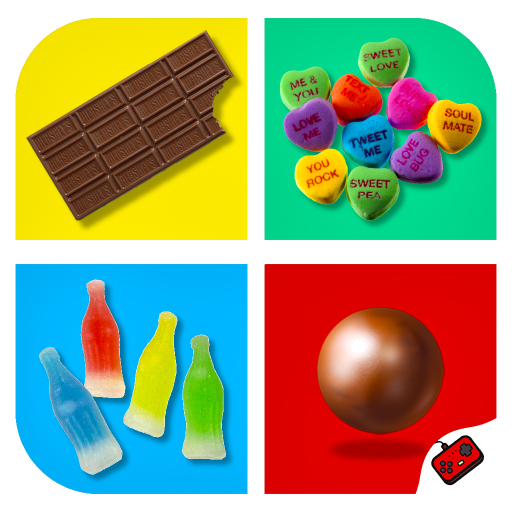
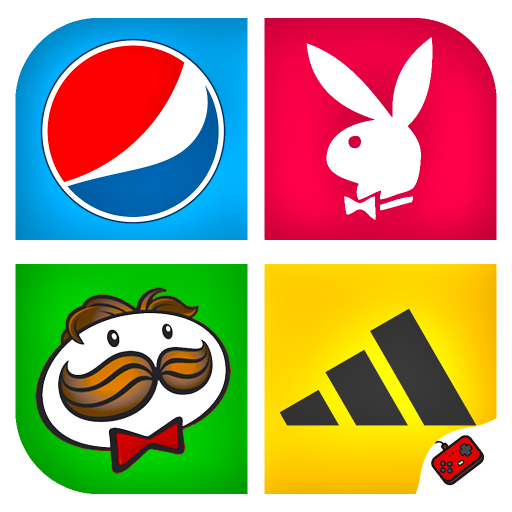
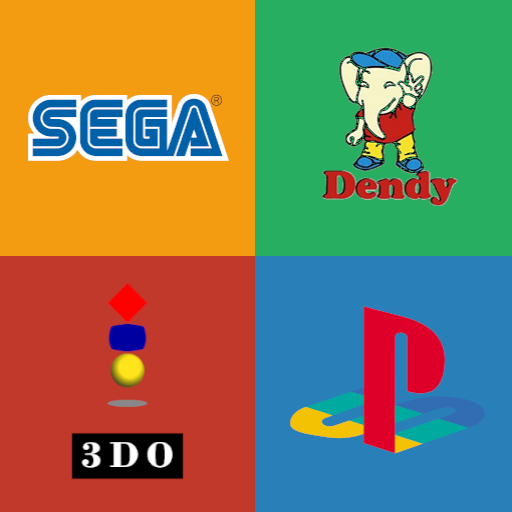
Version 2.1 adds the so called "Image-Questions" where the question can only be answered with the help of a displayed image.
Version 3.0 adds the multiplayer mode where up to 4 players of all around the world can match each other.
If there are any problems, crashes or questions please contact me via email (categoryquiz@live.at) or on Facebook!
The questions are frequently updated so that you continue to have fun with the quiz!
At the moment the questions are divided into the following categories:
- Sports
- Entertainment
- Food
- Geography
- Science
- History
- Art & Literature
- People
- Music
- Religion
- Technology
- Animals
- Economy
- Politics
- Botanical
Singleplayer-Mode
=================
If all questions in a category are answered correctly you get 100 extra points. If the second category is completed, you get 200 extra points, for the 3rd Category 300 extra points, etc.
If a question is answered incorrectly the category gets "locked" and no more questions can be answered in this category.
If the question timer is used (can be enabled/disabled using the game options) the user has 30 seconds to answer the question. The faster the question is answered the more points you get (3 points for every remaining second). In addition the user has the possibility to get help using the 3 Jokers (50:50, stop timer, new question).
If you decide to start a "quick game" 6 categories are chosen automatically.
In a "normal game" you can choose your favorite 6 categories.
Multiplayer-Mode
================
Multiplayer-Mode is not available from 03/31/20 because Google shut down the Google Play turn based multiplayer service.
! IMPORTANT!
You have the possibility to enable/disable if the correct answer is shown in the case that you answer a question incorrectly in the "options" (in addition to that you can change the timespan the correct answer is displayed).
แสดงเพิ่มเติม

1. ดาวน์โหลดตัวติดตั้ง MEmu และสิ้นสุดการติดตั้ง

2. เริ่ม MEmu จากนั้นเปิด Google Play บนหน้าแรก

3. ค้นหา Category Quiz (Trivia) ใน Google Play
Install
4. ดาวน์โหลดและติดตั้ง Category Quiz (Trivia)
5. เมื่อติดตั้งเสร็จให้คลิกที่ไอคอนเพื่อเริ่มใช้งาน

6. สนุกกับการเล่น Category Quiz (Trivia) บนพีซีด้วย MEmu
MEmu App Player เป็นอีมูเลเตอร์ Android ที่ดีที่สุดและผู้คนกว่า 50 ล้านคนเพลิดเพลินไปกับประสบการณ์การเล่นเกม Android ที่ยอดเยี่ยม เทคโนโลยีการจำลองเสมือนของ MEmu ช่วยให้คุณเล่นเกม Android หลายพันเกมได้อย่างราบรื่นบนพีซีของคุณแม้แต่เกมที่ต้องใช้กราฟิกมากที่สุด
จอใหญ่และกราฟฟิกสวยกว่า; เล่นได้นาน, ไม่ต้องใช้แบตเตอรี่โทรศัพท์หรือเน็ตโทรศัพท์.
ระบบปรับแต่งปุ่มคีย์บอร์ดและเม้าส์ตามที่คุณเลือก
เล่นมากกว่าหนึ่งเกมบน PC ในเวลาเดียวกันด้วยระบบหลายจอหรือ Multi-Instance manager.
Play Category Quiz (Trivia) on PC by following steps: