DramaWave App Review: Watch Short Dramas on PC with MEmu Emulator
 |
|
MEmu users can now enjoy mobile entertainment apps on a larger screen, and DramaWave - Dramas & Reels is one of the popular short drama streaming apps worth trying. Designed for fans of quick stories, mini-series, and vertical video entertainment, DramaWave brings thousands of drama episodes directly to your fingertips.

DramaWave - Dramas & Reels
In this guide, we will introduce what DramaWave is, its main features, and explain how to download and run DramaWave on MEmu Emulator for a better viewing experience on PC.
Contents
What Is DramaWave?
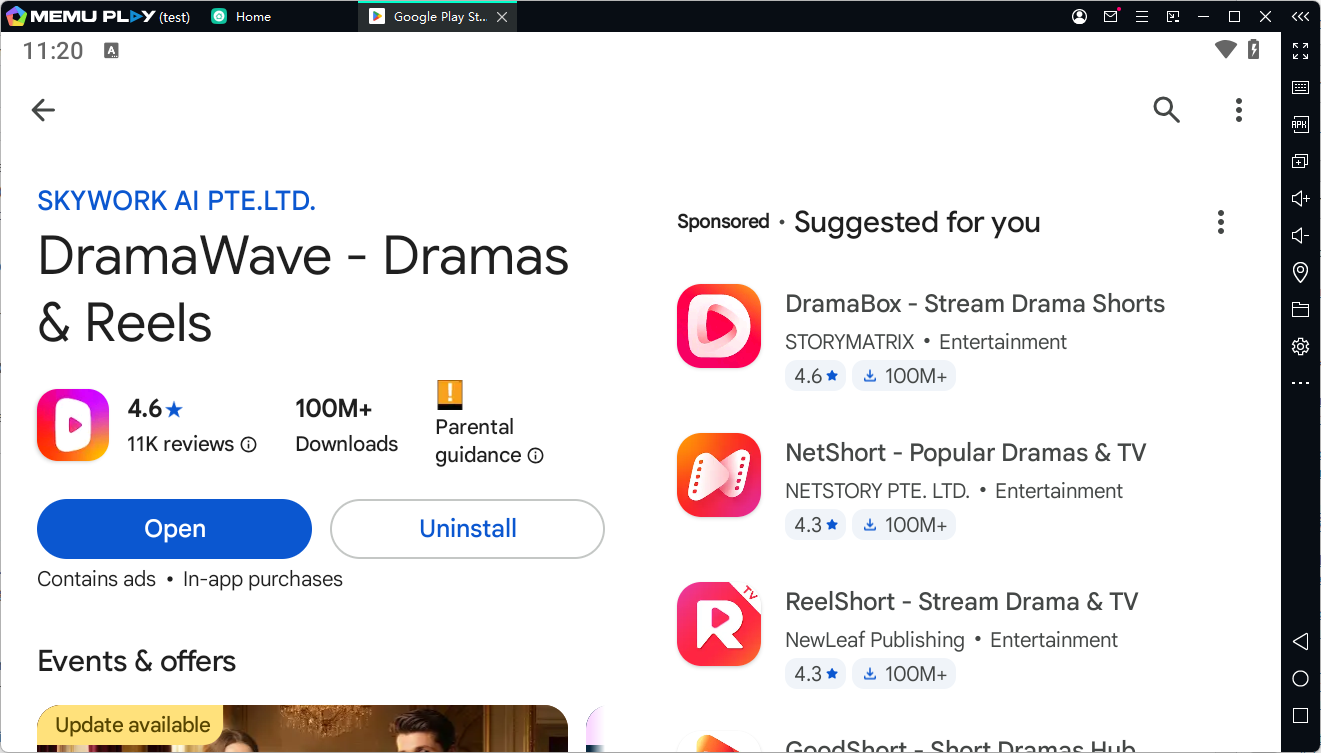
DramaWave - Dramas & Reels is a short drama and video streaming application developed by SKYWORK AI PTE.LTD. It focuses on vertical-format TV dramas, mini-series, and short-form entertainment content. According to its Google Play listing, the app provides access to more than 30,000 dramas across multiple languages, with features such as personalized recommendations, offline viewing, and high-quality video playback.
Unlike traditional streaming platforms that require users to watch long episodes, DramaWave is built around fast-paced storytelling. Each episode is designed to deliver dramatic moments quickly, making it suitable for users who want entertainment during short breaks or while traveling.
With DramaWave on PC through MEmu, users can enjoy the same mobile content with a larger display, smoother controls, and a more comfortable watching experience.
Key Features of DramaWave
1. Thousands of Short Drama Episodes
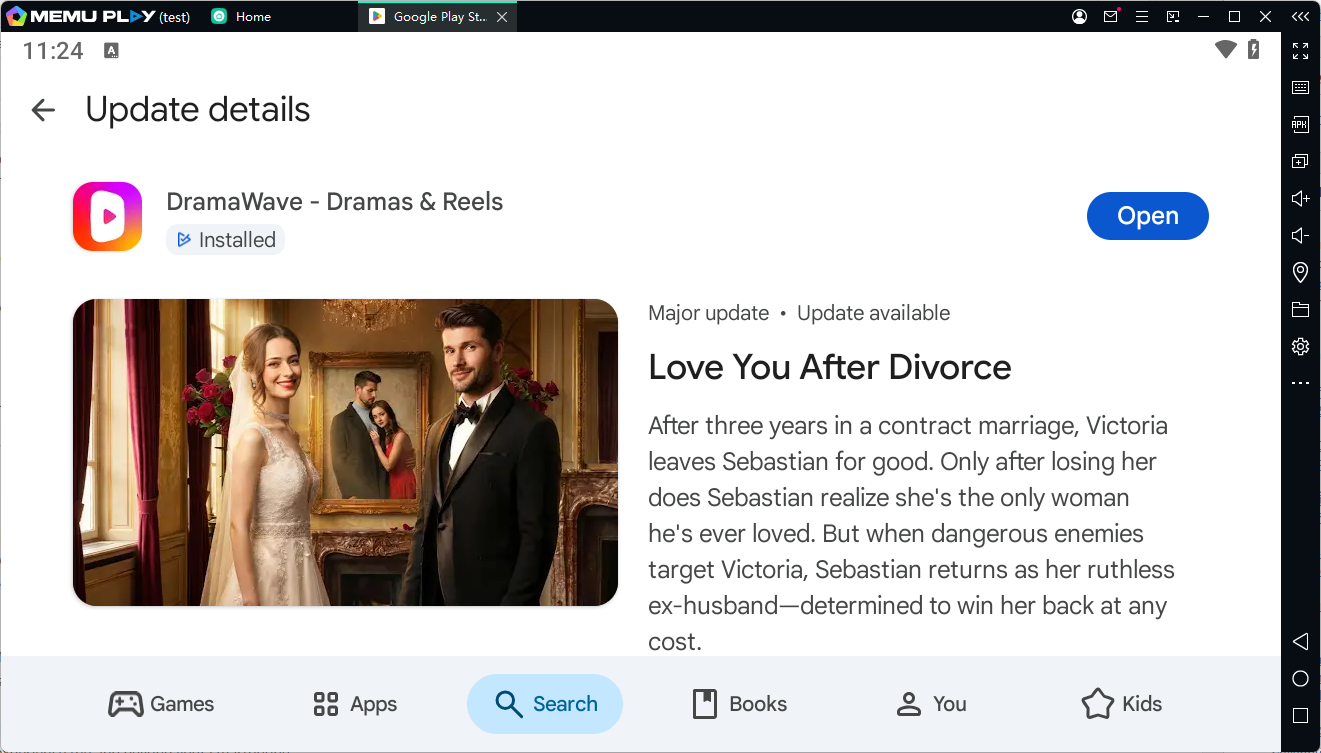
DramaWave offers a large collection of short dramas covering different genres, including:
- Romance
- Mystery
- Fantasy
- Family drama
- Thriller
- Emotional stories
The short episode format allows viewers to quickly discover new stories without spending hours watching a full TV series.
2. Vertical Full-Screen Video Experience
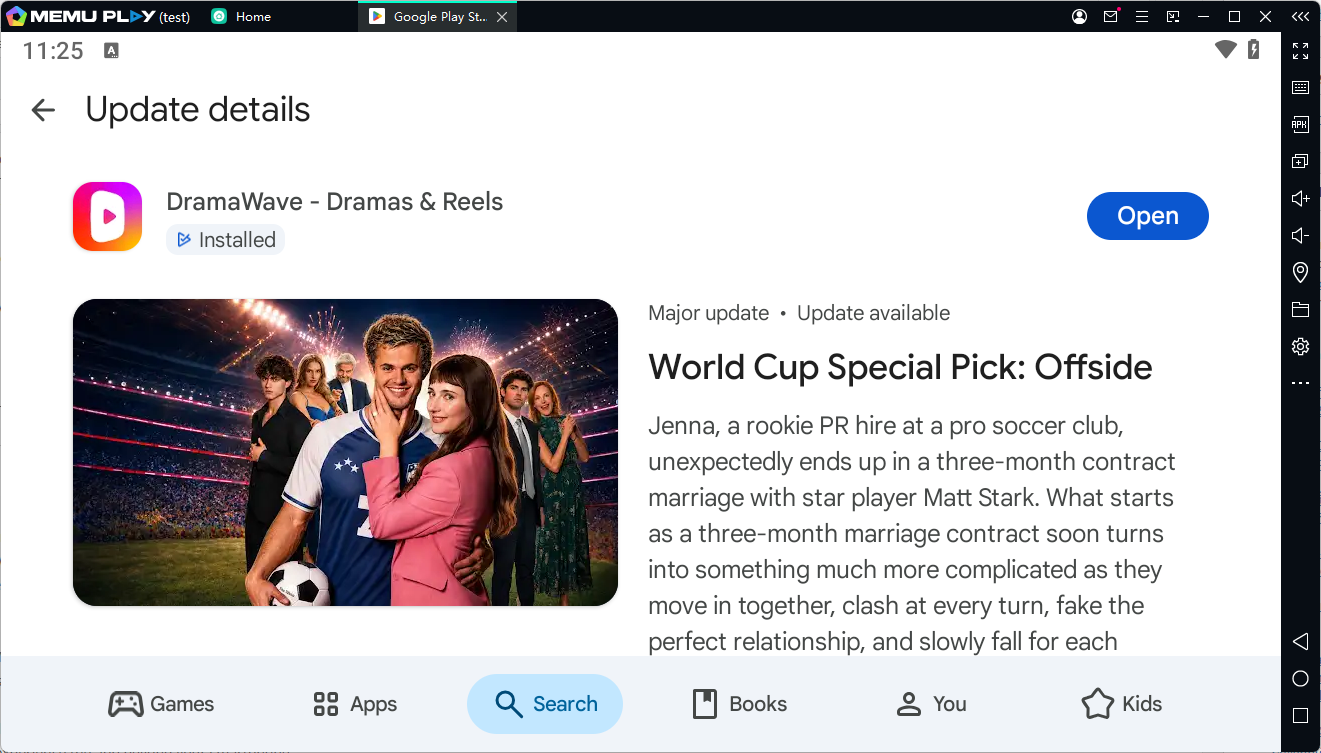
DramaWave uses a vertical video format similar to popular short-video platforms. Users can simply swipe through episodes and discover new dramas based on their interests.
The personalized recommendation system helps users find content that matches their viewing habits.
3. Multi-Language Support
The app supports subtitles in multiple languages, making DramaWave accessible to a global audience. Viewers can enjoy dramas with subtitles in languages such as:
- English
- Spanish
- French
- German
- Japanese
- Korean
4. Offline Viewing
DramaWave allows users to download episodes and watch them later without an internet connection. This feature is useful for commuting, traveling, or watching content in areas with unstable networks.
5. Better Entertainment Experience on PC
Although DramaWave is designed for Android devices, running it through MEmu Emulator provides several advantages:
- Watch dramas on a bigger screen
- Enjoy better sound quality
- Avoid battery drain on mobile devices
- Use keyboard and mouse controls
- Switch between PC tasks more easily
Why Use DramaWave on MEmu Emulator?
Watching short dramas on a smartphone is convenient, but a PC emulator can provide a more immersive experience.
With MEmu, DramaWave users can:
Enjoy a Larger Screen
Small mobile screens can limit the viewing experience. Playing DramaWave on a PC monitor allows users to enjoy clearer details and a more cinematic feeling.
Improve Performance
MEmu uses PC hardware resources to provide smooth Android app performance. Users with powerful computers may experience faster loading and smoother playback.
Watch Comfortably for Longer Sessions
Long viewing sessions are more comfortable on a desktop setup compared with holding a phone for extended periods.
How to Download and Run DramaWave on MEmu Emulator
Follow these steps to install DramaWave on your PC:
Step 1: Download and Install MEmu Emulator
Visit the official MEmu website and download the latest version of the emulator.
Install MEmu on your Windows PC and complete the setup process.
Step 2: Open Google Play Store in MEmu
- Launch MEmu Emulator.
- Open the Google Play Store.
- Sign in with your Google account.
Step 3: Search for DramaWave
In Google Play Store:
- Search for "DramaWave - Dramas & Reels".
- Select the official app published by SKYWORK AI PTE.LTD.
- Click Install.
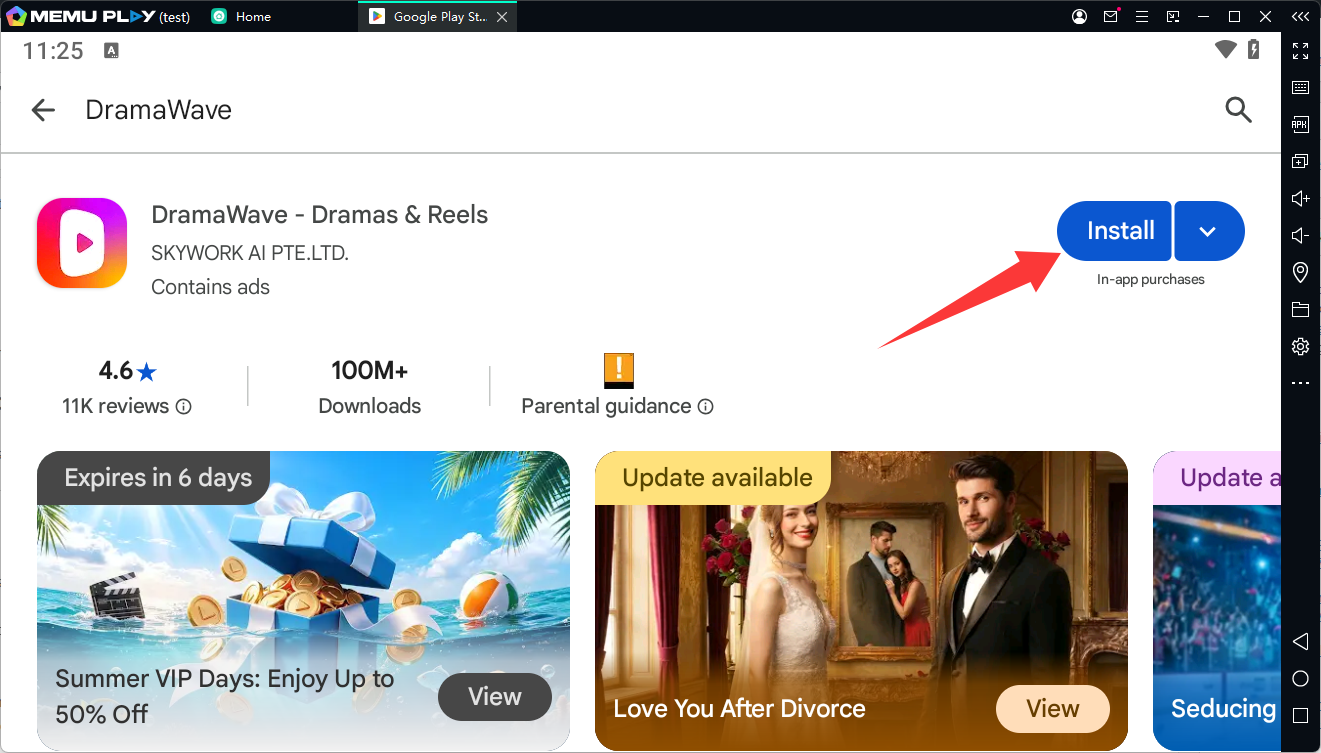
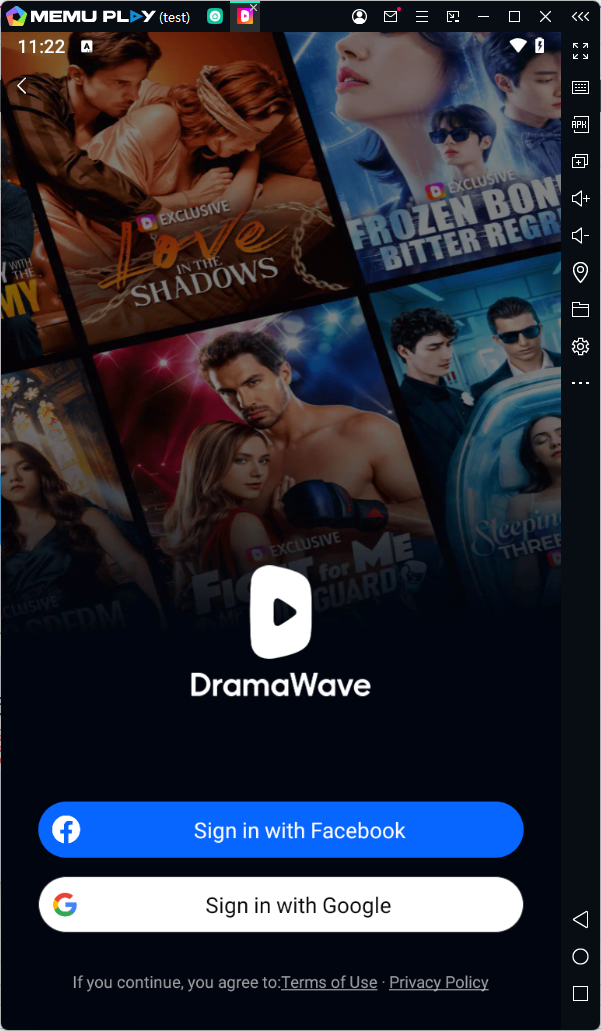
Step 4: Launch DramaWave
After installation:
- Open DramaWave from the MEmu home screen.
- Browse available dramas.
- Choose your favorite series.
- Start watching on your PC.
Alternative Installation Method: Install DramaWave APK on MEmu
If Google Play Store is unavailable in your region, you can also install DramaWave using an APK file.
Steps:
- Download the DramaWave APK from a trusted source.
- Open MEmu Emulator.
- Drag and drop the APK file into the emulator window.
- Wait for installation to complete.
- Launch DramaWave.
Note: Always download APK files from reliable sources to avoid modified or unsafe versions.
Tips for Best DramaWave Experience on MEmu
Adjust Emulator Performance Settings
For smoother playback:
- Enable CPU and RAM allocation according to your PC hardware.
- Turn on virtualization (VT) if supported.
- Keep MEmu updated to the latest version.
Use Full-Screen Mode
Enable full-screen mode in MEmu to enjoy DramaWave like a streaming service on your TV.
Connect Better Audio Devices
Using headphones or external speakers can improve the overall drama-watching experience.
Final Thoughts
DramaWave is an entertaining short drama platform for users who enjoy fast-paced storytelling and mobile video content. With thousands of dramas, personalized recommendations, offline viewing, and multi-language support, it offers a convenient way to enjoy short-form entertainment.
By running DramaWave on MEmu Emulator, users can transform their PC into a larger entertainment screen with smoother performance and a more comfortable viewing experience.
If you enjoy watching mini dramas, romantic stories, or quick episodes, installing DramaWave on MEmu is a great way to experience the app beyond your smartphone.
DramaWave - Dramas & Reels
More Apps to Explore
Download Seekee - AI Search & Assistant for PC | Watch & Enjoy Online Videos
HDHub4u on PC: A Better Viewing Experience with MEmu Emulator
Top 8 Free Apps Like Football Live TV for Mobile for FIFA World Cup 2026