GigaBash Mobile
Aktualisiert
Aktuelle Version
Angeboten von

Bei all Ihrer Leidenschaft für das Spielen von GigaBash Mobile sollten Ihre Hände nicht auf einen winzigen Bildschirm Ihres Telefons beschränkt sein. Spielen Sie wie ein Profi und übernehmen Sie die volle Kontrolle über Ihr Spiel mit Tastatur und Maus. MEmu bietet Ihnen all die Dinge, die Sie erwarten. Laden Sie GigaBash Mobile herunter und spielen Sie es auf dem PC. Spielen Sie so lange, wie Sie wollen, ohne Grenzwerte für Akku, mobile Daten und störende Anrufe. Das brandneue MEmu 9 ist die beste Wahl, um GigaBash Mobile auf dem PC zu spielen. Das exquisite voreingestellte Tastaturbelegungssystem, das mit unserem Fachwissen vorbereitet wurde, macht GigaBash Mobile zu einem echten PC-Spiel. Der MEmu Multi-Instanz-Manager ermöglicht das Spielen von 2 oder mehr Konten auf demselben Gerät. Und das Wichtigste: Unsere exklusive Emulations-Engine kann das volle Potenzial Ihres PCs freisetzen und für reibungslose Abläufe sorgen.
Mehr anzeigen
Laden Sie Play GigaBash Mobile auf dem PC mit MEmu Android Emulator. Viel Spaß beim Spielen auf großmundieren. Claim your place as king among Titans!
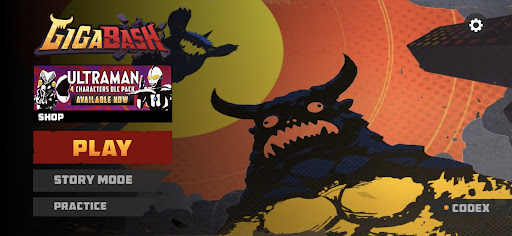
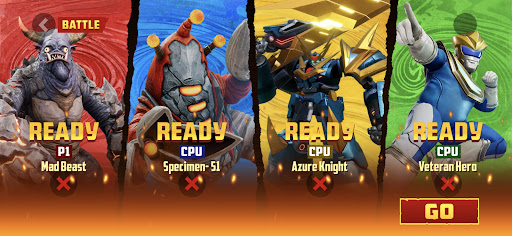
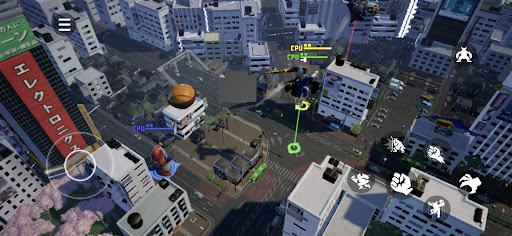
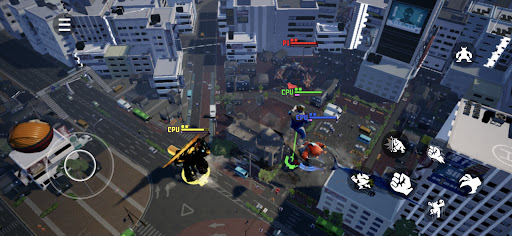
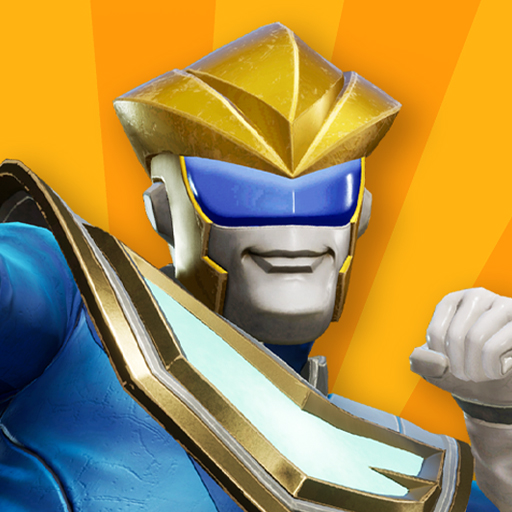
Claim your place as king among Titans! GigaBash is the ultimate Kaiju Fighting Game for 1-4 players, where you battle as film-inspired kaijus and giant heroes in fully destructible cityscapes.
Key Features:
● ORIGINAL CHARACTERS
Play as a rampaging Titan and send skyscrapers flying with a single punch; or pilot a Titan-hunting Mech and strike your foes with lightning from the heavens. Wreak havoc or chain thrilling combos to gain Giga Energy to transform into your final form, the terrifying titanic S-Class. More crossover characters from legendary IPs available as DLCs.
● ONSLAUGHT MODE
Challenge against endless waves of enemies and collect perks to help your journey. Some enemies have mutations too. The further you go, the more exclusive character skins you’ll unlock.
● ARCADE MODE
Face off alone against a lineup of 8 random opponents and one Final Boss to get a higher score. Do you dare to crank up the difficulty for a merciless yet satisfying challenge?
● STORY MODE
Discover the origins (and misadventures) of the Titans in four unique single-player campaigns, each with their own oversized protagonist.
● BATTLE MODE
It’s simple, 1-4 players battle each other in a variety of fully destructible maps to be the last Titan standing. Did you suffer an early defeat? Exact revenge on your foes by firing Orbital Lasers or dropping meteors from the convenience of your grave. Available as offline or online mode where you can cross-play with friends across mobile platforms.
● MAYHEM MODE
A casual party mode filled with wacky minigames for new and veteran players to enjoy together in online private matches.
Mehr anzeigen

1. Laden das MEmu-Installationsprogramm herunter und beenden die Installation

2. MEmu starten und Google Play auf der Homepage öffnen

3. Suchen GigaBash Mobile in Google Play
Install
4. Herunterladen und Installieren GigaBash Mobile
5. Klicken nach Abschluss der Installation auf das Symbol, um es zu starten

6. Viel Spaß beim Spielen von GigaBash Mobile auf dem PC mit MEmu
MEmu App Player ist der beste kostenlose Android-Emulator und 50 Millionen Menschen genießen bereits seine hervorragende Android-Gaming-Erfahrung. Mit der MEmu-Virtualisierungstechnologie können Sie Tausende von Android-Spielen problemlos auf Ihrem PC spielen, selbst bei grafikintensiven Spielen.
BGrößeres Bild mit besserer Grafik; Keine unterbrechungen, keine sorgen um Akku
Komplette Tastenbelegung unterstützt mit Maus und Tastatur oder Controller
Mit dem „Multi-Instance-Manager“ können Sie mehrere Spielkonten oder Spiele gleichzeitig auf einem PC ausführen.
Play GigaBash Mobile on PC by following steps: