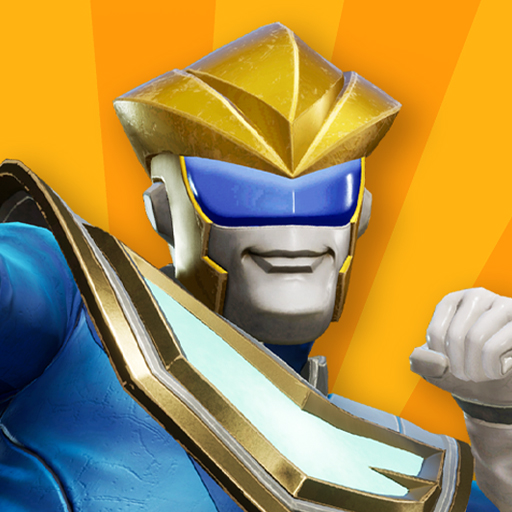
GigaBash Mobile
Updated
Current Version
Offered By

With your passion for GigaBash Mobile, you shouldn’t have to limit yourself to the small screen of a phone. Play like a pro and take full control of the game using a keyboard and mouse. MEmu gives you everything you’re looking for. Download and play GigaBash Mobile on PC. Play as long as you want — no more worries about battery life, mobile data, or unexpected calls. The all-new MEmu 9 is the best way to play GigaBash Mobile on PC. With our expertly designed keymapping system, GigaBash Mobile feels just like a real PC game. The MEmu multi-instance manager lets you run two or more accounts on the same device at the same time. Most importantly, our exclusive emulation engine unlocks your PC’s full potential, delivering smooth and seamless performance.
Show more
Download GigaBash Mobile on PC with MEmu Android Emulator. Enjoy playing on big screen. Claim your place as king among Titans!
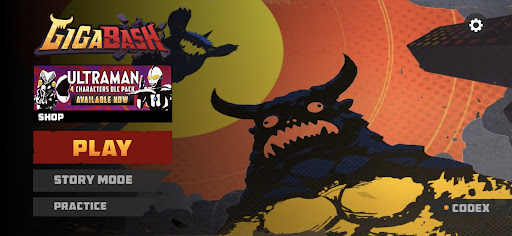
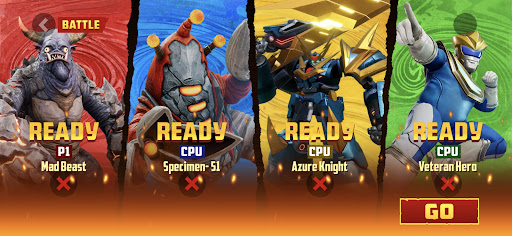
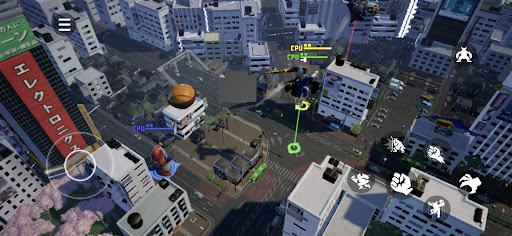
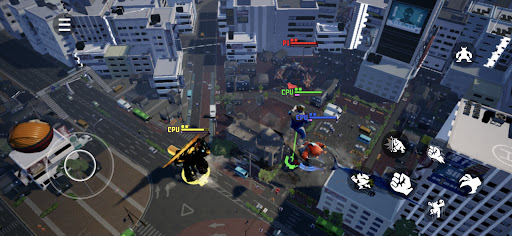
Claim your place as king among Titans! GigaBash is the ultimate Kaiju Fighting Game for 1-4 players, where you battle as film-inspired kaijus and giant heroes in fully destructible cityscapes.
Key Features:
● ORIGINAL CHARACTERS
Play as a rampaging Titan and send skyscrapers flying with a single punch; or pilot a Titan-hunting Mech and strike your foes with lightning from the heavens. Wreak havoc or chain thrilling combos to gain Giga Energy to transform into your final form, the terrifying titanic S-Class. More crossover characters from legendary IPs available as DLCs.
● ONSLAUGHT MODE
Challenge against endless waves of enemies and collect perks to help your journey. Some enemies have mutations too. The further you go, the more exclusive character skins you’ll unlock.
● ARCADE MODE
Face off alone against a lineup of 8 random opponents and one Final Boss to get a higher score. Do you dare to crank up the difficulty for a merciless yet satisfying challenge?
● STORY MODE
Discover the origins (and misadventures) of the Titans in four unique single-player campaigns, each with their own oversized protagonist.
● BATTLE MODE
It’s simple, 1-4 players battle each other in a variety of fully destructible maps to be the last Titan standing. Did you suffer an early defeat? Exact revenge on your foes by firing Orbital Lasers or dropping meteors from the convenience of your grave. Available as offline or online mode where you can cross-play with friends across mobile platforms.
● MAYHEM MODE
A casual party mode filled with wacky minigames for new and veteran players to enjoy together in online private matches.
Show more

1. Download MEmu installer and finish the setup

2. Start MEmu then open Google Play on the desktop

3. Search GigaBash Mobile in Google Play
Install
4. Download and Install GigaBash Mobile
5. On install completion click the icon to start

6. Enjoy playing GigaBash Mobile on PC with MEmu
MEmu Play is the best Android emulator and 100 million people already enjoy its superb Android gaming experience. The MEmu virtualization technology empowers you to play thousands of Android games smoothly on your PC, even the most graphic-intensive ones.
Bigger screen with better graphics; Long duration, without limitation of battery or mobile data.
Full Keymapping support for precise control of keyboard and mouse or gamepad.
Multiple game accounts or tasks on single PC at one time with Multi-Instance manager.
Play GigaBash Mobile on PC by following steps:












































