Clash of Clans
Actualizada
Versión actual
18.600.5
Ofrecida por

Con toda tu pasión para jugar Clash of Clans, no se supone que tus manos estén limitadas en una pequeña pantalla de tu teléfono. Juega como un profesional y obtén el control total de tu juego con el teclado y el mouse. MEmu le ofrece todas las cosas que espera. Descargar y jugar Clash of Clans en PC. Juega todo el tiempo que quieras, sin más limitaciones de batería, datos móviles y llamadas molestas. El nuevo MEmu 9 es la mejor opción para jugar Clash of Clans en PC. Preparado con nuestra experiencia, el exquisito sistema de keymapping preestablecido convierte a Clash of Clans en un verdadero juego de PC. Codificado con nuestra absorción, el administrador de instancias múltiples hace posible jugar 2 o más cuentas en el mismo dispositivo. Y lo más importante, nuestro exclusivo motor de emulación puede liberar todo el potencial de su PC, hacer que todo sea más fluido. Nos importa no solo cómo juegas, sino también todo el proceso de disfrutar de la felicidad de los juegos.
Más detalles
Descargar Clash of Clans en PC con MEmu Android Emulador. Disfruta jugando en la pentalla grande. Construye tu aldea, crea un clan y compite en las épicas guerras de clanes junto a millones de jugadores.
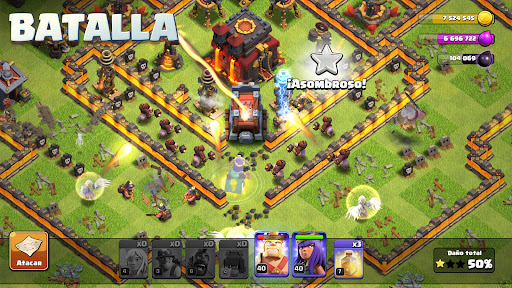
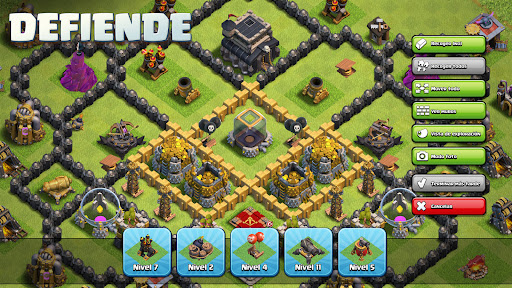
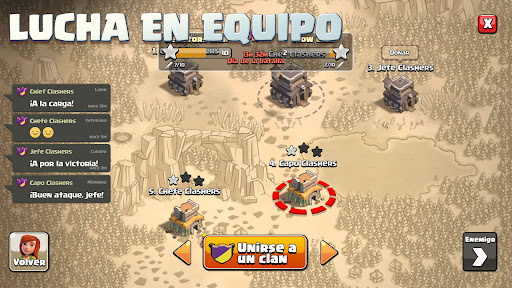
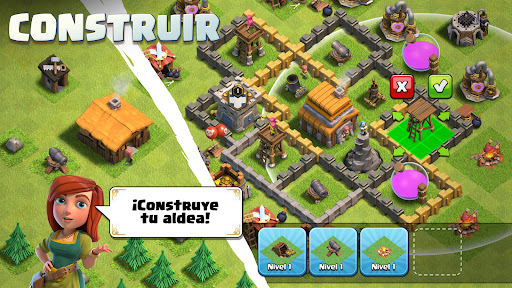
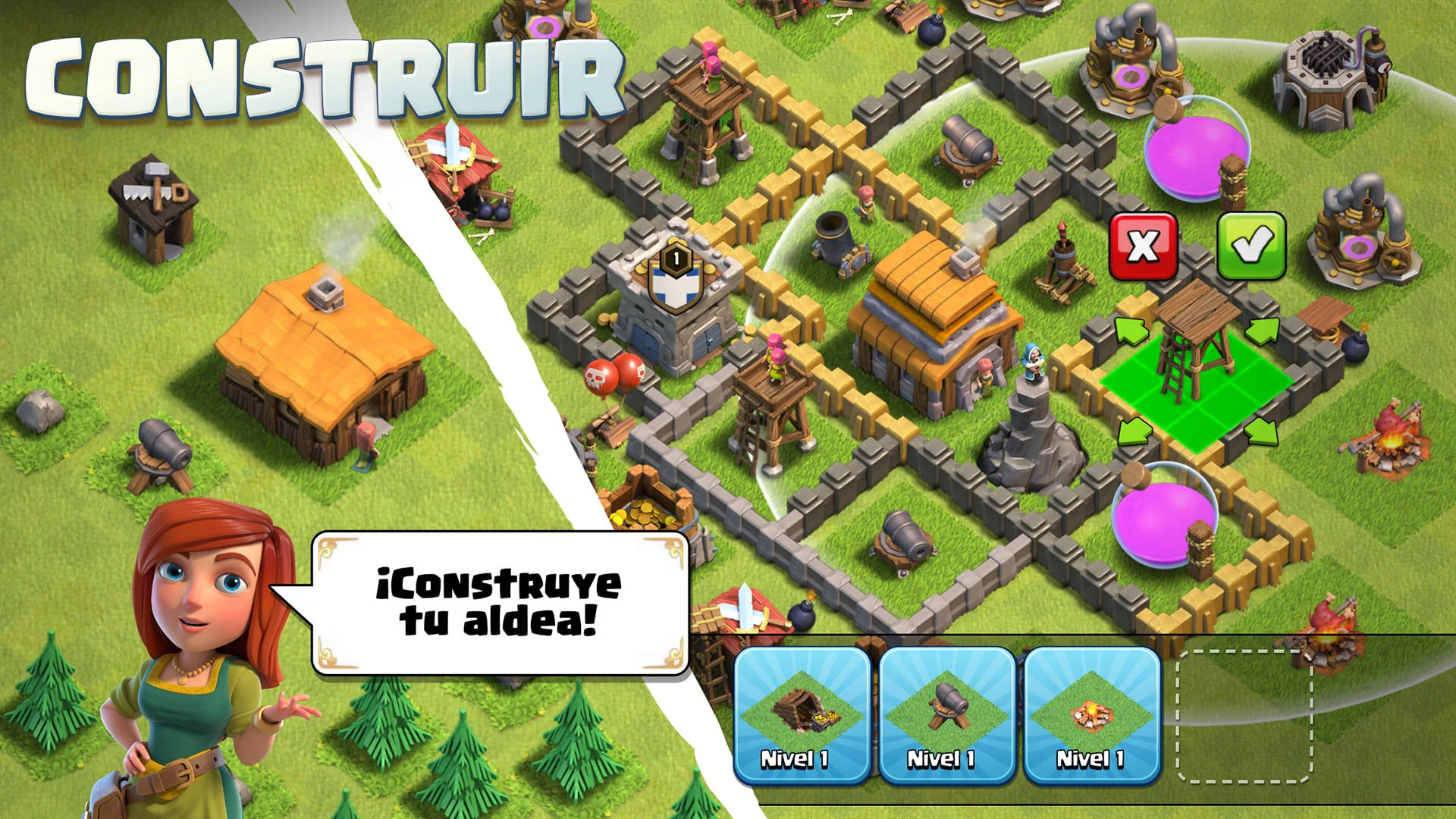
Construye tu aldea, crea un clan y compite en las épicas guerras de clanes junto a millones de jugadores.
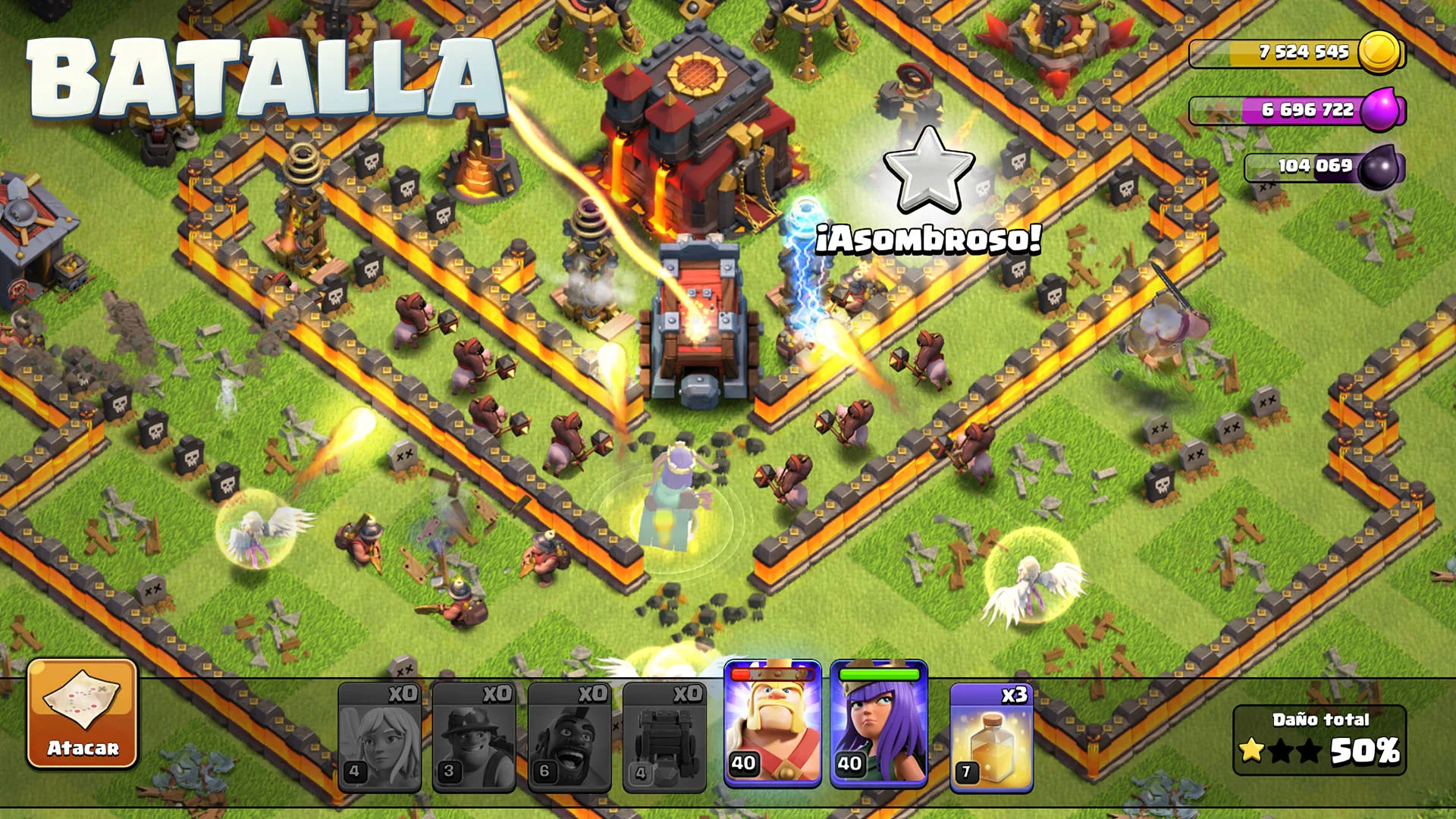
Te esperan bárbaros con bigotes impecables, magos con ardientes bolas de fuego y otras increíbles tropas. ¡Descubre el mundo de Clash of Clans!
Descargar y jugar a Clash of Clans es gratis, pero puedes utilizar dinero real para comprar algunos artículos, incluso artículos aleatorios. Si no deseas gastar dinero real en el juego, desactiva las compras integradas en los ajustes de tu dispositivo.
Os damos la bienvenida al Parque de esqueletos, un nuevo distrito de la capital con barreras indestructibles.
● ¡Desata el caos y la destrucción en los distritos enemigos con el nuevo hechizo de cementerio!
● ¡Aterroriza a tus enemigos con dos defensas completamente nuevas, el nido de miniesbirros y el reflector!
● Personaliza la casa de la capital del clan como más te guste y consigue trofeos de la capital en las ligas de la capital del clan.
● Montones de novedades, incluyendo al explosivo superminero ¡y un cambio increíble de la pala para obstáculos!
Funciones clásicas:
● Únete a un clan o crea uno con tus amigos.
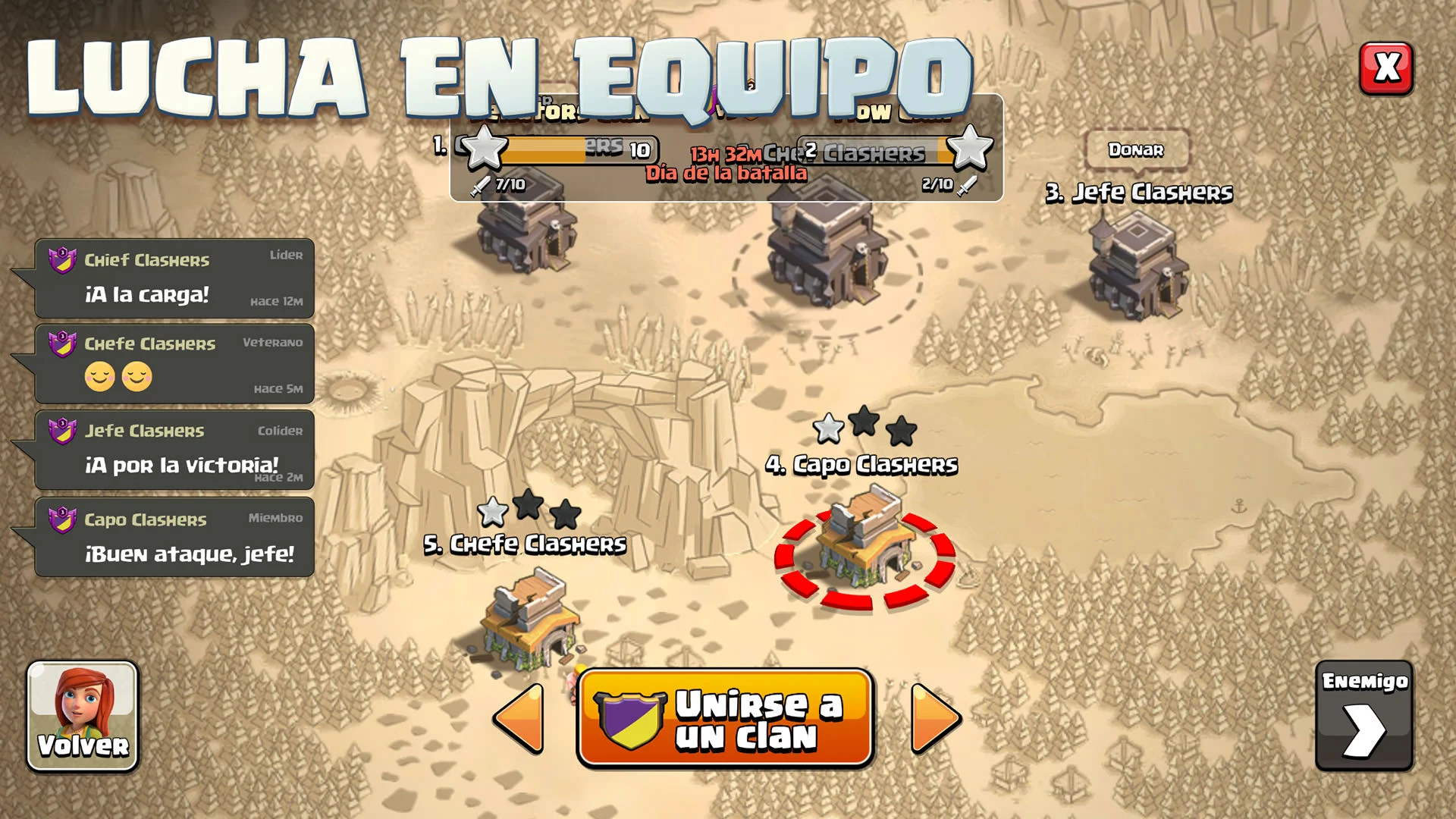
● Lucha en equipo en las guerras de clanes contra millones de jugadores activos de todo el mundo.
● Ponte a prueba en las competitivas ligas de guerras de clanes ¡y demuestra tu valía!
● Crea alianzas y trabaja junto a tu clan en los Juegos del Clan para ganar valiosos objetos mágicos.
● Planea tus estrategias de batalla con infinitas combinaciones de hechizos, tropas y héroes.
● Compite con los mejores jugadores del mundo y asciende a los primeros puestos de la clasificación en la liga de Leyendas.
● Almacena recursos y roba el botín a otros jugadores para mejorar tu aldea y convertirla en una fortaleza.
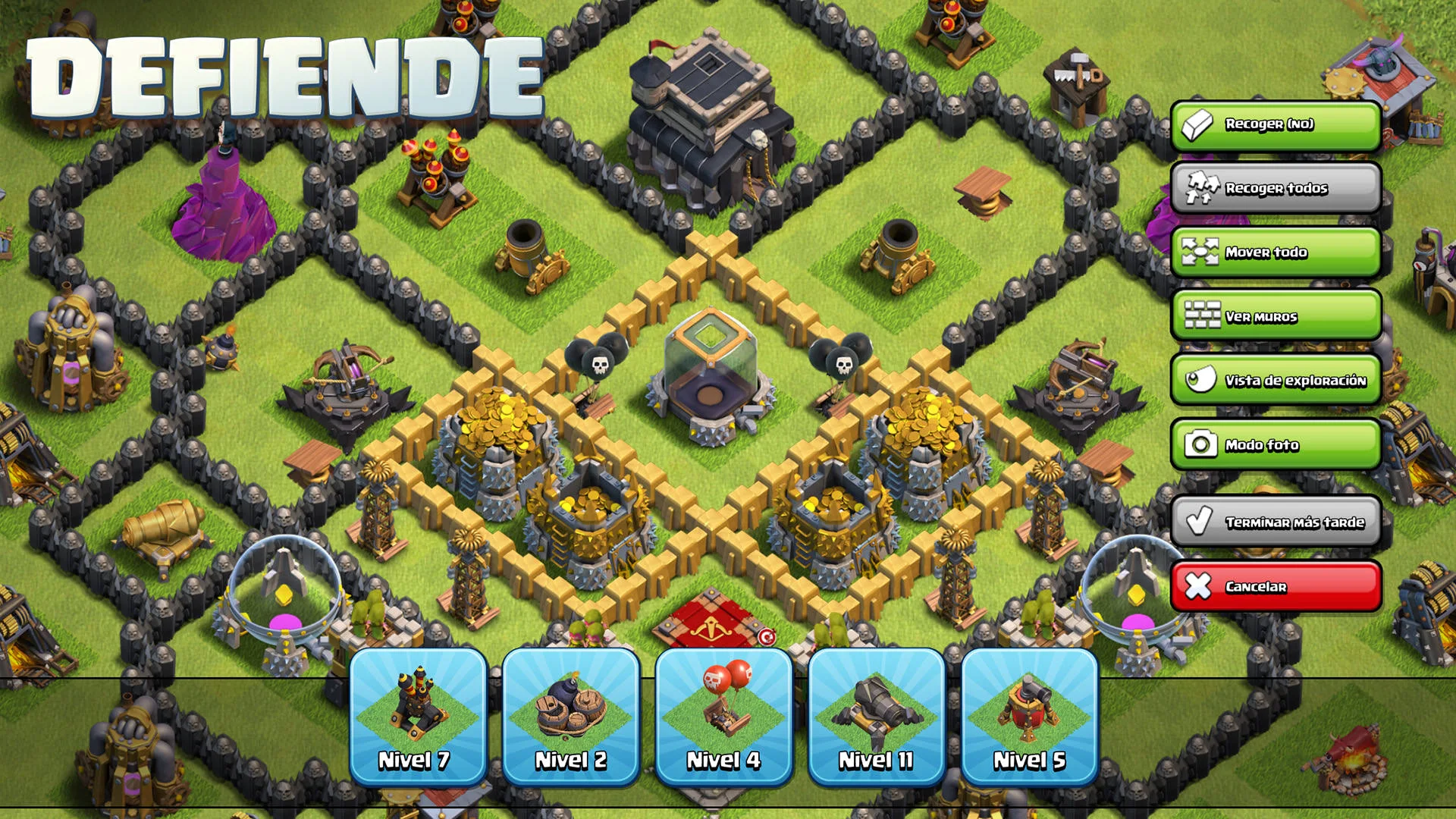
● Defiende tu aldea de los ataques enemigos con torres, cañones, bombas, trampas, morteros y muros.
● Desbloquea héroes épicos como el rey bárbaro, la reina arquera, el gran centinela, la luchadora real y la máquina bélica.
● Investiga en el laboratorio para hacer que tus tropas, hechizos y máquinas de asedio sean aún más poderosas.
● Crea tus propias experiencias JcJ personalizadas mediante desafíos amistosos, guerras amistosas y eventos especiales en vivo.
● Disfruta en vivo de los ataques y defensas de tus aliados en el modo espectador o mira las repeticiones en otro momento.
● Lucha contra el rey duende en una encarnizada batalla en el modo de un jugador por las entrañas del reino.
● Aprende nuevas tácticas y experimenta con tu ejército y tus tropas del castillo del clan en el modo de práctica.
● Zarpa hacia la misteriosa base del constructor y descubre nuevas estructuras y personajes.
● Convierte la base del constructor en una fortaleza impenetrable y vence a los jugadores rivales en los enfrentamientos.
● Consigue aspectos de héroe y paisajes exclusivos para personalizar tu aldea.
¿A qué esperas, jefe? Únete a la acción.
También es necesaria una conexión a Internet.
Si te lo pasas bien jugando a Clash of Clans, seguro que también te gustan otros juegos de Supercell, como Clash Royale, Brawl Stars, Boom Beach y Hay Day. ¡Échales un vistazo!
¿Tienes algún problema? Entra en https://help.supercellsupport.com/clash-of-clans/es/index.html o contáctanos a través de los ajustes en Ayuda y asistencia.
Política de privacidad: http://supercell.com/en/privacy-policy/es/
Condiciones del servicio: http://supercell.com/en/terms-of-service/es/
Guía para padres: http://supercell.com/en/parents/es/
Más detalles

1. Descargar el instalador de MEmu y finalice la instalación

2. Iniciar MEmu y abrir Google Play en la página de inicio

3. Buscar Clash of Clans en Google Play
Install
4. Descargar y instalar Clash of Clans
5. Hacer click al icono para iniciar

6. Disfruta jugando Clash of Clans en PC con MEmu
MEmu App Player es el mejor emulador de Android gratuito y 50 millones de personas ya están disfrutando su magnífica experiencia jugando en Android. La tecnología de virtualización de MEmu te permite jugar a miles de juegos Android suavemente en tu PC, incluso los más intensivos gráficamente.
Pantalla más grande con mejores gráficos; Larga duración, sin limitación de batería o datos móviles.
Soporte completo de keymapping para un control preciso del teclado y el mouse o gamepad.
Múltiples cuentas de juegos o tareas en una sola PC a la vez con el administrador de instancias múltiples.
Play Clash of Clans on PC by following steps: