Play and Learn Science
Actualizada
Versión actual
3.0.2
Ofrecida por

Con toda tu pasión para jugar Play and Learn Science, no se supone que tus manos estén limitadas en una pequeña pantalla de tu teléfono. Juega como un profesional y obtén el control total de tu juego con el teclado y el mouse. MEmu le ofrece todas las cosas que espera. Descargar y jugar Play and Learn Science en PC. Juega todo el tiempo que quieras, sin más limitaciones de batería, datos móviles y llamadas molestas. El nuevo MEmu 9 es la mejor opción para jugar Play and Learn Science en PC. Preparado con nuestra experiencia, el exquisito sistema de keymapping preestablecido convierte a Play and Learn Science en un verdadero juego de PC. Codificado con nuestra absorción, el administrador de instancias múltiples hace posible jugar 2 o más cuentas en el mismo dispositivo. Y lo más importante, nuestro exclusivo motor de emulación puede liberar todo el potencial de su PC, hacer que todo sea más fluido. Nos importa no solo cómo juegas, sino también todo el proceso de disfrutar de la felicidad de los juegos.
Más detalles
Descargar Play and Learn Science en PC con MEmu Android Emulador. Disfruta jugando en la pentalla grande. With Play and Learn Science, kids have science and problem-solving games at their fingertips anywhere they go!
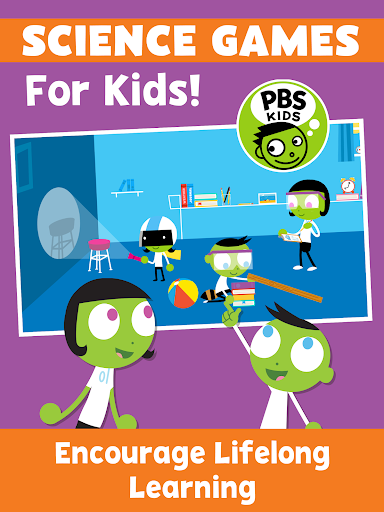
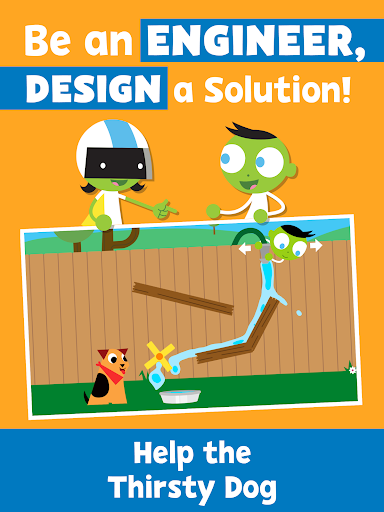
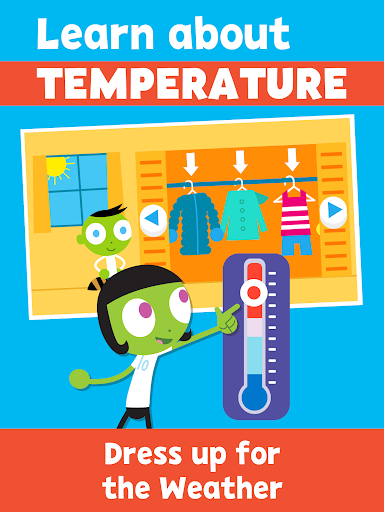
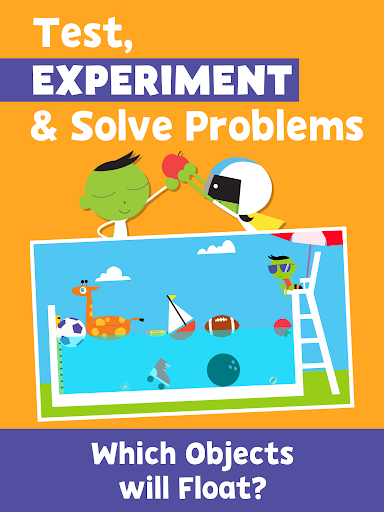
With Play and Learn Science, kids have science and problem-solving games at their fingertips anywhere they go! Play science games, control the weather, roll and slide objects down a ramp, and choose the best materials for an umbrella – all while building science inquiry skills and learning core science concepts.
Science games for kids encourage children to see science in their everyday life. These educational games serve as catalysts for real-world exploration by drawing from real-world locations and experiences that children recognize.
Our family games encourage co-learning with hands-on activities and parent notes! Early learning activities encourage families to “try it” at home and provide tips for conversations, taking the lessons beyond the app.
PLAY AND LEARN SCIENCE FEATURES
SCIENCE FOR KIDS - 15 Educational games covering core scientific topics:
• Earth Science
• Physical Science
• Environmental Science
• Life Science
ACTIVITIES FOR KIDS
• Problem solving games kids will enjoy and learn from
• Educational games with drawing tools and stickers
• Learn science while having fun
FAMILY GAMES
• Kids education with family activities encourage co-learning through tips for parent-child engagement
• Early learning activities that take education into the community
• Science games for children under 5, developed in collaboration with early childhood experts
BILINGUAL EDUCATIONAL GAMES
• Spanish language options to keep children engaged in their native tongue
• Learning Spanish? The bilingual setting is perfect for your kids to learn and practice.
ABOUT PBS KIDS
The Play and Learn Science app is part of PBS KIDS’ ongoing commitment to helping kids build the skills they need to succeed in school and in life. PBS KIDS, the number one educational media brand for kids, offers all children the opportunity to explore new ideas and new worlds through television and digital media, as well as community-based programs.
For more PBS KIDS apps, visit http://www.pbskids.org/apps.
ABOUT READY TO LEARN
The Play and Learn Science app was created as part of the Corporation for Public Broadcasting (CPB) and PBS Ready To Learn Initiative with funding from the U.S. Department of Education. The contents of the app were developed under a cooperative agreement #U295A150003, from the U.S. Department of Education. However, these contents do not necessarily represent the policy of the Department of Education, and you should not assume endorsement by the Federal Government.
PRIVACY
Across all media platforms, PBS KIDS is committed to creating a safe and secure environment for children and families and being transparent about what information is collected from users. To learn more about PBS KIDS’ privacy policy, visit pbskids.org/privacy.
Más detalles

1. Descargar el instalador de MEmu y finalice la instalación

2. Iniciar MEmu y abrir Google Play en la página de inicio

3. Buscar Play and Learn Science en Google Play
Install
4. Descargar y instalar Play and Learn Science
5. Hacer click al icono para iniciar

6. Disfruta jugando Play and Learn Science en PC con MEmu
MEmu App Player es el mejor emulador de Android gratuito y 50 millones de personas ya están disfrutando su magnífica experiencia jugando en Android. La tecnología de virtualización de MEmu te permite jugar a miles de juegos Android suavemente en tu PC, incluso los más intensivos gráficamente.
Pantalla más grande con mejores gráficos; Larga duración, sin limitación de batería o datos móviles.
Soporte completo de keymapping para un control preciso del teclado y el mouse o gamepad.
Múltiples cuentas de juegos o tareas en una sola PC a la vez con el administrador de instancias múltiples.
Play Play and Learn Science on PC by following steps: