Shroom and Gloom
Actualizada
Versión actual
Ofrecida por

Con toda tu pasión para jugar Shroom and Gloom, no se supone que tus manos estén limitadas en una pequeña pantalla de tu teléfono. Juega como un profesional y obtén el control total de tu juego con el teclado y el mouse. MEmu le ofrece todas las cosas que espera. Descargar y jugar Shroom and Gloom en PC. Juega todo el tiempo que quieras, sin más limitaciones de batería, datos móviles y llamadas molestas. El nuevo MEmu 9 es la mejor opción para jugar Shroom and Gloom en PC. Preparado con nuestra experiencia, el exquisito sistema de keymapping preestablecido convierte a Shroom and Gloom en un verdadero juego de PC. Codificado con nuestra absorción, el administrador de instancias múltiples hace posible jugar 2 o más cuentas en el mismo dispositivo. Y lo más importante, nuestro exclusivo motor de emulación puede liberar todo el potencial de su PC, hacer que todo sea más fluido. Nos importa no solo cómo juegas, sino también todo el proceso de disfrutar de la felicidad de los juegos.
Más detalles
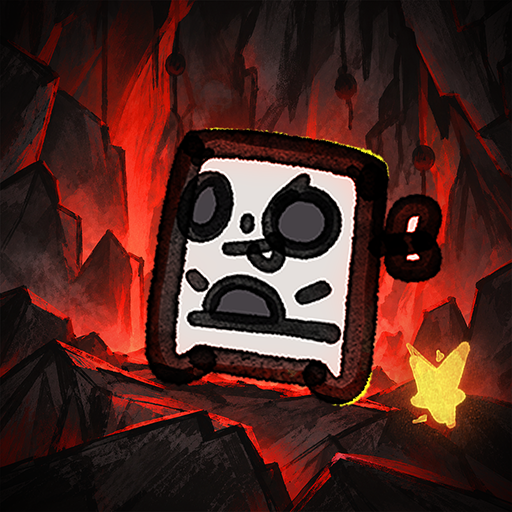
Descargar Shroom and Gloom en PC con MEmu Android Emulador. Disfruta jugando en la pentalla grande. Shroom and Gloom is a first-person, roguelike double-deckbuilder that brings you mobs of monstrous mushrooms and mountains of mega-combos!
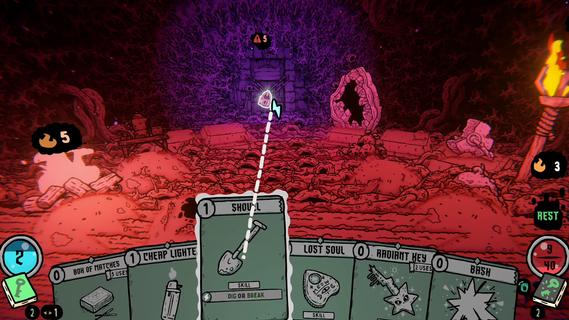
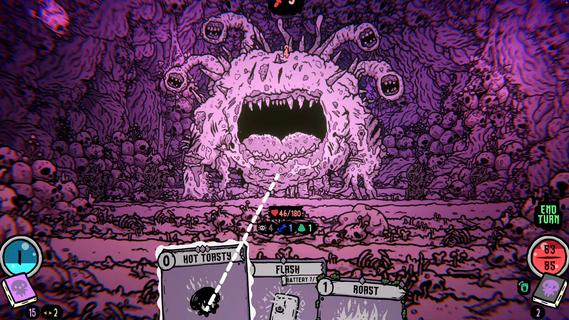
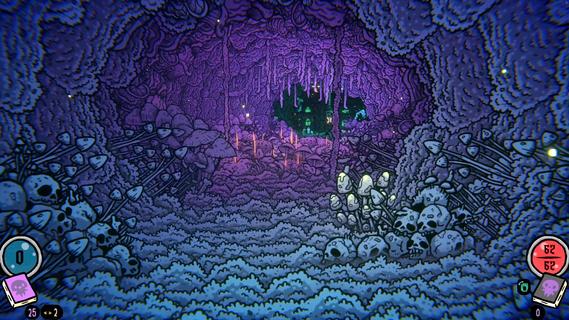
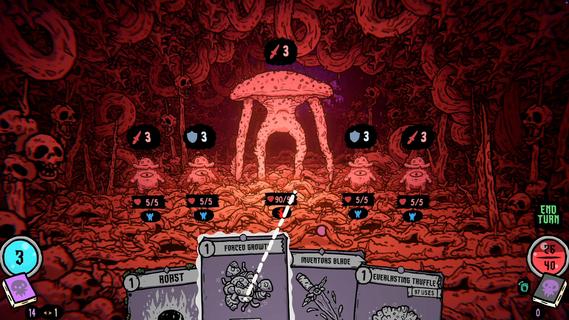
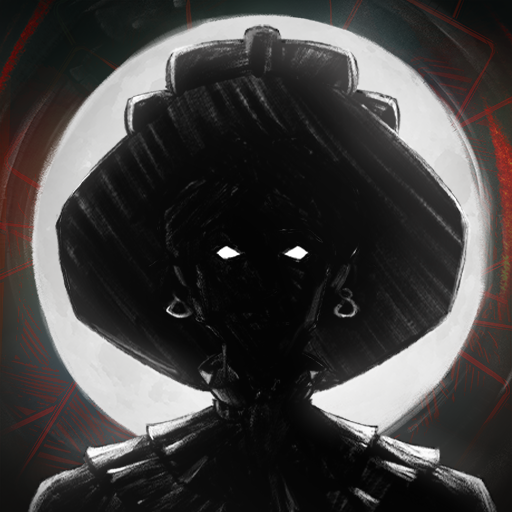
Shroom and Gloom is a first-person, roguelike double-deckbuilder that brings you mobs of monstrous mushrooms and mountains of mega-combos!Unleash hundreds of cards to hack, slash and roast your way through hand drawn dungeons of fungal foes! Build devastating decks, and grow cards into massive abominations as you fight your way into the heart of The Gloom!Double-Deckbuilding!Build 2 distinct decks! Use the combat deck to survive fierce battles! Use the explore deck to navigate dungeons, modify your cards, and unlock new weapons and abilities!Eye-ball melting art!Hand-drawn art and animations collide with dozens of rich 3D spaces, bringing you into a surreal world of mushrooms and madness!Infinite growth and monstrous mega-combos!Shroom and Gloom offers unique ways for players to grow and modify their cards infinitely. Grow low level starting cards into over-powered attacks, or modify rare cards into game-breaking super-weapons!Less blocking, more eating!Why block your enemies when you could eat them instead! Shroom and Gloom features a bounty of ways for you to season, skewer or roast your foes, then eat them to restore lost health. Better yet, throw your roasted enemies into a pot, and cook up some game-changing soups!
Más detalles

1. Descargar el instalador de MEmu y finalice la instalación

2. Iniciar MEmu y abrir Google Play en la página de inicio

3. Buscar Shroom and Gloom en Google Play
Install
4. Descargar y instalar Shroom and Gloom
5. Hacer click al icono para iniciar

6. Disfruta jugando Shroom and Gloom en PC con MEmu
MEmu App Player es el mejor emulador de Android gratuito y 50 millones de personas ya están disfrutando su magnífica experiencia jugando en Android. La tecnología de virtualización de MEmu te permite jugar a miles de juegos Android suavemente en tu PC, incluso los más intensivos gráficamente.
Pantalla más grande con mejores gráficos; Larga duración, sin limitación de batería o datos móviles.
Soporte completo de keymapping para un control preciso del teclado y el mouse o gamepad.
Múltiples cuentas de juegos o tareas en una sola PC a la vez con el administrador de instancias múltiples.
Play Shroom and Gloom on PC by following steps: