VoidLauncher
Actualizada
Versión actual
Ofrecida por

Deje de preocuparse por los recargos cuando use VoidLauncher en su teléfono celular, libérese de la pequeña pantalla y disfrute usando la aplicación en una pantalla mucho más grande. A partir de ahora, obtenga una experiencia de pantalla completa de su aplicación con teclado y mouse. MEmu le ofrece todas las características sorprendentes que esperaba: instalación rápida y configuración fácil, controles intuitivos, no más limitaciones de batería, datos móviles y llamadas molestas. El nuevo MEmu 9 es la mejor opción para usar VoidLauncher en su computadora. Codificado con nuestra absorción, el administrador de instancias múltiples hace posible abrir 2 o más cuentas al mismo tiempo. Y lo más importante, nuestro exclusivo motor de emulación puede liberar todo el potencial de su PC, hacer que todo sea fluido y agradable.
Más detalles
Disfruta de una experiencia increíble usando VoidLauncher en tu PC con MEmu Play. Es un potente emulador de Android gratuito que te ofrece miles de aplicaciones de Android en su versión de escritorio. ¡Conéctate con tus amigos y optimiza tu trabajo! Void Launcher is a meticulous reimagining of the Android home screen.
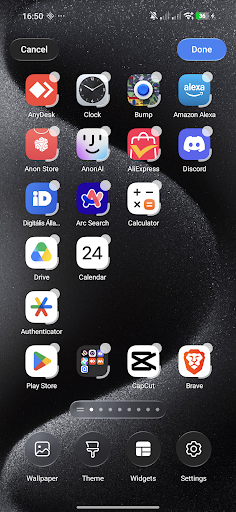
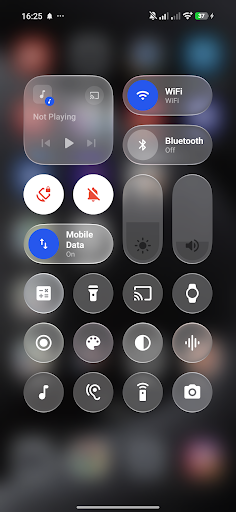
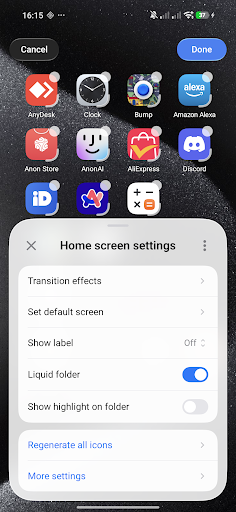
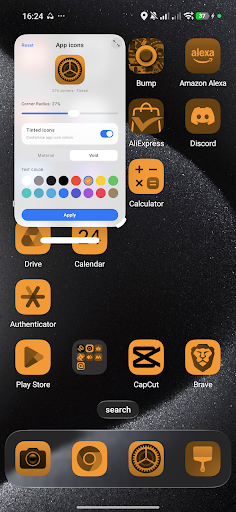
Void Launcher is a meticulous reimagining of the Android home screen. Designed with a profound focus on craftsmanship, materiality, and the behavior of light, it transforms your device into a living, tactile canvas.
Designed for the Senses.
At the heart of Void Launcher is a custom-engineered liquid-glass interface. We studied how light filters through frosted glass, how layers interact in physical space, and how motion can feel entirely organic. The result is a layout defined by depth, subtle translucent layers, and high-fidelity graphics that elevate every interaction.
A Symphony of Fluid Motion.
Every gesture feels natural and responsive. Powered by custom AGSL physics engines, a gentle tap sends liquid ripples flowing across your wallpaper, while transitioning between screens feels weightless. It is not just about moving from page to page; it is about the poetry of motion.
The Beauty of Materiality.
Experience custom-crafted Monarch shapes that adapt harmoniously to your display. The interface behaves like a physical material—refracting light, shifting dynamically based on your wallpaper, and creating a sense of clean, structured space. It is quiet, elegant, and entirely focused on what matters most to you.
Intelligent Simplicity.
A highly refined home screen that respects your focus. Organize your workspace with precise grid adjustments, seamless icon pack integration, and custom blur parameters. It is an experience that stays out of your way, letting your content shine.
Integrated Voice Control.
For moments when you need it, a minimalist, built-in Voice and keyboard assistant rests quietly at the bottom of the screen. Available with a simple gesture, it allows you to effortlessly navigate pages or adjust launcher settings with natural command input.
ACCESSIBILITY SERVICE DISCLOSURE:
VoidLauncher uses the Android Accessibility Service API to provide its Control Center functionality while you are using other applications. The Accessibility Service allows VoidLauncher to display and control the Control Center overlay over other apps.
The Accessibility Service is used exclusively for this Control Center functionality. VoidLauncher does not collect, store, or share personal or sensitive user data through the Accessibility Service.
Más detalles

1. Descargar el instalador de MEmu y finalice la instalación

2. Iniciar MEmu y abrir Google Play en la página de inicio

3. Buscar VoidLauncher en Google Play
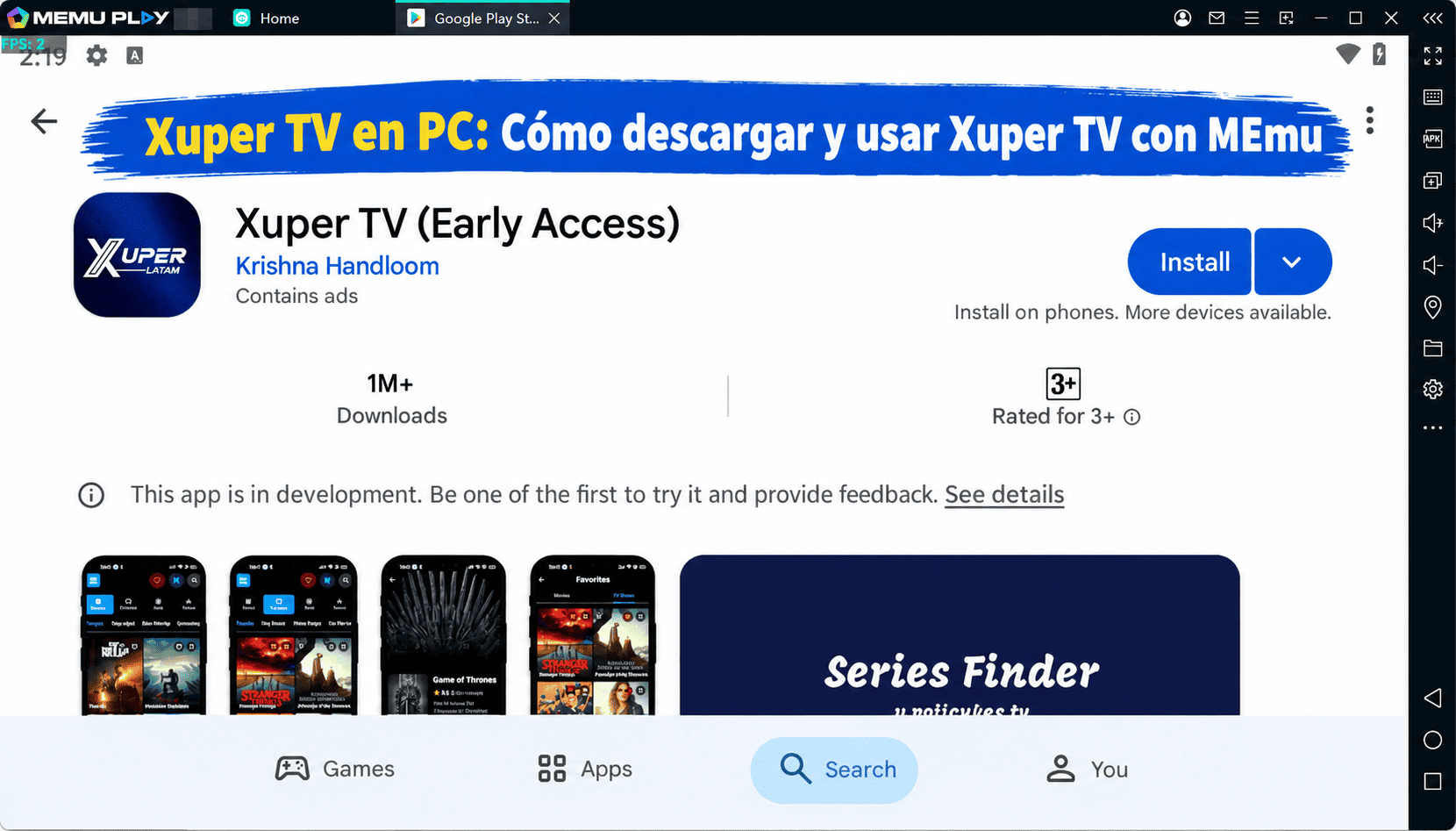
Install
4. Descargar y instalar VoidLauncher
5. Hacer click al icono para iniciar

6. Experiencia VoidLauncher en PC con MEmu
MEmu App Player es el mejor emulador de Android gratuito y 50 millones de personas ya están disfrutando su magnífica experiencia de aplicación en Android. La tecnología de virtualización de MEmu te permite jugar a miles de aplicaciones Android suavemente en tu PC, incluso los más intensivos gráficamente.
Pantalla más grande con mejores gráficos; Larga duración, sin limitación de batería o datos móviles.
Soporte completo de keymapping para un control preciso del teclado y el mouse o gamepad.
Múltiples cuentas de juegos o tareas en una sola PC a la vez con el administrador de instancias múltiples.
Use VoidLauncher on PC by following steps: