Teamfight Tactics
Updated
Current Version
18.1-5402721
Offered By

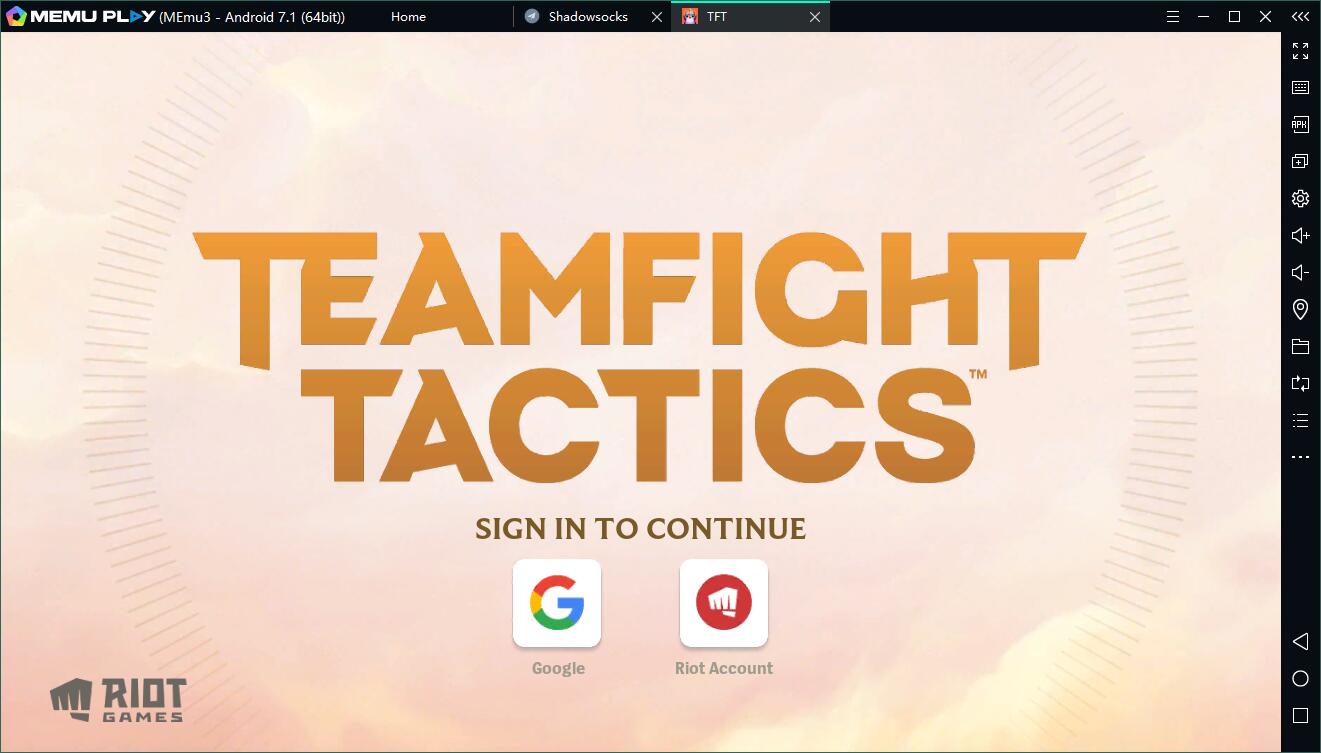
With your passion for Teamfight Tactics, you shouldn’t have to limit yourself to the small screen of a phone. Play like a pro and take full control of the game using a keyboard and mouse. MEmu gives you everything you’re looking for. Download and play Teamfight Tactics on PC. Play as long as you want — no more worries about battery life, mobile data, or unexpected calls. The all-new MEmu 9 is the best way to play Teamfight Tactics on PC. With our expertly designed keymapping system, Teamfight Tactics feels just like a real PC game. The MEmu multi-instance manager lets you run two or more accounts on the same device at the same time. Most importantly, our exclusive emulation engine unlocks your PC’s full potential, delivering smooth and seamless performance.
Show more
Download Teamfight Tactics on PC with MEmu Android Emulator. Enjoy playing on big screen. Take team-building to new heights in Teamfight Tactics, the multiplayer PvP auto battler from the studio behind League of Legends.
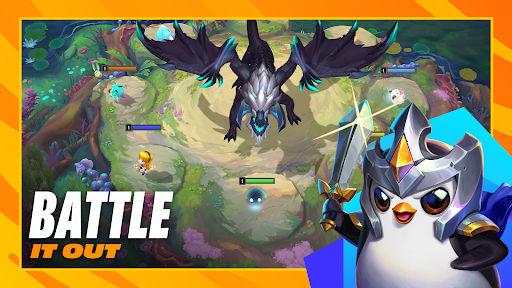
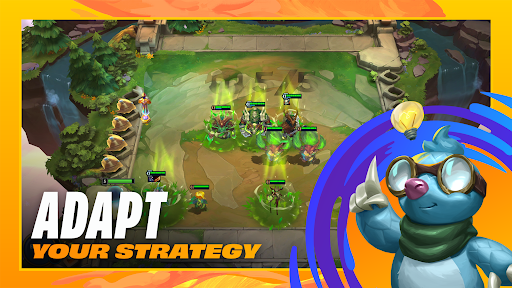
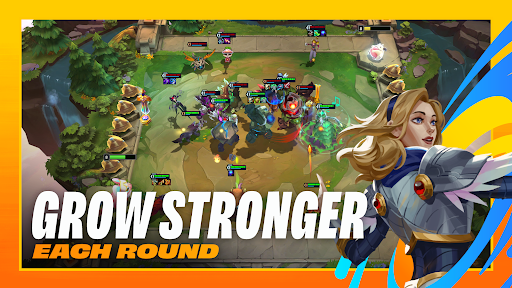
Take team-building to new heights in Teamfight Tactics, the multiplayer PvP auto battler from the studio behind League of Legends.
Bust out the big-brain strats as you draft, position, and adapt on the fly in 8-player free-for-all auto battles. With hundreds of team combinations and meta that never sits still, wild strategies can win big… if your team manages to outlast everyone else.
A NEW WORLD EVERY SET
The TFT Convergence is an ever-evolving dimension of imagination made manifest. That means completely new themes and mechanics with every new set!
From magical academies to kaiju-infested cities and pulse-pounding music festivals, there’s always an exciting new world to battle in.
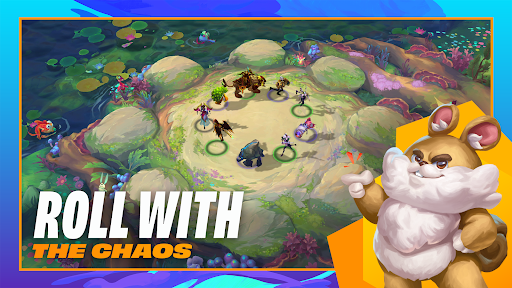
ROLL WITH THE CHAOS
Draft a dream team of champions from a shared multiplayer pool, where bold picks, last-second pivots, and sudden serendipity can reshape the battlefield. Clash round after round to be the last Tactician standing, using creativity and cunning to turn unpredictable drafts and game-changing events into winning tactics.
BRING YOUR FRIENDS
Challenge your friends and stir up rivalries across PC, Mac, and mobile. Queue up together and see whose brilliant schemes (or lucky breaks) take them to the top.
RISE UP THE RANKS
Full competitive support and PvP matchmaking mean there’s always a worthy opponent ready to put your comp to the test. Take those top-tier strategies all the way from Iron to Challenger, and claim exclusive Ranked rewards at the end of every set!
STYLE ON ‘EM
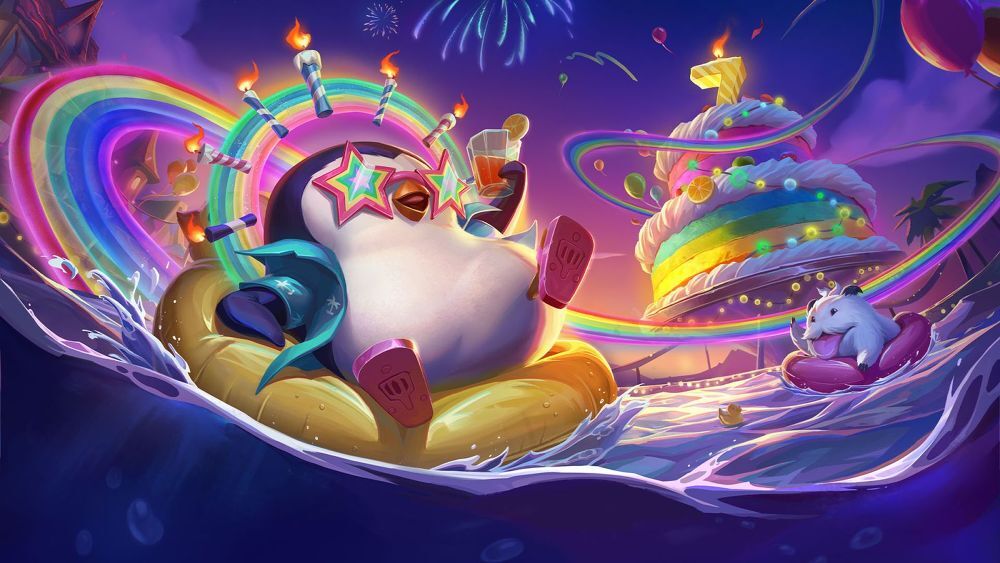
Flaunt your favorite Little Legend on the battlefield, defeat foes with a flourish using booms and finishers, and fashionably traverse realms with portals. Play your way to fresh new looks from the Pass or Pass+, or by purchasing them in the TFT store.
Download and play Teamfight Tactics today!
Support: RiotMobileSupport@riotgames.com
Privacy Policy: https://www.riotgames.com/en/privacy-notice
Terms of Use: https://www.riotgames.com/en/terms-of-service
Show more

1. Download MEmu installer and finish the setup

2. Start MEmu then open Google Play on the desktop

3. Search Teamfight Tactics in Google Play
Install
4. Download and Install Teamfight Tactics
5. On install completion click the icon to start

6. Enjoy playing Teamfight Tactics on PC with MEmu
MEmu Play is the best Android emulator and 100 million people already enjoy its superb Android gaming experience. The MEmu virtualization technology empowers you to play thousands of Android games smoothly on your PC, even the most graphic-intensive ones.
Bigger screen with better graphics; Long duration, without limitation of battery or mobile data.
Full Keymapping support for precise control of keyboard and mouse or gamepad.
Multiple game accounts or tasks on single PC at one time with Multi-Instance manager.
Play Teamfight Tactics on PC by following steps: