World of War Machines - WW2 Strategy Game
Updated
Current Version
10212
Offered By

With your passion for World of War Machines - WW2 Strategy Game, you shouldn’t have to limit yourself to the small screen of a phone. Play like a pro and take full control of the game using a keyboard and mouse. MEmu gives you everything you’re looking for. Download and play World of War Machines - WW2 Strategy Game on PC. Play as long as you want — no more worries about battery life, mobile data, or unexpected calls. The all-new MEmu 9 is the best way to play World of War Machines - WW2 Strategy Game on PC. With our expertly designed keymapping system, World of War Machines - WW2 Strategy Game feels just like a real PC game. The MEmu multi-instance manager lets you run two or more accounts on the same device at the same time. Most importantly, our exclusive emulation engine unlocks your PC’s full potential, delivering smooth and seamless performance.
Show more
Download World of War Machines - WW2 Strategy Game on PC with MEmu Android Emulator. Enjoy playing on big screen. Join 10 million players worldwide!
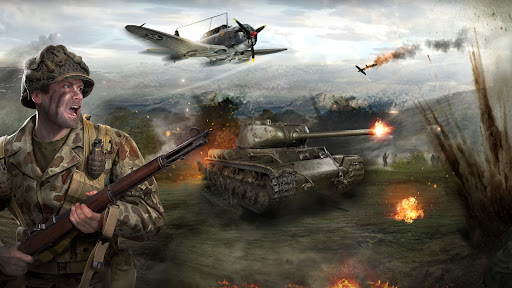
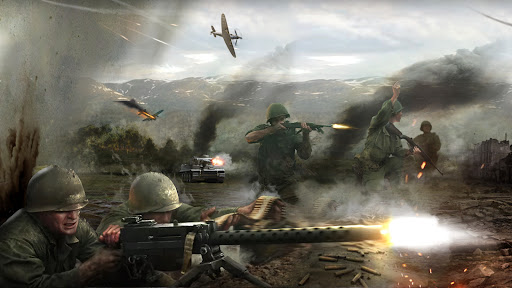
Join 10 million players worldwide!
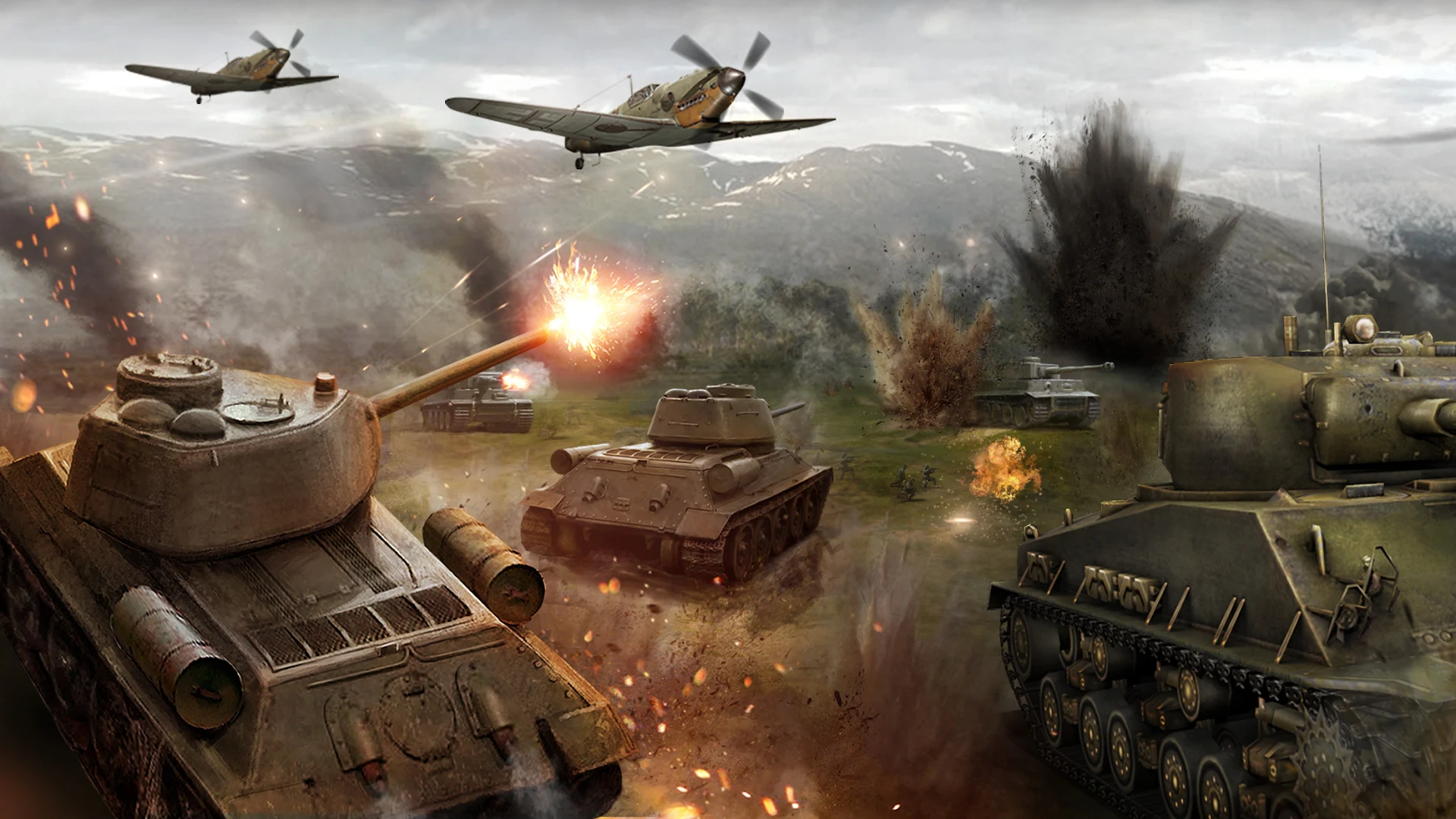
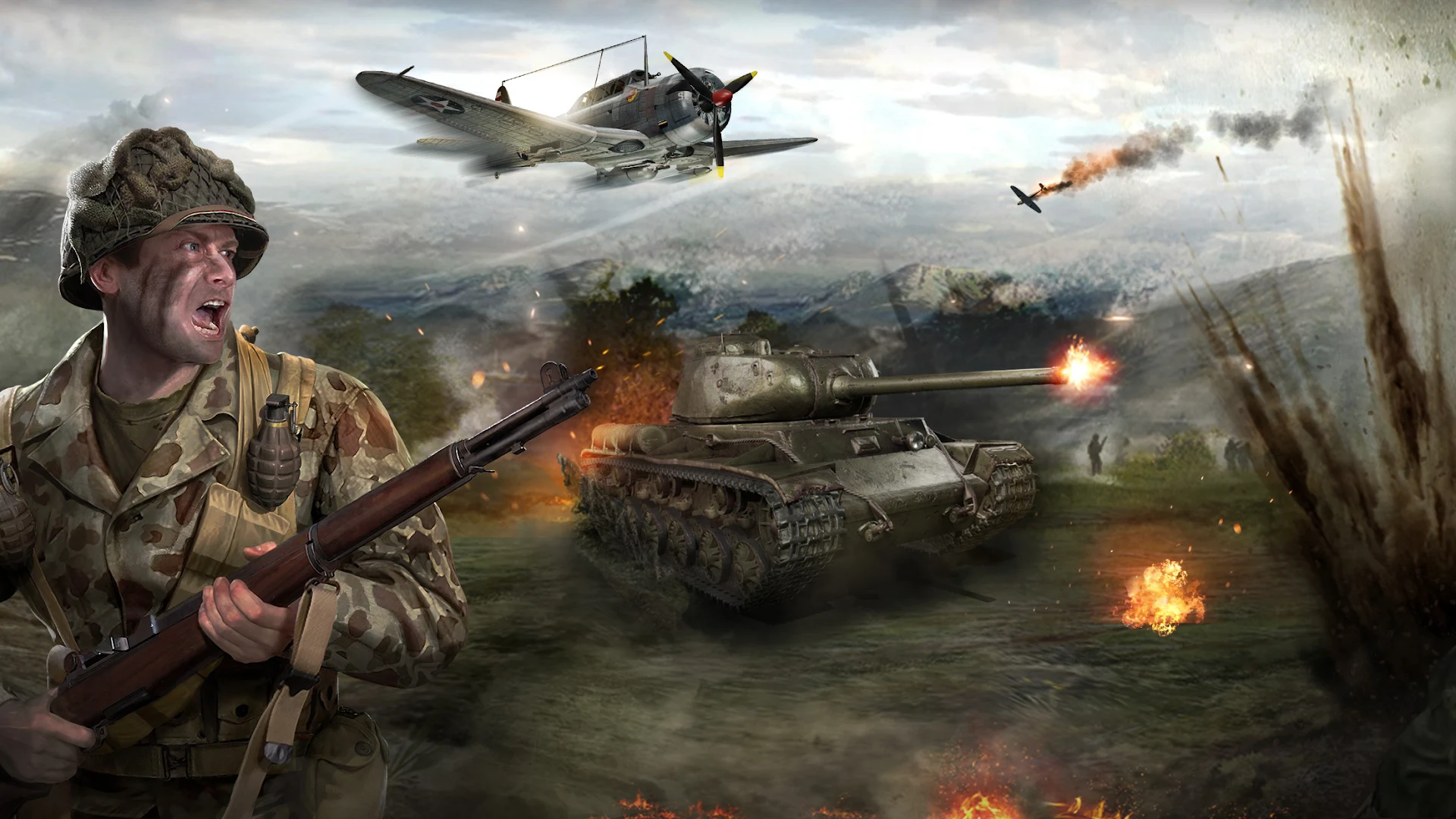
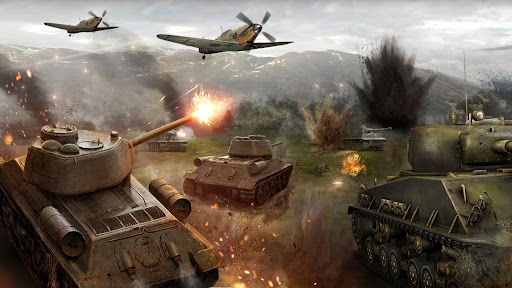
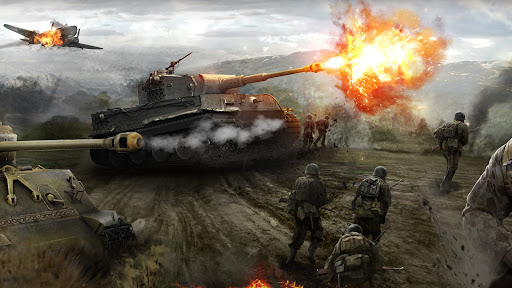
Command and conquer in this epic WW2 strategy game.
▶Conquer the Battlefield with Tactical Mastery!
Gather resources to reinforce your Base and build a powerful force with Aircraft and Tanks.
Team up with players from around the world and strategize using dynamic tactics to dominate your enemies.
It’s time to test your mettle, Commander!
▶Real-Time Battles and Thrilling Challenges!
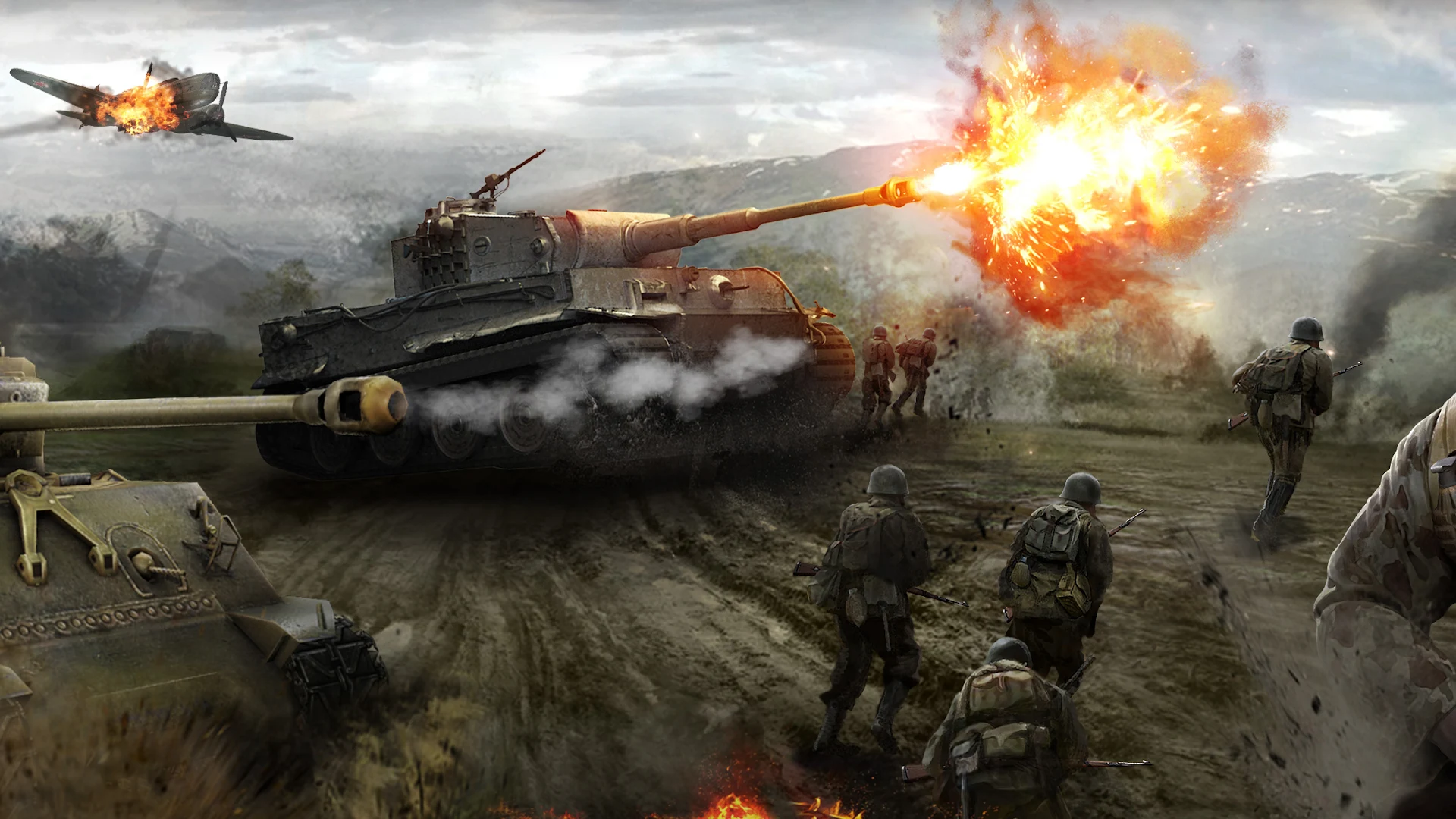
Prepare the ultimate strategy and engage in epic, real-time battles to claim victory.
Defeat contenders on the world stage to rise to the top of the PVP rankings!
▶Form Alliances and Save the World!
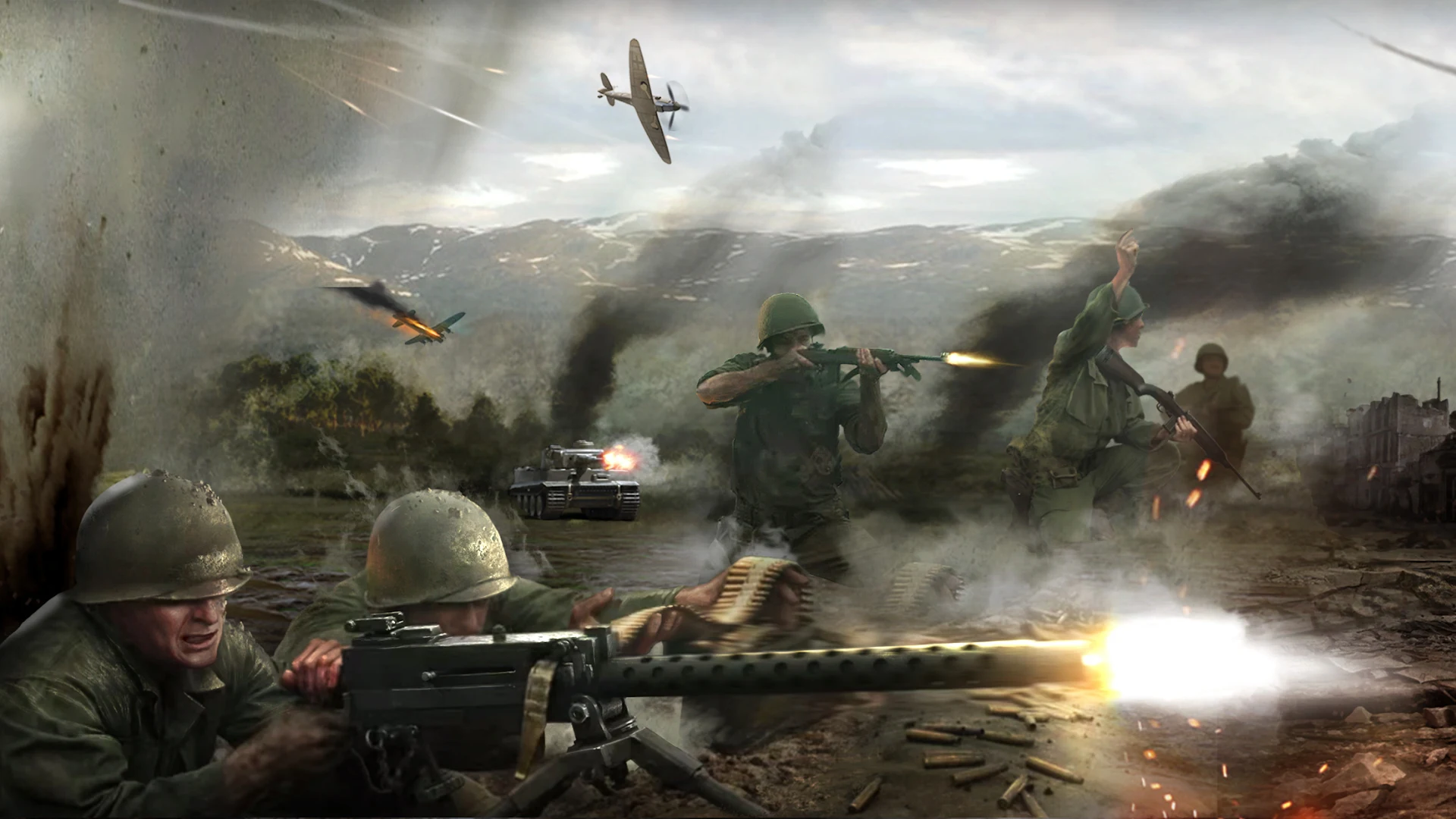
Form powerful alliances and fight alongside players across the globe to claim victory in this epic war.
Exchange strategies with each other to build a formidable force to crush your enemies.
The fate of every battle lies in your hands!
Play now and command a relentless army of war machines and lead them into massive battles. Dominate the battlefield and forge your path to supremacy!
◆ Permissions Required by the Game
[Required] Photo, Media, File Access
- (For game updates) This right is required for the game to save update files on your device.
- (Access to storage) This right is required to access photos, media and file information on the device for saving game settings and cache, and 1:1 inquiry support.
◆ How to Withdraw Access Rights
[Android 6.0 or higher]
- Device Settings > Apps > Choose App > Permissions > Withdraw Access Rights
[Android versions older than 6.0]
- These OS versions do not allow for withdrawing Apps’ access rights, so it is required to delete the App in order to withdraw its access rights.
*Words in the description may differ depending on the devices and OS versions used.
Show more

1. Download MEmu installer and finish the setup

2. Start MEmu then open Google Play on the desktop

3. Search World of War Machines - WW2 Strategy Game in Google Play
Install
4. Download and Install World of War Machines - WW2 Strategy Game
5. On install completion click the icon to start

6. Enjoy playing World of War Machines - WW2 Strategy Game on PC with MEmu
MEmu Play is the best Android emulator and 100 million people already enjoy its superb Android gaming experience. The MEmu virtualization technology empowers you to play thousands of Android games smoothly on your PC, even the most graphic-intensive ones.
Bigger screen with better graphics; Long duration, without limitation of battery or mobile data.
Full Keymapping support for precise control of keyboard and mouse or gamepad.
Multiple game accounts or tasks on single PC at one time with Multi-Instance manager.
Play World of War Machines - WW2 Strategy Game on PC by following steps: