The Sims™ Mobile
Updated
Current Version
48.0.2.158910
Offered By

With your passion for The Sims™ Mobile, you shouldn’t have to limit yourself to the small screen of a phone. Play like a pro and take full control of the game using a keyboard and mouse. MEmu gives you everything you’re looking for. Download and play The Sims™ Mobile on PC. Play as long as you want — no more worries about battery life, mobile data, or unexpected calls. The all-new MEmu 9 is the best way to play The Sims™ Mobile on PC. With our expertly designed keymapping system, The Sims™ Mobile feels just like a real PC game. The MEmu multi-instance manager lets you run two or more accounts on the same device at the same time. Most importantly, our exclusive emulation engine unlocks your PC’s full potential, delivering smooth and seamless performance.
Show more
Download The Sims™ Mobile on PC with MEmu Android Emulator. Enjoy playing on big screen. Read on for important info below!



Read on for important info below!
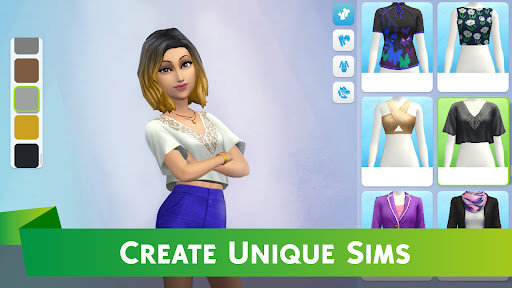
Create your Sims, give them unique personalities, and customize their world with more detail than ever before on mobile. Experience your Sims’ lives as they choose careers, party with friends, and fall in love.
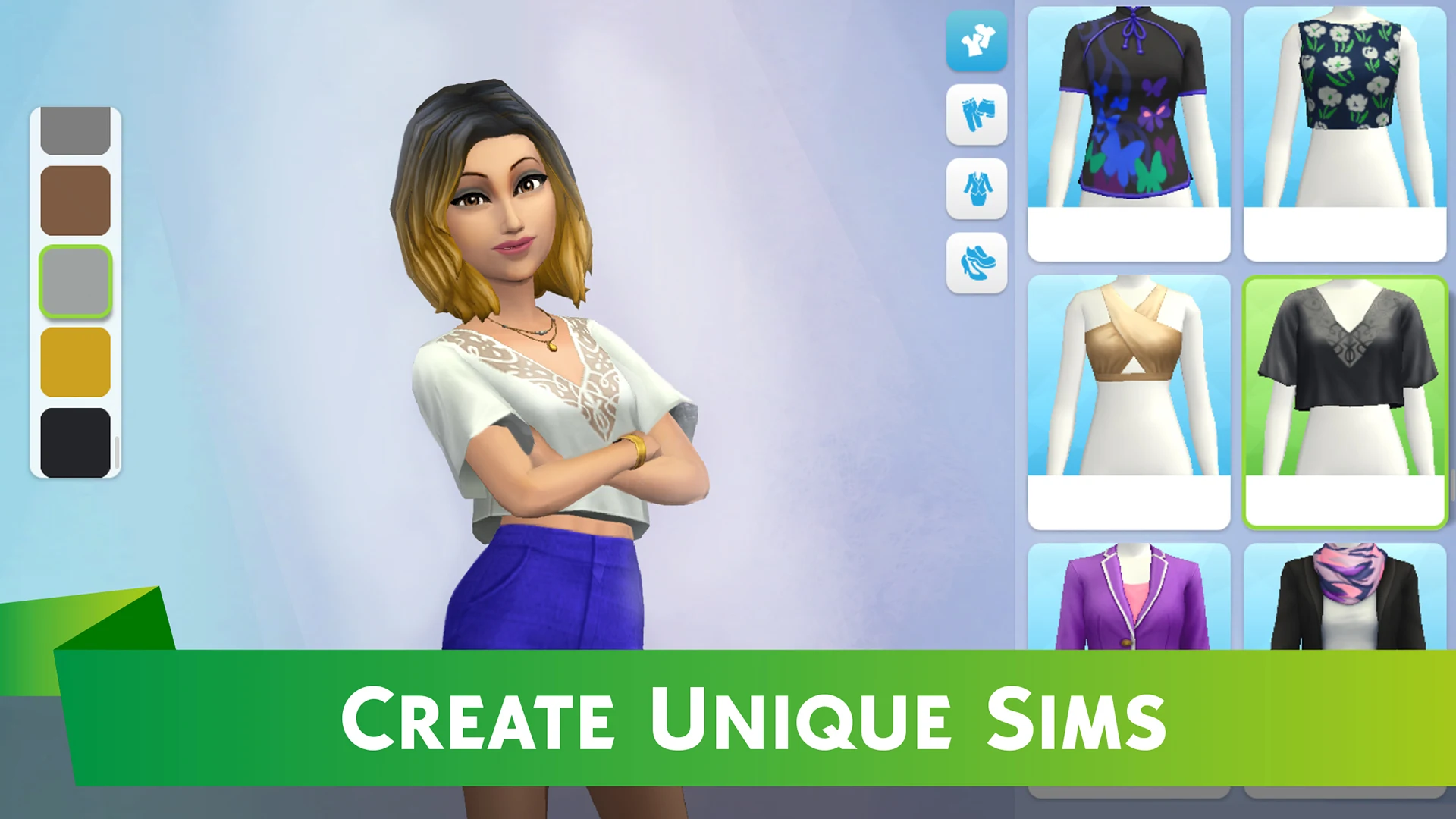
CREATE AMAZING SIMS
Customize Sims with distinct appearances, hairstyles, outfits, makeup, and personality traits.
BUILD A FANTASTIC HOME
Personalize layouts and designs, choosing from a variety of furniture, appliances, and decorations.
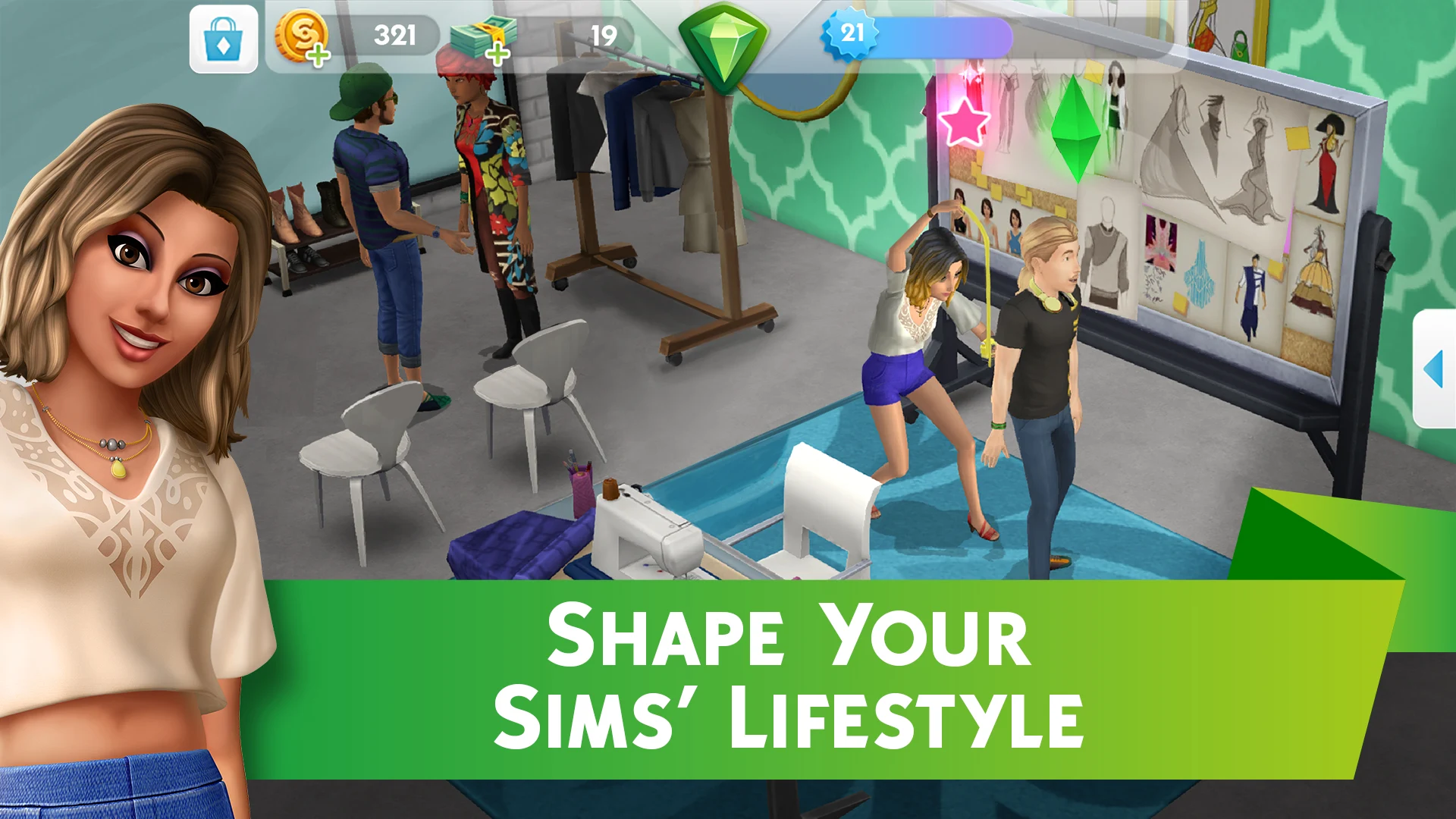
SHAPE YOUR SIMS’ LIFESTYLE
Guide the stories of your Sims’ lives from careers and hobbies to relationships and families – even Risky Actions! Start a family and pass down powerful Heirlooms.
PLAY TOGETHER
Host and attend parties with other Sims to socialize, earn rewards, and develop romantic relationships. You can even move in with other people’s Sims.
____________
Important Consumer Information. Some images shown may contain in-app purchases. This app: Requires a persistent Internet connection (network fees may apply). Requires acceptance of EA’s Privacy & Cookie Policy and User Agreement. Includes in-game advertising. Collects data through third party analytics technology (see Privacy & Cookie Policy for details). Allows players to communicate via the in-game party chat feature. Contains direct links to the Internet and social networking sites intended for an audience over 13. The app uses Google Play Game Services. Log out of Google Play Game Services before installation if you don’t want to share your game play with friends.
User Agreement: http://terms.ea.com
Privacy and Cookie Policy: http://privacy.ea.com
Visit http://help.ea.com for assistance or inquiries
EA may retire online features after 30 days' notice posted on www.ea.com/service-updates.
Do Not Sell My Personal Information: https://tos.ea.com/legalapp/WEBPRIVACYCA/US/en/PC/
By installing this game, you consent to its installation and the installation of any game updates or upgrades released through your platform. You can turn off automatic updates through your device settings, but if you do not update your app, you may experience reduced functionality.
Some updates and upgrades may change the way we record usage data and metrics, or change data stored on your device. Any changes will always be consistent with EA’s Privacy and Cookie Policy. You can withdraw your consent at any time by removing or disabling this app, visiting help.ea.com for assistance, or by contacting us at ATTN: Privacy / Mobile Consent Withdrawal, Electronic Arts Inc., 209 Redwood Shores Pkwy, Redwood City, CA, USA.
Show more

1. Download MEmu installer and finish the setup

2. Start MEmu then open Google Play on the desktop

3. Search The Sims™ Mobile in Google Play
Install
4. Download and Install The Sims™ Mobile
5. On install completion click the icon to start

6. Enjoy playing The Sims™ Mobile on PC with MEmu
MEmu Play is the best Android emulator and 100 million people already enjoy its superb Android gaming experience. The MEmu virtualization technology empowers you to play thousands of Android games smoothly on your PC, even the most graphic-intensive ones.
Bigger screen with better graphics; Long duration, without limitation of battery or mobile data.
Full Keymapping support for precise control of keyboard and mouse or gamepad.
Multiple game accounts or tasks on single PC at one time with Multi-Instance manager.
Play The Sims™ Mobile on PC by following steps: