Age of Chaos: Legends
Updated
Current Version
2.2
Offered By

With your passion for Age of Chaos: Legends, you shouldn’t have to limit yourself to the small screen of a phone. Play like a pro and take full control of the game using a keyboard and mouse. MEmu gives you everything you’re looking for. Download and play Age of Chaos: Legends on PC. Play as long as you want — no more worries about battery life, mobile data, or unexpected calls. The all-new MEmu 9 is the best way to play Age of Chaos: Legends on PC. With our expertly designed keymapping system, Age of Chaos: Legends feels just like a real PC game. The MEmu multi-instance manager lets you run two or more accounts on the same device at the same time. Most importantly, our exclusive emulation engine unlocks your PC’s full potential, delivering smooth and seamless performance.
Show more
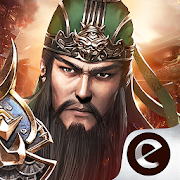
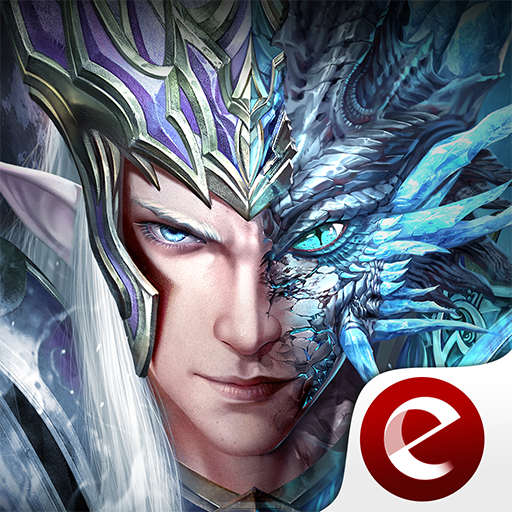
Download Age of Chaos: Legends on PC with MEmu Android Emulator. Enjoy playing on big screen. Age of Chaos: Legend brings Another World to life with its PC level graphics and a revolutionary game engine, providing a completely immersive game experience!
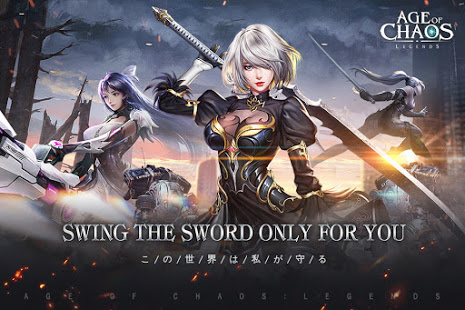
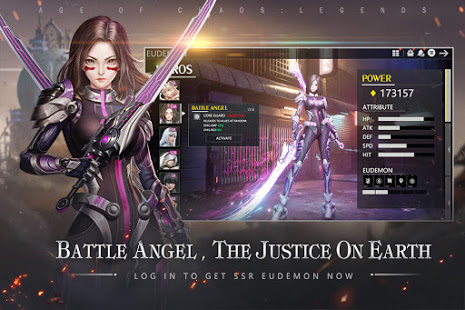
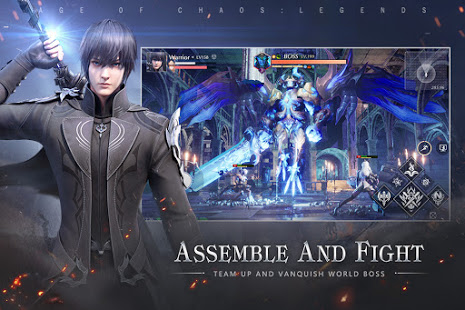
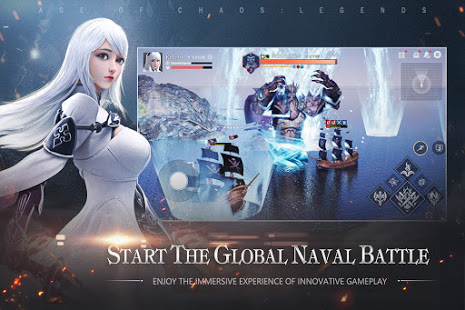
Age of Chaos: Legend brings Another World to life with its PC level graphics and a revolutionary game engine, providing a completely immersive game experience! Experience the thrill of battle with challenging strategic team dungeons and assorted class skill combinations! Show off your individuality with highly customizable character faces and costumes! Catch and train pets and mounts, go fishing and cook delicious meals to stay entertained outside of battle!
Destiny has chosen you, Guardian. Are you ready?
[God or Demon? The Choice is Yours]
Will you become a god that protects the world, or a demon who destroys it? In this original, open-ended storyline, the possibilities are endless and destiny is yours to decide!
[Powerful Eudemon Battles]
Countless enemies of untold power await you in this mythical land! There is Battle Angel, strongest weapon of the Mech Civilization; Night Hunter, creature from another dimension; and Efreet of the Underworld... Subdue them and they will be your servants on your quest for world dominion!
[Global First: Ocean Adventure]
Explore mysterious waters and dig for ancient treasures with our innovative naval battle system! Fight an epic campaign to become King of the Seas! Gather your friends, ready the ship and set sail for the end of the world!
[Cool Mounts & Custom Style]
Travel the world riding Frost Wyrm, Gilded Dragon and tens of other mythical beasts. Mix and match costumes to boost power and stay true to your style as you dominate the battlefield!
Join us, and explore this exotic world together!
Show more

1. Download MEmu installer and finish the setup

2. Start MEmu then open Google Play on the desktop

3. Search Age of Chaos: Legends in Google Play
Install
4. Download and Install Age of Chaos: Legends
5. On install completion click the icon to start

6. Enjoy playing Age of Chaos: Legends on PC with MEmu
MEmu Play is the best Android emulator and 100 million people already enjoy its superb Android gaming experience. The MEmu virtualization technology empowers you to play thousands of Android games smoothly on your PC, even the most graphic-intensive ones.
Bigger screen with better graphics; Long duration, without limitation of battery or mobile data.
Full Keymapping support for precise control of keyboard and mouse or gamepad.
Multiple game accounts or tasks on single PC at one time with Multi-Instance manager.
Play Age of Chaos: Legends on PC by following steps: