AOTU World
Updated
Current Version
1.1.11
Offered By

With your passion for AOTU World, you shouldn’t have to limit yourself to the small screen of a phone. Play like a pro and take full control of the game using a keyboard and mouse. MEmu gives you everything you’re looking for. Download and play AOTU World on PC. Play as long as you want — no more worries about battery life, mobile data, or unexpected calls. The all-new MEmu 9 is the best way to play AOTU World on PC. With our expertly designed keymapping system, AOTU World feels just like a real PC game. The MEmu multi-instance manager lets you run two or more accounts on the same device at the same time. Most importantly, our exclusive emulation engine unlocks your PC’s full potential, delivering smooth and seamless performance.
Show more
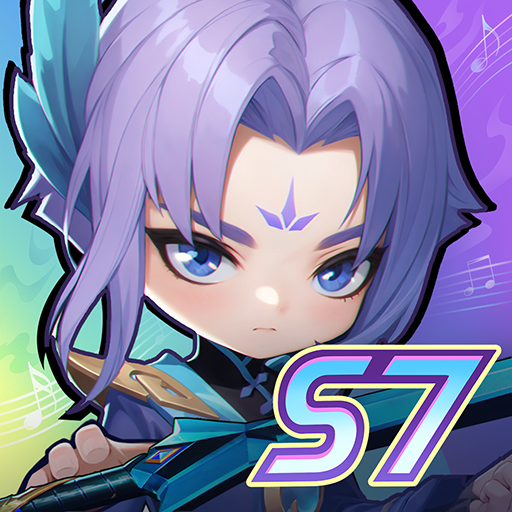
Download AOTU World on PC with MEmu Android Emulator. Enjoy playing on big screen. Aotu World is a fast-paced mobile strategy RPG.
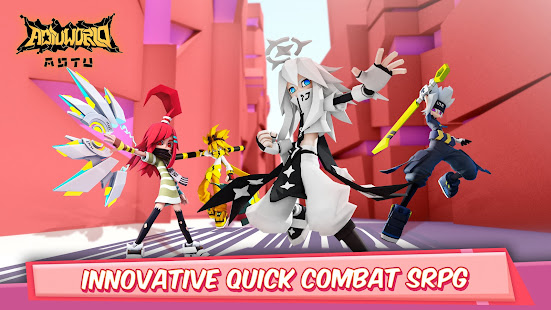
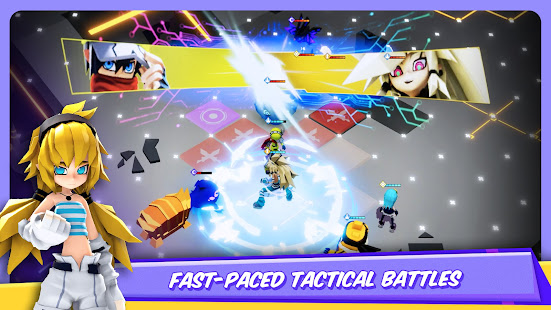
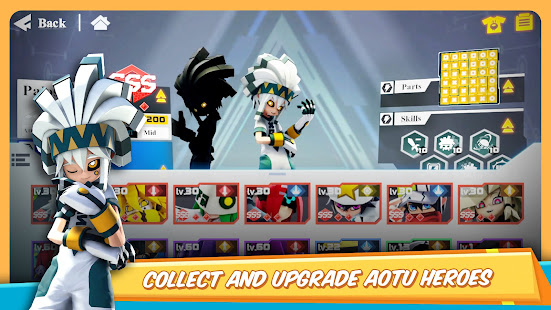
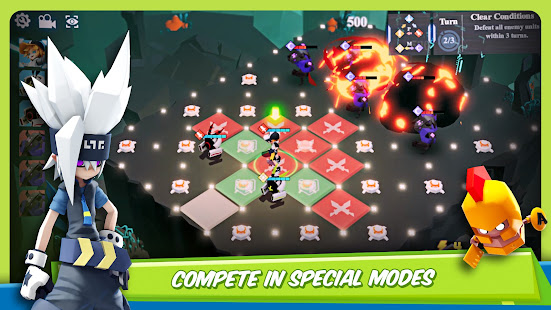
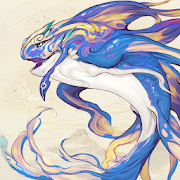
Aotu World is a fast-paced mobile strategy RPG. Make a statement by styling your own trendy and colorful outfits! Experience all new, fast-paced tactical battles. Explore and unlock the ultimate secrets of Aotu World!
● Game Features
[Strategy & Cooperation: Original, fast, turn-based combat!]
Aotu World takes innovation to a new level with its unique battle system. Aotu World uses a block-based board where each block decides your actions. That combined with each character's unique abilities truly allow for a one of a kind game play. With multiple classes, there are a wide range of attack styles, abilities, and even personalities. If you are looking to show your intelligence, then Aotu World's combination of strategy and thrilling combat is for you.
[Complex Puzzles: Variety of different ways to play!]
In Aotu World you can parade your skills by finding new ways to dominate Puzzle Stages. There are all kinds of different ways to clear stages, and there are many special games just waiting to be unlocked. As you proceed through stages, more and more areas will unlock, giving you even more content to explore. Can you clear the increasingly complex stages of Aotu World?
[Innovative PvP Gameplay: Balanced PvP for all!]
Experience the most intensive yet fair PvP modes ever designed! The innovative map terrain and creative battle formations make it ever so important that you should use the best tactics. With PvP modes like Warchess, Aotu World stands out from other games. Not to mention its SS-rank character lineups DO NOT require in-app purchases!!
[Customization: Hundreds of fashion combinations, the only limit is your imagination!]
Stand out from the crowd with your own style by mixing and matching all the different clothing. Don't forget to make sure you dye them the color that matches you! Perhaps changing outfits isn't enough for you? Well, there's also a Doodle system where you can create your own masterpieces! If you love making fanart, then it's the ideal place to show your artistic talents!
*Partial licensing rights to Man or Vampire (from the HIDEA studio) have already been acquired.
[Requirements]
- Requires a minimum of Android 5.0. Full compatibility for all devices cannot be guaranteed.
- At least 2 GB RAM and 4 GB of free space are recommended.
[Note]
The following permissions are required by the game:
-READ_EXTERNAL_STORAGE
-WRITE_EXTERNAL_STORAGE
[Contact Us]
Want to get the latest news, or want to interact with other players? Well, reach out on the following social media:
Facebook: https://www.facebook.com/AotuWorldGame/
Show more

1. Download MEmu installer and finish the setup

2. Start MEmu then open Google Play on the desktop

3. Search AOTU World in Google Play
Install
4. Download and Install AOTU World
5. On install completion click the icon to start

6. Enjoy playing AOTU World on PC with MEmu
MEmu Play is the best Android emulator and 100 million people already enjoy its superb Android gaming experience. The MEmu virtualization technology empowers you to play thousands of Android games smoothly on your PC, even the most graphic-intensive ones.
Bigger screen with better graphics; Long duration, without limitation of battery or mobile data.
Full Keymapping support for precise control of keyboard and mouse or gamepad.
Multiple game accounts or tasks on single PC at one time with Multi-Instance manager.
Play AOTU World on PC by following steps: