Disney Wonderful Worlds
Updated
Current Version
1.9.29
Offered By

With your passion for Disney Wonderful Worlds, you shouldn’t have to limit yourself to the small screen of a phone. Play like a pro and take full control of the game using a keyboard and mouse. MEmu gives you everything you’re looking for. Download and play Disney Wonderful Worlds on PC. Play as long as you want — no more worries about battery life, mobile data, or unexpected calls. The all-new MEmu 9 is the best way to play Disney Wonderful Worlds on PC. With our expertly designed keymapping system, Disney Wonderful Worlds feels just like a real PC game. The MEmu multi-instance manager lets you run two or more accounts on the same device at the same time. Most importantly, our exclusive emulation engine unlocks your PC’s full potential, delivering smooth and seamless performance.
Show more
Download Disney Wonderful Worlds on PC with MEmu Android Emulator. Enjoy playing on big screen. Join Minnie, Mickey and other classic Disney characters to solve puzzles, then create and build your very own fantastical theme park in Disney Wonderful Worlds!
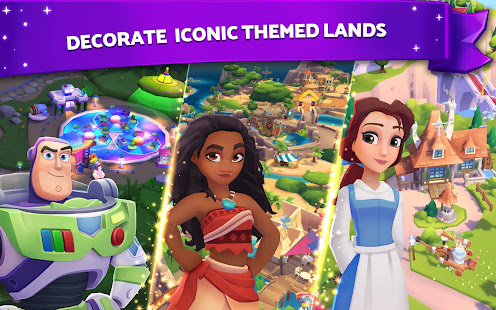
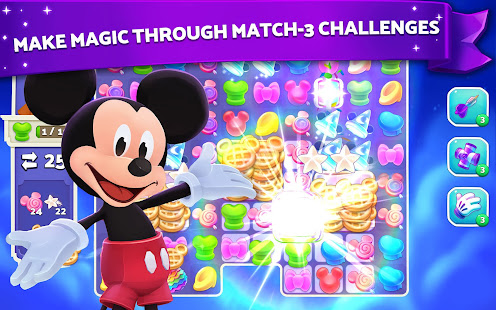
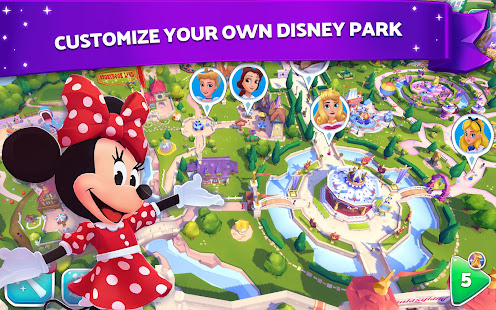
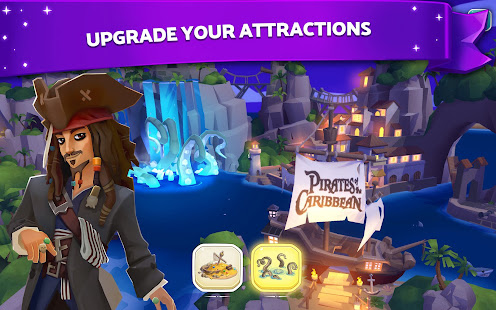
Join Minnie, Mickey and other classic Disney characters to solve puzzles, then create and build your very own fantastical theme park in Disney Wonderful Worlds!
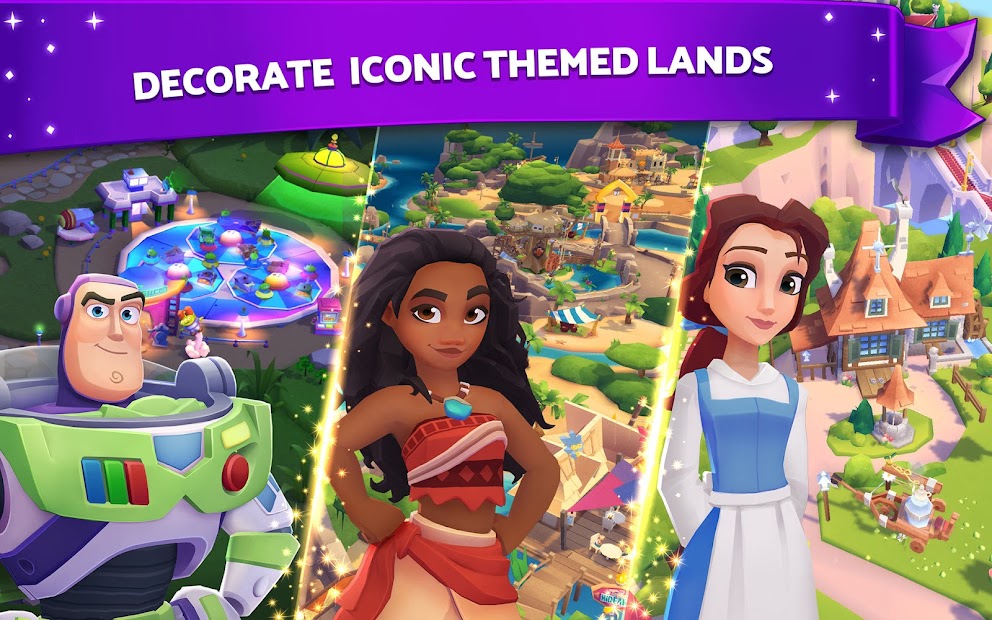
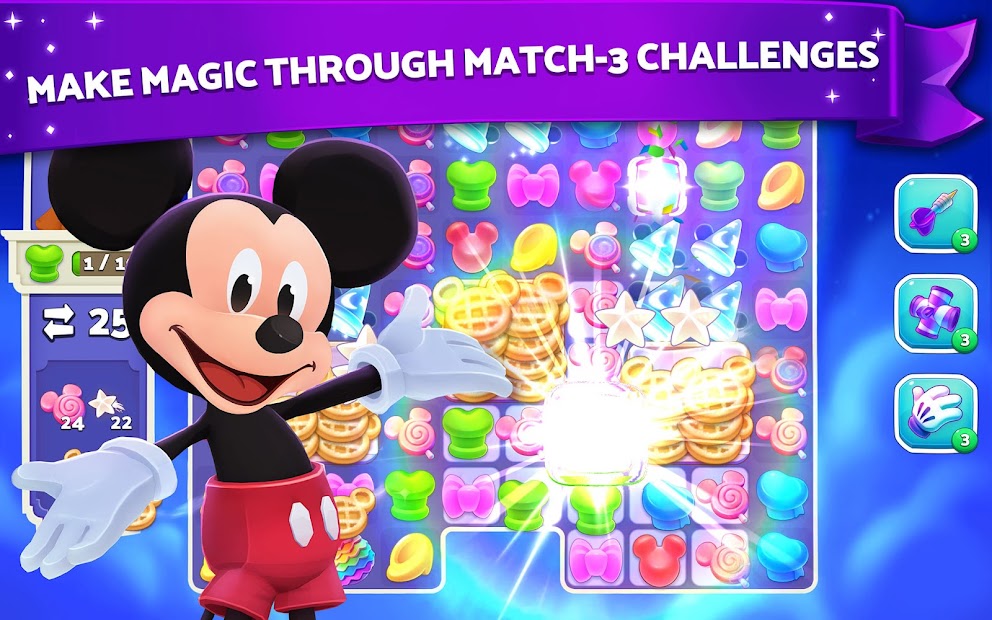
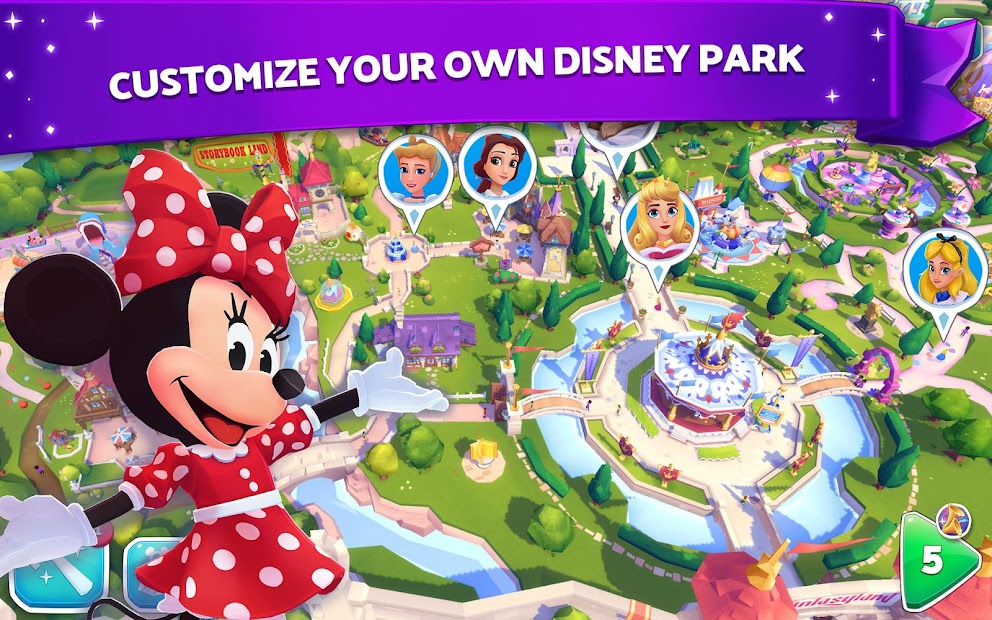
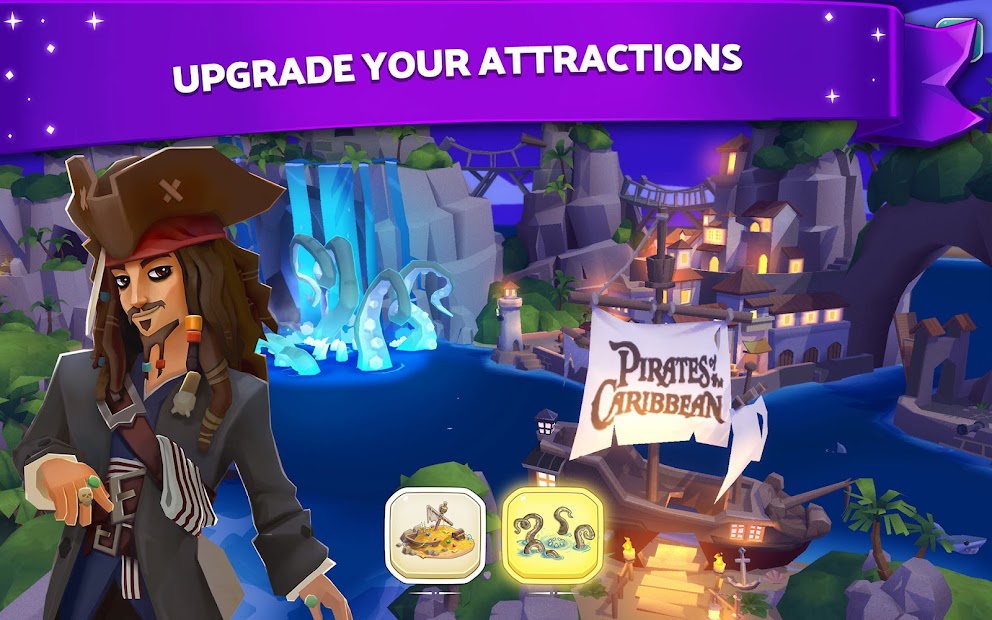
The sky’s the limit in this puzzle-meets-builder game! Swipe and match colorful gameboards to win prizes, and unlock iconic Disney attractions from around the globe to place in your park. Level up and build your unique park with exclusive decorations, landmarks and characters. Play events and watch your magical park come to life from morning to night with the Mid-Day Parade and Evening Fireworks Show!
In Disney Wonderful Worlds, you will:
- PLAY fun and challenging Match-3 puzzles to build your very own Disney experience
- BUILD classic attractions from Disney Parks around the world
- PERSONALIZE your park with exclusive decorations and landmarks
- CELEBRATE fantastic events in your park
- GRANT WISHES for your Disney park guests in exciting missions
What are you waiting for? Bring your fantasy to life in Disney Wonderful Worlds!
* Please note: Disney Wonderful Worlds is completely free to play but offers some game items for purchase with real money. If you choose not to use this feature, you can disable in-app purchases in your device’s settings.
--
© 2020 Disney
Created with Unity. Portions of this program © 2005-2020 Unity Technologies.
DISNEY WONDERFUL WORLDS software © 2020 Ludia, Inc. All Rights Reserved.
Privacy policy can be found at https://legal.ludia.net/mobile/2019-2/privacyen.html
Terms of service can be found at https://legal.ludia.net/mobile/2019-2/termsen.html
http://legal.ludia.net/mobile/wys/legal.html
By installing this application you agree to the terms of the licensed agreements.
Show more

1. Download MEmu installer and finish the setup

2. Start MEmu then open Google Play on the desktop

3. Search Disney Wonderful Worlds in Google Play
Install
4. Download and Install Disney Wonderful Worlds
5. On install completion click the icon to start

6. Enjoy playing Disney Wonderful Worlds on PC with MEmu
MEmu Play is the best Android emulator and 100 million people already enjoy its superb Android gaming experience. The MEmu virtualization technology empowers you to play thousands of Android games smoothly on your PC, even the most graphic-intensive ones.
Bigger screen with better graphics; Long duration, without limitation of battery or mobile data.
Full Keymapping support for precise control of keyboard and mouse or gamepad.
Multiple game accounts or tasks on single PC at one time with Multi-Instance manager.
Play Disney Wonderful Worlds on PC by following steps: