Disney Heroes: Battle Mode
Updated
Current Version
6.8
Offered By

With your passion for Disney Heroes: Battle Mode, you shouldn’t have to limit yourself to the small screen of a phone. Play like a pro and take full control of the game using a keyboard and mouse. MEmu gives you everything you’re looking for. Download and play Disney Heroes: Battle Mode on PC. Play as long as you want — no more worries about battery life, mobile data, or unexpected calls. The all-new MEmu 9 is the best way to play Disney Heroes: Battle Mode on PC. With our expertly designed keymapping system, Disney Heroes: Battle Mode feels just like a real PC game. The MEmu multi-instance manager lets you run two or more accounts on the same device at the same time. Most importantly, our exclusive emulation engine unlocks your PC’s full potential, delivering smooth and seamless performance.
Show more
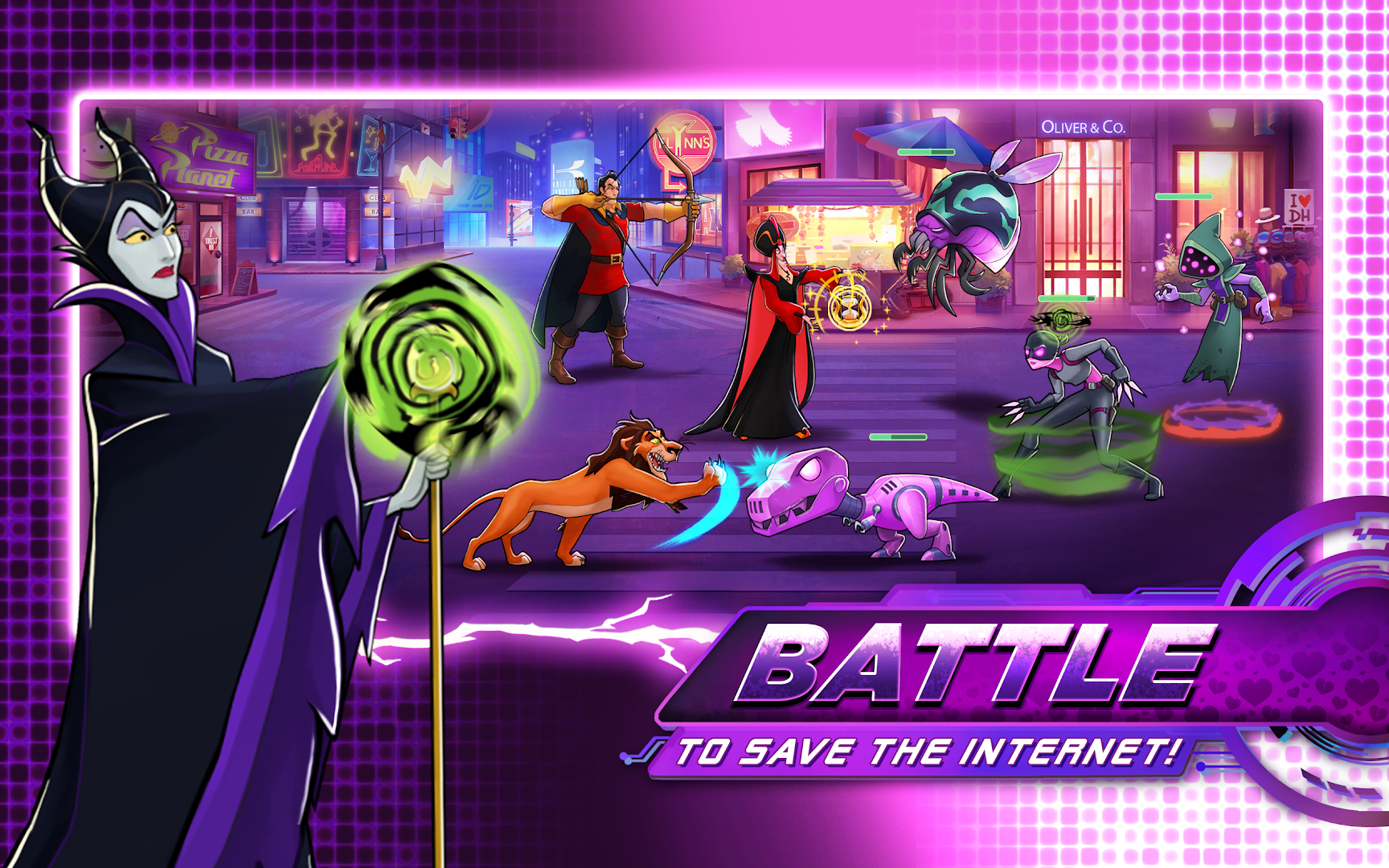
Download Disney Heroes: Battle Mode on PC with MEmu Android Emulator. Enjoy playing on big screen. Join the battle and collect 200+ heroes in this action Packed RPG starring Disney and Pixar Heroes from The Incredibles, Wreck-It Ralph, and Zootopia!
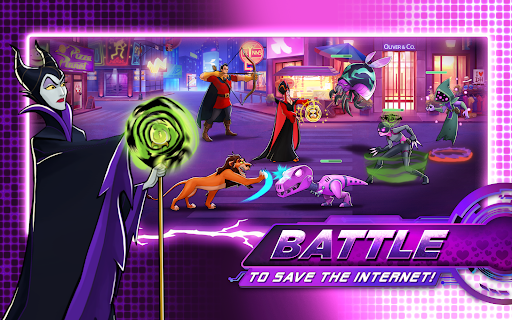
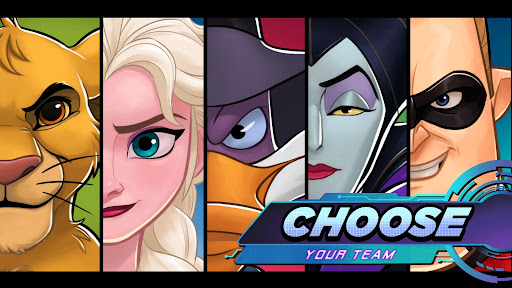
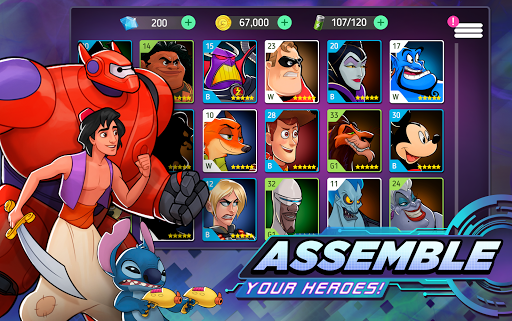
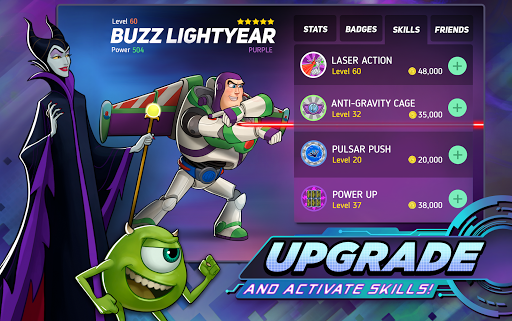
Join the battle and collect 200+ heroes in this action Packed RPG starring Disney and Pixar Heroes from The Incredibles, Wreck-It Ralph, and Zootopia!
Welcome to the digital City... and enjoy it while you can. Pull together the best teams for the job, equip powerful gear, plus battle against incredible odds to save your fellow heroes. It gets tougher as you go up against virus-corrupted versions of powerful Disney & Pixar characters themselves, like Eda Clawthorne, Kuzco, Mirabel Madrigal, Buzz Lightyear, Tiana and more, as you unravel who’s behind this mysterious pixelated infection!
Only YOU can win the day! No cape required.
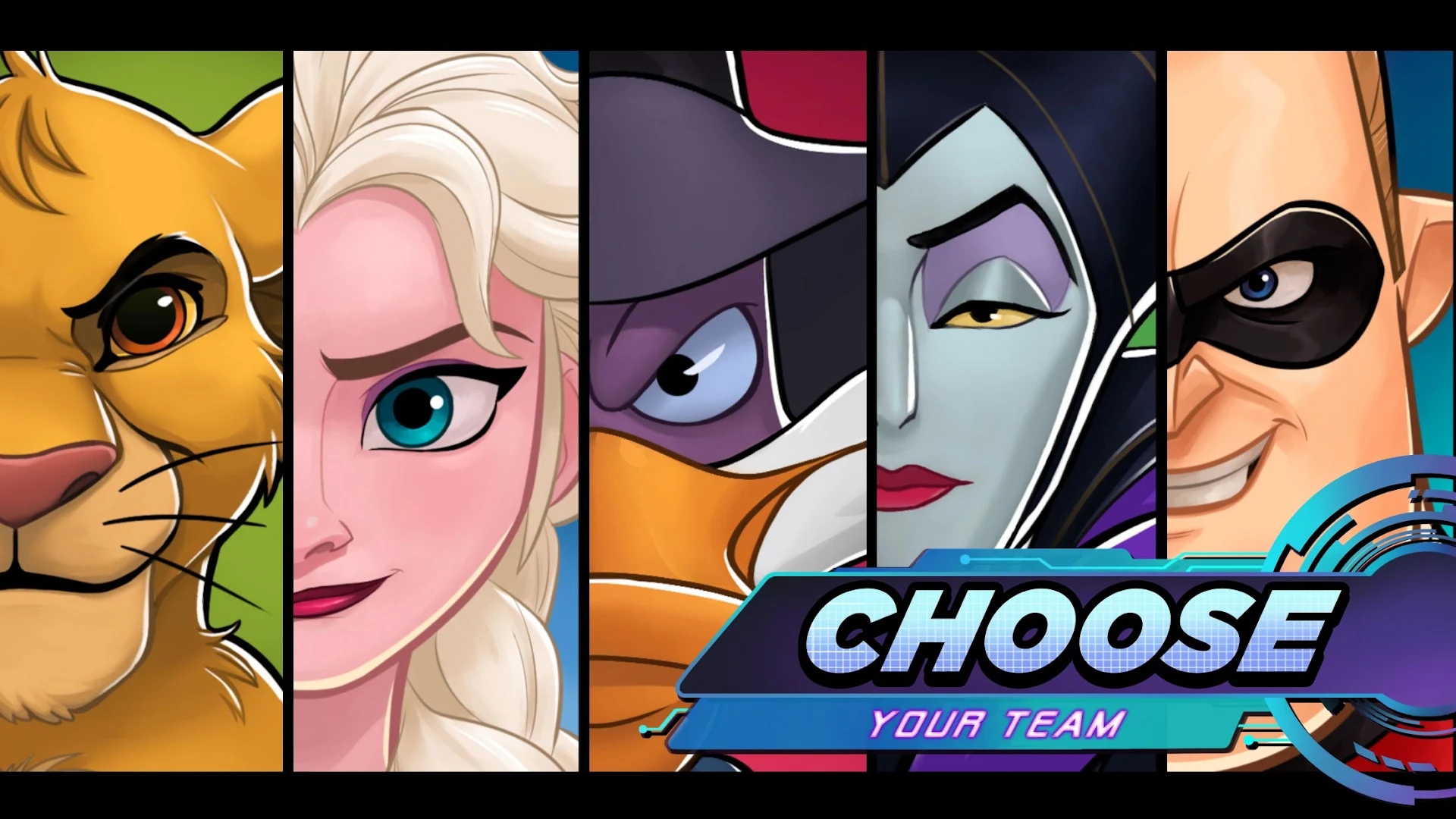
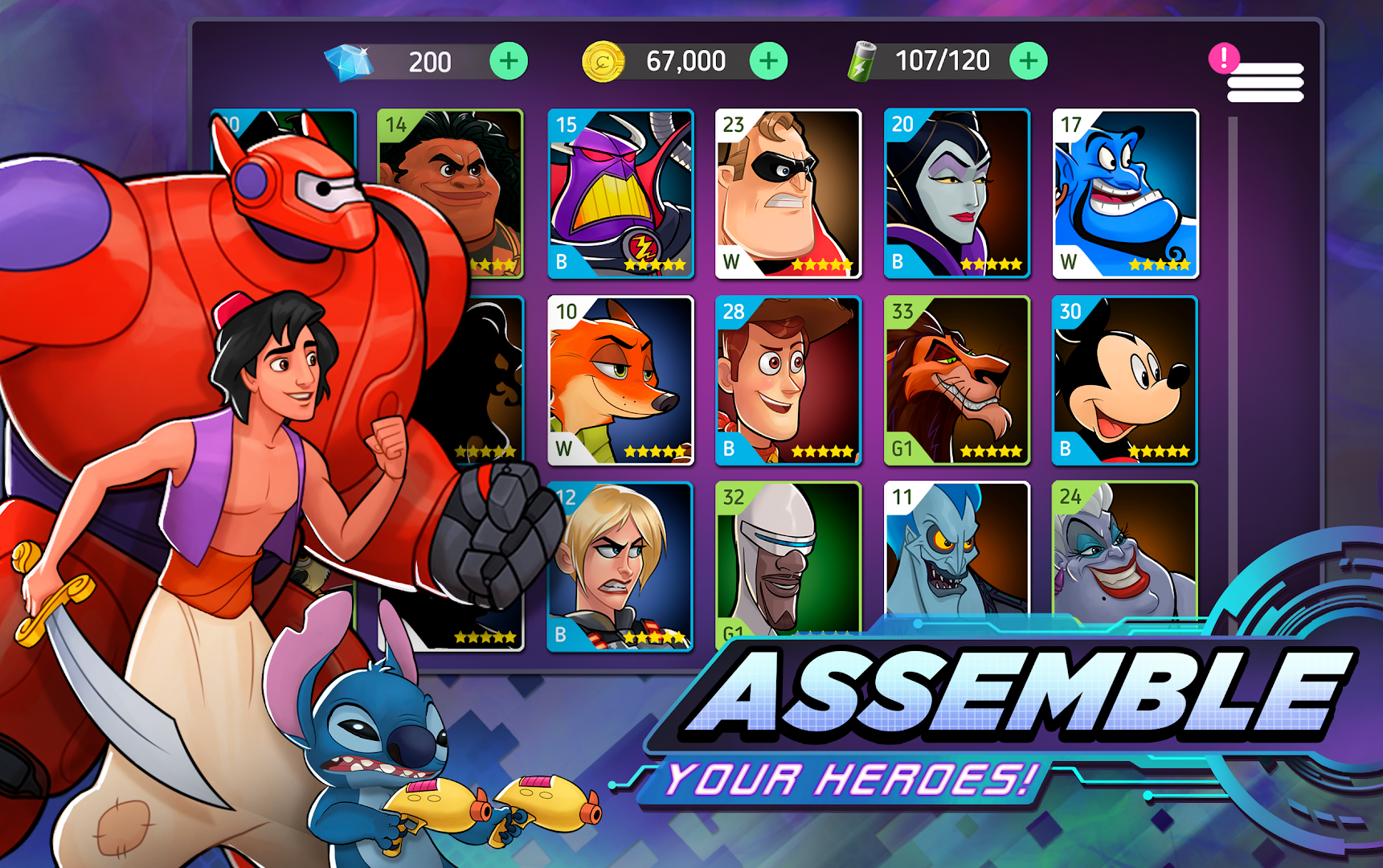
● Collect & battle with 200+ Disney & Pixar heroes, including characters from Frozen, Mickey & Friends, The Incredibles, Phineas and Ferb, Pirates of the Caribbean, Toy Story, Beauty and the Beast, Alice in Wonderland, plus so many more!
● Team up for cooperative attack missions and special strategy campaigns in this multiplayer RPG competition.
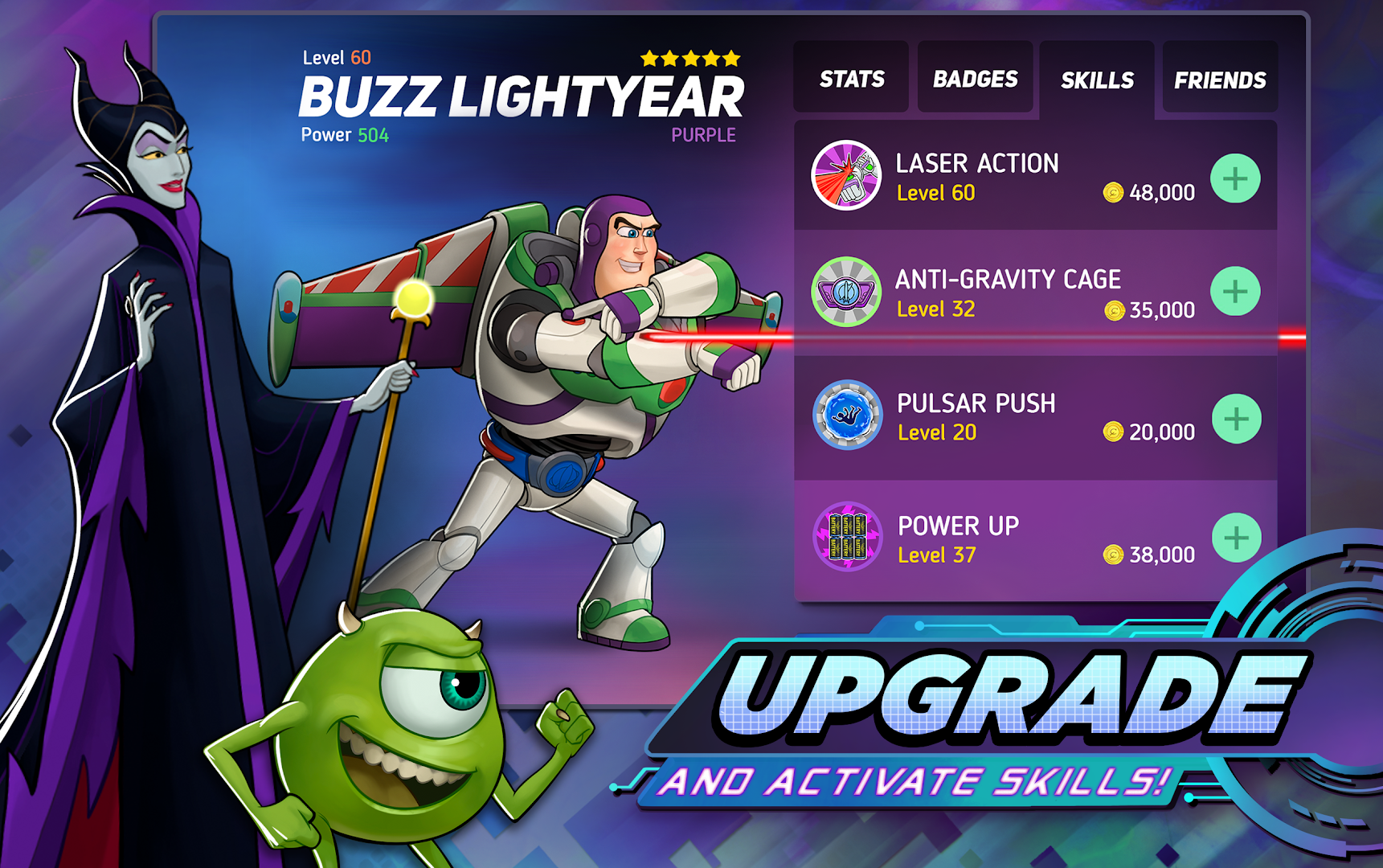
● Upgrade your characters with epic abilities & gear.
● Join or start a guild with your friends.
● Participate in PvP battles in Arena and Coliseum and rise to leaderboard heights.
● Explore a new digital world & save your fellow heroes!
You can download and play this game for free. Please note that it also allows you to play using virtual currency, which can be acquired as you progress through the game or by paying with real money. You can restrict or disable in-app purchases in your device settings.
A network connection is required to play.
YOU MUST BE 13 YEARS OF AGE OR OLDER TO PLAY DISNEY HEROES.
Official site: https://www.disneyheroesgame.com/
Terms of Use and Privacy Policy: http://perblue.com/disneyheroes/terms/
Show more

1. Download MEmu installer and finish the setup

2. Start MEmu then open Google Play on the desktop

3. Search Disney Heroes: Battle Mode in Google Play
Install
4. Download and Install Disney Heroes: Battle Mode
5. On install completion click the icon to start

6. Enjoy playing Disney Heroes: Battle Mode on PC with MEmu
MEmu Play is the best Android emulator and 100 million people already enjoy its superb Android gaming experience. The MEmu virtualization technology empowers you to play thousands of Android games smoothly on your PC, even the most graphic-intensive ones.
Bigger screen with better graphics; Long duration, without limitation of battery or mobile data.
Full Keymapping support for precise control of keyboard and mouse or gamepad.
Multiple game accounts or tasks on single PC at one time with Multi-Instance manager.
Play Disney Heroes: Battle Mode on PC by following steps: