Crazy Shot
Updated
Current Version
1.0.3
Offered By

With your passion for Crazy Shot, you shouldn’t have to limit yourself to the small screen of a phone. Play like a pro and take full control of the game using a keyboard and mouse. MEmu gives you everything you’re looking for. Download and play Crazy Shot on PC. Play as long as you want — no more worries about battery life, mobile data, or unexpected calls. The all-new MEmu 9 is the best way to play Crazy Shot on PC. With our expertly designed keymapping system, Crazy Shot feels just like a real PC game. The MEmu multi-instance manager lets you run two or more accounts on the same device at the same time. Most importantly, our exclusive emulation engine unlocks your PC’s full potential, delivering smooth and seamless performance.
Show more
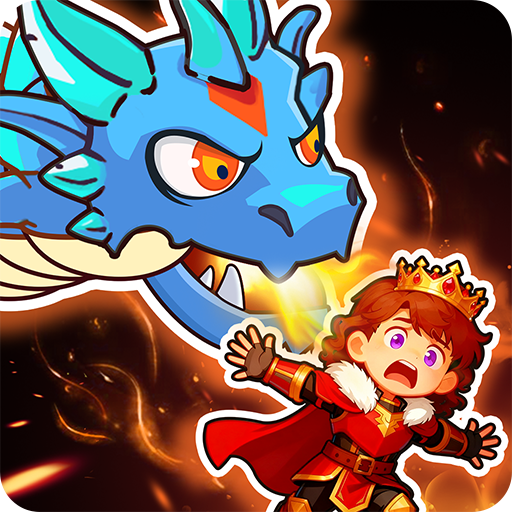
Download Crazy Shot on PC with MEmu Android Emulator. Enjoy playing on big screen. Crazy Shot is a cartoon-style strategy adventure game where players control characters to battle various monsters in different levels.
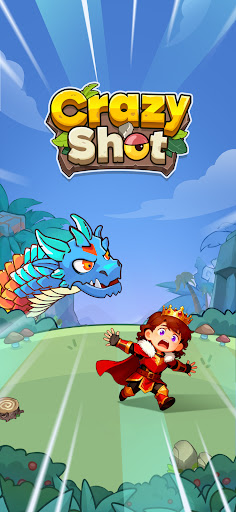
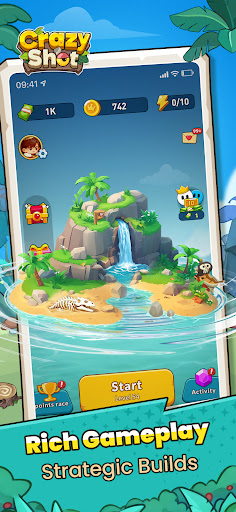
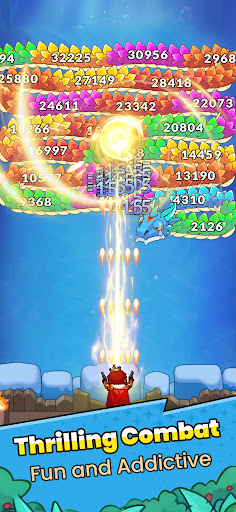
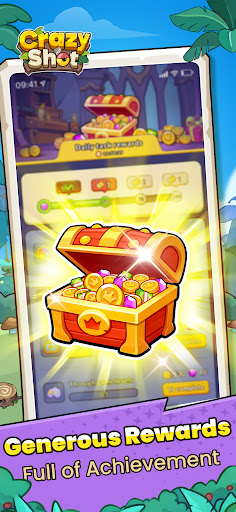
Crazy Shot is a cartoon-style strategy adventure game where players control characters to battle various monsters in different levels. During combat, players can acquire powerful combat skills and upgrade a variety of abilities to trigger different effects—from area bombardment to precise strikes. With diverse choices at your disposal, you can defeat the boss to successfully clear the level! Come and build your unique combat style to embark on a new journey in the adventure world!
Core Highlights
1. Exquisite Visuals: Vivid and Dynamic
The game features a refined cartoon art style with bright and vibrant colors. Both the scenes and character designs showcase thoughtful creativity, with every detail meticulously crafted. The visual experience is relaxed and enjoyable.
2. Rich Gameplay: Strategic Builds
The gameplay integrates multiple dimensions. Choose your attack strategy based on monster traits, strike precisely to obtain key skills, and experiment with various playstyles through combinations and upgrades. Every decision you make influences the course of battle.
3. Thrilling Combat: Fun and Addictive
The combat process is both strategic and exhilarating. The attack patterns of monsters and the distribution of skill items are intricately designed, requiring players to adapt their tactics flexibly. Equipped skill effects are dazzling and impressive, delivering a powerful sensory impact. The battles are intense and exciting, keeping players hooked.
4. Generous Rewards: Full of Achievement
The adventure is packed with abundant rewards. Defeating monsters consistently grants skill items, and clearing levels unlocks exclusive rewards, making every step of the journey feel rewarding and fulfilling!
Show more

1. Download MEmu installer and finish the setup

2. Start MEmu then open Google Play on the desktop

3. Search Crazy Shot in Google Play
Install
4. Download and Install Crazy Shot
5. On install completion click the icon to start

6. Enjoy playing Crazy Shot on PC with MEmu
MEmu Play is the best Android emulator and 100 million people already enjoy its superb Android gaming experience. The MEmu virtualization technology empowers you to play thousands of Android games smoothly on your PC, even the most graphic-intensive ones.
Bigger screen with better graphics; Long duration, without limitation of battery or mobile data.
Full Keymapping support for precise control of keyboard and mouse or gamepad.
Multiple game accounts or tasks on single PC at one time with Multi-Instance manager.
Play Crazy Shot on PC by following steps: